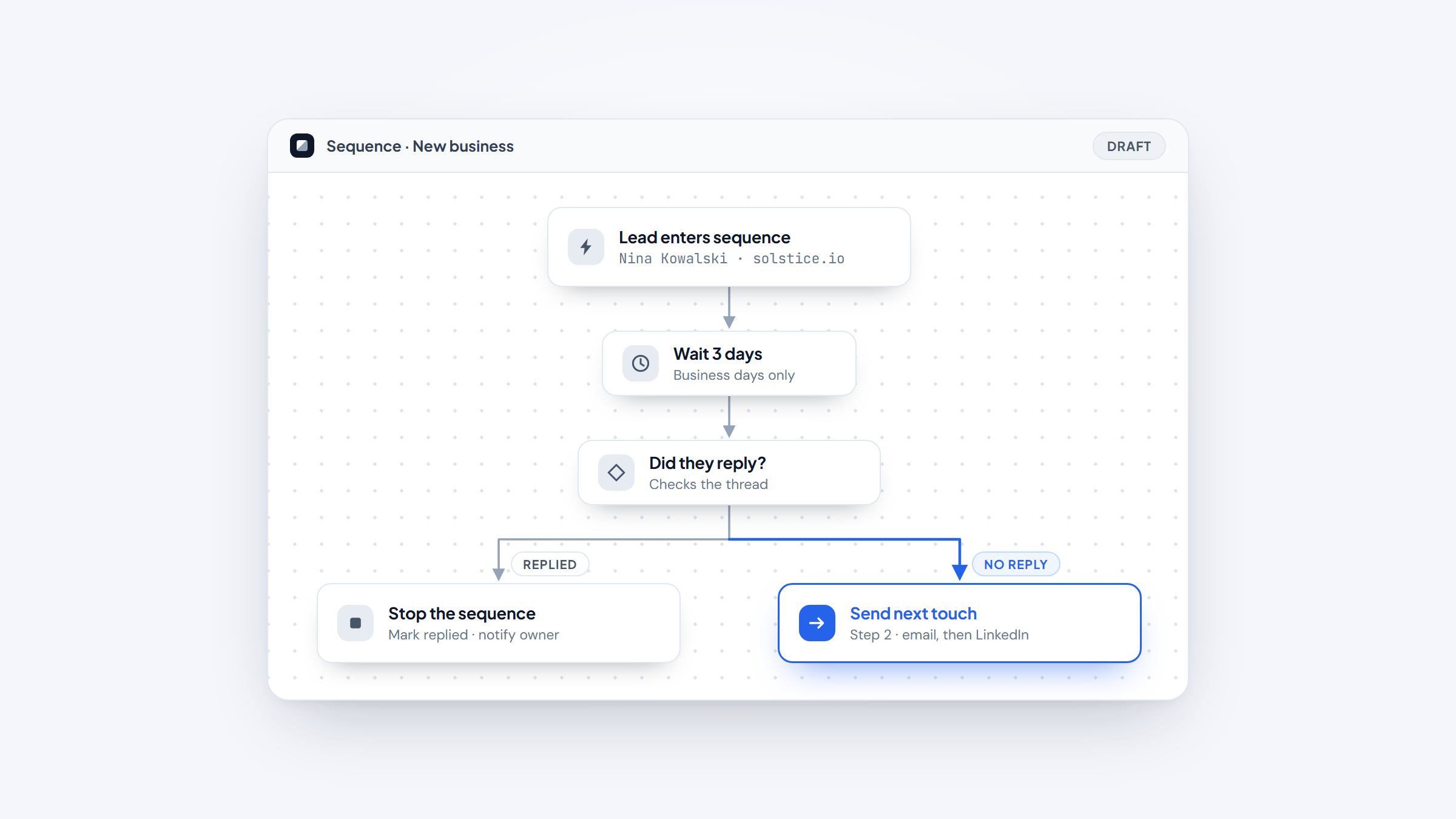
- 1Sales automation splits into four layers: sequencing, CRM workflow, meetings and documents, and conversation intelligence. Most teams overbuy one layer and ignore the other three.
- 2Prices range from $7 per seat per month for HubSpot Sales Hub Starter to quote-only enterprise contracts at Gong, Salesloft, and Outreach.
- 3Gartner expects 60% of B2B seller work to run through generative AI interfaces by 2028, up from under 5% in 2023.
- 4Automation sends the email. It does not find the address, which is the step we built Name2Email to handle for free.
Automation is supposed to give you time back. For a lot of teams it quietly does the opposite, because every new tool adds a place to check, a field to fill, and another subscription nobody audits.
The eleven sales automation tools below are the ones worth the overhead. Each has been checked against its live pricing page in August 2026, and we flag where a vendor has stopped publishing prices, changed its domain, or moved a feature you probably assumed was included behind a paid add-on.
A note on us: we make Name2Email, a free Chrome extension that finds work emails inside Gmail. It is not a sales automation platform, so it is not ranked here. It sits one step earlier in the workflow, and we will show you exactly where.
What Sales Automation Actually Automates
"Sales automation software" gets used for four genuinely different jobs, and conflating them is how teams end up paying twice for the same capability.
Sequencing and engagement tools run multi-step outreach across email, LinkedIn, and phone, handling follow-ups and replies. Reply.io, Salesloft, Outreach, Klenty, Salesforge, and HeyReach live here.
CRM and workflow automation handles the record-keeping: logging activity, updating deal stages, routing leads, and triggering internal tasks. HubSpot Sales Hub is the reference point.
Meeting and document automation removes the back-and-forth around scheduling and paperwork. Calendly and PandaDoc cover booking and proposals respectively, and sales funnel automation tools that route and qualify inbound leads sit here too.
Conversation intelligence records and analyzes calls, then feeds coaching and forecasting. Gong defines this layer.
A complete stack usually touches all four. It rarely needs more than one tool per layer.
The 11 Best Sales Automation Tools in 2026
Reply.io leads because it covers the most ground in the layer where teams spend the most time, and because its pricing is published while its closest rivals hide theirs. Prices below are entry paid tiers verified in August 2026.
Tool | Best for | Key features | Main limitation | Pricing (from) | Rating |
|---|---|---|---|---|---|
Reply.io | Multichannel sequencing plus AI SDR | Sequences, AI SDR, built-in data, warmup | LinkedIn is a paid add-on | $49/user/month | ★★★★★ |
HubSpot Sales Hub | CRM-native workflow automation | Deal automation, sequences, forecasting | Credits billed on top of seats | $7/seat/month | ★★★★☆ |
Salesloft | Enterprise cadence management | Cadences, conversation AI, forecasting | No published pricing | Quote only | ★★★★☆ |
Outreach | Large revenue team orchestration | Agentic AI, sequences, deal management | Quote only, credit-metered | Quote only | ★★★★☆ |
Klenty | Mid-market multichannel outreach | Sequences, dialer, AI routing | Dialer costs extra | $50/month | ★★★★☆ |
Mixmax | Gmail-native sales workflow | Inbox rules, sequences, scheduling | Priced per copilot module | $29/user/month | ★★★★☆ |
Salesforge | AI-written cold outreach at scale | AI sequences, unlimited senders, Agent Frank | Smaller integration library | $40/month | ★★★★☆ |
HeyReach | Agency LinkedIn automation | Unlimited LinkedIn actions, unified inbox | LinkedIn only, no email | $79/month | ★★★★☆ |
Calendly | Removing scheduling back-and-forth | Round-robin, routing forms, CRM sync | Enterprise jumps to $15K/year | $10/seat/month | ★★★★☆ |
PandaDoc | Proposal and contract automation | Templates, e-signature, approval flows | Not an outreach tool | $19/seat/month | ★★★★☆ |
Gong | Call analysis and forecasting | Call recording, deal risk, coaching | Platform fee plus per-seat | Quote only | ★★★★☆ |
Ratings weigh how completely each tool owns its layer against how transparent and predictable its pricing is.
Reply.io
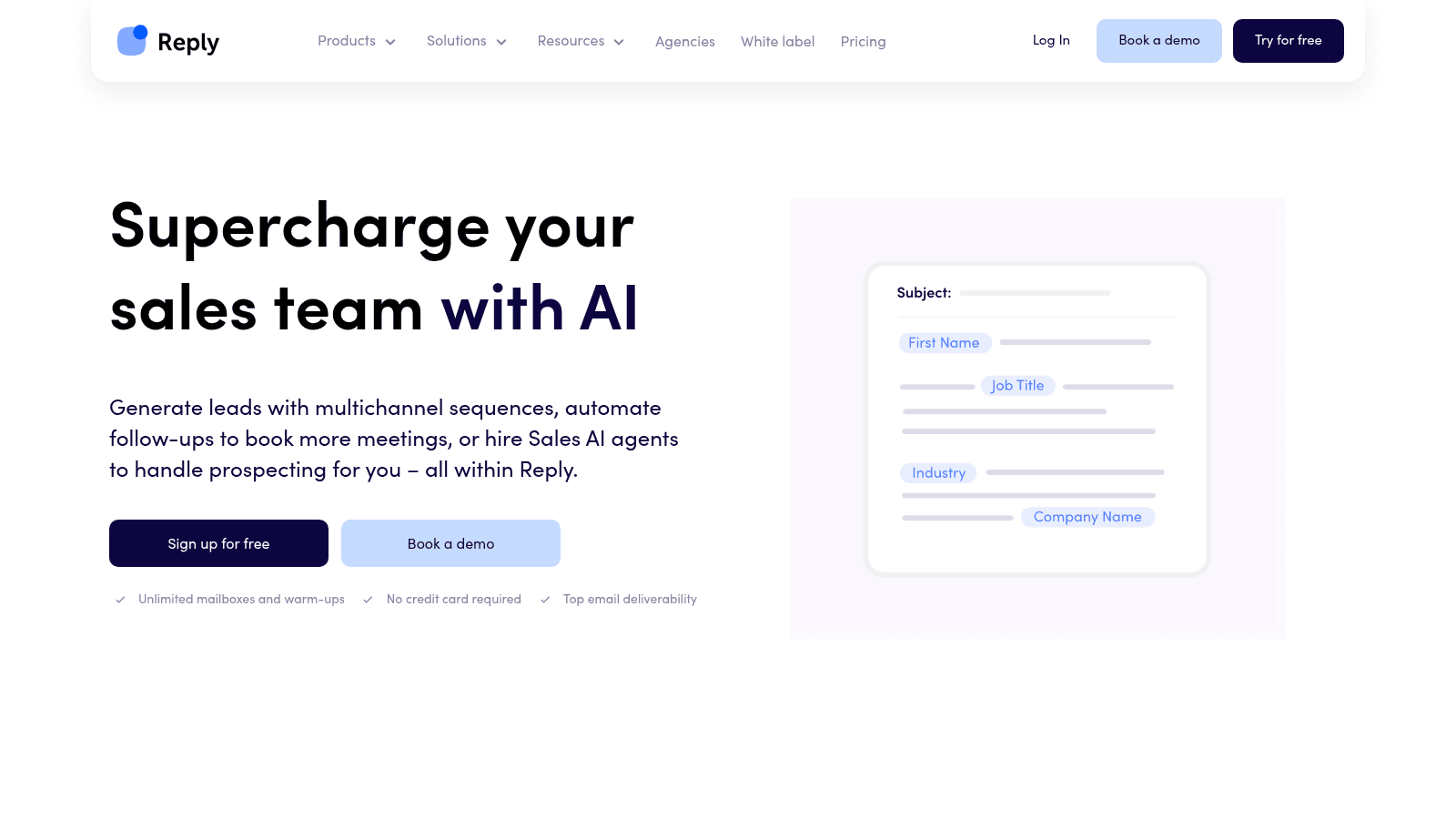
Best for: teams automating multichannel outbound end to end
Overview: Reply.io is a sales engagement platform that runs conditional sequences across email, LinkedIn, SMS, WhatsApp, and calls from a single workflow. Where most tools in this category stop at sending, Reply bundles the surrounding infrastructure too.
Mailbox warmup and deliverability tooling are included at every tier rather than sold separately. A B2B contact database with intent signals sits inside the platform, so you can build a list and sequence it without exporting to a second tool.
The differentiator in 2026 is Jason, Reply's autonomous AI SDR. Jason sources prospects against your ICP, writes and runs the sequences, handles replies either automatically or with your approval, and books meetings around the clock.
Reply also makes Name2Email, which is why we can be specific about how it works and equally specific about its limits.
Key features:
- Conditional multichannel sequences that branch on opens, replies, and LinkedIn activity
- Automated mailbox warmup and anti-spam checks included on every plan
- Built-in B2B contact database with intent signals, so list building stays in-platform
- Jason, an autonomous AI SDR that sources, writes, sends, and books
- Unified inbox with AI reply categorization and handling
- Native HubSpot and Salesforce sync plus a built-in meeting scheduler
Pricing: Email Volume starts at $49 per user per month billed annually ($59 monthly) and scales by contact tier up to $899. Multichannel starts at $89 per user per month annually ($99 monthly) with unlimited active contacts. Jason, the AI SDR, runs from $500 per month, and Agency plans start at $210. There is a 14-day trial and no free plan.
Pros: genuine multichannel in one sequence, warmup and deliverability bundled at every tier, contact data included rather than bolted on, a real AI SDR upgrade path, transparent published pricing while rivals hide theirs.
Cons: LinkedIn automation is a $69 per month per account add-on rather than part of the base subscription, and the platform's headline delivery and bounce figures are self-reported rather than independently audited.
How to start using it:
- Start the 14-day trial and connect your sending mailbox.
- Let warmup run for at least two weeks before sending real volume.
- Build a small list from the built-in database or import your own.
- Create a short sequence with two or three steps and a clear single ask.
- Review replies in the unified inbox daily, then widen the sequence once your bounce rate holds steady.
Why it's a good sales automation tool: it collapses sequencing, deliverability, and data into one subscription, which removes the integration tax that makes multi-tool stacks fragile. The AI SDR tier gives you somewhere to grow without replacing the platform.
Final verdict: the most complete option here for teams whose main bottleneck is outbound volume and follow-up discipline. The published pricing is a real advantage in a category where three competitors will not quote you without a call. Just budget for the LinkedIn add-on if that channel matters to you.
CTA: See Reply.io's plans to check which contact tier matches your list size.
HubSpot Sales Hub
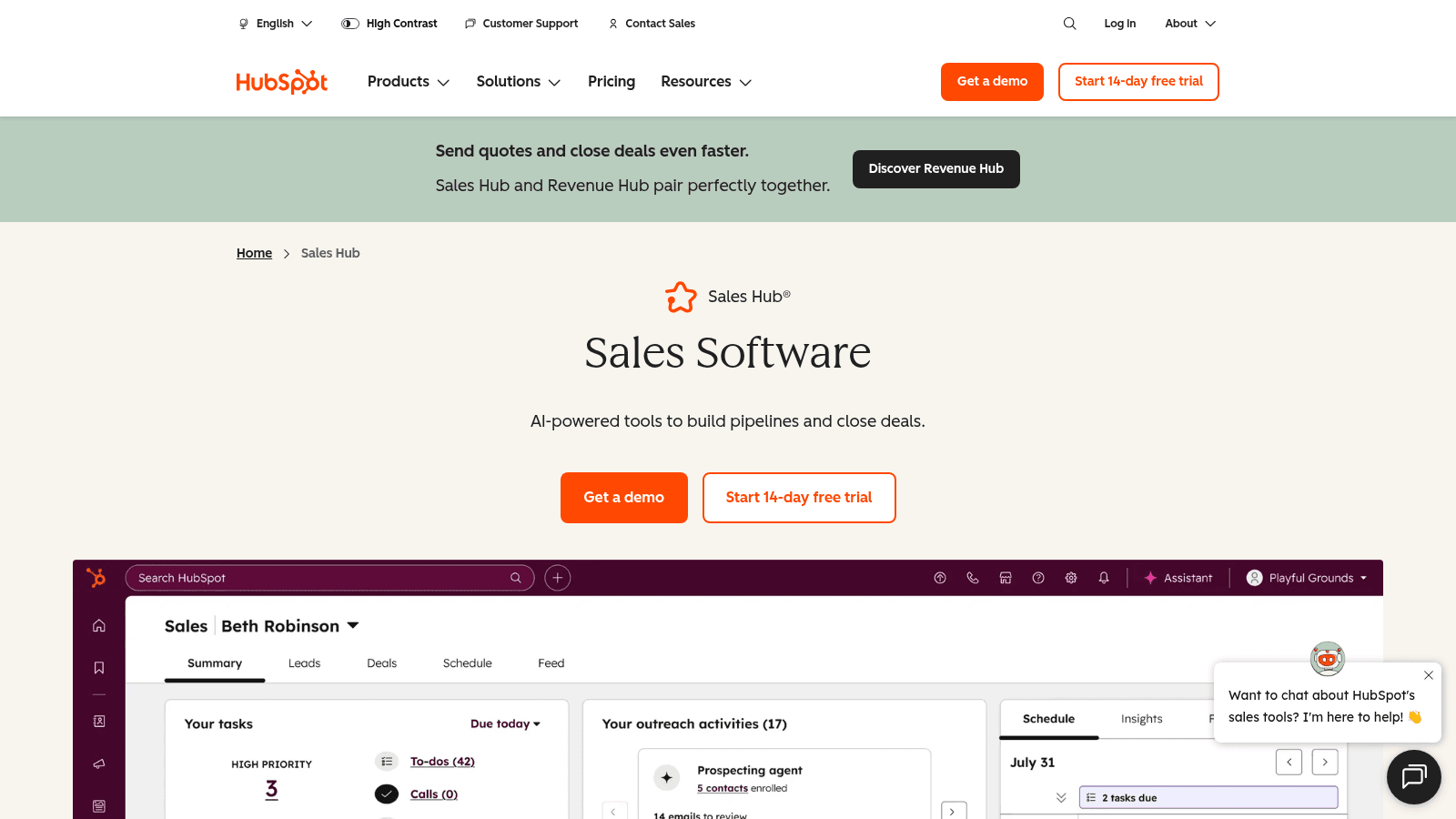
HubSpot Sales Hub automates the CRM side rather than the outreach side. It logs activity, moves deals, routes leads, and triggers internal tasks so the pipeline stays accurate without manual updating.
Its pricing changed meaningfully with the shift to per-seat plans plus a separate credit pool for AI actions.
Key features:
- Deal and lead routing automation tied to CRM properties
- Sequences and templates that log automatically against records
- Forecasting and call transcription, with 750 hours monthly on Professional
Pricing: free tools cover up to two users. Starter is $7 per seat per month, Professional is $90, and Enterprise is $150. AI actions draw on HubSpot Credits at $9 per 1,000 when billed annually.
Pros: cheapest real entry point here, CRM and automation in one system, strong reporting, huge app ecosystem.
Cons: credits add a variable cost on top of seats, the jump from Starter to Professional is steep, outbound sequencing is weaker than dedicated tools.
Why it's a good sales automation tool: if your CRM is already HubSpot, this removes the integration layer entirely.
Final verdict: the default when pipeline hygiene matters more than outbound volume.
Salesloft
Salesloft is built for larger revenue teams that need cadence discipline across many reps. It combines sequencing with conversation intelligence and forecasting in a single platform.
Its pricing is entirely quote-based, which tells you who it is aimed at.
Key features:
- Cadence management with team-level templates and governance
- Conversation intelligence covering call recording and coaching
- Forecasting and pipeline analytics tied to rep activity
Pricing: Salesloft publishes no prices and no plan names. Everything routes through a sales conversation, so expect an annual contract quoted on seat count.
Pros: strong governance for large teams, coaching built in, mature Salesforce integration, well-regarded analytics.
Cons: no pricing transparency at all, overkill for teams under roughly twenty reps, implementation takes real time.
Why it's a good sales automation tool: it enforces consistent process across a big team better than lighter tools can.
Final verdict: an enterprise choice, and priced like one.
Outreach
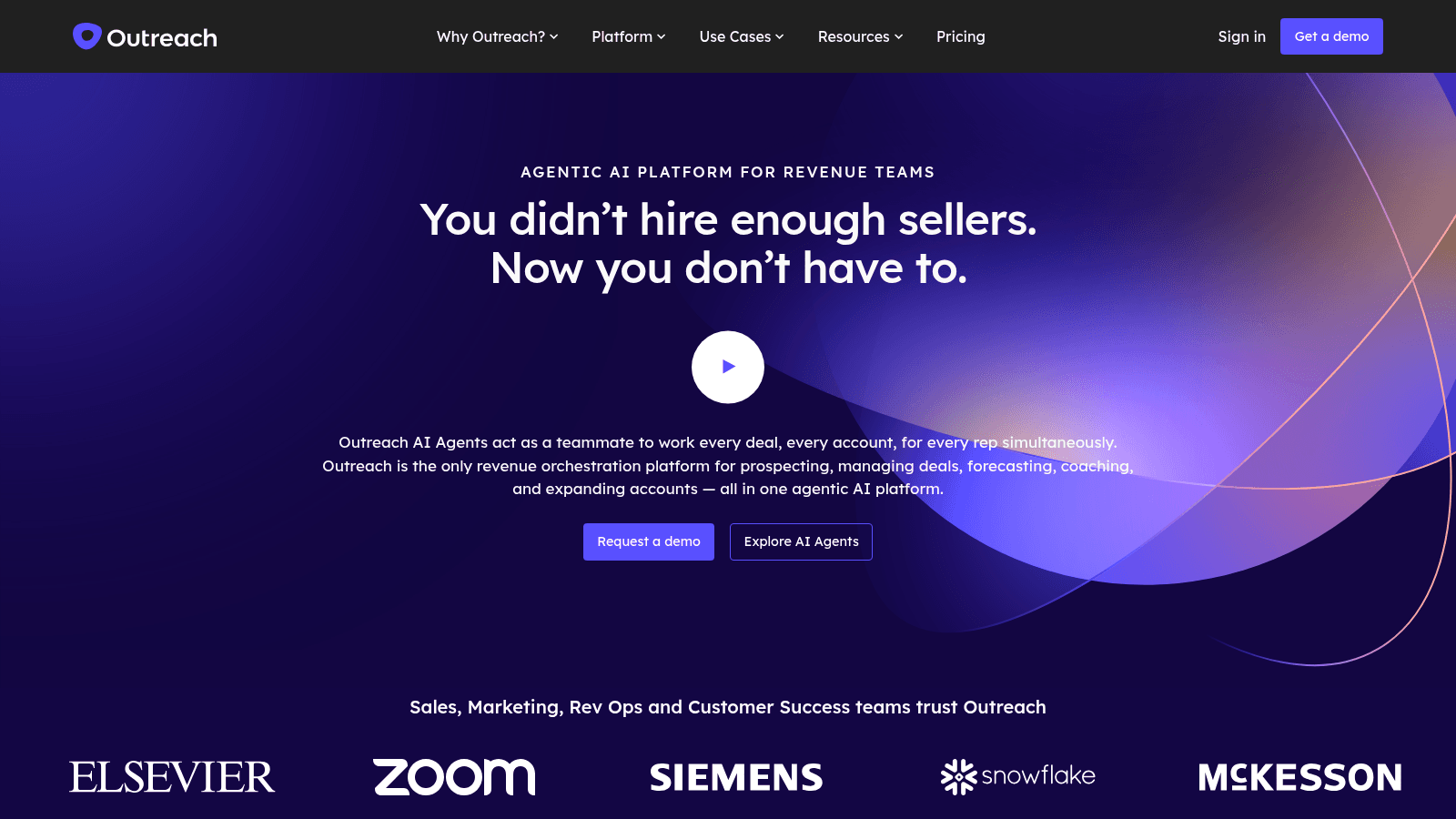
Outreach has repositioned as an agentic AI platform for revenue teams, and it now lives at outreach.ai after its old domain began redirecting. Its plan structure changed with the move.
Tiers are named Amplify and metered by AI credits alongside seats.
Key features:
- Sequences and deal management across the full revenue cycle
- AI agents handling research, drafting, and follow-up
- Credit-metered AI usage layered on per-user pricing
Pricing: Outreach is quote-only. The four tiers are Amplify Essentials, Core, Plus, and Pro, carrying 10,000 to 100,000 AI credits, with per-user pricing and no platform fee.
Pros: deep functionality for complex sales motions, serious AI investment, no platform fee unlike some rivals, strong enterprise integrations.
Cons: no published prices, credit metering makes costs hard to forecast, heavy for small teams.
Why it's a good sales automation tool: it orchestrates large, multi-stage sales processes that simpler sequencers cannot model.
Final verdict: worth the evaluation if you have a revenue operations function to run it.
Klenty
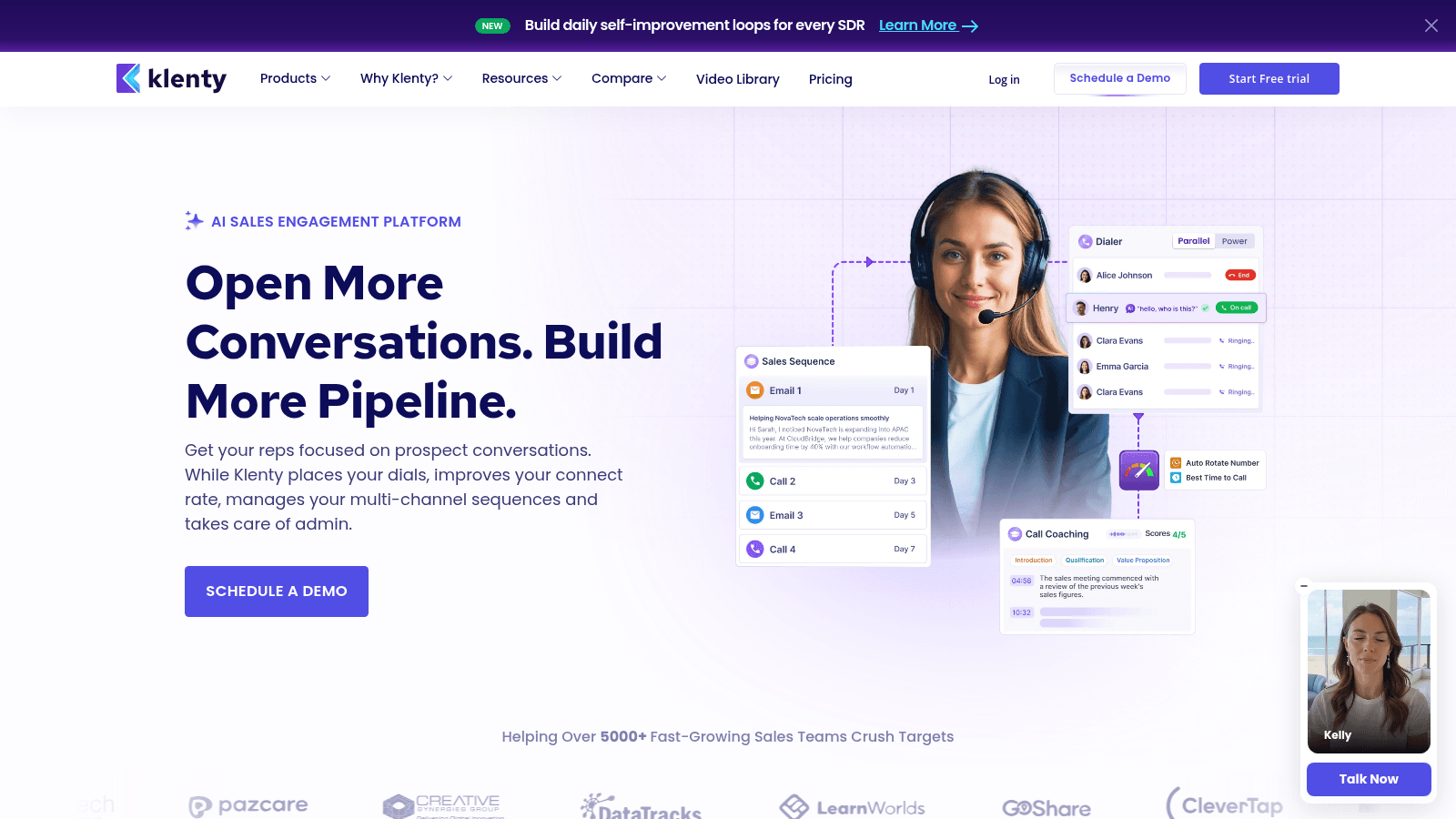
Klenty sits between lightweight sequencers and enterprise platforms, offering multichannel outreach with calling built in at a mid-market price.
Its plans are unusual in that the entry tier is priced per account rather than per user.
Key features:
- Multichannel sequences spanning email, calls, and LinkedIn
- Built-in cold calling with AI conversation detection
- Account-based selling views and call coaching on higher tiers
Pricing: Starter is $50 per month for 15,000 contacts and 75,000 emails. Growth is $70 per user per month and Plus is $99, both billed annually. A parallel and power dialer add-on costs $45 per user per month.
Pros: generous contact limits at entry, calling included rather than bolted on, 14-day trial with no card, clear upgrade path.
Cons: dialer add-on is expensive, per-user pricing above Starter climbs quickly, fewer integrations than the enterprise names.
Why it's a good sales automation tool: it gives smaller teams calling and sequencing without an enterprise contract.
Final verdict: a strong mid-market pick if phone is part of your motion.
Mixmax
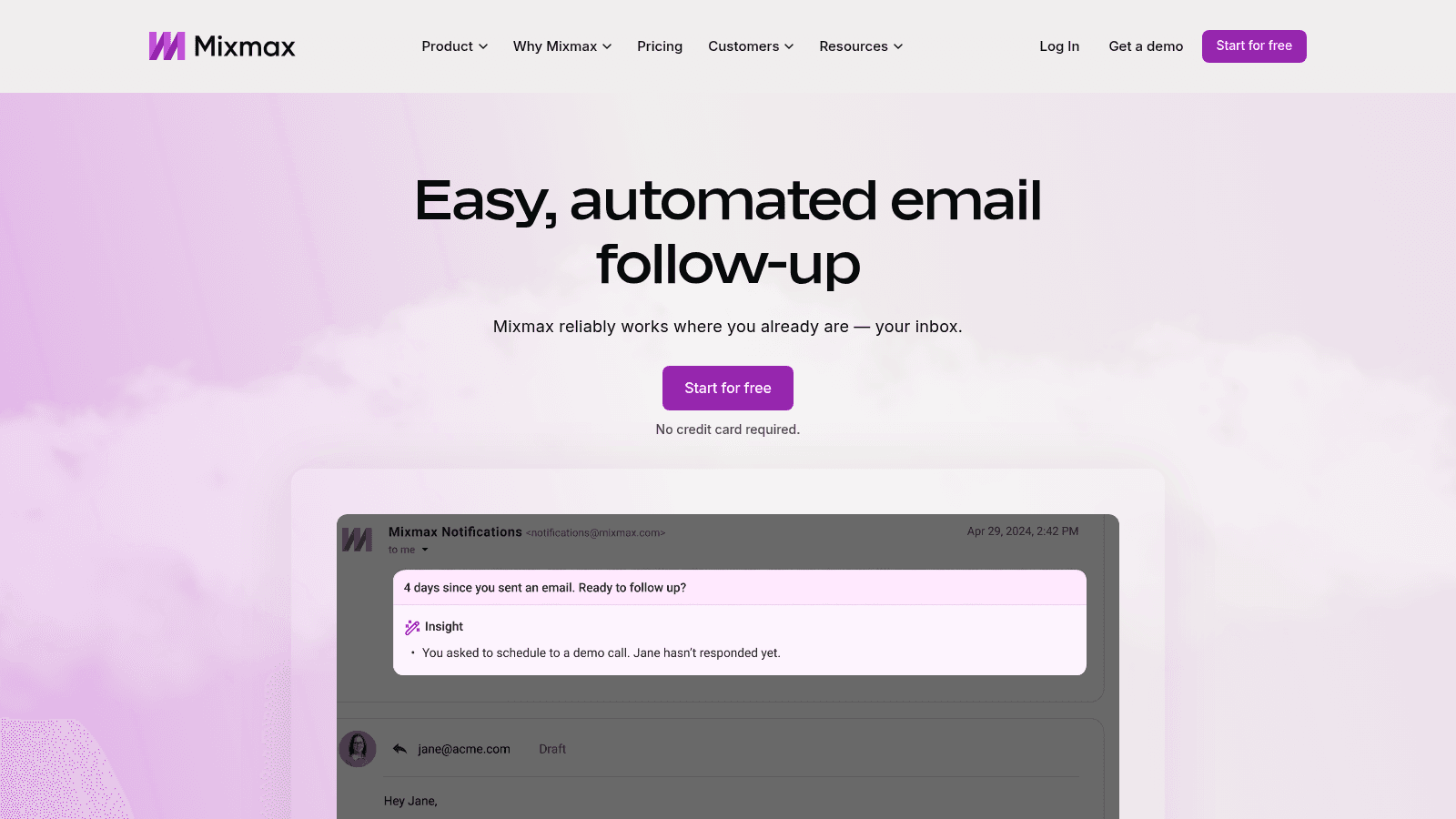
Mixmax automates the workflow around Gmail rather than replacing it. Sequences, scheduling, and rules all run inside the inbox you already use.
It is now sold as separate copilot modules, which changes the pricing math depending on what you need.
Key features:
- Inbox rules that trigger follow-ups from recipient behavior
- Sequences and templates that never leave Gmail
- Meeting scheduling with availability sharing built into compose
Pricing: Inbox Copilot and Meeting Copilot are $29 per user per month billed annually ($34 monthly), and Engagement Copilot is $49 ($65 monthly). The full Mixmax Suite bundles all three at $89 per user per month annually. A free plan is available after the 14-day trial.
Pros: near-zero learning curve for Gmail teams, genuine free plan, strong scheduling, modular so you pay for what you use.
Cons: modules add up fast if you need all three, Gmail-only, lighter analytics than dedicated platforms.
Why it's a good sales automation tool: it automates the inbox without asking reps to work somewhere new.
Final verdict: the natural fit for Google Workspace teams.
Salesforge
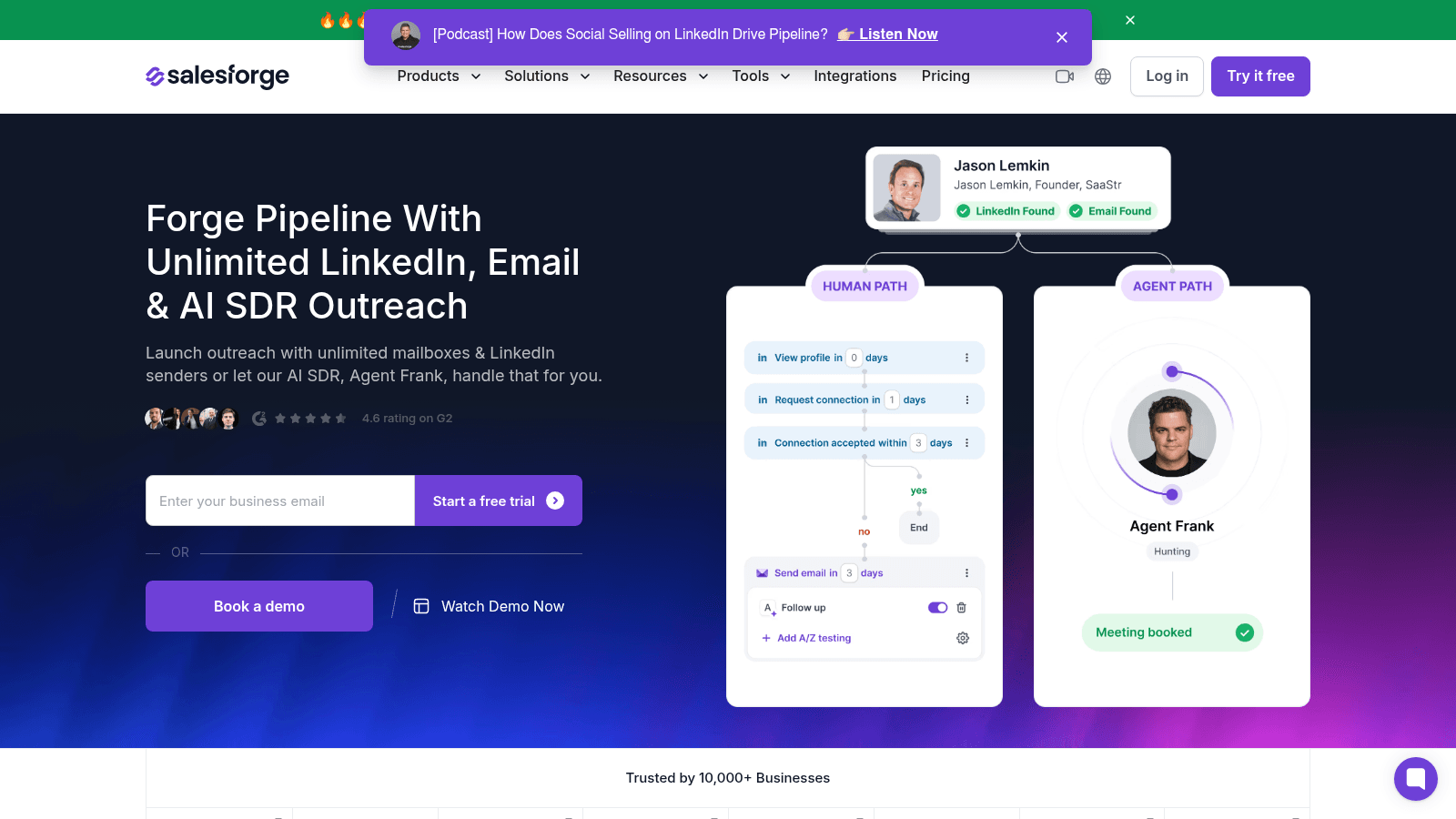
Salesforge focuses on AI-written cold outreach at volume, with unlimited email senders on every plan and its own AI SDR agent.
It is aggressively priced against the established sequencers.
Key features:
- AI-generated sequences personalized per prospect
- Unlimited email senders with LinkedIn sending on higher tiers
- Agent Frank, an autonomous AI SDR with a 500M+ contact database
Pricing: Pro is $40 per month for 1,000 active contacts and 5,000 emails, and Growth is $80 for 10,000 contacts and 50,000 emails with unlimited users. Agent Frank costs $499 per month billed quarterly. There is a 14-day trial but no free plan.
Pros: unlimited senders even at entry, unlimited users on Growth, cheap relative to capability, AI SDR at a lower price than most.
Cons: smaller integration library, newer platform with less track record, no free tier.
Why it's a good sales automation tool: it delivers high-volume AI outreach without per-seat penalties.
Final verdict: good value for lean teams sending at scale.
HeyReach
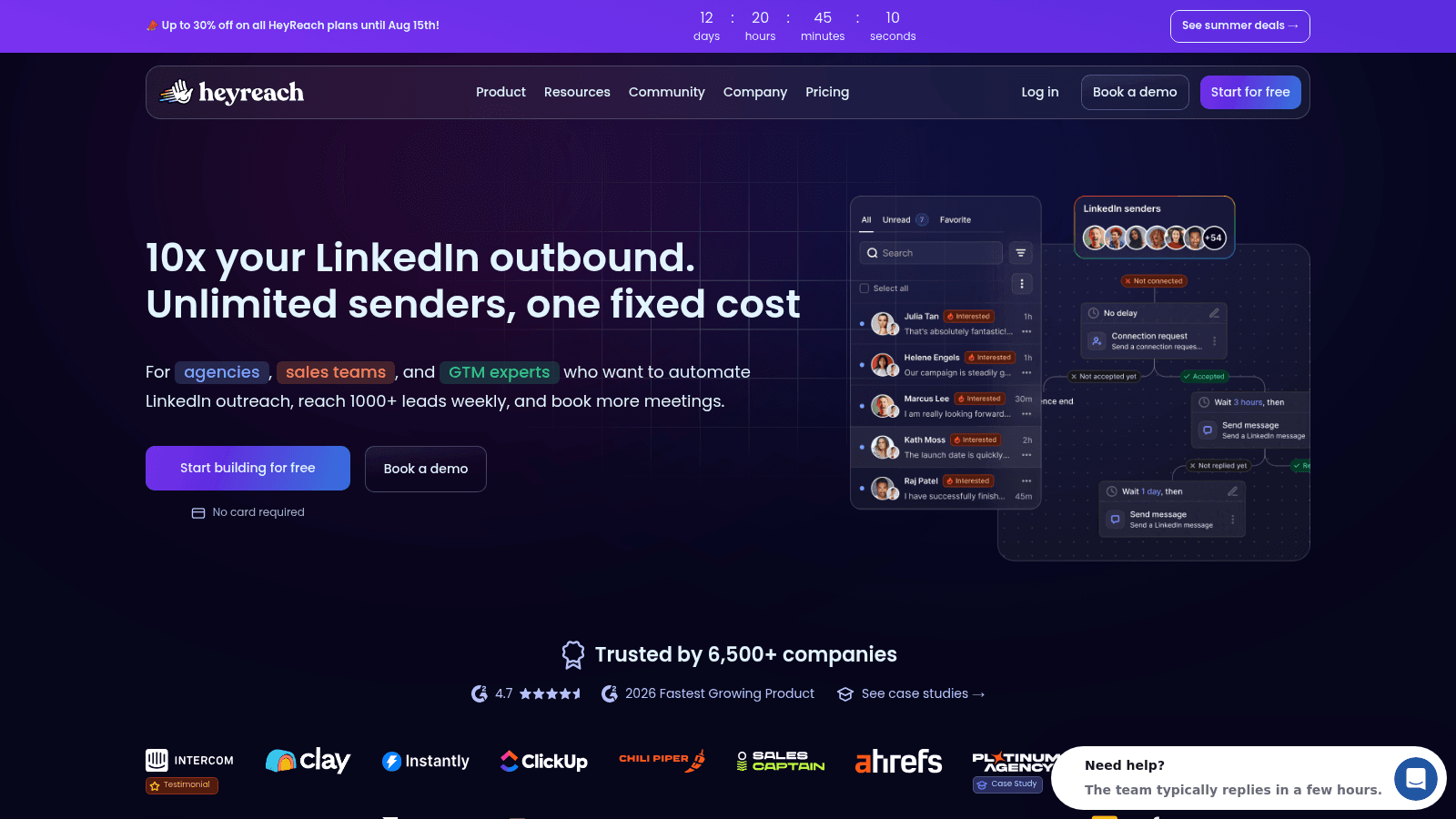
HeyReach automates LinkedIn specifically, and it is built for agencies running many sender accounts at once rather than individual reps.
Its unified inbox across all connected accounts is the feature agencies actually buy it for.
Key features:
- Unlimited LinkedIn campaigns and actions per sender
- Unified inbox aggregating conversations across every connected account
- Whitelabel branding and workspaces on agency tiers
Pricing: Growth is $79 per month, Agency is $999 for 25 senders, and Unlimited is $2,999 for unlimited senders. Quarterly billing cuts 10% and yearly cuts 20%, bringing Growth to $63. A 14-day trial covers the Growth plan.
Pros: built for multi-account operation, unified inbox saves real time, generous annual discount, whitelabel included on Agency.
Cons: LinkedIn only with no email channel, agency tiers are expensive, LinkedIn's own limits still apply.
Why it's a good sales automation tool: nothing else handles dozens of LinkedIn senders this cleanly.
Final verdict: the agency standard for LinkedIn at scale.
Calendly
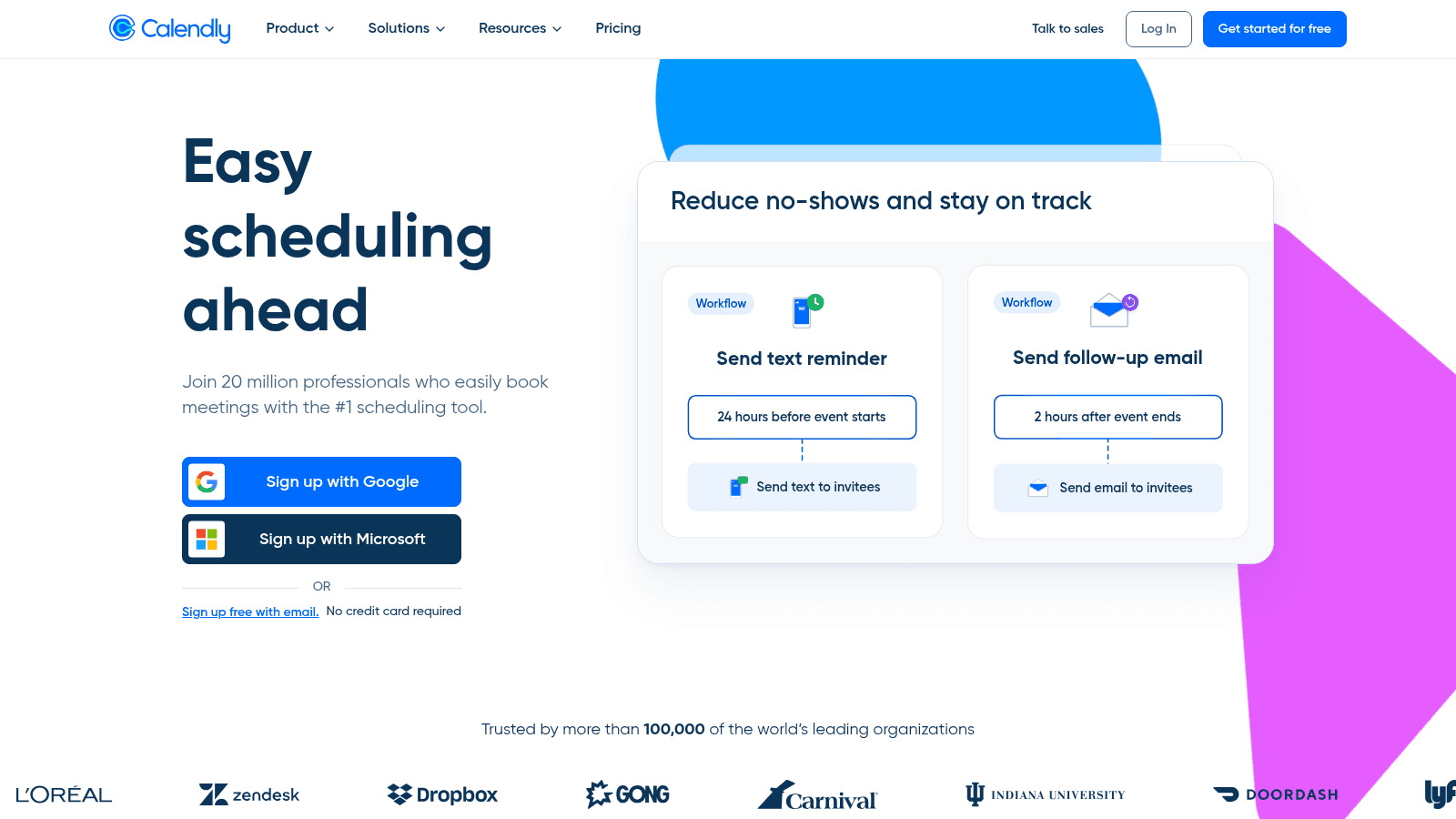
Calendly automates the least glamorous but most universal bottleneck in sales, which is agreeing on a time. Routing forms and round-robin distribution turn it into a real pipeline tool.
Most teams underuse it, treating it as a scheduling link rather than a lead router.
Key features:
- Round-robin and pooled availability across a team
- Routing forms that qualify and assign inbound leads automatically
- Salesforce and HubSpot integration on higher tiers
Pricing: the free plan covers one event type. Standard is $10 per seat per month billed yearly and Teams is $16, which adds Salesforce integration, round-robin, and lead routing. Enterprise starts at $15,000 per year.
Pros: cheap and universally understood, routing forms are genuinely powerful, solid free tier, wide integration support.
Cons: enterprise pricing jumps dramatically, key sales features sit on Teams and above, not an outreach tool.
Why it's a good sales automation tool: it removes the scheduling round-trip that kills momentum after a positive reply.
Final verdict: cheap, quick to roll out, and easy to justify.
PandaDoc
PandaDoc automates the closing paperwork: proposals, quotes, contracts, and signatures, with approval workflows so deals do not stall on internal review.
It is the layer most teams automate last and regret not doing sooner.
Key features:
- Templates and content blocks that assemble proposals automatically
- Native e-signature with audit trails
- Approval workflows and document analytics showing what recipients read
Pricing: the free plan includes 60 documents per year with unlimited e-signatures. Starter is $19 per seat per month and Business is $49, with Enterprise quoted per seat or per document. A 14-day trial needs no card.
Pros: real free tier, fast template building, useful document analytics, strong CRM integrations.
Cons: per-seat cost adds up across a large team, editor has a learning curve, unrelated to prospecting.
Why it's a good sales automation tool: it compresses the gap between verbal agreement and signature.
Final verdict: the right choice once proposal volume becomes a bottleneck.
Gong
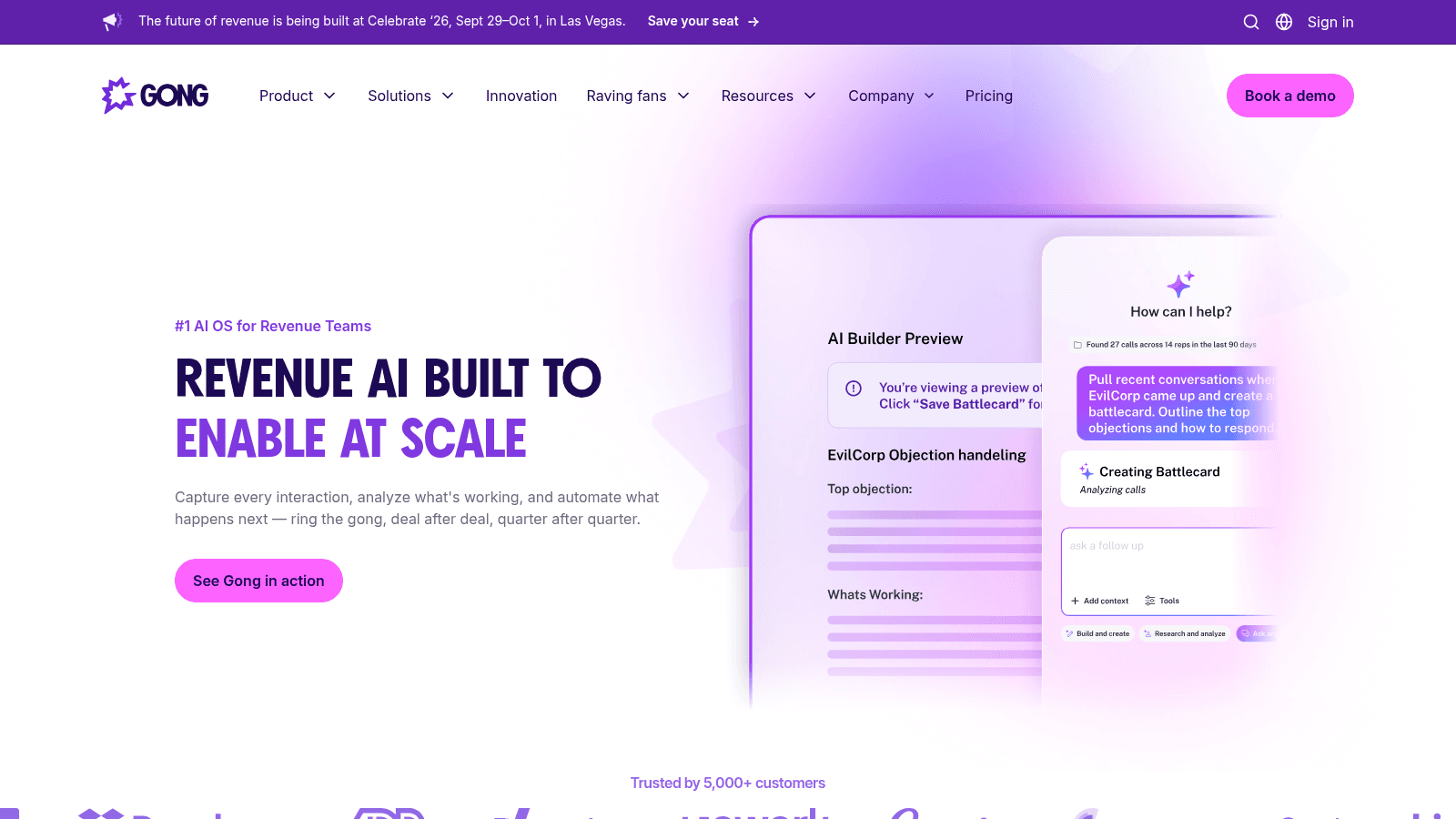
Gong records and analyzes customer conversations, then turns them into coaching, deal risk scoring, and forecasts grounded in what was actually said.
It automates insight rather than activity, which is a different value proposition from everything else here.
Key features:
- Call recording and transcription with automatic CRM logging
- Deal risk signals derived from conversation patterns
- Coaching workflows built on real rep calls
Pricing: Gong is quote-only. Licenses are priced per user, and there is an additional platform fee scaled to the number of users supported, so the total depends on team size rather than a list rate.
Pros: detailed conversation analysis, forecasting grounded in recorded calls, structured coaching workflows, wide integration support.
Cons: platform fee on top of seats makes it expensive, quote-only pricing, requires call volume to be worth it.
Why it's a good sales automation tool: it replaces opinion-based pipeline reviews with recorded evidence.
Final verdict: valuable once you have enough calls to learn from.
How We Evaluated These Tools
We verified every price on the vendor's own live pricing page in August 2026 rather than trusting secondary roundups, and that turned up changes worth knowing.
Outreach now redirects from its old domain to outreach.ai, with renamed Amplify tiers. Klenty's pricing, which we had previously been unable to confirm to the dollar, is now published clearly. HubSpot's $7 Starter seat looked like a typo until two independent checks confirmed it.
We also required that a tool automate a defined step in the selling process. Contact databases and enrichment tools were routed to our sales intelligence tools list instead, since buying data is a different decision from automating a workflow.
Finally, we noted where pricing is hidden. Three of the eleven will not quote you without a call, which is a legitimate model but a real cost in evaluation time.
What to Look for in Sales Automation Software
The buying mistake in this category is comparing feature lists instead of counting the handoffs between tools.
- Confirm which channels are actually included, since LinkedIn is a paid add-on more often than buyers expect
- Check whether deliverability tooling like warmup is bundled or sold separately
- Ask how AI usage is metered, because credit models make monthly costs unpredictable
- Count the integrations you genuinely need rather than the total advertised
- Test whether the tool writes cleanly back to your CRM without a middleware layer
- Look at what happens at renewal, especially where the entry tier is discounted
Reply.io bundling warmup at every tier while charging separately for LinkedIn is a good example of why the details matter more than the headline price.
What Sales Automation Tools Cost in 2026
Costs in this category are less comparable than they look, because some tools charge per seat, some per account, and some add a platform fee or credit pool on top.
Model | Monthly cost | Tools | What drives the bill |
|---|---|---|---|
Free tier | $0 | HubSpot, Calendly, PandaDoc, Mixmax | Feature caps, user limits, document counts |
Flat account pricing | $40 to $80 | Salesforge, Klenty Starter, HeyReach Growth | Contact volume and sending limits |
Per seat | $7 to $99 | HubSpot, Calendly, PandaDoc, Mixmax, Klenty, Reply.io | Number of reps, plus contact tier on some |
Add-on metered | $29 to $69 extra | Reply.io LinkedIn, Klenty dialer, Mixmax modules | Channels and modules bought separately |
Quote only | Not published | Salesloft, Outreach, Gong | Seat count, platform fees, AI credit consumption |
The pattern worth noticing is that the add-on row is where budgets actually break. A $49 seat with a $69 LinkedIn add-on and a $29 calling module is a $147 seat, and that is the number to compare against a quote-only competitor.
Is Free Sales Automation Software Worth It?
The free tiers here are real but narrow, and they cluster in the workflow layers rather than the outreach layer.
HubSpot's free tools genuinely run a small pipeline for up to two users. Calendly's free plan handles one event type, which is enough for a solo seller. PandaDoc gives you 60 documents a year with unlimited signatures. Mixmax offers a free plan after its trial.
What you will not find is a free tier for serious outbound sequencing. Reply.io, Salesforge, and Klenty all run 14-day trials with no free plan, and Salesloft, Outreach, and Gong do not publish anything at all. That reflects the cost of deliverability infrastructure more than vendor stinginess.
A practical route is to run HubSpot free plus Calendly free while you validate your process, then pay only for the sequencing layer once volume justifies it.
The One Step Automation Cannot Do for You
Every tool above assumes you already have the email address. None of them find it for you at the moment you need it.
That gap shows up in the day-to-day mess of sales work. A rep in r/salestechniques described their territory growing 50% after a layoff, writing that if they stopped to record every follow-up task they would never have time to do any of them. One reply nailed the underlying problem: expanding a territory after layoffs is how managers discover how many tasks were held together by human memory. You can read the discussion on Reddit for the full exchange, though it is one team's experience rather than research.
Automation fixes the memory problem. It does not fix the lookup problem, and the lookup is where credits get burned.
This is the specific job Name2Email does. Type a name and a company domain in Gmail's compose window and we generate the likely email formats, populate the "To" field, and let you confirm by hovering, because Gmail shows the person's name and photo when it recognizes an address.
It is free, unlimited, and requires no account or credit card. There is no per-lookup meter, which matters when you are qualifying a list and most names never make it to a send.
We are straight about the constraints. We generate patterns from public naming conventions rather than selling scraped records, we work best on corporate domains, and we cannot promise every address resolves. If you want the mechanics, finding an email address covers the workflow, and the best email finding tools compares the paid alternatives honestly.
Two figures explain why this step still matters in an automated stack. Gartner expects 60% of B2B seller work to be executed through generative AI interfaces by 2028, up from under 5% in 2023. Meanwhile Salesforce research has repeatedly found reps spend only about 28% of their week actually selling. Automation is attacking the other 72%, and manual email lookups are part of it.
What to Automate First
Automate in the order that removes the most repeated keystrokes, not the order vendors sell in.
Start with scheduling, because Calendly's free plan costs nothing and immediately kills the availability round-trip. Add CRM logging next, since HubSpot's free tools stop reps from retyping what already happened.
Only then buy sequencing. That is the expensive layer, and it is worth paying for once you have enough volume that follow-up discipline is genuinely failing. Reply.io at $49 per user per month is the transparent starting point, and you can compare it against our cold email software roundup and email outreach tools before committing.
Leave conversation intelligence and proposal automation until the earlier layers are running. Gong and PandaDoc solve real problems, but neither helps a team that is still losing deals to missed follow-ups.
And before any of it runs, you need addresses. Add Name2Email to Chrome and find them inside Gmail for free, or see how the workflow fits together first. If you are sending to many people at once, our guide on emailing multiple recipients individually covers doing it without a platform. For choosing the accounts to target in the first place, start with company research tools, and for keeping the resulting lists clean, see email list management software.
Frequently asked questions
Sales automation tools are software that removes repetitive manual work from the selling process. They cover four distinct layers: sequencing and outreach across email, LinkedIn and phone, CRM workflow automation that logs activity and routes leads, meeting and document automation for scheduling and proposals, and conversation intelligence that analyzes calls. Most teams need one tool per layer rather than a single platform that claims to do everything. Confusing the layers is the most common cause of overlapping subscriptions.
It depends which layer you want AI applied to, because AI sales automation tools now span prospecting, writing, and forecasting. The best AI tools for sales automation split by job: for autonomous prospecting, Reply.io's Jason and Salesforge's Agent Frank both source leads, write sequences, and handle replies, starting at $500 and $499 per month respectively. For conversation analysis, Gong leads but is quote-only. For workflow AI inside a CRM, HubSpot meters AI actions through credits at $9 per 1,000. Test whether the AI improves output quality on your own data before paying for an agent tier.
Yes, though they concentrate in workflow rather than outreach. HubSpot's free tools support up to two users with real CRM automation, Calendly's free plan handles one event type, PandaDoc includes 60 documents a year, and Mixmax offers a free plan after its trial. Dedicated sequencing platforms generally do not have free tiers, because mailbox warmup and deliverability infrastructure carry ongoing costs. Expect a 14-day trial there instead.
Entry pricing runs from $7 per seat per month for HubSpot Sales Hub Starter to $89 per user for Reply.io Multichannel, with flat-rate options like Salesforge at $40 and HeyReach at $79. Enterprise tools including Salesloft, Outreach, and Gong publish nothing and quote against seat count, with Gong adding a separate platform fee. The figure that catches buyers out is add-ons: LinkedIn automation, dialers, and AI credits are frequently billed on top of the seat price.
Generally not, and this is a common misunderstanding. Sequencing platforms send to addresses you already have, and while some bundle a contact database, that data is usually metered by credits and sold as part of a paid tier. Reply.io includes a database inside the platform, but it is not available as a standalone product. For finding individual work emails as you write, a dedicated finder is a better fit, which is why we built Name2Email as a free unlimited extension inside Gmail.

We build Name2Email, the free Chrome extension that finds work emails inside Gmail. We write about outreach, prospecting, and getting more replies.
Connect →