- 1Company research tools split into two camps: cheap self-serve tools like Owler ($39/month) and Feedly ($6/month), and enterprise research terminals like PitchBook, where Vendr's procurement data puts the median contract near $30,000 a year.
- 2Six of the ten tools below have a genuinely useful free tier, so you can run real account research for $0 before you spend anything.
- 3Research tells you which company to contact. It does not give you the person's email address, which is where most workflows stall.
- 4We built Name2Email to close that last gap: it finds work emails inside Gmail, free and unlimited, with no account.
You can know a company's funding history, tech stack, headcount trend, and last three press mentions, and still have no way to reach the one person who matters. That gap is the reason this list exists.
The best company research tools answer a specific question: is this account worth my time, and what do I say when I get there? Some answer it with funding data, some with technology signals, some with news alerts, and a few with analyst-grade market intelligence that costs more than a junior salary. This company research tools list covers ten that earn their place, each verified against its live pricing page in August 2026, plus honest notes on the ones we could not recommend.
We also want to be upfront about our own bias. We make Name2Email, a free Chrome extension that finds work emails inside Gmail. It is not a company research tool and it is not an entry on this list. It is what you use after the research, and we will show you where it fits.
What Company Research Tools Actually Do
A company research tool is software that collects and structures information about businesses so you can decide who to target and how to approach them. That covers a wide range of jobs.
Firmographic tools tell you the basics: size, industry, location, revenue band. Funding and private-market tools like Crunchbase and PitchBook track investment rounds, investors, and acquisition activity. Technographic tools like BuiltWith and Wappalyzer tell you what software a company runs, which is how you spot a competitor's customer or a missing integration.
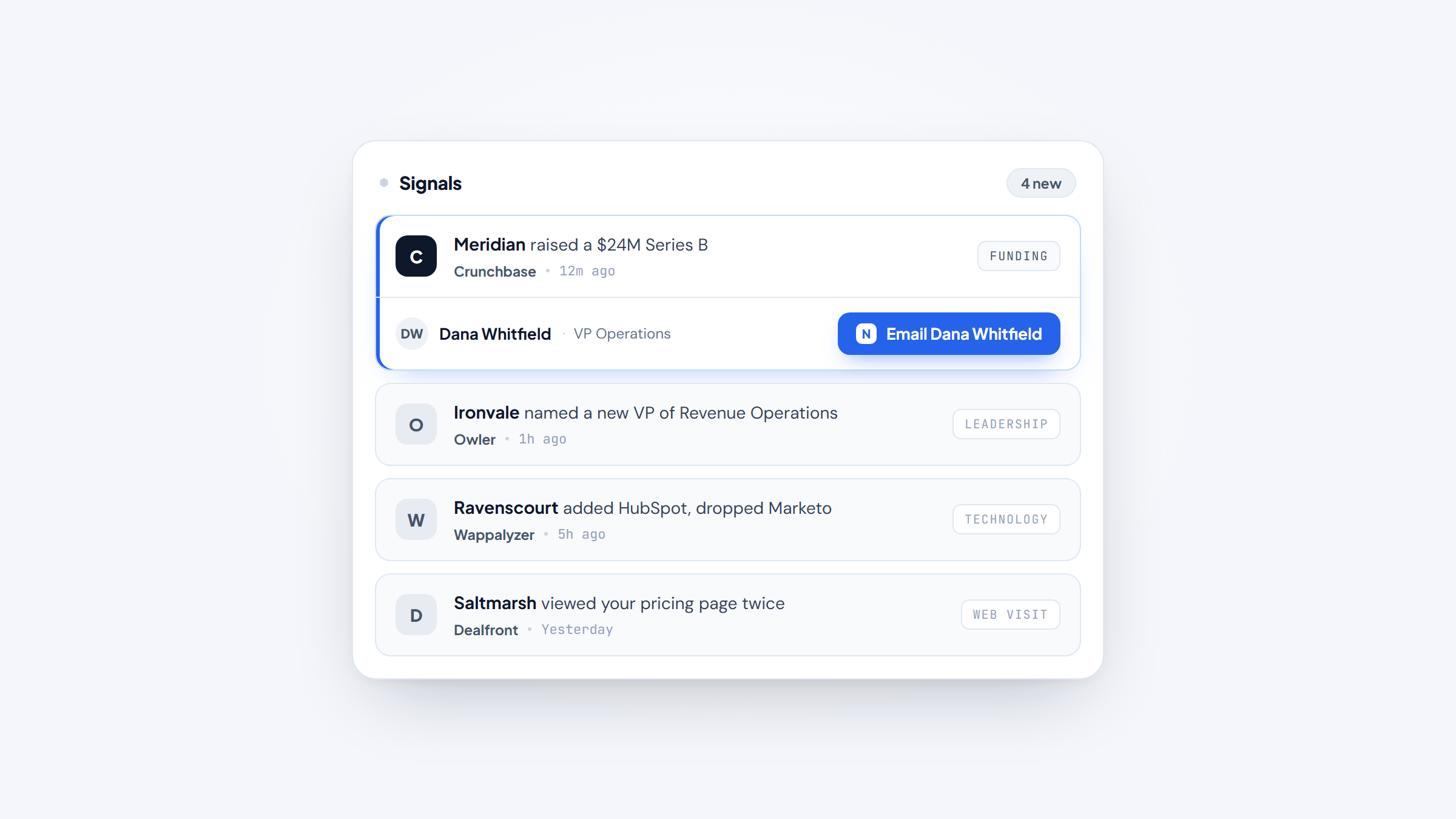
Signal and alert tools like Owler and Feedly watch for news, leadership changes, and industry shifts so you hear about a trigger event before your competitor does. Visitor identification tools like Dealfront work the other direction, telling you which companies already visited your site.
The best tools for company research tend to be the ones matched to a single trigger you actually act on. Most teams end up using two or three together, because no single tool covers funding, technology, news, and intent well.
The 10 Best Company Research Tools in 2026
The table below compares all ten on the things that actually drive a buying decision. Prices are the entry paid tier verified on each vendor's live pricing page in August 2026.
Tool | Best for | Key features | Main limitation | Pricing (from) | Rating |
|---|---|---|---|---|---|
Crunchbase | Funding and private company data | Funding rounds, investor graph, predictions, API | No public price table | Free tier; paid at checkout | ★★★★☆ |
LinkedIn Sales Navigator | Mapping people inside accounts | Lead and account search, alerts, CRM sync | Priciest per-seat option here | $119.99/month | ★★★★☆ |
Owler | Competitor and news tracking | Daily snapshots, competitor graph, 20M+ companies | Thin free tier (5 companies) | $39/month | ★★★★☆ |
Feedly | Company and industry alerts | AI feeds, 2,500 sources, mute filters | Market intelligence is Enterprise-only | $6/month | ★★★★☆ |
BuiltWith | Deep technology lookups | 491.9M domains, 18 years of history, CRM sync | Steep jump from free to $295 | $295/month | ★★★★☆ |
Wappalyzer | Affordable tech-stack targeting | Tech lookups, lead lists, email verification | API credits expire in 60 days | $250/month | ★★★☆☆ |
Dealfront | European company data | Visitor identification, intent filters, CRM push | Priced in euros, not dollars | EUR79/month | ★★★★☆ |
Diffbot | Programmatic company data | Knowledge Graph, crawl and NLP, 10K free credits | Developer-first, not a UI tool | Free; $299/month | ★★★★☆ |
AlphaSense | Market and expert research | Earnings calls, expert transcripts, AI search | No published pricing at all | Quote only | ★★★☆☆ |
PitchBook | Private markets and VC | Deal data, valuations, investor profiles | Enterprise cost, annual contract | Quote only | ★★★☆☆ |
Ratings reflect how well each tool does its own job, not how they rank against each other, since a $6 news reader and a $30,000 research terminal are not competing for the same budget.
Crunchbase
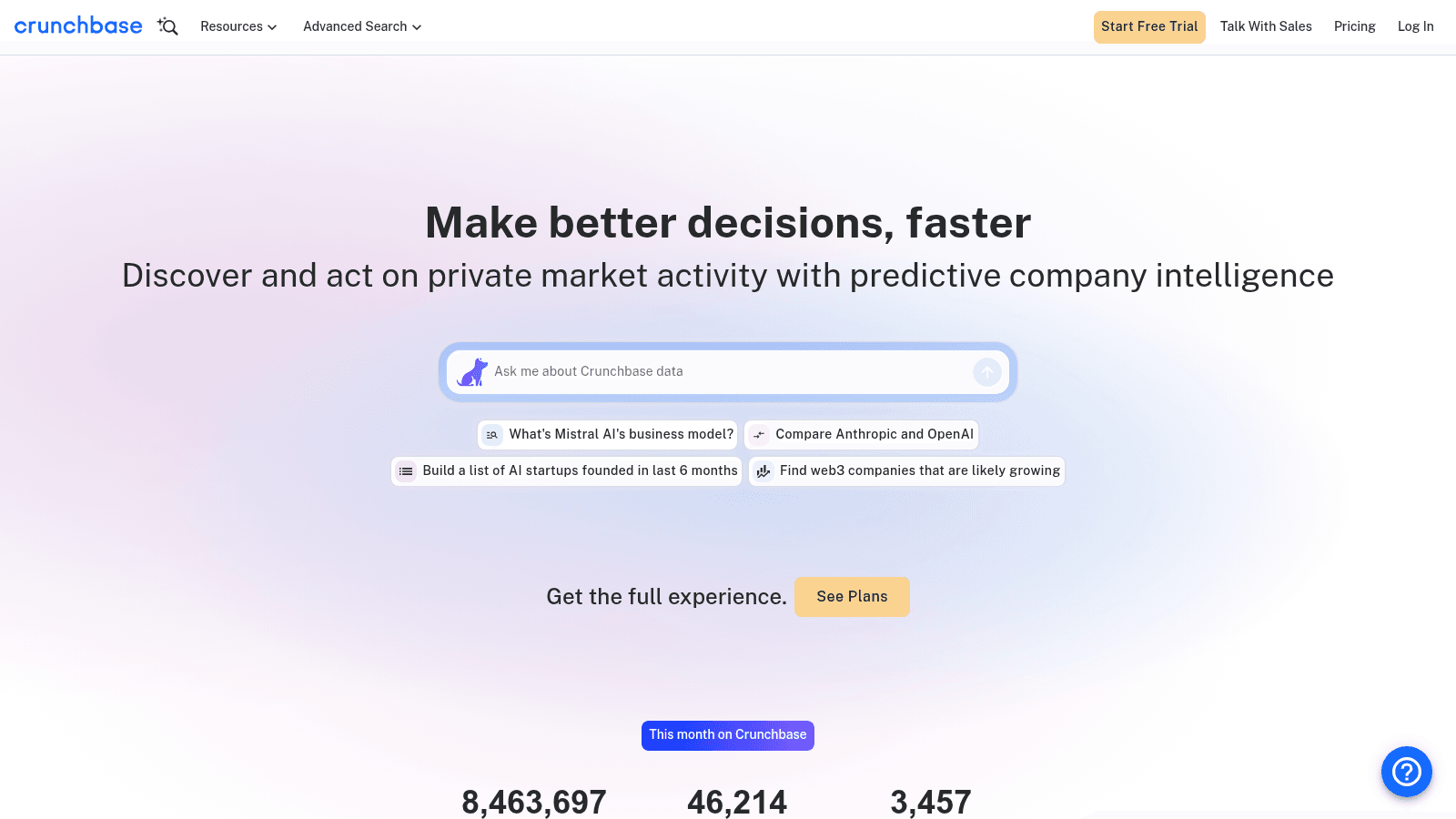
Crunchbase is the default starting point when the question is "who funded this company and when." It covers more than 4 million private companies and layers predictions about funding, growth, and acquisitions on top of the raw record.
The 2026 version leans hard into AI, with a natural-language search box and an MCP server for connecting the data to agents.
Key features:
- Funding round history with investor relationships mapped across the portfolio
- Private-market predictions flagging likely acquisitions and next rounds
- API and MCP access for pulling company data into your own tools
Pricing: Crunchbase runs a free tier plus paid Pro and Business plans, and starts everyone on a free trial. It does not publish a per-tier price table, so you see the figure at checkout rather than on the pricing page.
Pros: deepest funding data, strong investor graph, useful export limits on Pro, AI search that handles plain questions, MCP support.
Cons: no transparent public pricing, weaker on contact data than sales-focused tools, predictions are directional rather than certain.
Why it's a good company research tool: funding events are the single most reliable trigger for B2B outreach, and Crunchbase tracks them better than anything else at this price point.
Final verdict: the right first tool if your outreach keys off money moving.
LinkedIn Sales Navigator
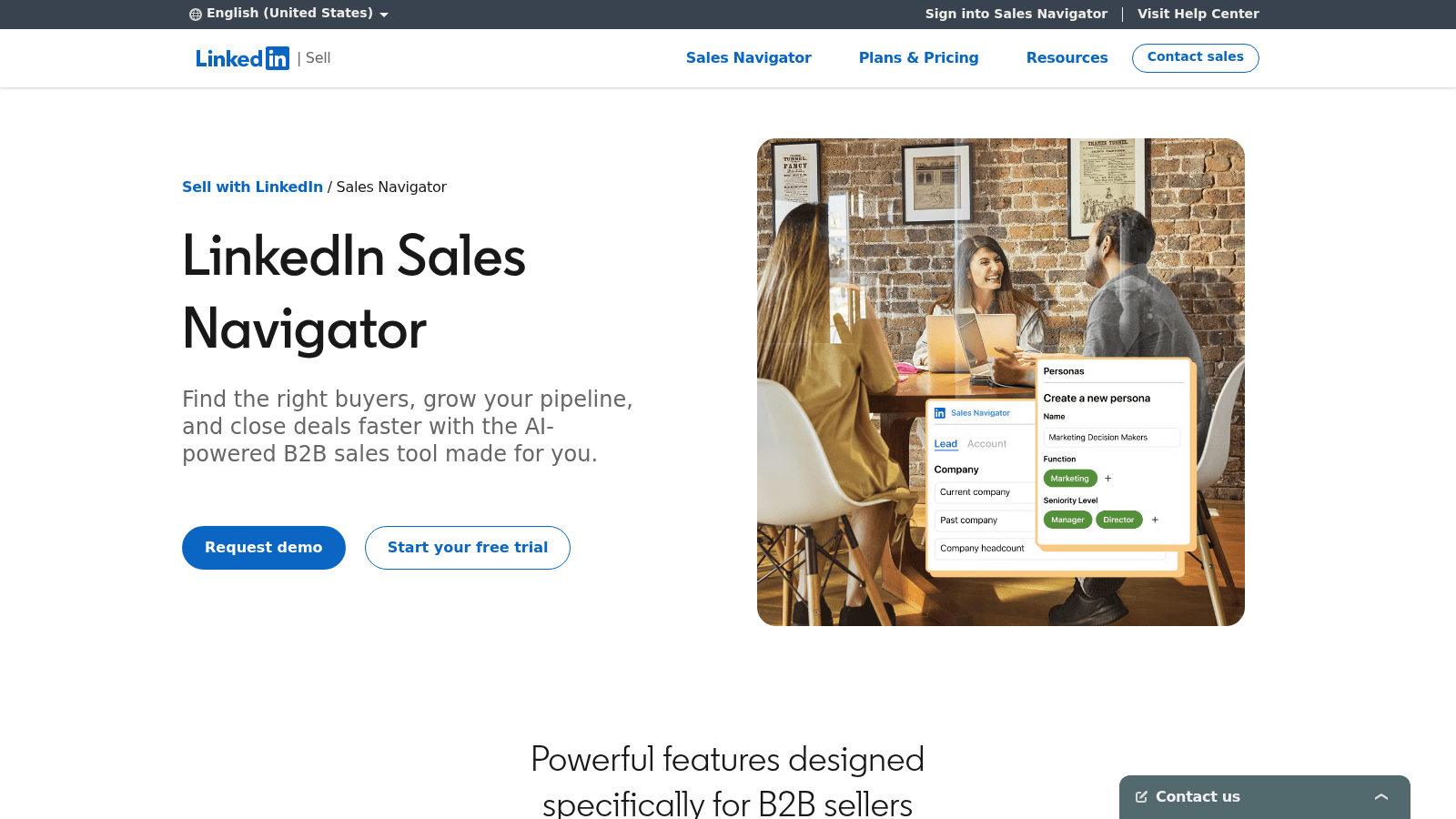
Sales Navigator is the most direct route from a company to the humans inside it. You filter accounts by headcount growth, department expansion, and job changes, then map the buying committee.
It is also the only tool here where the underlying data is maintained by the people themselves, which cuts a lot of the decay problem.
Key features:
- Lead and account search with filters for growth, seniority, and function
- Alerts on job changes and company updates inside saved accounts
- CRM sync that writes activity back to Salesforce or HubSpot
Pricing: Core runs $119.99 per month or $1,079.88 billed annually, and Advanced is $159.99 per month or $1,799.88 annually. Advanced Plus is quote-only, and free trials are limited to one per member per year.
Pros: self-maintained profile data, best org mapping available, strong job-change alerts, real CRM integration, huge coverage.
Cons: the most expensive per-seat tool on this list, no email addresses included, InMail credits run out fast.
Why it's a good company research tool: it answers "who inside this account should I talk to," which most firmographic tools cannot.
Final verdict: hard to replace once your research moves from the company to the people.
Owler
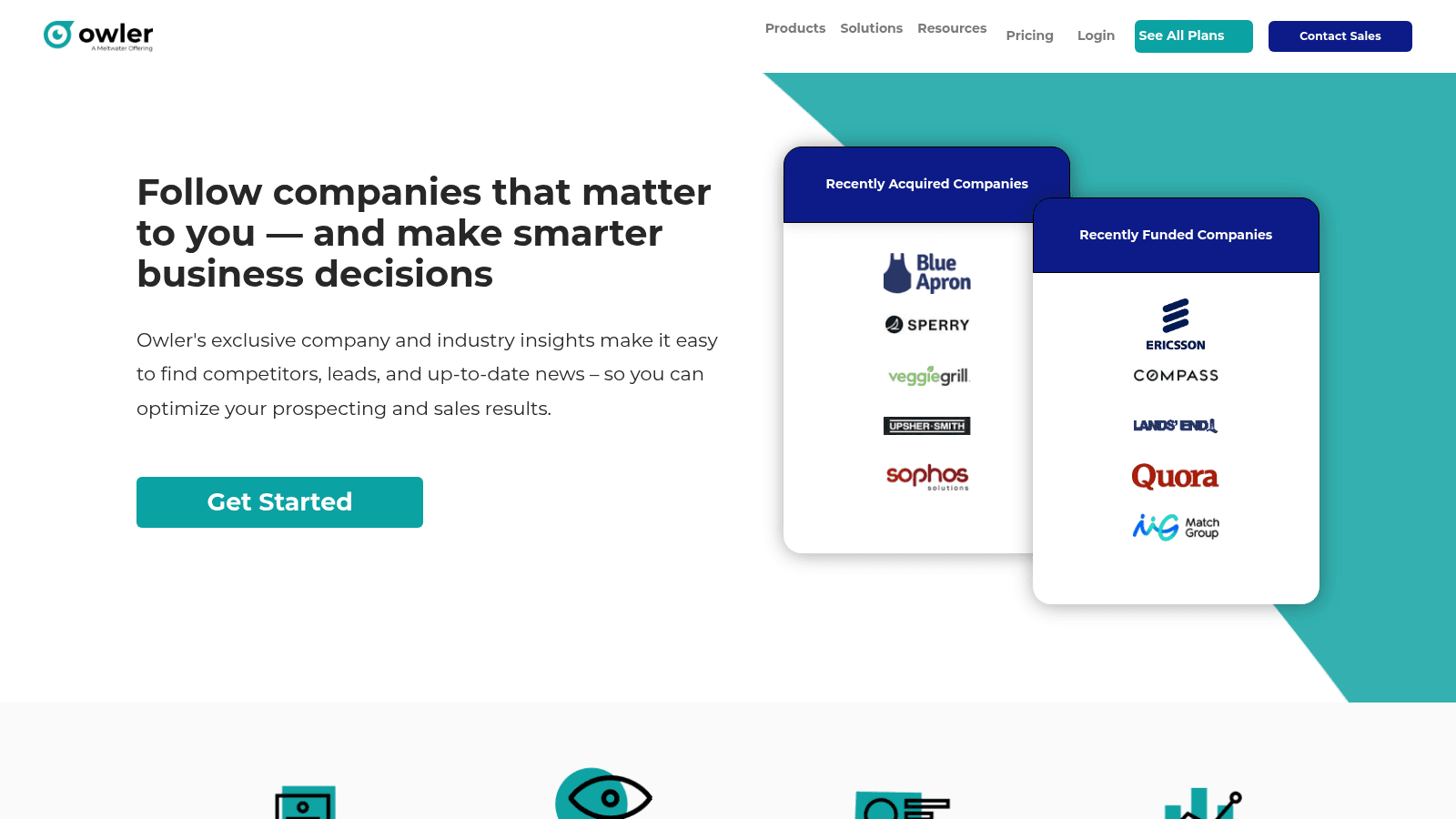
Owler is built around competitive tracking. You follow companies and it delivers daily snapshots covering news, leadership changes, funding, and acquisitions across a base of more than 20 million public and private businesses.
Its competitor graph is the standout: pick any company and see who it actually competes with, which is genuinely hard to assemble by hand.
Key features:
- Daily company snapshots summarizing news and events for followed accounts
- Competitor graph mapping direct and indirect rivals
- Unlimited custom account lists with advanced search and filtering
Pricing: the Community tier is free forever but caps you at following five companies and one profile view per month. Pro is $39 per month billed annually and lifts the caps to unlimited, while Enterprise adds firmographic, competitor, and news APIs.
Pros: cheapest serious alerting tool here, competitor graph is unique, genuinely free tier, easy to scan daily, Chrome extension.
Cons: free tier is too thin for real work, news coverage is lighter on small private firms, no contact data.
Why it's a good company research tool: at $39 a month it turns account monitoring into a five-minute daily habit instead of a research project.
Final verdict: the best value pick for tracking a defined target list.
Feedly
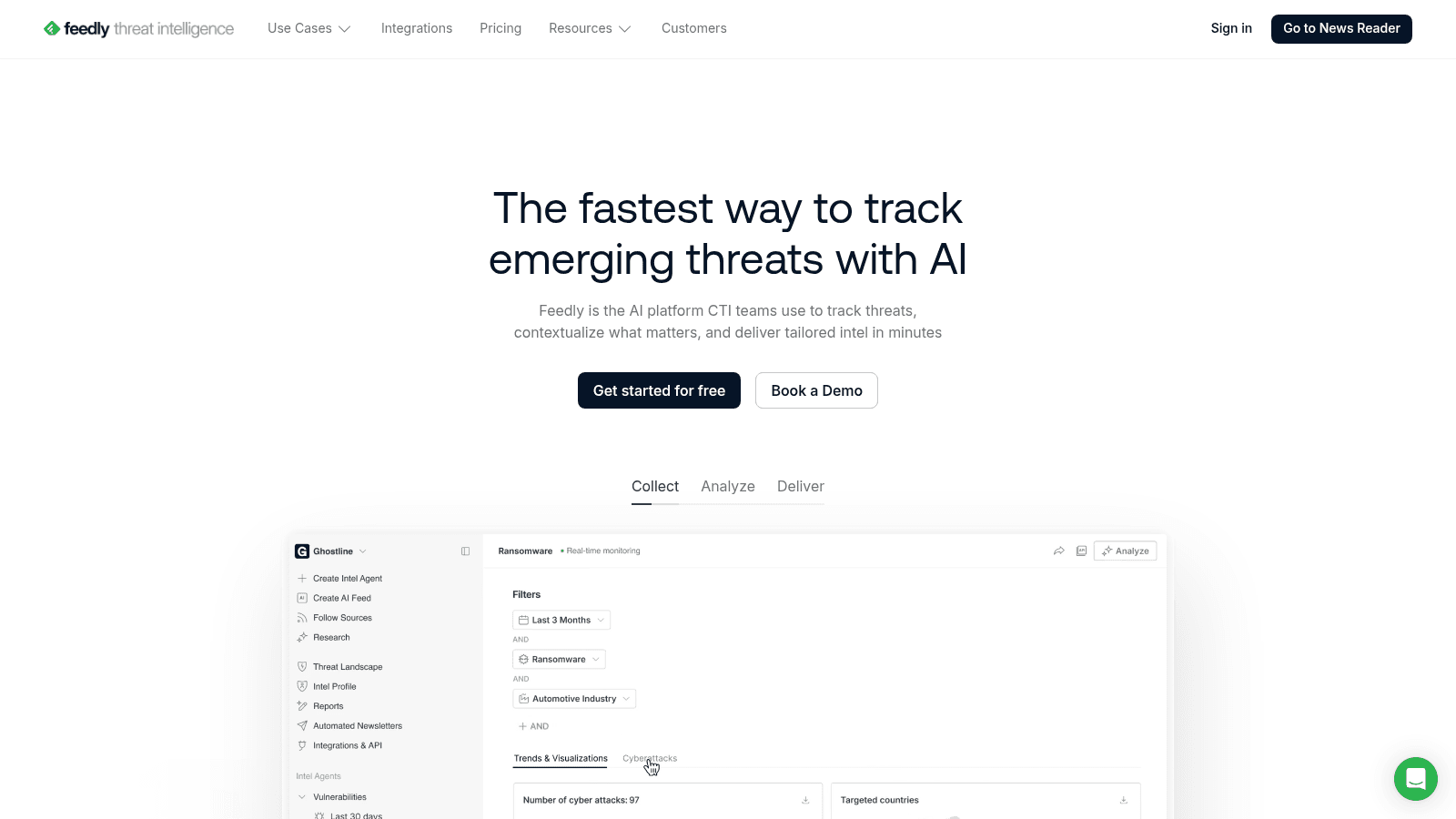
Feedly is the tool people forget belongs in this category. It aggregates news, blogs, newsletters, and Google News into AI-filtered feeds, so you can build alerts for a company, a competitor set, or an entire industry.
Feedly AI does the part that matters, muting noise and clustering duplicates so a single acquisition does not show up forty times.
Key features:
- AI feeds that track named companies, topics, and industry themes
- Mute filters and deduplication to keep alert volume manageable
- Newsletter and Google News ingestion alongside standard sources
Pricing: the free plan covers 100 feeds across 3 folders. Pro is $6 per month billed annually for 1,000 feeds, and Pro+ lists at $12 but currently runs $8.25 per month annually, adding Feedly AI and 2,500 feeds. Market and competitive intelligence skills sit in the quote-only Enterprise tier.
Pros: cheapest tool on this list, excellent noise control, huge source coverage, strong free tier, integrates with Slack and Teams on higher plans.
Cons: no firmographic or contact data at all, market intelligence gated to Enterprise, requires setup effort to tune feeds.
Why it's a good company research tool: it is the most affordable way to run company and industry alerts without paying for a data platform you do not need.
Final verdict: pair it with a firmographic tool rather than treating it as one.
BuiltWith
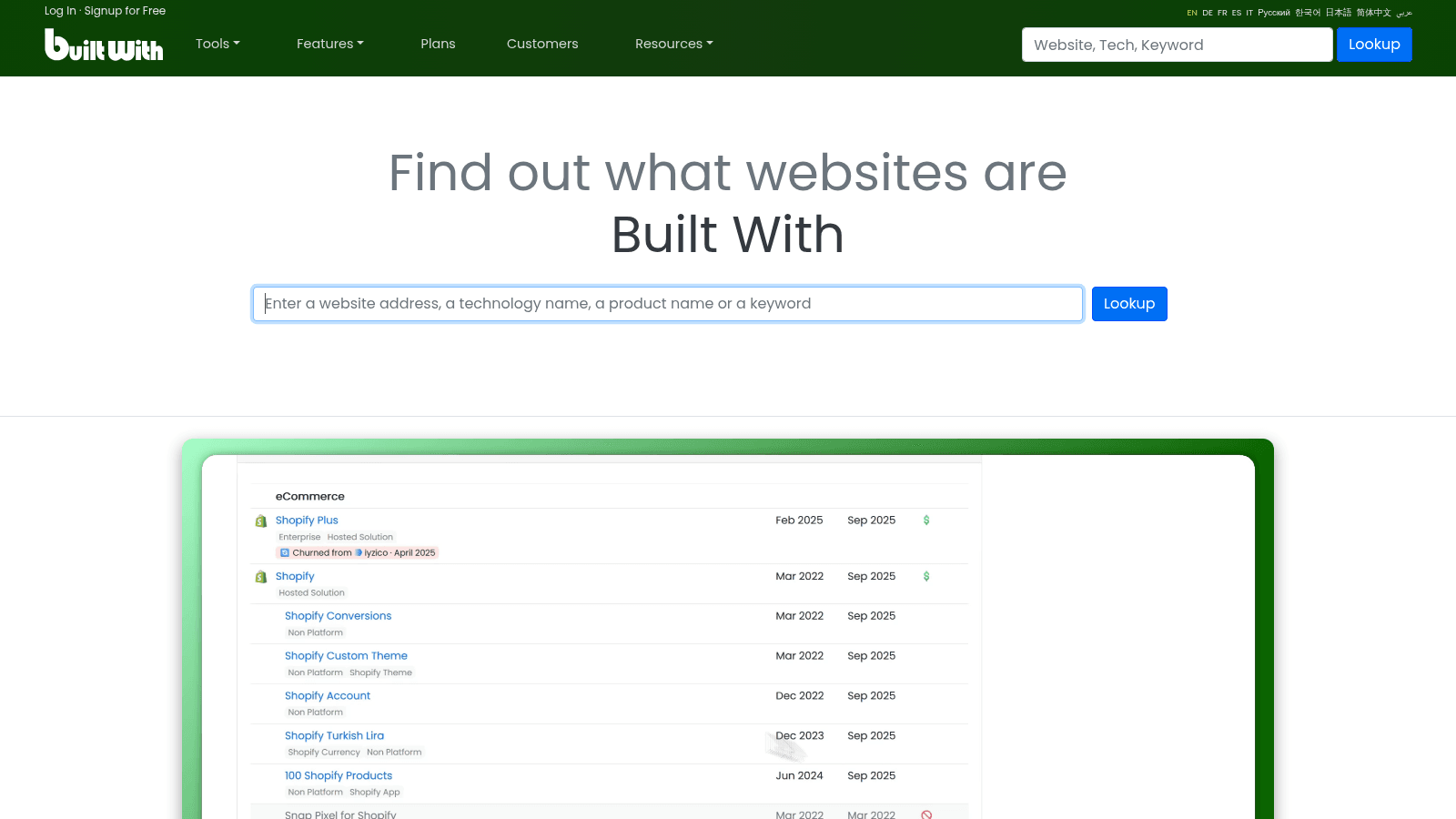
BuiltWith tells you what technology a website runs, going back 18 years across 491.9 million domains. That history is the differentiator: you can see not just what a company uses now but what it switched away from and when.
For anyone selling software, that turns into a targeting list of a competitor's customers approaching renewal.
Key features:
- Technology profiles with adoption and churn dates per domain
- Lists filtered by technology, keyword, or retail platform
- CRM integrations covering Salesforce, HubSpot, Zoho, and Dynamics 365
Pricing: individual site lookups are free forever, which covers casual research. Paid plans jump to Basic at $295 per month, Pro at $495, and Team at $995, with the main difference being unlimited technologies and keywords above Basic.
Pros: unmatched technology history, free lookups genuinely useful, huge domain coverage, clean CRM sync, reliable data.
Cons: the free-to-paid jump is severe, Basic caps you at two technologies, interface feels dated.
Why it's a good company research tool: knowing a prospect's stack is often a sharper qualifier than headcount or revenue.
Final verdict: worth it only if technographic targeting is central to how you sell.
Wappalyzer
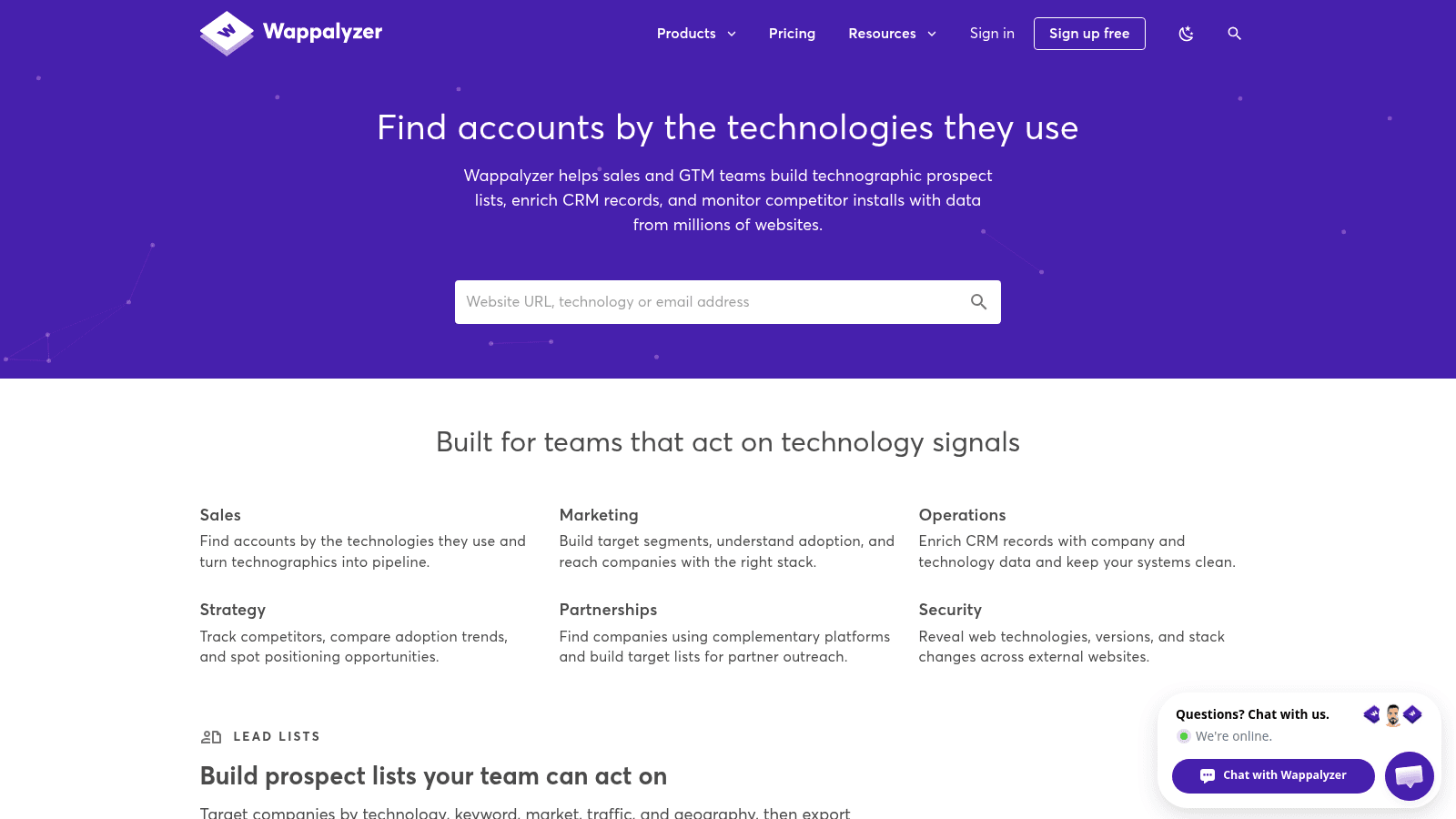
Wappalyzer covers similar ground to BuiltWith but starts cheaper and bundles lead lists and email verification into the same subscription. Its browser extension is the version most people know, showing a site's stack in one click.
The paid product turns that lookup into repeatable list building against technology targets.
Key features:
- Technology lookups with alerts when a site changes its stack
- Lead lists filtered by technology target, with CRM enrichment on higher tiers
- Built-in email verification sharing the same credit pool
Pricing: the free account covers 50 lookups and verifications per month plus 5 website alerts. Pro is $250 per month for one user and 5,000 lookups, Business is $450 for five users and 20,000, and Enterprise starts at $850. Annual billing saves 17%.
Pros: cheaper entry than BuiltWith, free tier usable for spot checks, bundles verification, clean API, well-known extension.
Cons: API credits expire after 60 days, less historical depth than BuiltWith, Pro is single-user only.
Why it's a good company research tool: it is the practical technographic option for teams that cannot justify $295 a month.
Final verdict: the sensible starting point for tech-stack targeting.
Dealfront
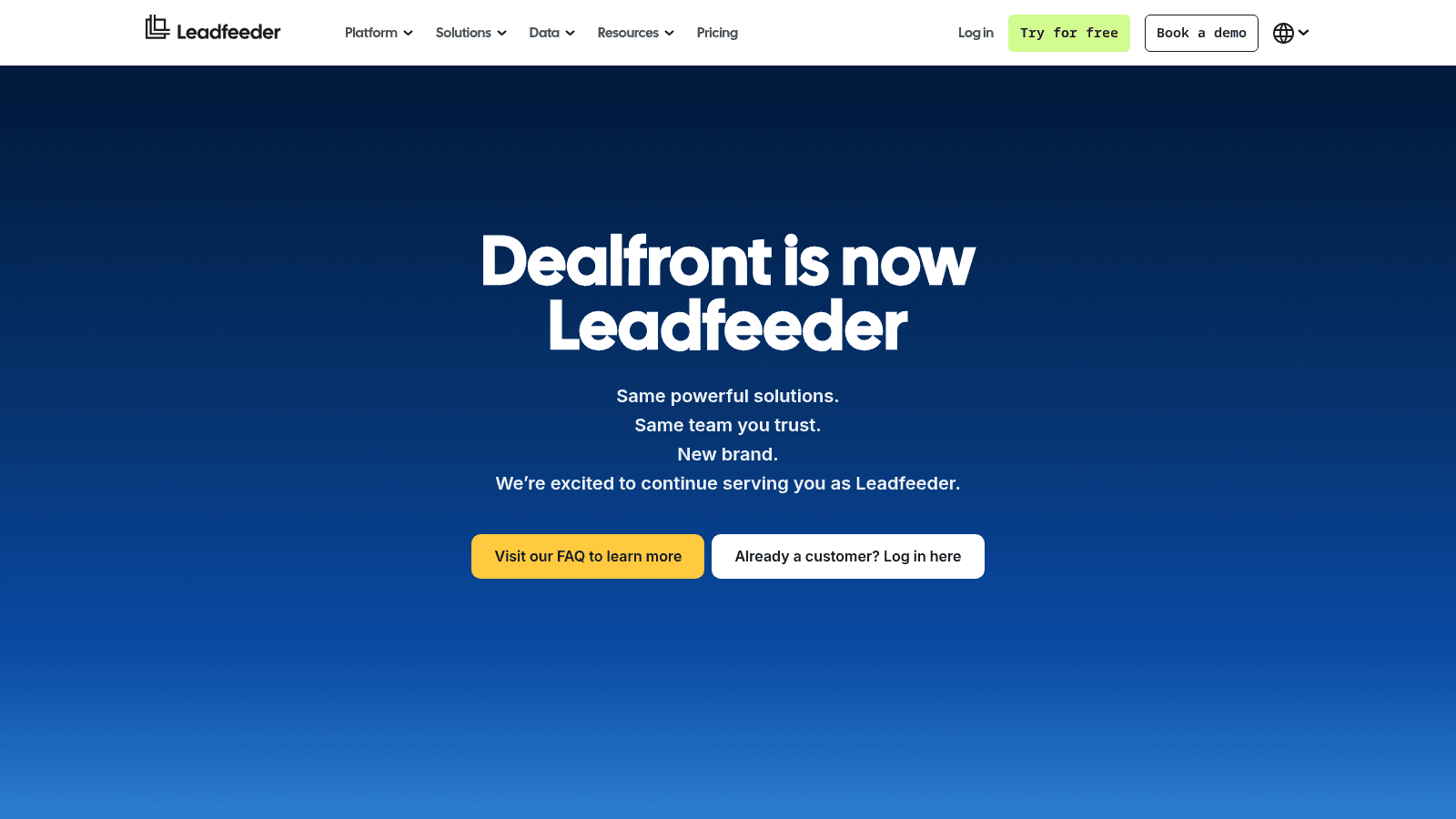
Dealfront, formed from the Leadfeeder and Echobot merger, is the strongest option for European company data. It identifies the companies visiting your website and combines that with firmographic and financial records built for EU markets.
Note that its pricing page redirects to Leadfeeder's, and everything is quoted in euros.
Key features:
- Website visitor identification resolved to company level
- European firmographic and financial data with GDPR-aligned handling
- Intent filters and automated pushes into your CRM
Pricing: the Lite plan is free forever and shows the last 100 identified companies per month. Discover starts at EUR79 per month billed annually, Activate at EUR369 adds verified contacts and intent filters, and Scale is EUR599. A 14-day trial needs no card.
Pros: best European coverage here, free tier is genuinely usable, strong CRM automation, real intent filtering, 30% annual discount.
Cons: priced in euros, weaker outside Europe, visitor identification only catches companies already on your site.
Why it's a good company research tool: it flips research from cold list-building to following up on demonstrated interest.
Final verdict: the default choice for EMEA-focused teams.
Diffbot
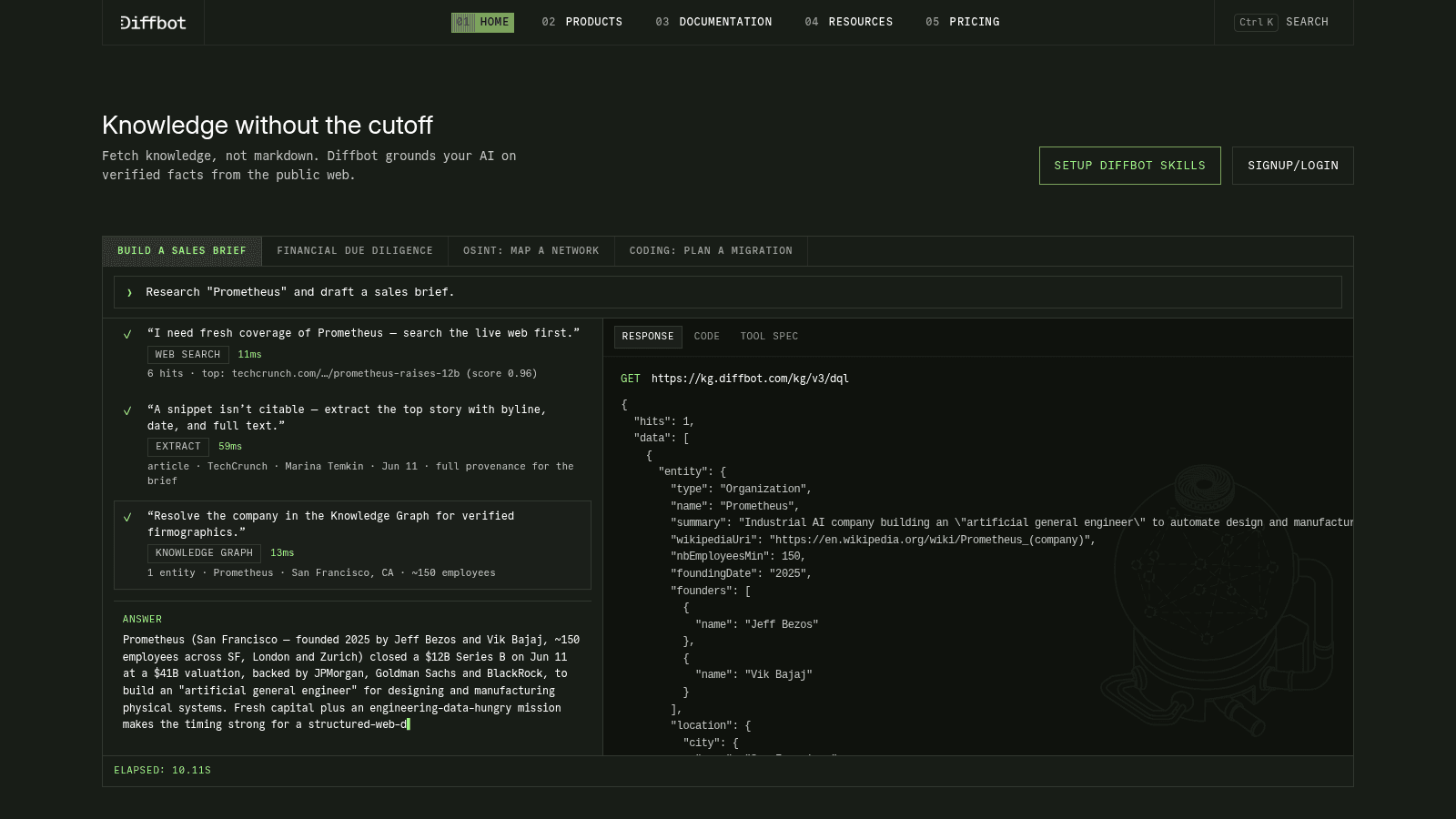
Diffbot builds its Knowledge Graph by crawling the web and applying natural language processing, rather than licensing records from data brokers. That means coverage of companies too small or too new to appear in traditional databases.
It is developer-first, so you query it through an API instead of clicking around a dashboard.
Key features:
- Knowledge Graph search across companies, people, and articles
- Extract and Crawl APIs for turning any page into structured data
- Natural language processing for pulling entities out of unstructured text
Pricing: the free tier is unusually generous at 10,000 credits per month, free forever with no card. Startup is $299 per month for 250,000 credits, Plus is $899 for 1 million credits and three seats, and Enterprise is custom.
Pros: best free tier of any data API here, covers long-tail companies, no long-term contract, transparent per-credit rates, strong documentation.
Cons: requires engineering effort, no polished end-user interface, data can be noisier than curated sources.
Why it's a good company research tool: it answers company questions programmatically, at a scale manual research cannot reach.
Final verdict: the pick when research needs to run inside your own software.
AlphaSense
AlphaSense is market research rather than sales prospecting. It indexes earnings call transcripts, broker research, regulatory filings, and expert interviews, then lets you search across all of it with AI.
For understanding an industry before you enter it, nothing on this list comes close.
Key features:
- Search across earnings calls, filings, and broker research in one place
- Expert call transcripts covering practitioner perspectives
- AI summarization and sentiment tracking across document sets
Pricing: AlphaSense publishes no pricing at all. The site routes every plan through its sales team, splitting into Market Intelligence and Enterprise Intelligence tiers with no figures attached.
Pros: unmatched depth on public company disclosures, expert transcripts are rare content, strong AI search, genuine analyst-grade sourcing.
Cons: no published pricing, overkill for standard prospecting, priced for enterprise research teams.
Why it's a good company research tool: it is the only option here that explains why a market is moving, not just who is in it.
Final verdict: buy it for strategy work, not for building prospect lists.
PitchBook
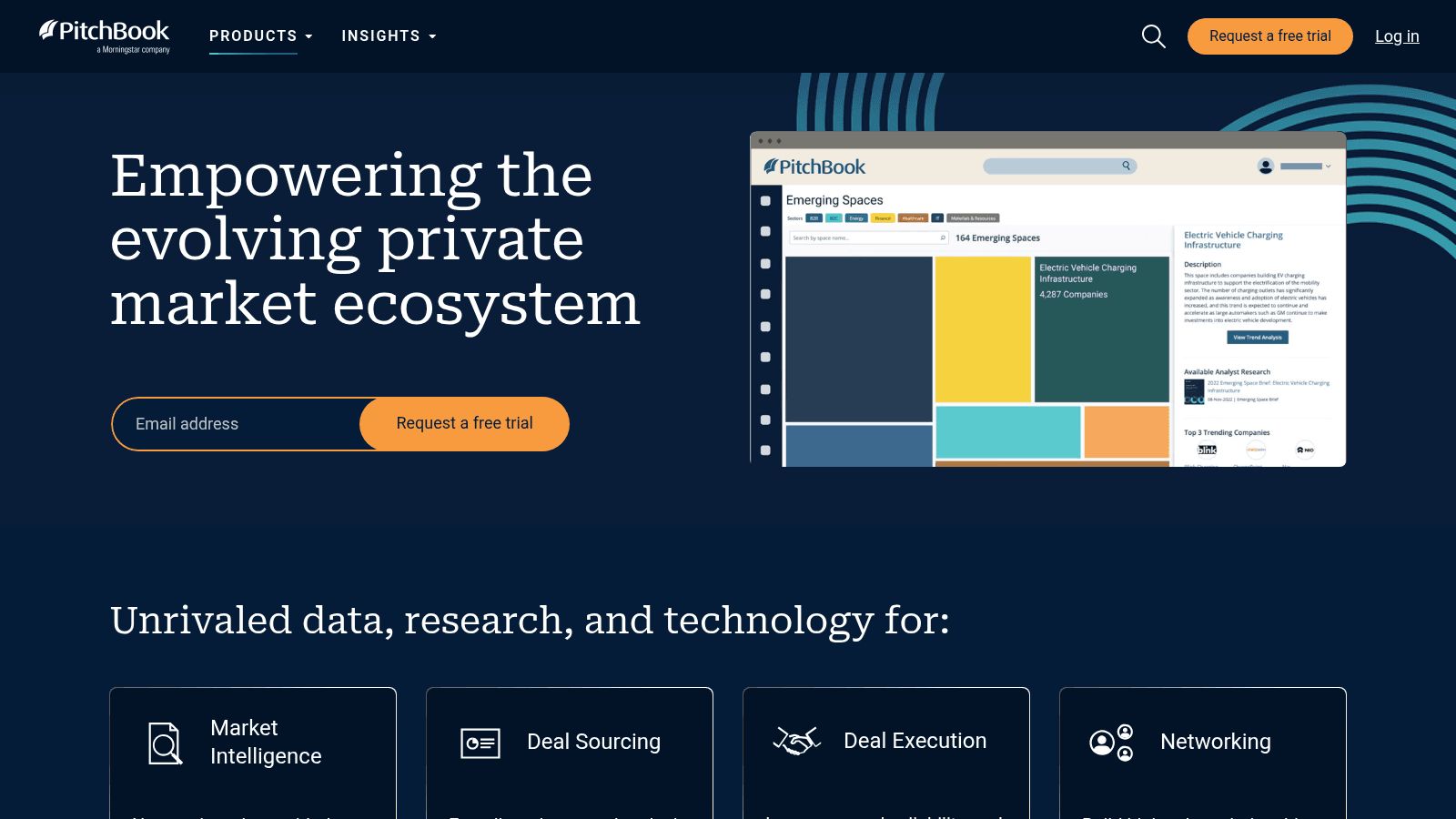
PitchBook is the private-markets reference for venture capital, private equity, and M&A. It tracks deals, valuations, cap tables, investors, and fund performance in more depth than any generalist tool.
If you sell into investors or need defensible valuation comparables, this is the category standard.
Key features:
- Deal and transaction data spanning venture, private equity, and M&A
- Valuation comparables and cap-table detail on private companies
- Investor and fund profiles with performance history
Pricing: PitchBook is quote-only and sold as a modular subscription that scales with seats. It publishes nothing, so the only public reference points are procurement figures: Vendr reports a median annual contract near $30,000 across 114 verified purchases, with a range from $20,000 to $124,000.
Pros: deepest private-market data available, strong valuation comparables, reliable investor coverage, respected as a citation source.
Cons: enterprise pricing with annual commitment, no self-serve option, far more than most sales teams need.
Why it's a good company research tool: for investor-facing work, its deal data has no real substitute.
Final verdict: justified only when private-market depth drives revenue.
How We Picked These Company Research Tools
Every tool here had to clear four bars, and several well-known names did not.
First, we checked pricing on the vendor's own live page in August 2026 rather than trusting a roundup. That caught real changes, including Dealfront's pricing now redirecting to Leadfeeder and Crunchbase moving its figures behind checkout.
Second, we required that the tool genuinely researches companies. Contact databases that happen to store firmographics were pushed to our sales intelligence tools roundup instead, and record-completion tools went to data enrichment tools.
Third, we needed to verify each vendor's site independently. ZoomInfo, Similarweb, and CB Insights all blocked our checks, and since we will not describe a page we could not open, none of them earned a ranked slot.
Fourth, we favored tools with a free tier or a transparent price. Six of the ten have one, which matters more than it sounds when you are testing a workflow before committing budget.
What to Look For in a Company Research Tool
The right tool depends on which question you are actually trying to answer, so start there rather than with a feature list.
- Match the data type to your trigger: funding rounds, technology changes, hiring signals, or news events
- Check refresh frequency, since a database updated quarterly will miss most trigger events
- Confirm geographic coverage before you buy, because US-strong tools are often thin in EMEA
- Look at export limits, not just search access, since research you cannot move into your CRM stays stuck
- Test the free tier against ten accounts you already know well, then check how much it got right
- Verify whether contact data is included or sold separately, because most research tools stop at the company
That last point is where most workflows break. Research tools tell you the company and often the person's name and title, then leave you to figure out the email address on your own.
How to Choose the Right Company Research Tool for Your Team
If you are a founder or a small team doing outbound, start with Owler at $39 a month for account alerts and Feedly at $6 for industry coverage. Together that is $45 a month and covers the majority of trigger-event research.
If you sell software and your best prospects are identifiable by their stack, Wappalyzer at $250 a month is the affordable entry, and BuiltWith at $295 makes sense once technology history matters.
If your outreach follows funding, Crunchbase is the clear pick, and its free tier is enough to test the workflow before you commit.
If you sell into Europe, Dealfront's free Lite tier is the fastest way to see whether visitor identification produces anything useful for you.
If you are an analyst or strategist rather than a seller, AlphaSense and PitchBook are the tools built for your job, and their cost reflects that.
Teams running research programmatically should look at Diffbot first, since 10,000 free credits a month is enough to prototype something real before any spend.
What Company Research Tools Cost in 2026
Pricing in this category spans three orders of magnitude, which makes averages useless. The table below groups the tools by what you actually get for the money.
Tier | Monthly cost | Tools | What you get |
|---|---|---|---|
Free | $0 | Owler, Feedly, Diffbot, Wappalyzer, BuiltWith, Dealfront | Limited lookups, capped feeds, or a small monthly credit pool |
Budget | $6 to $39 | Feedly Pro, Owler Pro | Alerts, monitoring, and competitor tracking for a defined list |
Mid-market | $79 to $300 | Dealfront, Wappalyzer, BuiltWith, Diffbot | Real list building, technographics, visitor identification, APIs |
Per-seat | $120 to $160 | LinkedIn Sales Navigator | People-level search and org mapping inside target accounts |
Enterprise | Quote only | AlphaSense, PitchBook, Crunchbase Business | Analyst-grade research, private-market data, custom terms |
The practical lesson is that the budget tier covers far more ground than most buyers expect. A $45-a-month combination of Owler and Feedly handles trigger-event research for a small team perfectly well, and you can add a technographic or funding tool later when a specific gap appears.
Are Free Company Research Tools Worth It?
Mostly yes, and more than in adjacent categories. Six of the ten tools here have free access that does real work.
Diffbot's 10,000 monthly credits are enough to enrich a few thousand companies. BuiltWith's free lookups answer the technology question for any single site, forever. Dealfront's Lite plan shows the last 100 companies that visited your website. Feedly's free tier tracks 100 sources.
The limits show up when you need volume or export. Owler's Community plan caps you at five followed companies, which is a demo rather than a workflow. Wappalyzer's 50 monthly lookups disappear in an afternoon of list building.
A sensible approach is to run free tiers across two or three tools for a month, see which one you open daily, then pay for that one only.
One caveat worth naming: free research tools give you companies, not contacts. That last step still costs money almost everywhere, which is the specific problem we set out to solve.
From Company Research to an Actual Conversation
Research has a finish line, and it is not a full CRM record. It is a reply.
A thread in r/salestechniques captures the failure mode well. A rep described opening LinkedIn, the company site, blog posts, and interviews before every call, ending with 30 or 40 tabs open and still feeling underprepared. The most useful reply pointed out that most of those tabs never say what matters for the conversation, and suggested pulling from executive interviews and earnings calls instead. You can read the full thread on Reddit, keeping in mind it is one team's experience rather than data.
The same over-research trap hits outbound. You can spend an hour on an account and still not have the one thing that lets you start the conversation, which is the decision maker's work email.
That is where we come in. Name2Email is a free Chrome extension that generates the likely email patterns for a name and company domain right inside Gmail's compose window. You type the name and domain, we populate the "To" field with the probable formats, and you hover to confirm, since Gmail surfaces the person's name and photo when it recognizes an address.
There are no credits, no monthly cap, and no account to create. That matters when you are researching 40 companies and only 6 turn out to be worth an email.
We are honest about the limits. Our approach is pattern-based rather than a scraped database, it works best on corporate domains, and we cannot guarantee every address. If you want the deeper mechanics, our guide on finding an email address walks through the confirmation step, and looking up an address covers checking one you already have.
For bulk work we are the wrong tool, and we say so plainly. If your research produces a list of hundreds rather than a handful of named people, a paid finder is the better fit, and the best email finding tools compares those options on price and hit rate. Once you have the addresses, verifying them before you send protects the domain you spent months warming up.
Two data points frame why this sequence matters. Gartner predicts that by 2030, 75% of B2B buyers will prefer sales experiences that prioritize human interaction over AI, which raises the value of a well-researched personal email rather than lowering it. At the same time, Forrester found that 63% of sales leaders expected digital buying behaviors to reshape their organization within two years, while only 37% treated digitizing the buyer journey as a priority.
Research plus a real human email is the combination that survives both trends.
Where to Start This Week
The top company research tools are the ones you actually open, so pick one trigger you can act on and buy only the tool that surfaces it.
If that trigger is funding, open a Crunchbase free trial today. If it is technology, run ten known accounts through Wappalyzer's free tier. If it is news and competitor moves, set up Owler's free plan and Feedly's free plan side by side for a week and keep whichever one you actually open.
Skip the enterprise terminals unless you can name the specific decision they will inform. AlphaSense and PitchBook are excellent and expensive, and neither will help you send more emails next Tuesday.
Then close the last gap. Add Name2Email to Chrome and turn the accounts you researched into actual conversations, without paying per lookup. If your next step is sequencing those emails rather than sending them one at a time, our roundups of sales automation tools and the best cold email software cover what comes next, and you can see who uses us and how if you want the short version first.
Frequently asked questions
Company research tools are software products that gather and organize information about businesses so you can decide which accounts to pursue and how to approach them. They cover firmographics like size and revenue, funding history, technology stacks, news and leadership changes, and website visitor identification. Most teams combine two or three, because no single tool handles funding, technology, and news equally well. The category overlaps with sales intelligence but focuses on the company rather than the individual contact.
Diffbot offers the most generous free tier at 10,000 credits per month, free forever with no card required. BuiltWith gives unlimited free individual site lookups, and Dealfront's Lite plan shows the last 100 companies that visited your website each month. Feedly's free plan tracks 100 sources across three folders, which is enough for basic company and industry alerts. Owler's Community tier is the weakest of the free options, capping you at five followed companies.
LinkedIn Sales Navigator is the native option, starting at $119.99 per month, and gives you account and lead search, job-change alerts, and CRM sync inside LinkedIn itself. For research that starts on LinkedIn and moves outward, browser extensions from Wappalyzer and Owler both work alongside it. Keep in mind that Sales Navigator does not provide work email addresses, so you still need a separate way to reach the people you identify.
The best AI tools for company research are the ones that filter rather than generate. Feedly AI muting and deduplicating alerts, Crunchbase answering plain-language questions about funding, and AlphaSense summarizing earnings calls all reduce reading time on information you would otherwise skim manually. What AI does not fix is data coverage, so an AI layer on a database that lacks your target accounts still returns nothing useful. Test the underlying data first, then judge the AI on top of it.
Among research tools for company and industry alerts, Feedly is the cheapest dedicated option at $6 per month, tracking named companies, competitors, and whole industry themes with filters that keep the volume manageable. Owler Pro at $39 per month delivers daily snapshots on followed companies covering news, funding, and leadership changes, plus a competitor graph. Dealfront sends real-time alerts when a target account visits your website, and LinkedIn Sales Navigator alerts you to job changes inside saved accounts.

We build Name2Email, the free Chrome extension that finds work emails inside Gmail. We write about outreach, prospecting, and getting more replies.
Connect →