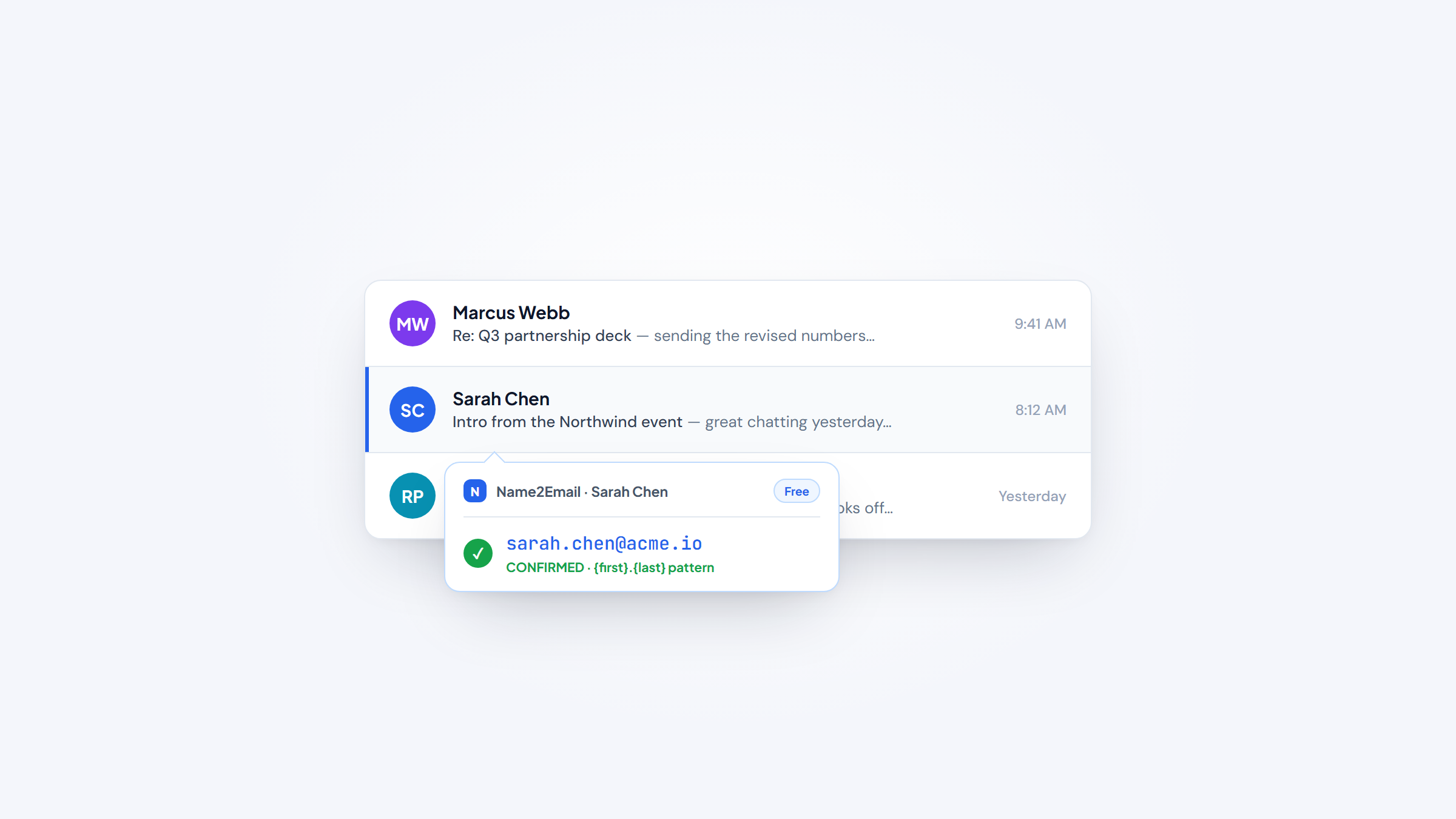
- 1Email finding tools turn a name and company into a work email, so you can reach a prospect without a mutual intro or a guess.
- 2Accuracy matters more than database size. Most paid finders charge a credit whether the email bounces or not, so a low bounce rate protects both your budget and your sender reputation.
- 3Prices range from free to $99/month, and metering differs wildly: some charge per lookup, some per verified email only, some per seat.
- 4Our free Name2Email extension finds work emails right inside Gmail with no account and no credits, so it starts this list as the option that costs nothing to try.
Every cold email, recruiter outreach, or partnership pitch starts with the same problem: you know who you want to reach, but not their email address. Email finding tools solve that by turning a name and a company domain into a usable work email. This guide ranks the best email finding tools for 2026, from free in-Gmail extensions to large B2B databases, and shows which one fits the way you actually work.
We built Name2Email, a free Chrome extension that surfaces work emails inside Gmail, so we spend our days in this exact problem. That also means we're honest about the tradeoffs: a free pattern-based finder and a paid 700-million-contact database solve slightly different jobs, and this list covers both so you can pick the right one.
If you want the underlying method first, our guides on how to find an email address and how to look up an email address walk through finding and checking addresses by hand before you ever pay for a tool.
What Are Email Finding Tools?
An email finding tool takes what you know about a person, usually their name and where they work, and returns their professional email address. Some do it by matching against a database of previously collected contacts. Others generate the likely address from the company's naming pattern and confirm it. A few do both.
You'll see them called email finders, email lookup tools, email finding software, or contact-discovery tools. The label changes, but the job is the same: get from "I need to email the VP of Sales at Acme" to a real address you can send to.
The reason accuracy is the whole game is that a wrong address costs you twice. You waste the credit you paid to find it, and a bounced email chips away at your sender reputation, which quietly pushes your future emails toward spam.
Saleshandy's own testing across 95,000 cold emails found that most finders will charge full price for emails that later bounce, which is why the best tools now sell verified-only results and low bounce rates rather than raw database size.
The Best Email Finding Tools in 2026
The eleven tools below all find work emails, but they're built for different jobs. Some are free and live in Gmail, some are large databases with phone numbers attached, and some only bill you for verified addresses. The table shows the shape of each; the entries explain the fit.
Tool | Best for | Key features | Main limitation | Pricing (from) | Rating |
|---|---|---|---|---|---|
Name2Email | Free in-Gmail finding | In-Gmail patterns, hover-confirm, unlimited lookups | Pattern-based, best on corporate domains | $0 (free) | ★★★★★ |
Hunter | Transparent domain lookups | Domain search, confidence score, verifier | Smaller database than rivals | $34/mo | ★★★★½ |
Apollo | All-in-one prospecting | 210M+ contacts, sequences, dialer | Data on old contacts bounces | Free / $49/mo | ★★★★½ |
RocketReach | Emails plus phone numbers | 700M profiles, refund-if-not-found | Cheapest tier is annual only | $27/mo | ★★★★ |
Snov.io | Affordable find and send | Finder, 98% verifier, drip campaigns | Shared credits deplete fast | $39/mo | ★★★★ |
Findymail | Guaranteed low bounce | Real-time verify, under-5% bounce | No cheap mid-tier plan | $99/mo | ★★★★ |
GetProspect | LinkedIn verified emails | Chrome extension, valid-only billing | Small free tier (50/mo) | $34/mo | ★★★★ |
Prospeo | Verified emails on a budget | LinkedIn finder, domain search, API | Smaller brand and database | $37/mo | ★★★★ |
Skrapp | Bulk LinkedIn extraction | Sales Nav extraction, deliverable-only | Opaque per-plan credits | $29/mo | ★★★½ |
Lusha | Emails plus direct dials | Verified email + phone, compliance-first | Phone reveals cost 5x | $32/mo | ★★★★ |
ContactOut | Unlimited emails in Gmail | Gmail enrichment, LinkedIn extension | Low rate needs annual billing | $49/mo | ★★★½ |
Ratings reflect work-email find rate, honest pricing, and workflow fit, not brand size. Narrow to two or three, then read those entries in full before you start a trial.
Name2Email
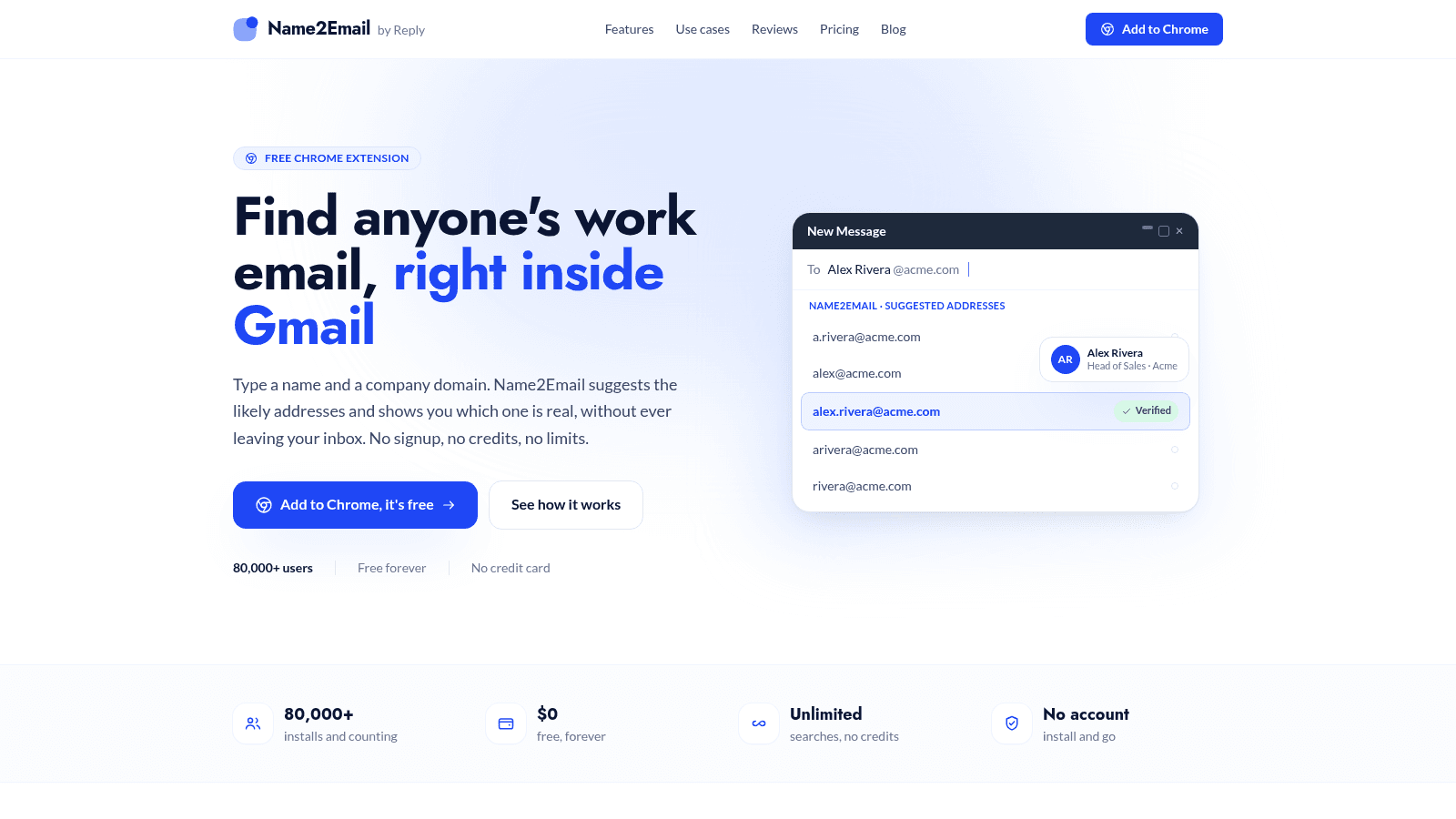
Name2Email's homepage, name2email.com (July 2026).
Name2Email is our top pick for anyone who lives in Gmail and wants to find work emails without paying for credits, and full disclosure, it's our own free extension. You type a person's name and company domain into Gmail's compose window, and we generate the most likely email patterns (first.last, f.last, first, and so on) right there in the "To" field.
You confirm the real address by hovering: Gmail surfaces the person's name and photo when it recognizes an address, so you can see which pattern is genuine before you send. There's no separate web app, no account, and no monthly cap.
We're upfront about the limits, because that honesty is the point. Name2Email is pattern-based, so it works best on corporate domains with a consistent naming convention, and it can't guarantee every address. For a big campaign, pair it with a verification step. For finding a handful of real emails for free while you write the email, it's hard to beat.
Best for: free work-email finding in Gmail
Key features:
- In-Gmail suggestions in the compose window → find an email without leaving your inbox
- Pattern generation from name and domain → get the likely addresses instantly
- Hover-to-confirm via Gmail recognition → see the person's name and photo on the real address
- Unlimited lookups with no credits → prospect across many domains at no cost
- No account or signup → install and start finding emails immediately
- Free forever at $0 → keep your budget for sending, not for finding
Pricing: free forever, $0. No tiers, no credits, no monthly cap, and no credit card. There's genuinely no paid plan to upsell you to.
Pros: completely free and unlimited, works inside Gmail as you compose, no account or setup, no per-lead credit cost, honest about its pattern-based limits
Cons: it's pattern-based rather than a stored database, and it works best on corporate domains
How to start using it:
- Add Name2Email to Chrome from the Chrome Web Store (no account needed).
- Open Gmail and click Compose.
- Type the person's name and company domain, like "Alex Rivera acme.com."
- Review the suggested patterns that populate the "To" field.
- Hover to confirm the address Gmail recognizes, then write your email.
Why it's a good email finding tool: it removes the two biggest costs of finding emails, money and friction, by working free and unlimited inside the inbox you already use. You never hit a paywall mid-outreach.
For founders, SDRs, recruiters, and anyone sending outreach one prospect at a time, Name2Email covers the finding step at no cost, so you only pay for the tools that actually send.
Hunter
Hunter's homepage, hunter.io (July 2026).
Hunter is the most transparent email finder here: every result comes with a confidence score and the public sources it was found in, so you can judge how much to trust it before you send. It pairs a domain search with a finder and a verifier.
- Key features: Email Finder (name plus domain returns an outreach-ready email) → get a single contact fast; Domain Search (lists every email at a company) → map an org's contacts; confidence score with cited sources → trust the result before you send
- Pricing: a free plan gives 50 credits a month. Starter is $49/month, or $34/month billed yearly, for 2,000 credits, with unlimited users on every plan. One credit finds an email; verifying costs half a credit.
- Pros: rare transparency with sources and a confidence score on each email, a genuinely usable free tier, unlimited seats even on paid plans
- Cons: a smaller database than Apollo or ZoomInfo, so find rate on lesser-known contacts lags; credits cover both finding and verifying; no bundled sending on lower tiers
- Best for: transparent domain-based email lookups
For teams that want to see why an email is likely correct, not just take it on faith, Hunter's sourced results make it a dependable pick.
Apollo.io
Apollo's homepage, apollo.io (July 2026).
Apollo is an all-in-one sales platform built on a 210M+ contact database, with email finding, a dialer, sequences, and a CRM in one place. It's more of a prospecting suite than a pure finder.
- Key features: 210M+ contacts with 65+ filters → build targeted lists fast; email finder plus verification → find and check in one tool; built-in sequences and dialer → move from finding to sending without switching apps
- Pricing: a free plan includes 900 credits. Basic is $49 per seat/month for 30,000 credits, Professional $79, and Organization $119 (minimum three seats). Dialer and export credits meter separately.
- Pros: a big free plan and a large database, replaces several tools at once, strong filtering for list building
- Cons: users report weaker data on older contacts and more bounces there, per-seat pricing climbs for teams, and the interface is overkill if you only need an email
- Best for: all-in-one prospecting and outreach
For teams that want their database, enrichment, and outreach in one platform, Apollo is a strong all-rounder, though verify older contacts before a big send.
RocketReach
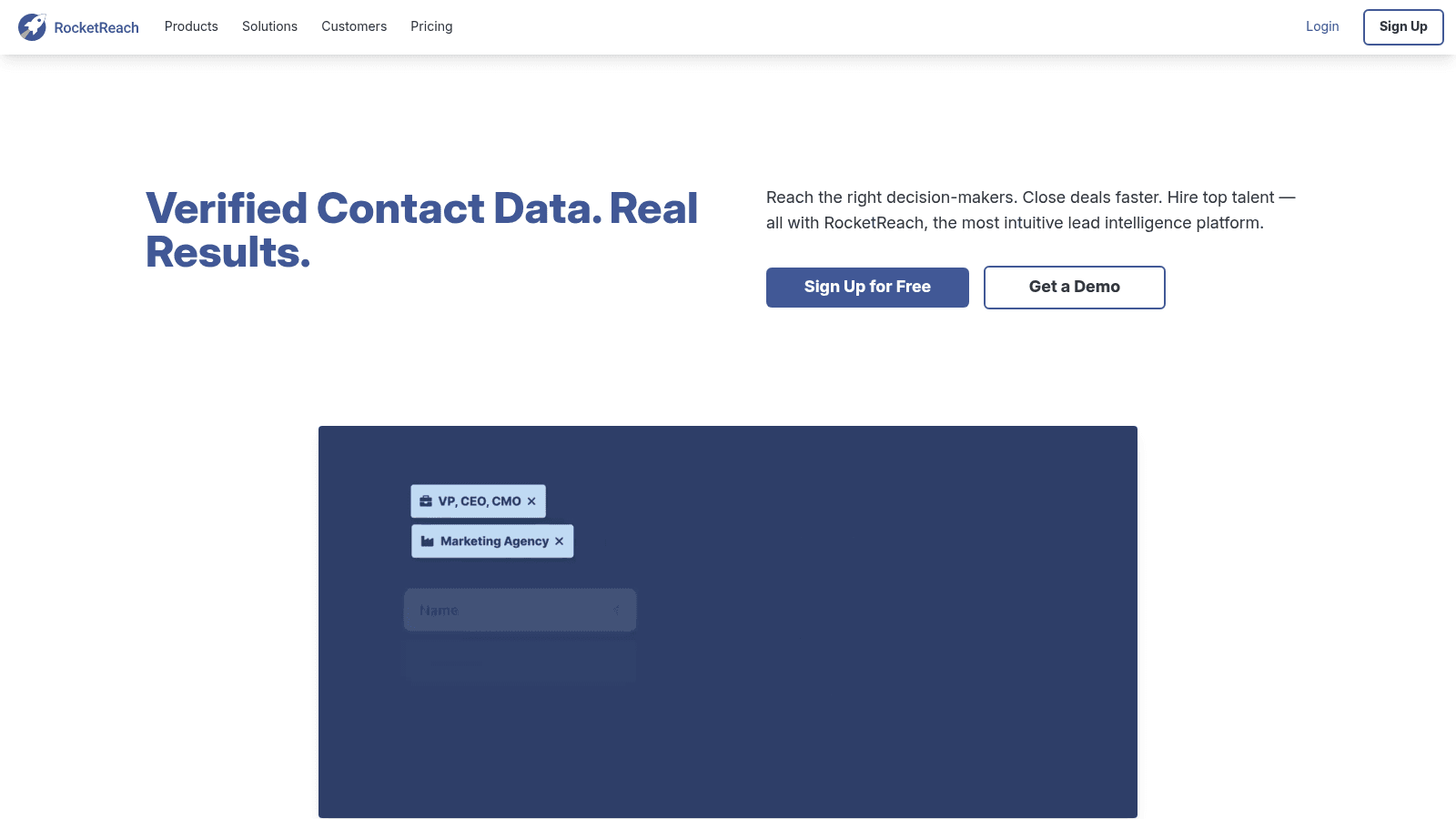
RocketReach's homepage, rocketreach.co (July 2026).
RocketReach is a contact-lookup database of 700M+ professionals that returns work and personal emails plus direct phone numbers. It's built for reaching senior people who don't answer generic inboxes.
- Key features: name or company returns email and phone → reach executives by more than one channel; 700M-profile search → find contacts across industries; refund-if-not-found lookups → only spend a lookup on a verified result
- Pricing: a free plan gives 5 lookups with no card. Essentials is $27/month billed annually for unlimited emails; Pro at $69/month adds mobile and direct phones; Ultimate is $142/month. Lookups are refunded when nothing verified is found.
- Pros: returns emails and direct phone numbers together, unlimited-email tiers start cheap, lookups refunded when nothing is found
- Cons: the cheapest tier is annual-billed only, personal-email results raise compliance questions for some buyers, and find rate on smaller companies is inconsistent
- Best for: emails plus direct phone numbers
For executive and multichannel outreach where a phone number matters as much as an email, RocketReach earns its place.
Snov.io
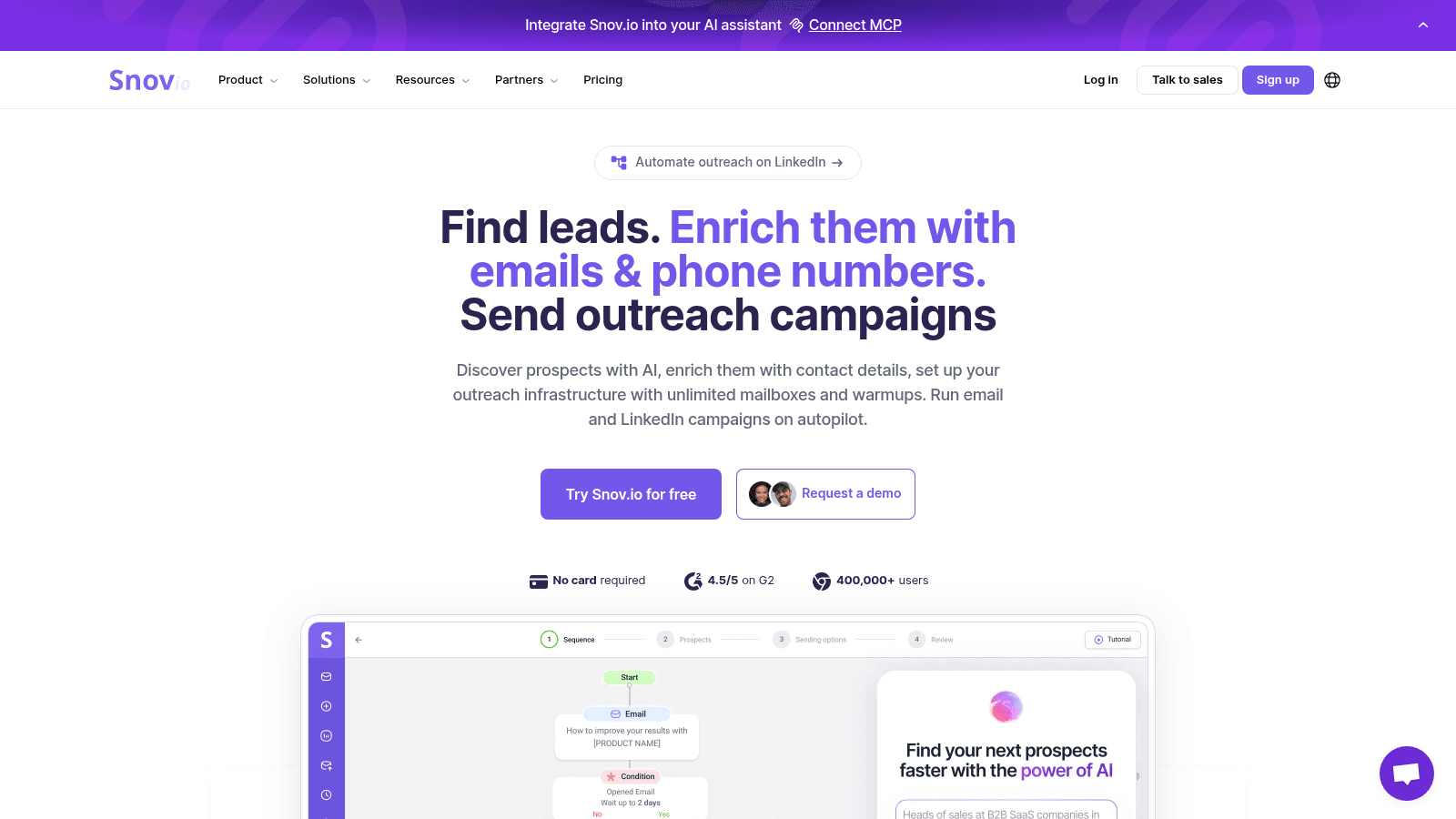
Snov.io's homepage, snov.io (July 2026).
Snov.io bundles an email finder, a verifier, and cold-email automation in one budget-friendly workspace. It's a fit for small teams that want to find, verify, and send from a single tool.
- Key features: email finder by domain, bulk, or LinkedIn → source contacts several ways; email verifier at 98%+ accuracy → cut bounces before sending; built-in drip campaigns with free follow-ups → send without a second tool
- Pricing: a free trial includes about 50 credits. Starter is $39/month for 1,000 credits plus 5,000 recipients, with higher tiers scaling into six figures of credits. One credit saves a prospect, searches an email, or runs a verification.
- Pros: one of the cheapest find-verify-send bundles, strong on international and EU leads, unlimited follow-ups within your recipient quota
- Cons: independent testing put its find rate at the lower end of the field, credits are shared across finding and verifying so they deplete fast, and LinkedIn automation costs extra per slot
- Best for: affordable find, verify, and send
For a lean team that wants the whole outreach loop in one affordable tool, Snov.io covers a lot of ground.
Findymail
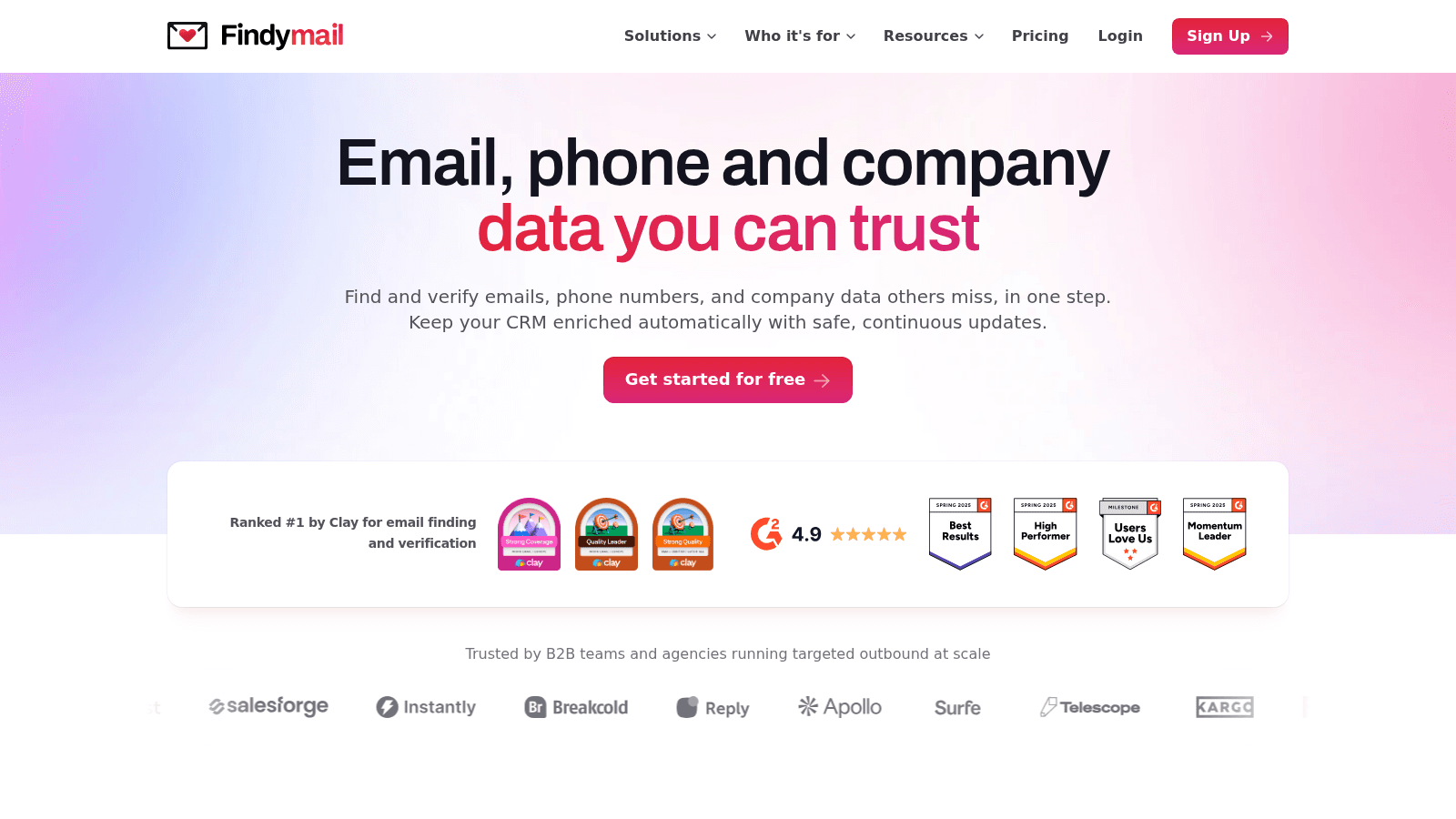
Findymail's homepage, findymail.com (July 2026).
Findymail is a verification-first finder that guarantees a sub-5% bounce rate and only charges for verified results. It's built for senders who treat their domain reputation as sacred.
- Key features: real-time verification on every find → fresh results, not stale database entries; guaranteed under-5% bounce or credits refunded → protect your sender reputation; Intellimatch AI lead finder → describe your ICP in plain English and get matching companies
- Pricing: a free trial is available, then Starter is $99/month for 5,000 finder credits plus 5,000 bonus verifier credits. One email costs one credit; a phone number costs ten. Credits roll over up to double.
- Pros: an explicit under-5% bounce guarantee with refunds, only charges for verified emails, a free API with no per-seat fees
- Cons: the entry plan is pricey at $99/month with no cheap mid-tier, phone numbers burn ten credits each, and its raw database trails Apollo on obscure contacts
- Best for: guaranteed low-bounce verified emails
For agencies and heavy senders who can't afford a bounce spike, Findymail's guarantee is the clearest risk-removal in the category.
GetProspect
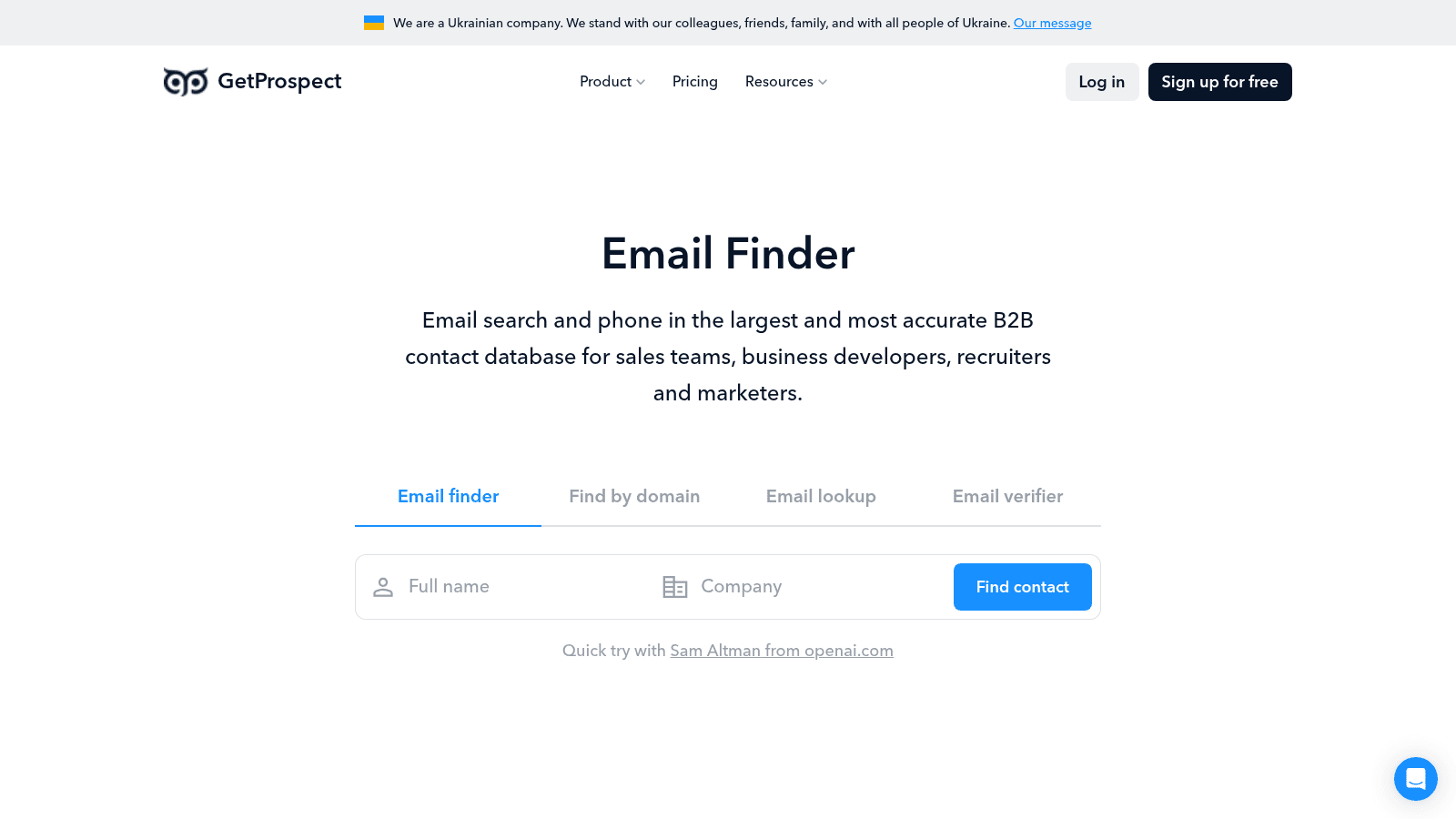
GetProspect's homepage, getprospect.com (July 2026).
GetProspect is a LinkedIn-first email finder that only charges you for verified valid emails. Its Chrome extension pulls contacts straight from LinkedIn and Sales Navigator.
- Key features: Chrome extension over LinkedIn and Sales Navigator → build lists from where you already prospect; reverse email lookup → go from an email back to a name and role; valid-only billing → never pay for a bad address
- Pricing: a free plan gives 50 valid emails a month. Starter is $49/month, or $34/month billed annually, for 1,000 valid emails, with credits that roll over and no charge for duplicates. Higher tiers scale to 50,000.
- Pros: you pay only for verified valid emails, generous roll-over with no duplicate charges, strong LinkedIn and Sales Navigator extraction
- Cons: the free tier is small at 50 a month, the database is weaker outside LinkedIn-sourced contacts, and sending features cost extra
- Best for: LinkedIn-sourced verified work emails
For prospectors who build lists from LinkedIn and hate paying for guesses, GetProspect's valid-only model is a clean fit.
Prospeo
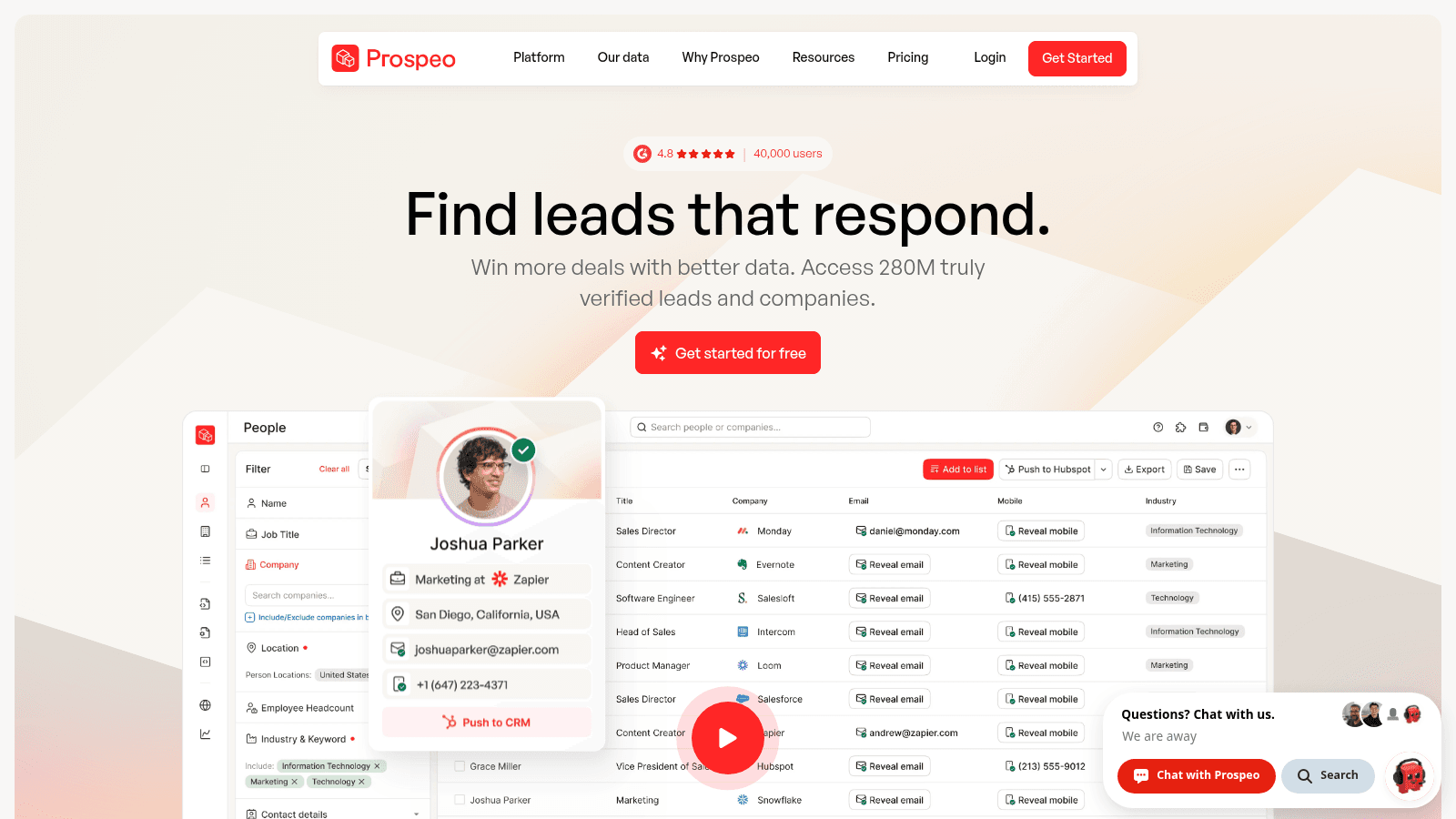
Prospeo's homepage, prospeo.io (July 2026).
Prospeo is a modern, budget-friendly finder for verified work emails, with a LinkedIn finder, domain search, and a 45-filter B2B database. It's one of the cheapest credible per-credit options.
- Key features: email finder with instant verified work emails → low-bounce results; LinkedIn email finder plus domain search → find one contact or a whole company; AI search and enrichment API → automate finding at scale
- Pricing: a free plan gives 100 credits a month. Starter is $49/month, or $37/month billed annually, for 2,000 credits a month; Growth is $99/month for 5,000. Metered per credit, per user.
- Pros: the cheapest credible per-credit entry, a real free tier at 100 a month, a modern stack with AI search and an API
- Cons: a smaller brand and database than Hunter or Apollo, some filters are gated to higher tiers, and less third-party accuracy testing exists
- Best for: verified work emails on a budget
For a small team that wants verified emails and a clean API without a big bill, Prospeo punches above its price.
Skrapp.io
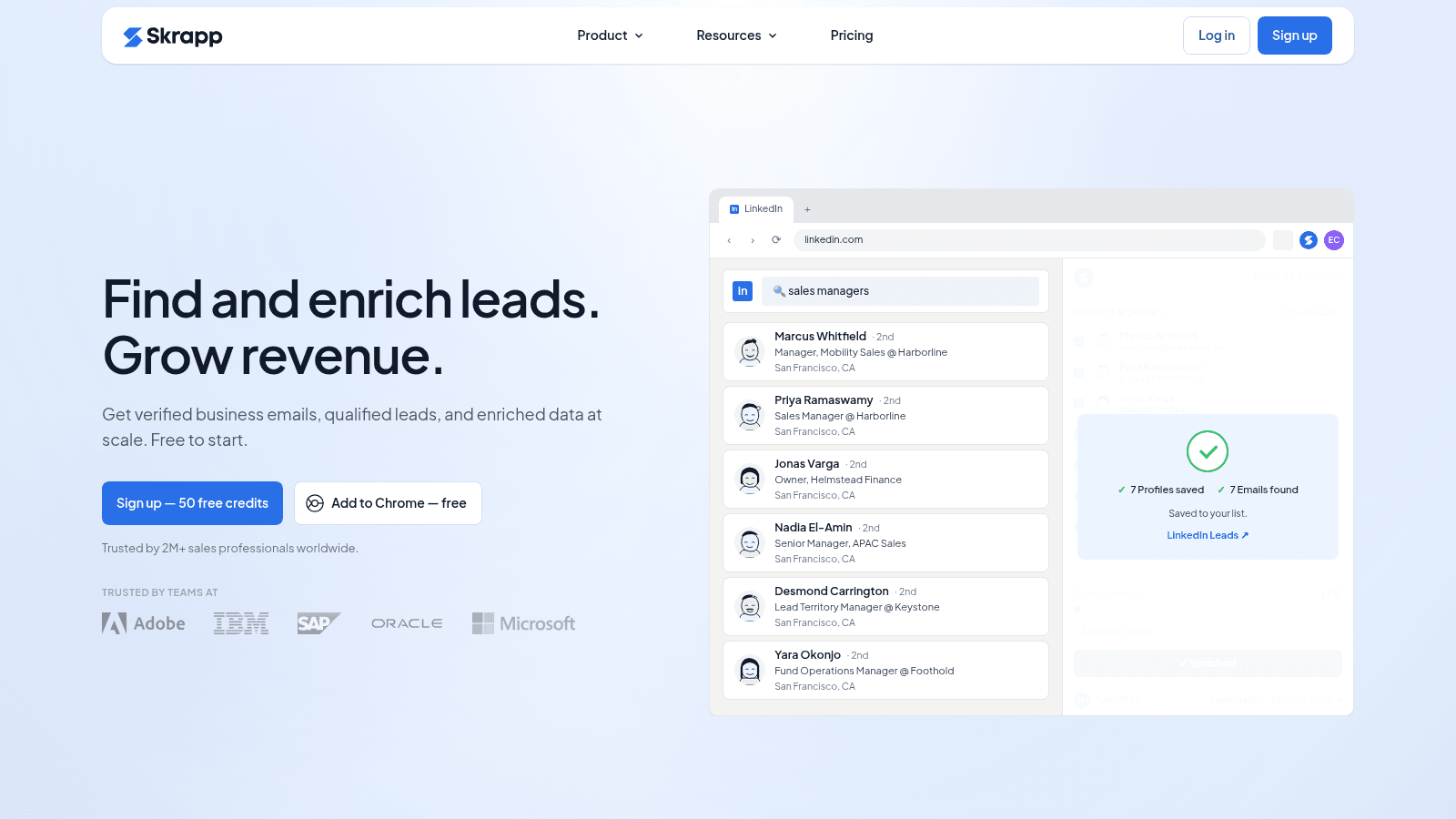
Skrapp's homepage, skrapp.io (July 2026).
Skrapp is a LinkedIn and Sales Navigator email finder delivered mainly as a Chrome extension, billed only for deliverable emails. It's built for bulk list extraction.
- Key features: Chrome extension for LinkedIn and Sales Navigator → bulk-extract contact lists; domain and company search → find emails outside LinkedIn; deliverable-only billing → pay only for usable addresses
- Pricing: a free plan gives 50 credits a month. Professional is $39/month, or $29/month billed annually, with daily people-search caps; Enterprise is $349/month. Credits roll over under a fair-use policy.
- Pros: a cheap entry with deliverable-only billing, solid LinkedIn and Sales Navigator bulk extraction, credits that roll over
- Cons: the exact per-plan credit allotment is opaque on the pricing page, daily search caps constrain heavy users, and the database is thin outside LinkedIn sources
- Best for: bulk LinkedIn list extraction
For teams that build large lists from LinkedIn, Skrapp's extraction and deliverable-only pricing make it a practical workhorse.
Lusha
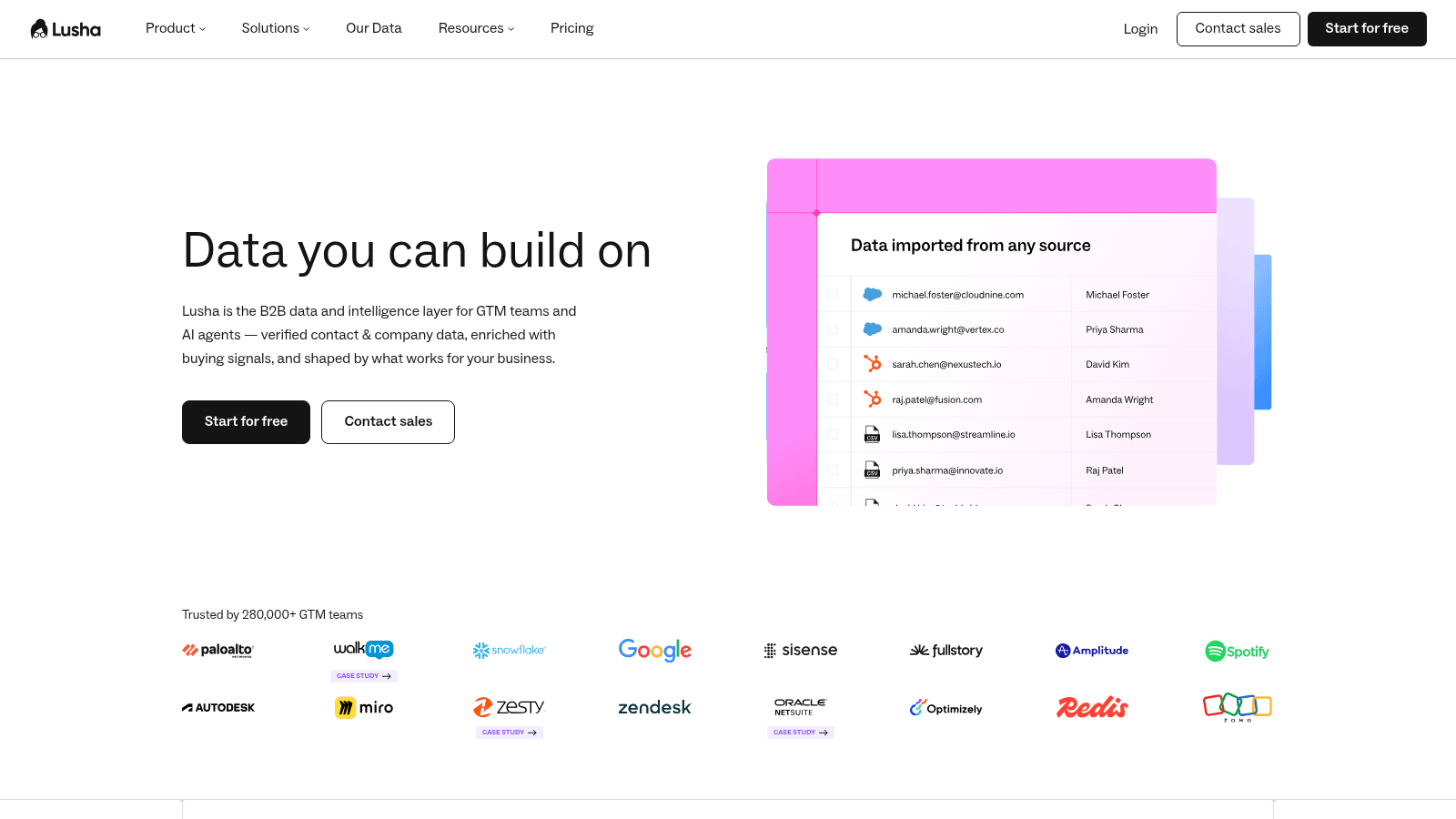
Lusha's homepage, lusha.com (July 2026).
Lusha is a compliance-first B2B contact database that reveals verified emails and direct phone numbers through a Chrome extension. It leans harder on phone data than most finders here.
- Key features: reveal verified email plus direct or mobile phone → reach people by more than one channel; Chrome extension over LinkedIn and company sites → prospect in context; GDPR and CCPA compliance → reassure regulated buyers
- Pricing: a free plan gives 40 credits a month. Starter is $49.90/month, or $32.45/month billed annually, for 4,800 credits a year granted upfront; Pro and Premium add more credits and free seats. One credit reveals an email; a phone number costs five.
- Pros: strong direct-dial phone data alongside email, compliance positioning that reassures regulated buyers, upfront annual credits with free seats on paid tiers
- Cons: phone reveals cost five times an email so credits vanish fast, the free tier is only 40 credits a month, and email-only users pay for a phone-heavy model
- Best for: verified emails plus phone numbers
For sales teams that call as well as email and work in regulated industries, Lusha's compliance and phone data are the draw.
ContactOut
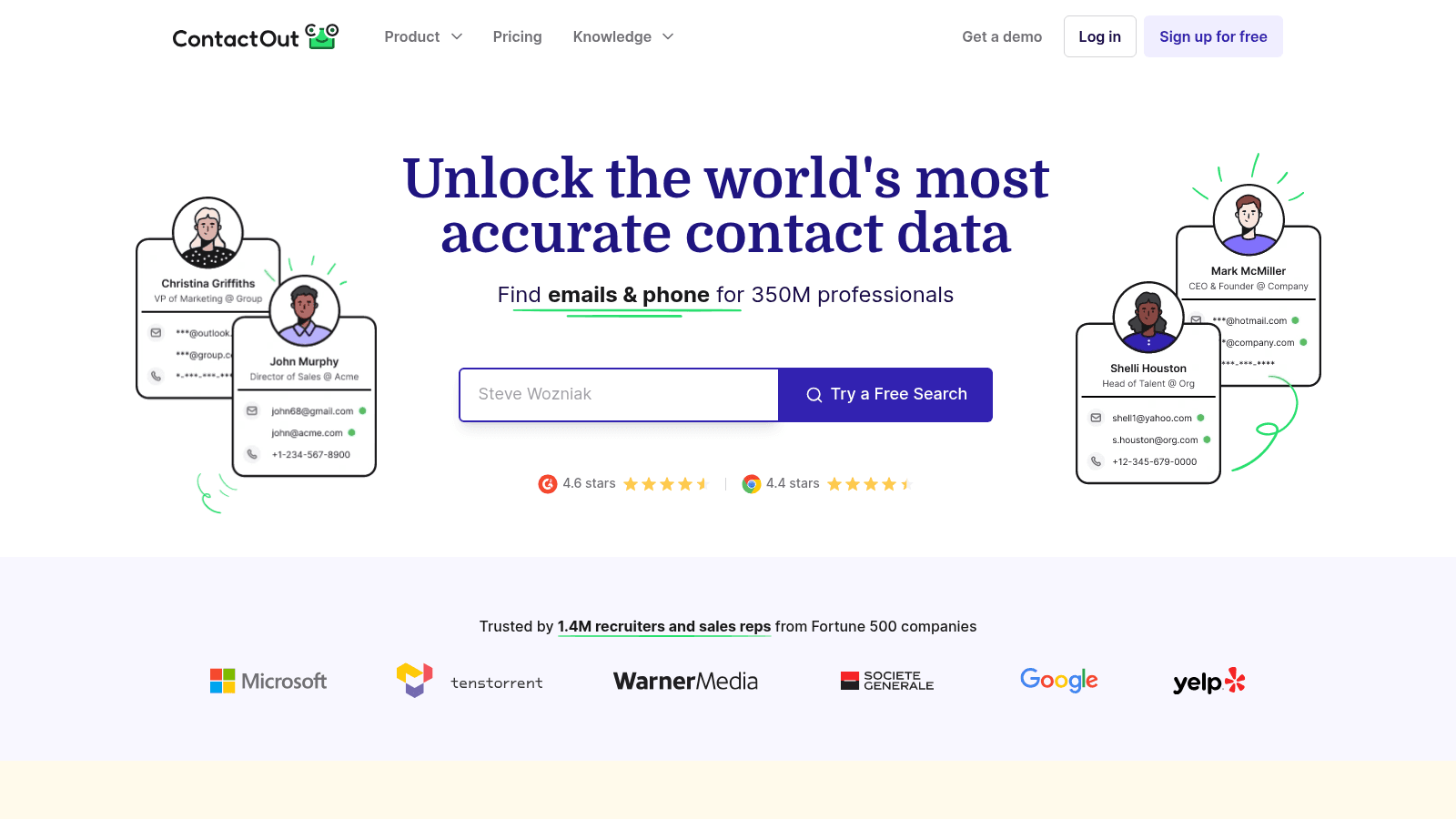
ContactOut's homepage, contactout.com (July 2026).
ContactOut is a recruiter and sales database of 350M+ professionals with a Chrome extension and native Gmail enrichment, sold on unlimited-email flat plans. Its in-inbox angle overlaps with how many people actually prospect.
- Key features: Chrome extension over LinkedIn → pull work and personal emails; native Gmail enrichment → surface contact data inside Gmail; 350M-profile search portal → find contacts at scale
- Pricing: a free plan gives 5 emails a day. The Email plan is $99/month, or $49/month billed annually, for unlimited emails; Email plus Phone is $199/month, or $99/month annually. A sales-team plan runs $299/month for unlimited users.
- Pros: unlimited-email flat pricing rewards high-volume users, Gmail enrichment and a Chrome extension fit an in-inbox workflow, deep coverage of professional and personal emails
- Cons: the low rate needs annual billing and some prices sit behind a sales call, the free tier is a thin 5 emails a day, and personal-email data raises compliance concerns
- Best for: unlimited emails inside LinkedIn and Gmail
For recruiters and high-volume prospectors who want unlimited emails in the tools they already use, ContactOut's flat pricing pays off at scale.
How We Chose These Email Finding Tools
We built this shortlist from live pricing pages and current user sentiment, then judged each tool on what actually matters when you're trying to reach a real person. We didn't rank on database size or marketing claims.
Four things carried the most weight. First, find rate and accuracy, since an email you can't trust is worse than no email. Second, how the tool bills, because paying for bounced or unverified addresses is the loudest complaint in the category. Third, workflow fit, since a Gmail extension and a bulk LinkedIn scraper suit very different jobs. Fourth, honesty about limits, including where a tool charges for guesses or caps your free tier.
Name2Email ranks first because it removes cost and friction from the finding step entirely, and because we know it best, it's our own extension. We've still described every other tool factually, with real prices and real drawbacks, so the list is useful whether or not you ever install ours.
What to Look for in an Email Finding Tool
Once you have a shortlist, the details decide it. Whether you call them email finders or contact-discovery tools, the same handful of factors separate a tool that saves you time from one that quietly wastes your budget.
Accuracy and Bounce Protection
Accuracy is the first thing to check, because a bad address costs you a credit and a piece of your sender reputation at once. Look for tools that verify in real time and that only bill you for valid results, like Findymail's under-5% bounce guarantee or GetProspect's valid-only billing.
One user in r/agency who tested finders for months set a hard requirement of "under 5% bounce rate" and found Apollo's data "feels bad sometimes, lots of bounces on older contacts." It's one anecdote, but it matches why verification-first tools now lead the field.
Free Credits and Fair Metering
Read past the headline price to how credits are counted. Some tools charge per lookup whether or not they find anything, some refund unfound lookups, and some only deduct a credit for a verified valid email. A "$49/month" plan that bills for every guess can cost more than a pricier plan that only charges for real addresses. Check the free tier too, since it tells you how confident the tool is in its own results.
Workflow Fit, From Gmail to LinkedIn
The best tool is the one that fits where you already prospect. If you write outreach in Gmail, an in-inbox finder like Name2Email or ContactOut's Gmail enrichment saves you the app-switching. If you build lists from LinkedIn, GetProspect and Skrapp extract straight from Sales Navigator. If you need phone numbers too, RocketReach and Lusha return dials alongside emails. Match the tool to the motion, not the other way around.
How Much Do Email Finding Tools Cost?
Email finding pricing splits into free tools, per-credit plans, and flat unlimited plans. The entry numbers look similar, but the real cost depends on how the tool meters usage and whether it charges for bounces. The table shows the public starting prices.
Tool | Entry price | Model |
|---|---|---|
Name2Email | Free ($0) | Unlimited, no credits |
RocketReach | $27/month | Lookups (annual billing) |
Skrapp | $29/month | Credits (deliverable-only) |
Lusha | $32/month | Credits (annual billing) |
Hunter | $34/month | Credits (find + verify) |
Prospeo | $37/month | Credits per user |
Snov.io | $39/month | Shared credits |
Apollo | Free / $49/month | Per seat + credits |
GetProspect | $34/month | Valid emails only |
ContactOut | $49/month | Flat, unlimited emails |
Findymail | $99/month | Verified credits |
As a rough guide, a solo prospector can find plenty of emails for free or for around $30 to $40/month, a small sales team lands near $50/month per seat, and a heavy agency that needs guaranteed low bounces pays $99/month or more. Because the finding step can be free, the smartest budget keeps that part at $0 and spends on verification and sending instead.
Are Free Email Finding Tools Worth It?
Free email finding tools are worth it, as long as you understand what "free" covers. Most paid tools offer a free tier, but those tiers are small on purpose: 40 to 100 credits a month, or 5 lookups total, enough to test but not to run outreach. The credits run out exactly when you get momentum.
The exception is a genuinely free tool rather than a free tier. Name2Email gives unlimited work-email lookups at no cost because it generates patterns instead of drawing from a metered database, so there's no credit counter to hit.
The tradeoff is honest: it's pattern-based and works best on corporate domains, so for a large list you'll still want a verification pass. For finding real emails one at a time while you write, free and unlimited beats a capped trial every time.
How to Find CEO and Executive Emails
Senior contacts are the hardest to reach and the most valuable, so they deserve a deliberate approach rather than a single guess. Executives rarely list an email publicly, but their address almost always follows the same pattern as the rest of the company.
Here's a reliable sequence for finding a CEO or executive email:
- Confirm the company's email pattern using a junior employee whose address is easy to find, such as a support or sales contact listed on the site.
- Apply that pattern to the executive's name to generate the likely address (for example, first.last at company.com).
- Drop the candidate into Gmail and let Name2Email confirm which pattern Gmail recognizes, so you're not sending blind.
- For a direct dial as well, run the name through RocketReach or Lusha, which return phone numbers alongside email.
- Verify the final address before you send, since one bounce to a small executive list can flag your domain.
The pattern-first method works because naming conventions are consistent within a company far more often than any single database is complete. When you're chasing business email addresses for decision-makers, confirming the pattern beats paying for a database lookup that may be out of date.
B2B contact data decays fast, and a Forbes Business Council piece by Sean Shea put the data-decay rate at up to 70.3% a year, which is exactly why a live pattern check often beats a stored record.
Choosing the Email Finding Tool That Fits You
The best email finding tool is the one that matches how you prospect, your budget, and how much you can trust the result, not the one with the biggest database on its homepage. Narrow this list to two or three, use the free tiers, and check the bounce rate on a small test before you commit.
If you want the shortest path, start with our free finder and add a paid tool only when you outgrow it. Add Name2Email to Chrome, find work emails free inside Gmail, and see how far that gets you before you pay for anything.
Bad contact data is expensive in ways that don't show up on an invoice; Harvard Business Review estimated that bad data costs the US economy roughly $3 trillion a year, so a clean, verified list is worth more than a big one.
Once you have the emails, the next question is what to send them, whether through a dedicated cold email platform or by emailing recipients individually. Our roundups of the best email outreach tools, email validation tools, and email verification tools cover sending and list hygiene once your addresses are ready.
Frequently asked questions
For free, in-Gmail finding, Name2Email is our top pick because it's unlimited and needs no account. For a paid tool, Hunter leads on transparency, Apollo on all-in-one prospecting, and Findymail on guaranteed low bounces. The best fit depends on whether you prospect in Gmail, in LinkedIn, or from a large database.
Yes. Most paid finders offer free tiers of 40 to 100 credits a month, and Name2Email is genuinely free and unlimited because it generates email patterns rather than charging per database lookup. Free tiers are fine for testing; a genuinely free tool is better for ongoing one-at-a-time finding.
Accuracy varies from around 79% to 99% depending on the tool and the contact. Corporate domains with consistent naming patterns are the easiest, while personal and small-business addresses are harder. Because no finder is perfect, verify addresses before a large send to keep your bounce rate low.
Executives are best reached by confirming the company's email pattern and applying it to their name, which you can do free with Name2Email inside Gmail. For a phone number alongside the email, RocketReach and Lusha return direct dials. Always verify an executive address before sending, since a small list is easy to damage with bounces.
Many do, which is the biggest complaint in the category. Tools like Findymail and GetProspect only bill for verified valid emails, and RocketReach refunds lookups that return nothing. Check the billing model before you buy, since paying for guesses adds up faster than the headline price suggests.

We build Name2Email, the free Chrome extension that finds work emails inside Gmail. We write about outreach, prospecting, and getting more replies.
Connect →