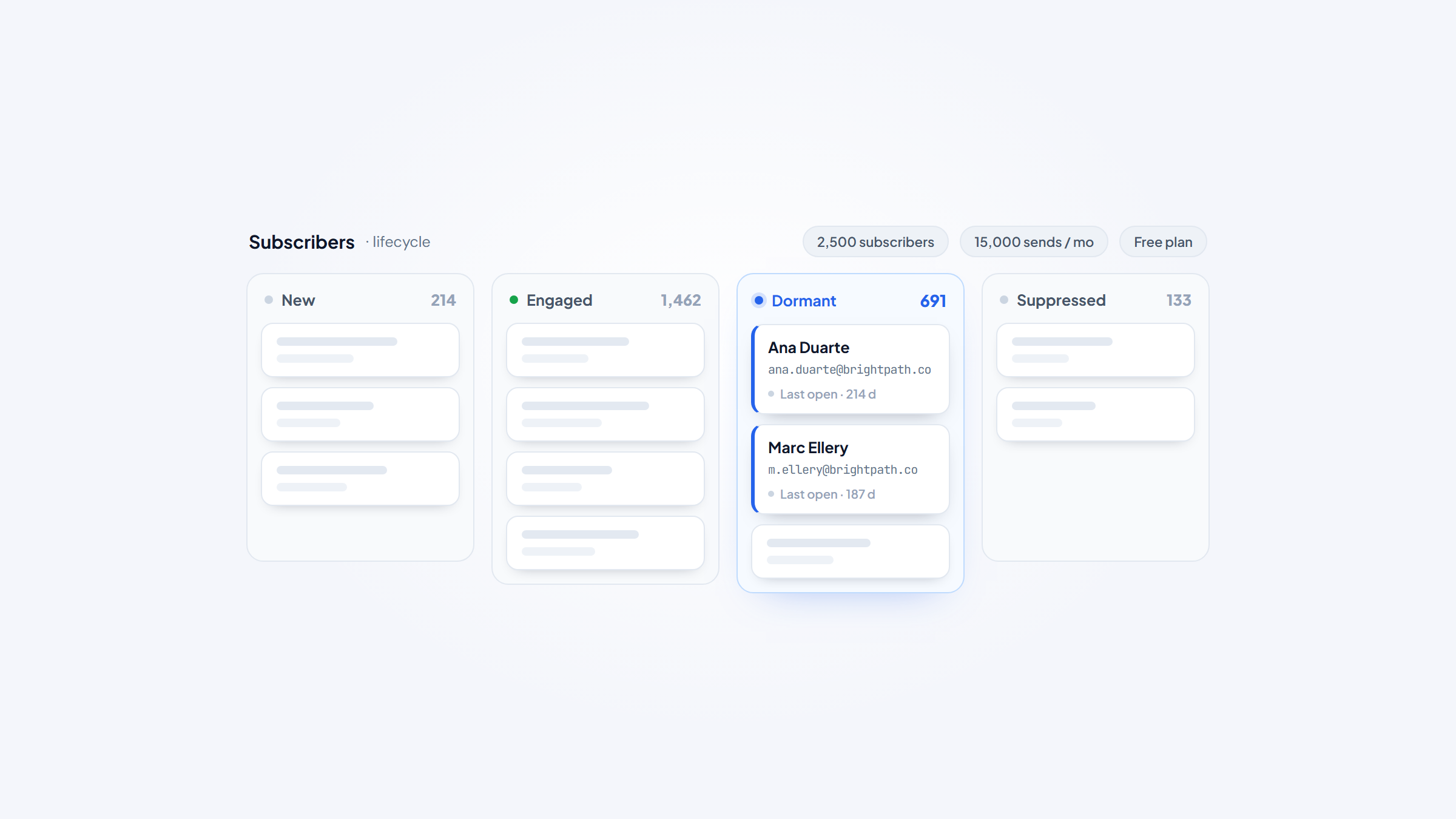
- 1Sender has the most generous free plan in the category by a wide margin: 2,500 subscribers and 15,000 emails per month, free forever.
- 2Watch for promotional pricing. Mailchimp and Constant Contact both display heavily discounted first-year rates that revert later.
- 3Litmus puts email's average return at $36 for every dollar spent, which is why list quality pays for itself faster than list size.
- 4List management keeps addresses clean. It does not find them, and for B2B work emails that is where Name2Email comes in, free inside Gmail.
Most comparisons of email list management software are really comparisons of email marketing platforms, which is why they rarely help. The list management part, segmentation, suppression, hygiene, and re-engagement, is the bit that determines whether your campaigns land, and it gets a paragraph while the drag-and-drop builder gets a page.
This guide inverts that. Below is an email list management software comparison of ten tools judged on how well they actually manage a list, with every price checked against the vendor's live page in August 2026 and clear flags on the promotional rates that make several of them look cheaper than they are.
One disclosure: we make Name2Email, a free Chrome extension that finds work emails inside Gmail. It is not list management software, it is not ranked here, and it does not build lists. It handles a narrower job we will explain at the end.
What Email List Management Software Actually Does
List management covers five jobs that sit underneath whatever campaign tool you use.
Storage and segmentation organizes contacts into groups you can target, using tags, custom fields, and behavioral rules. Growth captures new subscribers through forms, popups, and landing pages, ideally with double opt-in.
Hygiene removes addresses that will hurt you: hard bounces, role accounts, spam traps, and long-term non-openers. Suppression makes sure unsubscribes and complaints never receive another send, which is a legal requirement rather than a nicety.
Re-engagement identifies contacts who have gone quiet and either wins them back or removes them before they damage your sender reputation.
Most platforms here do all five. The differences show up in how much automation you get, how granular the segmentation is, and how quickly the price climbs as your list grows.
The 10 Best Email List Management Software in 2026
Nine of these are full email platforms with list management built in. ZeroBounce is the exception, included because hygiene is the part most teams neglect and it does that job better than any ESP does natively.
Tool | Best for | Key features | Main limitation | Pricing (from) | Rating |
|---|---|---|---|---|---|
Sender | The most generous free plan | 2,500 free subscribers, automation, SMS | Smaller brand, fewer integrations | Free; $10/month annually | ★★★★★ |
Brevo | Contacts plus CRM in one place | Unlimited contacts, CRM, transactional email | Send limits rather than contact limits | Free; $9/month | ★★★★★ |
MailerLite | Clean segmentation on a budget | Unlimited subscribers on Power, forms | Fewer advanced automations | Free; $12/month | ★★★★☆ |
Mailchimp | Established all-round platform | Tags, groups, predictive segmentation | Promotional pricing, costly at scale | Free; $13/month promo | ★★★★☆ |
Constant Contact | Small business support and guidance | Segmentation, events, live support | Promo rates revert sharply | $12/month | ★★★★☆ |
GetResponse | Automation plus courses and funnels | Unlimited sends, funnels, webinars | Priced by list size at every tier | $19/month | ★★★★☆ |
Omnisend | Ecommerce list segmentation | Behavioral segments, SMS, unlimited emails | Built around ecommerce stores | Free; $11.20/month | ★★★★☆ |
Moosend | Simple automation at low cost | Unlimited sends, automation, landing pages | Owned by Constant Contact | $7/month annually | ★★★★☆ |
ActiveCampaign | Advanced automation and CRM | Deep automation, lead scoring, CRM | No free plan at all | $15/month annually | ★★★★☆ |
ZeroBounce | Cleaning a list before you send | Bulk verification, API, spam trap detection | Not a sending platform | 100 free/month | ★★★★☆ |
Ratings weigh list management depth and honest pricing rather than template libraries, so a simple tool with a real free tier can outrank a better-known one.
Sender

Sender's free plan is the most generous in this category and it is not close. You get 2,500 subscribers and 15,000 emails per month, permanently, with automation and segmentation included rather than stripped out.
The catch is modest: the free tier carries Sender branding on your emails.
Key features:
- Automation and segmentation available on the free plan
- SMS alongside email from the Standard tier
- Forms, popups, and landing pages for list growth
Pricing: Free Forever covers 2,500 subscribers and 15,000 monthly emails with one seat. Standard is $10 per month billed annually ($120 a year) and Professional is $20 ($240 a year), currently discounted 30% for a first year. Enterprise is custom.
Pros: by far the best free tier here, automation included at no cost, cheap paid tiers, SMS support, no send caps that trigger surprise bills.
Cons: smaller integration library, branding on free emails, less brand recognition than the established names.
Why it works for list management: it lets a list of 2,500 run properly without paying anything, which no competitor matches.
Final verdict: the clear starting point for anyone under 2,500 contacts.
Brevo
Brevo prices on emails sent rather than contacts stored, which flips the economics for anyone holding a large list they email infrequently.
It also bundles a CRM and transactional email, so contact records live in one system.
Key features:
- Contact storage without per-contact pricing on most tiers
- Built-in CRM alongside marketing contacts
- Transactional email and SMS from the same platform
Pricing: the free plan requires no credit card. Starter is $9 per month ($8 billed annually) beginning at 5,000 emails monthly, Standard is $18 ($16 annually), and the Professional tier reaches $499 at high volume. A Sales Essentials add-on runs $27.92 per month.
Pros: send-based pricing suits large dormant lists, CRM included, strong transactional email, genuine free tier, no card needed to start.
Cons: daily send limits on the free plan, add-ons for sales features, interface has a lot of surface area.
Why it works for list management: storing a big list costs nothing extra, which most competitors charge for directly.
Final verdict: the best economics for large, infrequently mailed lists.
MailerLite
MailerLite keeps segmentation clean and the interface simple, and its Power plan removes subscriber and send limits entirely, which is rare below enterprise pricing.
It is the tool people move to when a bigger platform feels like more than they need.
Key features:
- Unlimited subscribers and emails on the Power plan
- Segmentation with groups, tags, and interest fields
- Forms, popups, and a website builder for list growth
Pricing: the free plan covers 250 subscribers and 2,500 emails per month with two seats. Comfort starts at $12 per month ($10.80 yearly) and Power at $25 ($22.50 yearly) with unlimited subscribers and emails. Enterprise handles 200,000 and above. Paid plans include a 14-day trial of premium features.
Pros: unlimited subscribers on Power, very clean interface, unlimited seats on Power, strong forms, no credit card for the trial.
Cons: free tier is small at 250 subscribers, automations are simpler than ActiveCampaign, fewer native integrations.
Why it works for list management: unlimited subscribers at $25 removes list-size anxiety completely.
Final verdict: the best value once your list passes a few thousand.
Mailchimp

Mailchimp remains the most recognized platform in the category, with mature segmentation through tags, groups, and behavior-based audiences.
Its pricing display deserves scrutiny, because the headline figures are promotional.
Key features:
- Tags, groups, and segments layered on a single audience
- Predictive segmentation and send-time optimization on higher tiers
- Large template and integration ecosystem
Pricing: the free plan covers 250 contacts. Essentials shows $13 per month, Standard $20, and Premium $350, but those figures carry a 50% discount for the first 12 months and revert afterward. Contact tiers scale from 500 to over a million, and overage charges apply above your limit.
Pros: deepest integration ecosystem, mature segmentation, strong reporting, well-documented, huge template library.
Cons: displayed prices are first-year promotional rates, gets expensive quickly at scale, overage charges catch people out, free tier is small.
Why it works for list management: its audience model handles complex segmentation that simpler tools cannot express.
Final verdict: reliable and capable, provided you budget for year two.
Constant Contact
Constant Contact leans on hands-on support and guided setup, which is why it retains a loyal small business following despite cheaper alternatives.
Its send limits are expressed as a multiple of your contact count, which is unusual and worth understanding.
Key features:
- Segmentation with list-building tools aimed at non-technical users
- Event management and survey tools alongside email
- Live phone support, which most competitors do not offer
Pricing: Lite is $12 per month, Standard $35, and Premium $80, with promotional rates of $8.40, $24.50, and $56 currently displayed. Monthly send limits run at 10 times your contact count on Lite, 12 times on Standard, and 24 times on Premium.
Pros: genuine phone support, easy for beginners, event and survey tools included, clear send-limit structure.
Cons: promotional rates revert, more expensive than equivalents, automation is basic, no free plan.
Why it works for list management: the support model suits teams without a marketing specialist.
Final verdict: worth the premium if you value talking to a human.
GetResponse
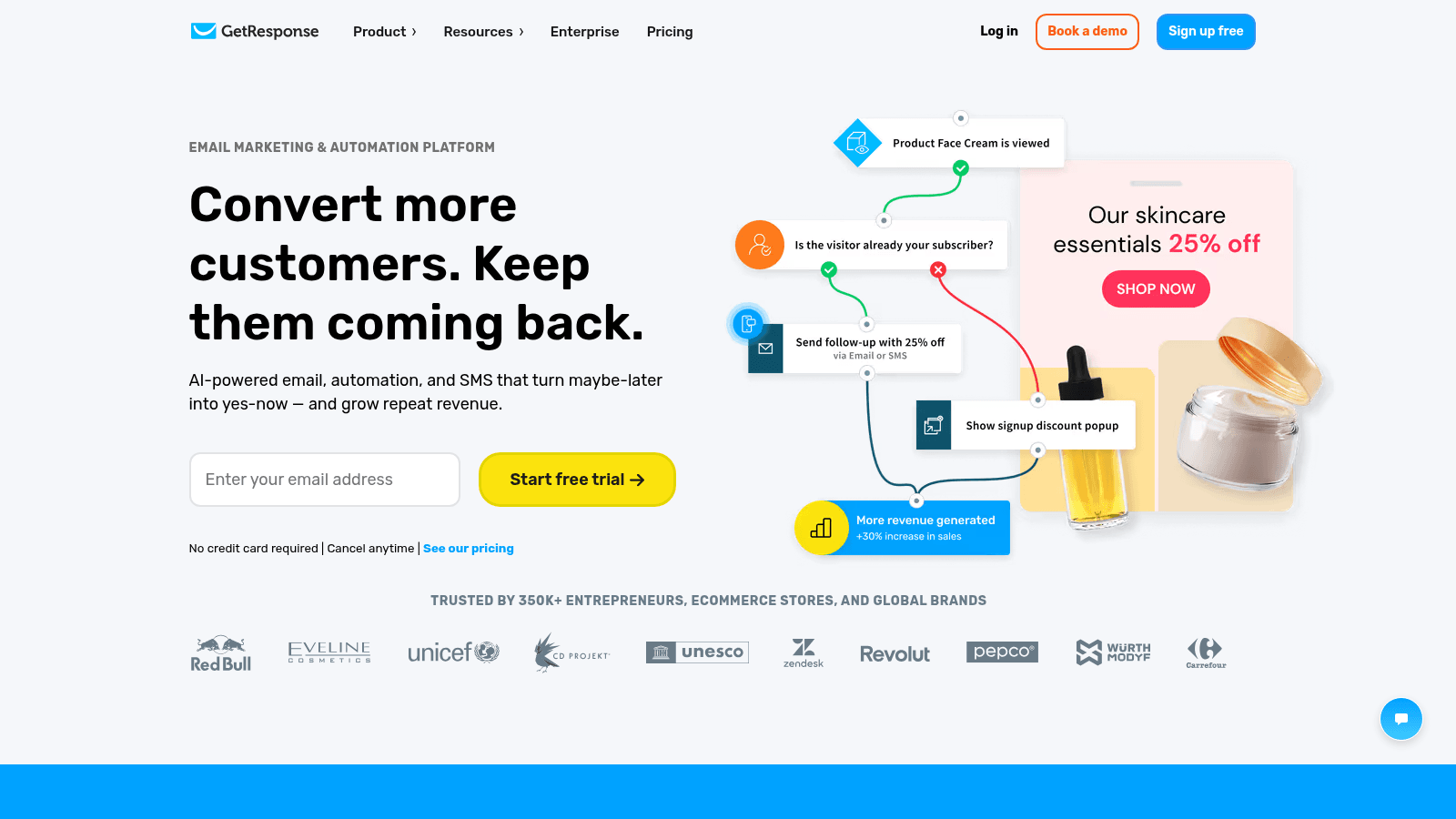
GetResponse pairs list management with conversion funnels, webinars, and course tools, making it broader than a pure email platform.
Every tier is priced against list size, with unlimited sending included.
Key features:
- Unlimited email sends at every paid tier
- Conversion funnels and landing pages built in
- Webinar and course hosting on higher plans
Pricing: Starter is $19 per month ($15.58 billed annually) at 1,000 subscribers, Marketer is $59 ($48.38 annually), and Creator is $69 ($56.58 annually). Enterprise is custom. A 30-day trial is available with some feature limits.
Pros: unlimited sends on all paid plans, funnels and webinars included, strong automation on Marketer, generous trial length.
Cons: price scales with list size at every tier, no permanent free plan, feature breadth can feel unfocused.
Why it works for list management: unlimited sending means list activity never triggers an overage.
Final verdict: good for creators who need more than email alone.
Omnisend

Omnisend is built specifically for ecommerce, segmenting lists by purchase behavior, cart activity, and lifecycle stage rather than generic engagement.
For a store, those segments are more actionable than anything a general platform offers.
Key features:
- Behavioral segmentation using purchase and browsing data
- SMS and push alongside email in one automation
- Prebuilt ecommerce automations for carts and post-purchase
Pricing: the free plan covers 250 contacts and 500 emails per month. Standard is $11.20 per month for 500 contacts and 6,000 emails, and Pro is $41.30 for 2,500 contacts with unlimited emails and SMS credits from $0.007 each. Custom pricing handles larger volumes.
Pros: ecommerce segmentation is genuinely better here, unlimited emails on Pro, SMS integrated, free migration, 24/7 support on paid plans.
Cons: limited value outside ecommerce, contact limits are tight relative to price, free tier is small.
Why it works for list management: purchase-based segments outperform engagement-based ones for stores.
Final verdict: the right pick if you sell products online.
Moosend
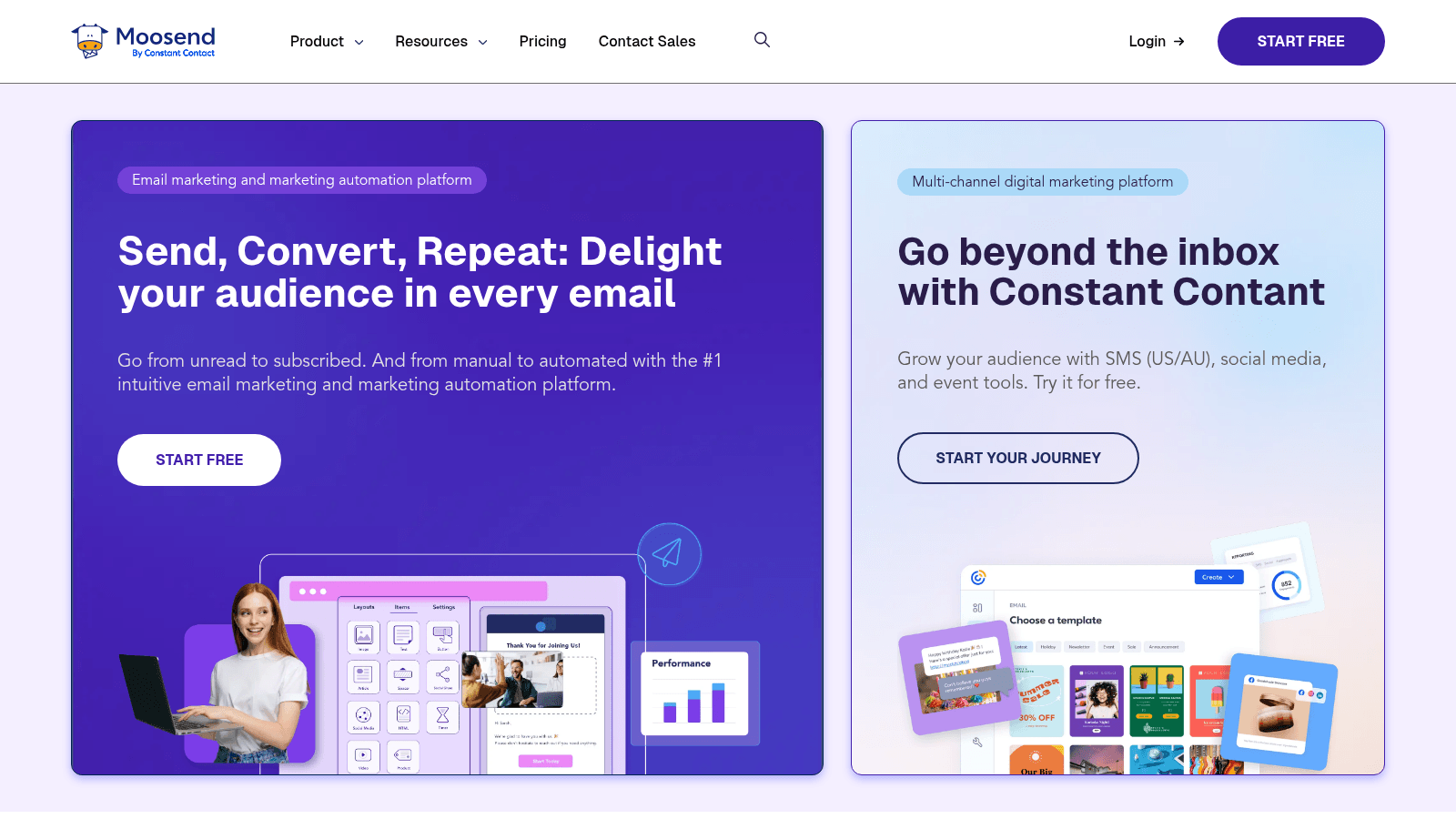
Moosend keeps things simple and cheap, with unlimited sending on its single Pro plan and automation that does not require a specialist to configure.
It is now owned by Constant Contact and branded accordingly, which is worth knowing if you are comparing the two as independent options.
Key features:
- Unlimited email campaigns and sends on the Pro plan
- Automation workflows with segmentation and triggers
- Landing pages and subscription forms included
Pricing: Pro starts at $7 per month billed annually ($9 monthly) at 500 contacts and scales with list size to a million and beyond. Moosend+ and Enterprise are custom. A 30-day free trial needs no credit card.
Pros: cheapest paid entry here, unlimited sends, 30-day trial, straightforward automation, transparent scaling.
Cons: owned by a competitor on this list, fewer integrations, no permanent free plan, reporting is basic.
Why it works for list management: unlimited sending at $7 is the best raw value in the category.
Final verdict: excellent value, with the ownership overlap worth noting.
ActiveCampaign
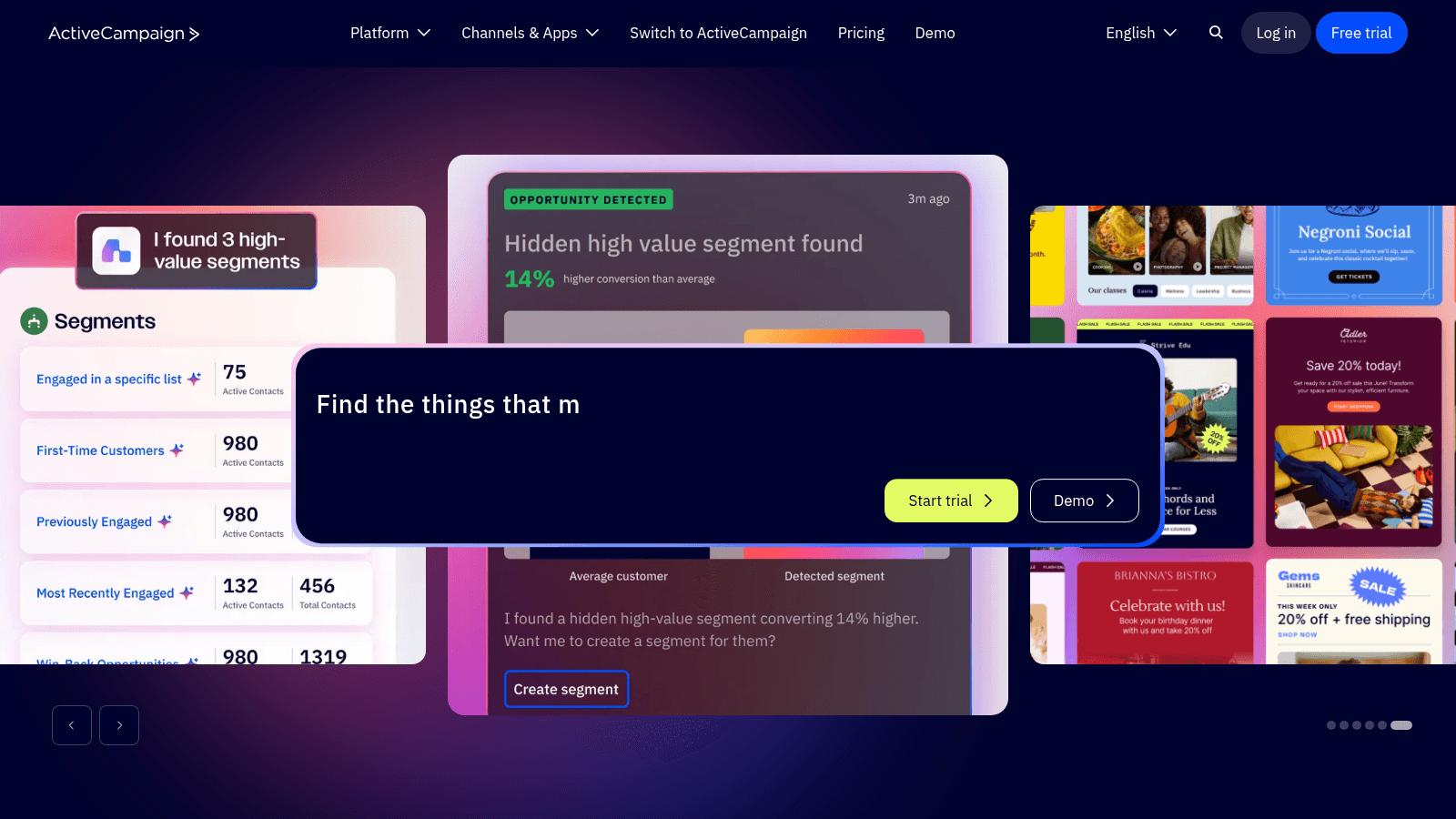
ActiveCampaign offers the most sophisticated automation and segmentation here, with conditional logic, lead scoring, and a CRM that ties contact behavior to deals.
It is also the only tool on this list with no free plan.
Key features:
- Conditional automation with branching and lead scoring
- Segmentation driven by behavior, attributes, and deal stage
- CRM with pipeline management tied to contact records
Pricing: on the Email plan at 1,000 contacts, Starter is $15 per month, Plus $49, Pro $79, and Enterprise $145, all billed annually. Contact limits scale by tier, and there are separate WhatsApp and combined plans. A 14-day trial requires no card, backed by a 30-day money-back guarantee.
Pros: deepest automation available here, strong CRM integration, granular segmentation, good deliverability reputation, money-back guarantee.
Cons: no free plan, steep learning curve, price rises quickly with contacts, more tool than small lists need.
Why it works for list management: its segmentation can express rules other platforms simply cannot.
Final verdict: the power option, priced and complicated accordingly.
ZeroBounce
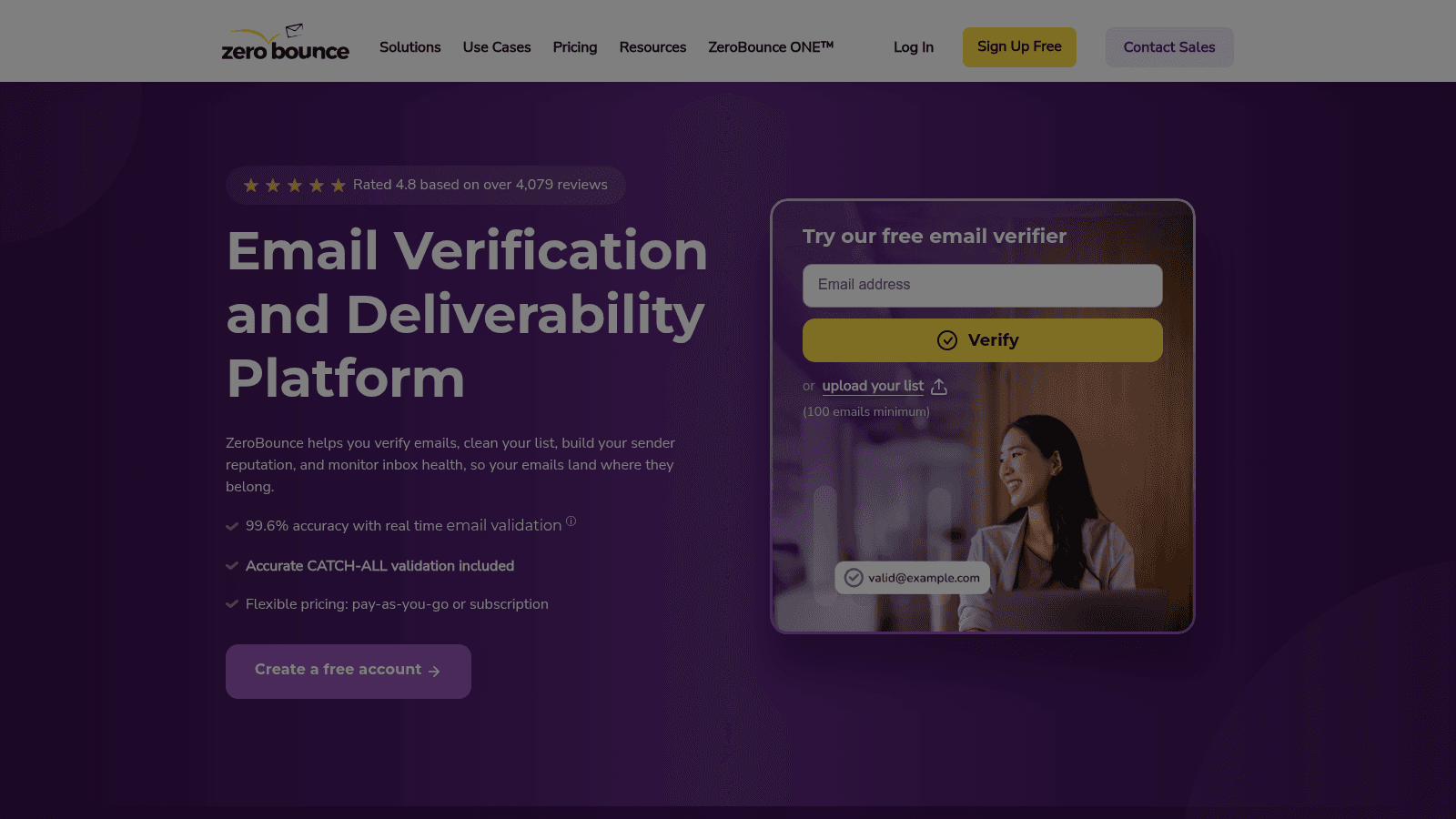
ZeroBounce is not a sending platform, and we have included it deliberately. It cleans lists before they reach your ESP, catching invalid addresses, spam traps, and role accounts that would otherwise damage your sender reputation.
Most teams treat hygiene as an afterthought, which is exactly why bounce rates creep up.
Key features:
- Bulk list verification with spam trap and role account detection
- Real-time API validation at the point of signup
- Integrations with around 45 email platforms
Pricing: 100 free verifications per month, then roughly $0.006 to $0.008 per email, which works out near $64 for 10,000 addresses. Its 99.6% accuracy figure is self-reported, as all accuracy claims in this category are.
Pros: catches problems no ESP flags, real-time API prevents bad signups, wide integration support, SOC 2 and HIPAA compliance, pay as you go.
Cons: not a sending tool so it is an additional cost, accuracy claims unaudited, per-email pricing adds up on large lists.
Why it works for list management: list management without verification is just storage, and this is the verification layer.
Final verdict: a small recurring cost that protects everything else you spend.
How We Compared These Tools
We checked every price on the vendor's live pricing page in August 2026, and that mattered more than usual here.
An early automated read of GetResponse returned figures derived from its euro pricing, producing $16, $54, and $62. The actual US prices are $19, $59, and $69. We caught it because we re-verified rather than trusting the first result, and it is a good illustration of why roundups quoting each other drift from reality.
We also flagged promotional pricing explicitly. Mailchimp's and Constant Contact's displayed rates are first-year discounts, and Sender's $7 and $14 figures reflect a 30% promotion against base annual rates of $10 and $20. Quoting those without the caveat would misrepresent what you pay in year two.
Ownership matters too. Moosend now trades as "Moosend by Constant Contact," so two entries on this list share a parent, and you should not treat them as fully independent alternatives.
Finally, we included one tool that does not send email at all, because a list management roundup without a hygiene layer misses the step that most often explains poor deliverability.
Free Email List Management Software Compared
The free tiers vary by more than an order of magnitude, so this is worth its own comparison before you look at paid plans.
Tool | Free subscribers | Free monthly emails | Notable limits |
|---|---|---|---|
Sender | 2,500 | 15,000 | Sender branding on emails, 1 seat |
MailerLite | 250 | 2,500 | 2 seats, limited automation |
Mailchimp | 250 | Capped by contact tier | Single audience, basic features |
Omnisend | 250 | 500 | Ecommerce focus |
Brevo | Unlimited stored | Daily send cap | Priced on sends, not contacts |
ZeroBounce | Not applicable | 100 verifications | Verification only |
Moosend | 30-day trial | Unlimited during trial | Trial rather than free plan |
GetResponse | 30-day trial | Unlimited during trial | Some features restricted |
Constant Contact | Trial only | Trial only | No permanent free plan |
ActiveCampaign | 14-day trial | Trial only | No free plan at all |
Sender is the outlier by a factor of ten, and Brevo is the other genuinely free option if you hold a large list but send to it selectively. Everything else either caps you at 250 contacts or offers a trial rather than a free plan, which is a meaningful difference when you are trying to establish a habit rather than run a one-off campaign.
What to Look For in Email List Management Software
The features that matter for list management are not the ones vendors lead with, so check these specifically.
- Confirm whether pricing is based on contacts stored or emails sent, since that decides your cost curve
- Check whether suppression lists are automatic and permanent across all campaigns
- Look for segment rules based on behavior, not just static fields
- Ask whether the platform verifies addresses at signup or only after bounces occur
- Find out what happens when you exceed your limit, because some platforms charge overage and others block sends
- Test how easily you can export your full list, since portability protects you at renewal
That last one is easy to overlook and expensive to discover late. A list you cannot cleanly export is a list that locks you in.
Choosing by List Size and Business Type
Under 2,500 contacts, use Sender's free plan. There is no reason to pay anything at that size, and it includes automation.
Between 2,500 and 10,000, MailerLite's Power plan at $25 gives unlimited subscribers and emails, which removes the growth penalty entirely. Moosend at $7 is the cheaper alternative if you need less automation.
If you hold a large list and email it occasionally, Brevo's send-based pricing is structurally cheaper than any contact-based competitor.
If you run an online store, Omnisend's purchase-behavior segmentation is worth more than the general-purpose alternatives, even at similar prices.
If your automation needs are genuinely complex, with lead scoring and branching logic tied to a sales pipeline, ActiveCampaign is the only tool here that fully covers it.
And regardless of which you choose, budget separately for verification. ZeroBounce at roughly $64 per 10,000 addresses is cheap insurance against the reputation damage a dirty list causes.
What Email List Management Software Costs in 2026
Costs diverge sharply as lists grow, because some tools charge for storage and others for sending.
Model | Entry cost | Tools | How the bill grows |
|---|---|---|---|
Free forever | $0 | Sender, Brevo, MailerLite, Mailchimp, Omnisend | Subscriber caps or daily send limits |
Flat low-cost | $7 to $12 | Moosend, Sender, MailerLite, Constant Contact Lite | Scales with subscriber count |
Send-based | $9 to $18 | Brevo | Scales with emails sent, not contacts stored |
Unlimited subscribers | $25 | MailerLite Power | Flat above the threshold |
Automation-led | $15 to $145 | ActiveCampaign, GetResponse | Contact tier plus feature tier |
Verification add-on | About $64 per 10,000 | ZeroBounce | Pay per address checked |
The row worth studying is send-based pricing. If you hold 50,000 contacts and mail 5,000 of them monthly, Brevo will cost dramatically less than any platform charging for all 50,000 records sitting in storage.
Why a Clean List Beats a Big One
Verification is not a one-time task, and a thread in r/Emailmarketing shows why better than any vendor page.
A marketer described cleaning their list, running verification, and stripping hard bounces, then still seeing a 6.8% bounce rate on an 18-month-old list sent to irregularly. The most useful reply identified the real cause: irregular sending damages domain reputation in ways no verification tool detects, and verification only confirms an address existed at the moment it was checked, not that someone still uses it a month later. Another commenter suggested suppressing unengaged contacts before verifying rather than after. You can read the full thread on Reddit, treating it as practitioner experience rather than measured research.
The numbers support the priority. Litmus research puts email's average return at $36 for every dollar spent, higher than any other channel, which means small improvements in deliverability compound quickly. And Validity's benchmark data found roughly one in six emails never reaches the inbox at all, with global inbox placement averaging around 84%.
Those two figures together make the case: the channel pays extremely well, and roughly a sixth of the opportunity is lost before anyone reads a subject line. List hygiene is the cheapest lever on that gap. Our roundups of email verification tools and email validation tools go deeper on the tooling, and verifying an email address covers checking one by hand.
Where the Addresses Come From in the First Place
Every tool above assumes contacts are already arriving. For marketing lists built through forms and signups, that assumption holds.
For B2B outreach it does not. If you are contacting people who never subscribed to anything, no list management platform will supply the address, and buying a list is both a deliverability risk and, in many jurisdictions, a legal one.
That is the narrow gap Name2Email fills. It is a free Chrome extension that generates likely work-email formats from a name and company domain inside Gmail's compose window, fills the "To" field, and lets you confirm by hovering, since Gmail shows the person's name and photo when it recognizes an address.
We want to be precise about what this is not. It is not a list builder and not a bulk tool. It finds one work email at a time, as you write, using public naming conventions rather than a scraped database. It works best on corporate domains and cannot guarantee every address resolves.
So it does not replace anything on this list. If you are running newsletters to subscribers, the platforms above are what you need. If you are doing one-to-one B2B outreach and need the decision maker's address without paying per lookup, that is our job, and it is free with no account or credit card.
Setting Up a List You Can Trust
Start with the free tier that matches your size rather than the brand you recognize. Under 2,500 contacts, Sender costs nothing and includes automation, which makes almost every paid alternative hard to justify at that stage.
Turn on double opt-in before you grow. It slows list growth slightly and prevents most of the hygiene problems that show up six months later.
Verify at the point of capture rather than after bounces accumulate. ZeroBounce's real-time API stops bad addresses entering the list, which is far cheaper than cleaning them out afterward.
Set a re-engagement rule and actually enforce it. Suppress contacts who have not opened in six months before your next verification run, because the Reddit thread above is right that verification cannot detect an abandoned mailbox.
Then keep your sending regular. Irregular sends damage reputation independently of list quality, and no tool on this list fixes that for you.
For the B2B side, where addresses come from research rather than signups, add Name2Email to Chrome and find work emails inside Gmail for free, or see how it works first. When you need to reach many people individually rather than as a campaign, emailing multiple recipients individually covers the method, and the best email outreach tools compares the platforms built for it. To fill gaps in records you already hold, see data enrichment tools, to automate the sending itself, sales automation tools, and to pick the accounts worth contacting in the first place, company research tools.
Frequently asked questions
Email list management software stores, organizes, and maintains your email contacts so campaigns reach people who want them. Email list management tools handle segmentation into targeted groups, capture through forms and popups, hygiene that removes invalid or harmful addresses, suppression of unsubscribes and complaints, and re-engagement of inactive contacts. Most products bundle this with campaign sending, which is why the category overlaps heavily with email marketing platforms. The management layer is what protects deliverability over time.
Among the best email list management tools with a free plan, Sender is the clear answer, offering 2,500 subscribers and 15,000 emails per month free forever, with automation and segmentation included. Brevo is the other genuinely free option, since it prices on emails sent rather than contacts stored, so you can hold a large list at no cost. MailerLite, Mailchimp, and Omnisend all cap their free plans at 250 contacts. Constant Contact, GetResponse, Moosend, and ActiveCampaign offer trials rather than permanent free plans.
They overlap but are not identical. Email marketing software with list management built in focuses on designing and sending campaigns, while list management focuses on the contact database underneath: segmentation, hygiene, suppression, and re-engagement. Nearly every email marketing platform includes list management features, which is why the terms get used interchangeably. The distinction matters when comparing tools, because platforms with beautiful campaign builders sometimes have weak segmentation and no verification at all.
Frequency should follow your sending volume and bounce rate rather than a fixed calendar. High-volume senders benefit from monthly cleaning, moderate volumes from quarterly, and small lists from twice a year. Clean immediately if your bounce rate rises above 2%, since inbox providers treat that as a quality signal. Verification alone is not enough, because it only confirms an address existed when checked. Suppress contacts who have not engaged in six months before running verification, not after.
No, and this is a common misconception. These platforms manage addresses that arrive through your own forms, signups, and imports. They do not source new contacts, and purchasing lists to import is both a deliverability risk and a legal risk under regulations like GDPR and CAN-SPAM. For B2B outreach where you need an individual's work email, a dedicated finder is the right tool, which is why we built Name2Email as a free unlimited Chrome extension that works inside Gmail.

We build Name2Email, the free Chrome extension that finds work emails inside Gmail. We write about outreach, prospecting, and getting more replies.
Connect →