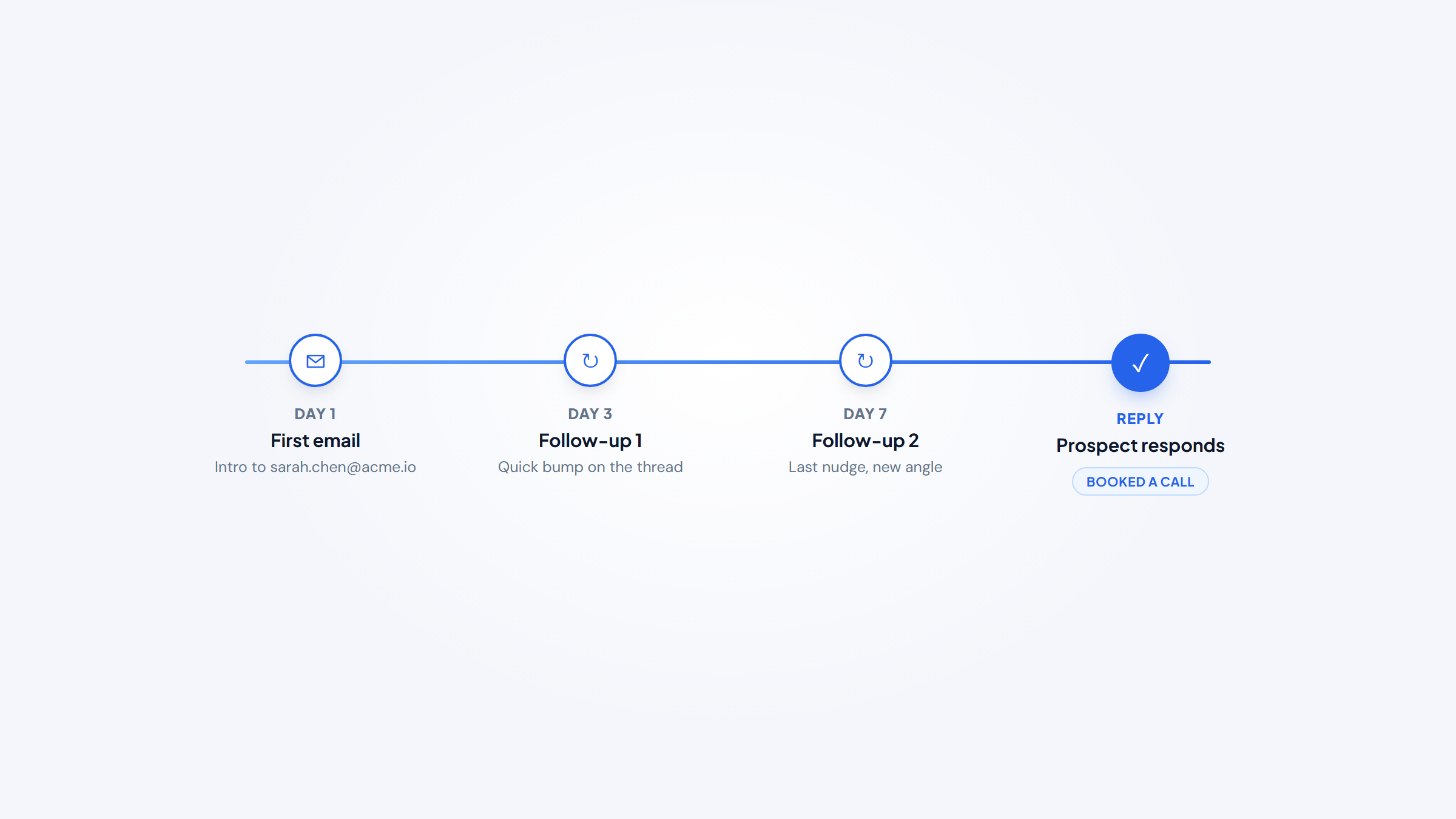
- 1Email outreach tools run the whole motion a normal inbox can't: personalized sequences, timed follow-ups, deliverability protection, and reply tracking in one place.
- 2Follow-ups and personalization do the heavy lifting. Backlinko and Semrush found the average outreach email gets an 8.5% reply rate, and follow-ups roughly double responses.
- 3Prices span from $7 per 100 prospects to $99/month for multichannel and $500/month for an autonomous AI SDR, so match the tool to your volume, not your ambition.
- 4Outreach tools send the emails, but you still need the addresses first. Our free Name2Email extension pulls work emails from your Gmail compose window, so your list is ready before you build a single sequence.
Good email outreach is really three jobs stacked together: find the right address, write something worth replying to, and follow up without letting anyone slip. The best email outreach tools handle the last two at scale, and this guide ranks them for 2026, from AI-driven sales platforms to lean Gmail-native senders. It also shows where finding the emails fits, because that step is free if you do it right.
We're the team behind Name2Email, a free Chrome extension that pulls work emails straight from your Gmail compose window, so we sit at the front of this workflow every day. That gives us a clear view of the whole stack: Name2Email finds the addresses, and the tools below send the campaigns. Read the comparison table first, then drop into the entries that match your team.
If you want the deeper dive on sending platforms specifically, our guide to the best cold email software goes further on deliverability, while this list stays broader across the full outreach toolkit.
What Are Email Outreach Tools?
Email outreach tools are software built to send personalized outreach to people who don't know you yet, at a volume and consistency a normal Gmail or Outlook account can't safely handle. They automate the sequence, the first email plus timed follow-ups, personalize each message, spread sends across accounts to protect your reputation, and track opens, clicks, and replies in one dashboard.
You'll see them called cold email outreach tools, email outreach software, or sales engagement platforms. The best AI tools for email outreach add a layer on top: they draft copy, personalize at scale, and in some cases run the entire motion on their own.
The reason you need dedicated software rather than your inbox is deliverability and scale. Sending cold from a normal account burns your sender reputation, and providers filter bulk mail aggressively.
Outreach tools fight that with warmup, inbox rotation, and authentication, then measure what's working so you can send less and reply-rate more. What most of them do not do cheaply is find the email addresses, that usually means a metered lead database, which is the gap a free finder fills.
The Best Email Outreach Tools in 2026
The ten tools below all run outreach well, but they're built for different teams. Each leans a different way: some toward AI and multichannel sequences, some toward unlimited inboxes and deliverability, and one runs entirely inside Gmail. The table is the fast read; the entries below explain which fits your team.
Tool | Best for | Standout features | Main limitation | Pricing (from) | Rating |
|---|---|---|---|---|---|
Reply.io | AI outreach and multichannel | Multichannel sequences, warmup, Jason AI SDR | AI SDR tier is pricey | $59/mo | ★★★★★ |
Instantly | High-volume agencies | Unlimited inboxes, warmup, deliverability | Lead bundle jumps to $94 | $47/mo | ★★★★½ |
Smartlead | Unlimited mailboxes at scale | Unlimited mailboxes, master inbox, warmup | UI learning curve | $39/mo | ★★★★½ |
Saleshandy | Budget all-in-one | Fast infra setup, 852M lead DB | Finder credits are add-ons | $36/mo | ★★★★ |
Lemlist | Multichannel personalization | 650M lead DB, AI personalization | Multichannel is per-user | $55/mo | ★★★★ |
QuickMail | Deliverability-first agencies | Inbox rotation, free warmup, flat price | No built-in lead database | $49/mo | ★★★★ |
Woodpecker | Pay-as-you-go SMBs | Free verify and warmup, usage pricing | Usage cost hard to forecast | $7/100 prospects | ★★★★ |
Apollo | Database plus outreach | 210M+ contacts, campaigns, free tier | Weaker cold deliverability | Free / $49/mo | ★★★★ |
GMass | Gmail-native senders | Runs in Gmail, Sheets mail merge | No warmup or lead finder | $20/mo | ★★★★ |
Mailshake | Beginners, simple setup | AI writer, multichannel, Lead Catcher | No free trial, 1 inbox entry | $29/mo | ★★★½ |
Ratings reflect outreach fit, deliverability, and value, not company size. Pick two or three to compare, then read their full entries before you trial anything.
Reply.io
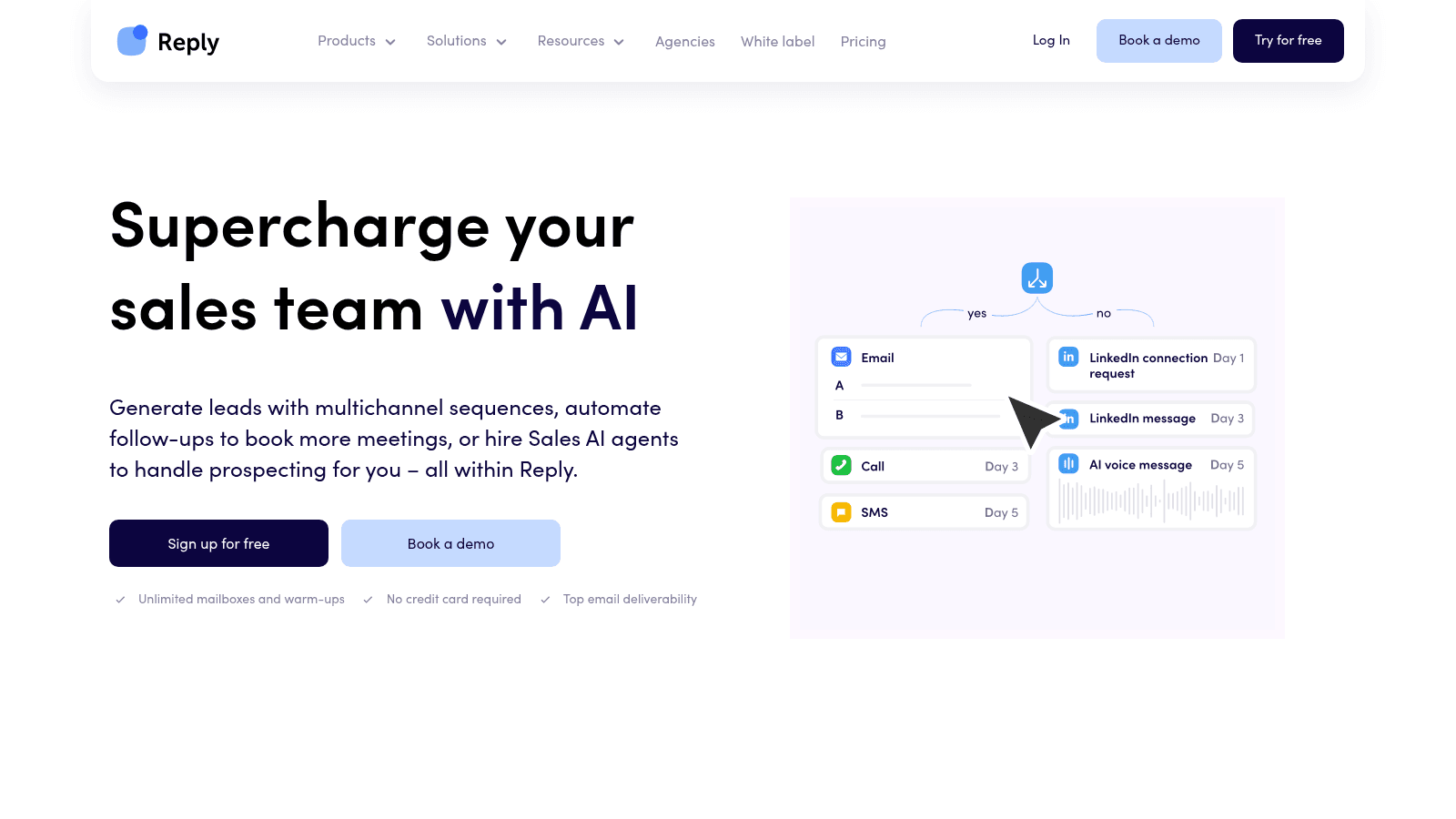
Reply.io's homepage, reply.io (July 2026).
Reply.io is our top pick, and full disclosure, it's built by the same team as Name2Email. It's an AI-powered sales engagement platform that runs sequences across email, LinkedIn, SMS, WhatsApp, and calls, with warmup and deliverability baked into every mailbox. The reason it leads a 2026 outreach list is Jason, its autonomous AI SDR.
Start with the core platform and it already does the essentials well: conditional sequences with logic-based follow-ups, AI-written copy and personalization, a built-in 1B+ contact database with intent signals, and two-way sync with HubSpot and Salesforce. Warmup and anti-spam ship on the entry plan rather than as an upsell.
Jason is the part that makes it more than a sender. It's an AI SDR that runs the full outbound motion on its own: it sources leads by your ICP, writes and sends personalized multichannel messages, handles replies, and books meetings around the clock in 50+ languages. It's an upgrade on the same platform, not a separate tool to bolt on.
Best for: AI-driven multichannel outreach
Key features:
- Multichannel conditional sequences (email, LinkedIn, SMS, WhatsApp, calls) → meet prospects on the channel they answer
- Automated warmup and anti-spam on every mailbox → protect deliverability before you scale
- AI-generated sequences and personalization → draft cadences without writing each line
- 1B+ contact database with intent signals → source and prioritize targets in-tool
- Jason AI SDR → hand the whole prospecting motion to an autonomous agent
- Native HubSpot and Salesforce sync with a unified inbox → manage every reply in one place
Pricing: the Email plan starts at $59/month per user (1,000 active contacts, unlimited warmed-up mailboxes); Multichannel is $99/month per user; the Jason AI SDR tier starts at $500/month and scales to $1,500/month. A 14-day trial needs no card.
Pros: genuine multichannel in one sequence, warmup bundled at every tier, a built-in database with intent, an autonomous AI SDR path, strong native CRM sync
Cons: the multichannel and AI SDR tiers climb quickly, and per-user pricing adds up for larger teams
How to start using it:
- Start the 14-day trial with no card.
- Connect a mailbox and let warmup begin automatically.
- Build or AI-generate a multichannel sequence with follow-up logic.
- Load a clean list (find the emails free with Name2Email first) or pull from the database.
- Launch, then work replies in the unified inbox or hand the motion to Jason.
Why it's a good email outreach tool: it covers the entire outbound stack, sending, data, deliverability, and an AI SDR, in one platform, so you're not stitching four tools together or paying four bills.
If you want one platform to run outreach now and grow into AI-driven prospecting later, Reply.io is the most complete option here. Start on Email, add multichannel when you need it, and move to Jason when you want the motion automated.
Instantly
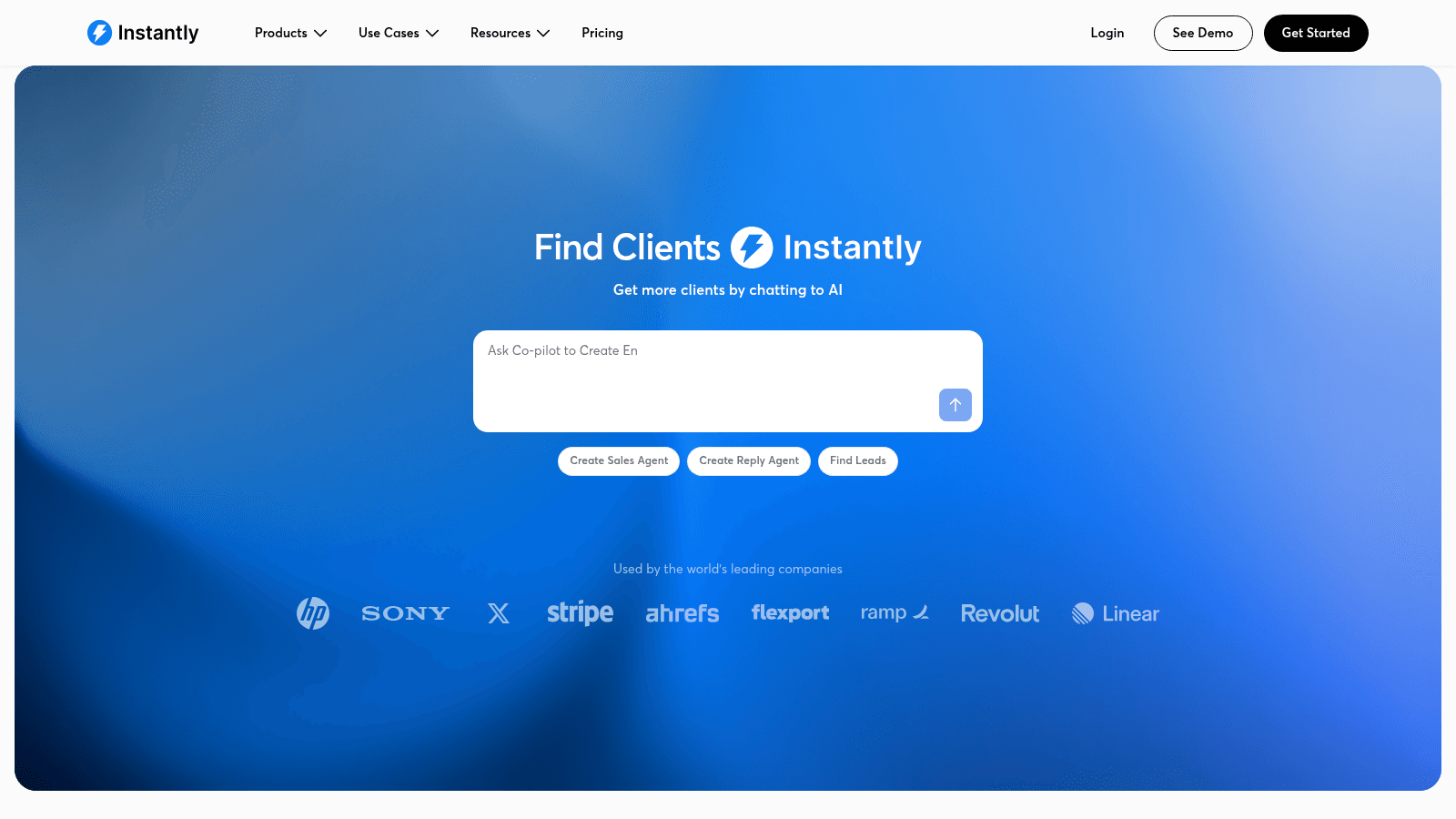
Instantly's homepage, instantly.ai (July 2026).
Instantly is built for volume: unlimited sending accounts, warmup, and deliverability tooling, now bundled with a lead database and an AI agent. Agencies that push serious send volume tend to land here.
- Key features: unlimited email accounts with warmup → scale sends without per-inbox fees; inbox-rotation infrastructure → spread volume to protect reputation; lead database with verification → find and clean in one place
- Pricing: the outreach-only Growth plan is $47/month (5,000 emails, 1,000 contacts); a bundled Starter plan that adds lead credits now leads the page at $94/month. There's no free tier, but signup needs no card.
- Pros: unlimited inboxes at a flat rate, strong deliverability tooling, scales cleanly to high volume
- Cons: the real cost jumps once you add the lead bundle, there's no true free tier, and the feature set can overwhelm a small sender
- Best for: agencies running high-volume outreach
For teams that live in deliverability and need unlimited inboxes, Instantly is one of the strongest options at this price.
Smartlead
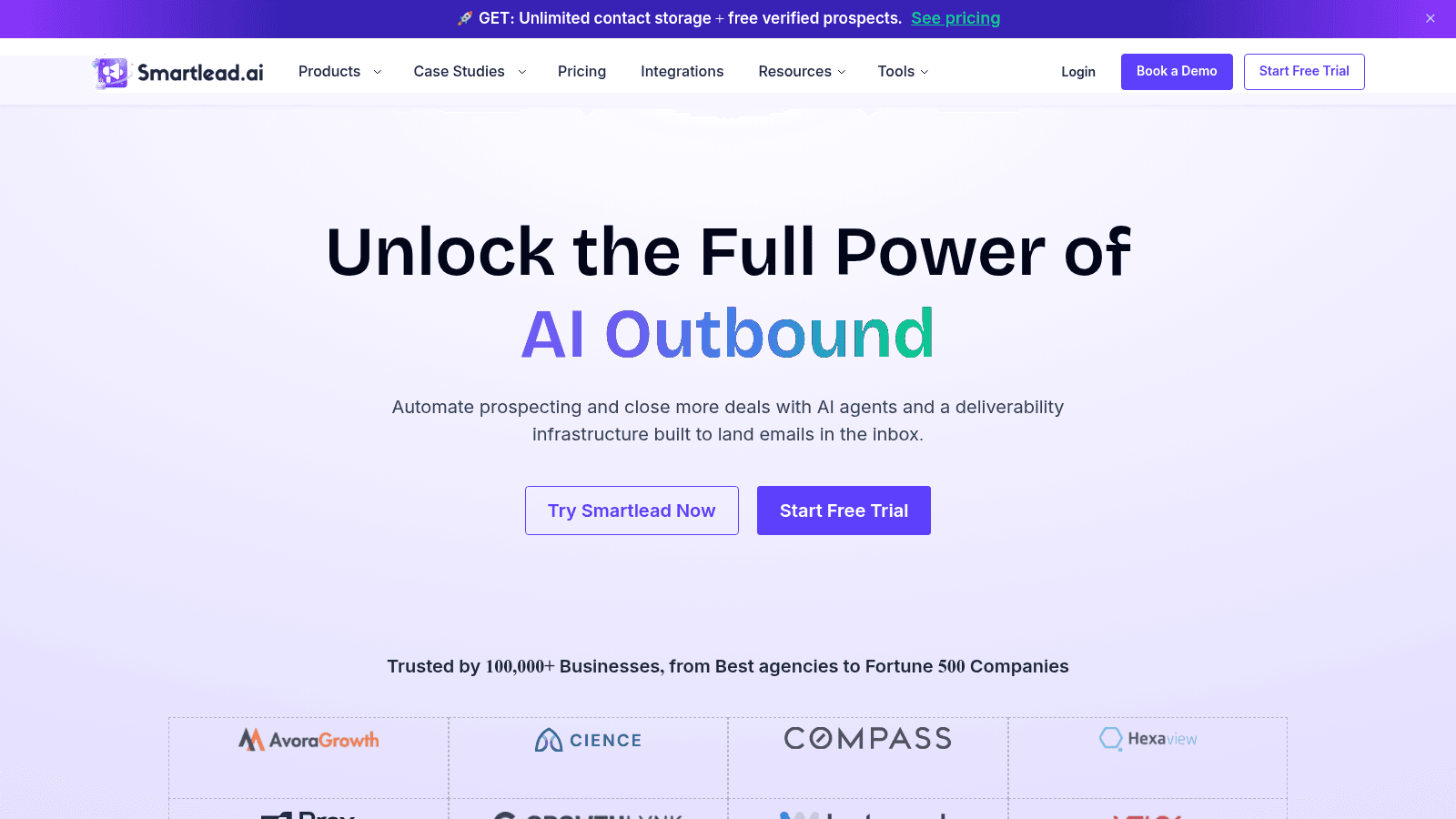
Smartlead's homepage, smartlead.ai (July 2026).
Smartlead is the infrastructure layer many agencies run underneath their outreach: unlimited mailboxes, warmup, and a unified master inbox that pulls every reply into one view. It's priced on sends and contacts rather than seats.
- Key features: unlimited mailboxes and lead storage → pay for sends, not seats; Master Inbox → every campaign reply in one dashboard; AI warmup pool → build sender reputation automatically
- Pricing: the Basic plan is $39/month ($32.50 annual) for 2,000 contacts and 6,000 sends, metered on volume rather than users. Higher tiers run $94 to $379.
- Pros: unlimited mailboxes even on the entry plan, a strong API and whitelabel for agencies, a solid deliverability reputation
- Cons: the UI takes some learning, verified-email caps push add-on costs, and support quality varies by tier
- Best for: agencies scaling outreach volume
For teams that need unlimited mailboxes and agency-grade infrastructure at a low entry price, Smartlead is hard to beat.
Saleshandy
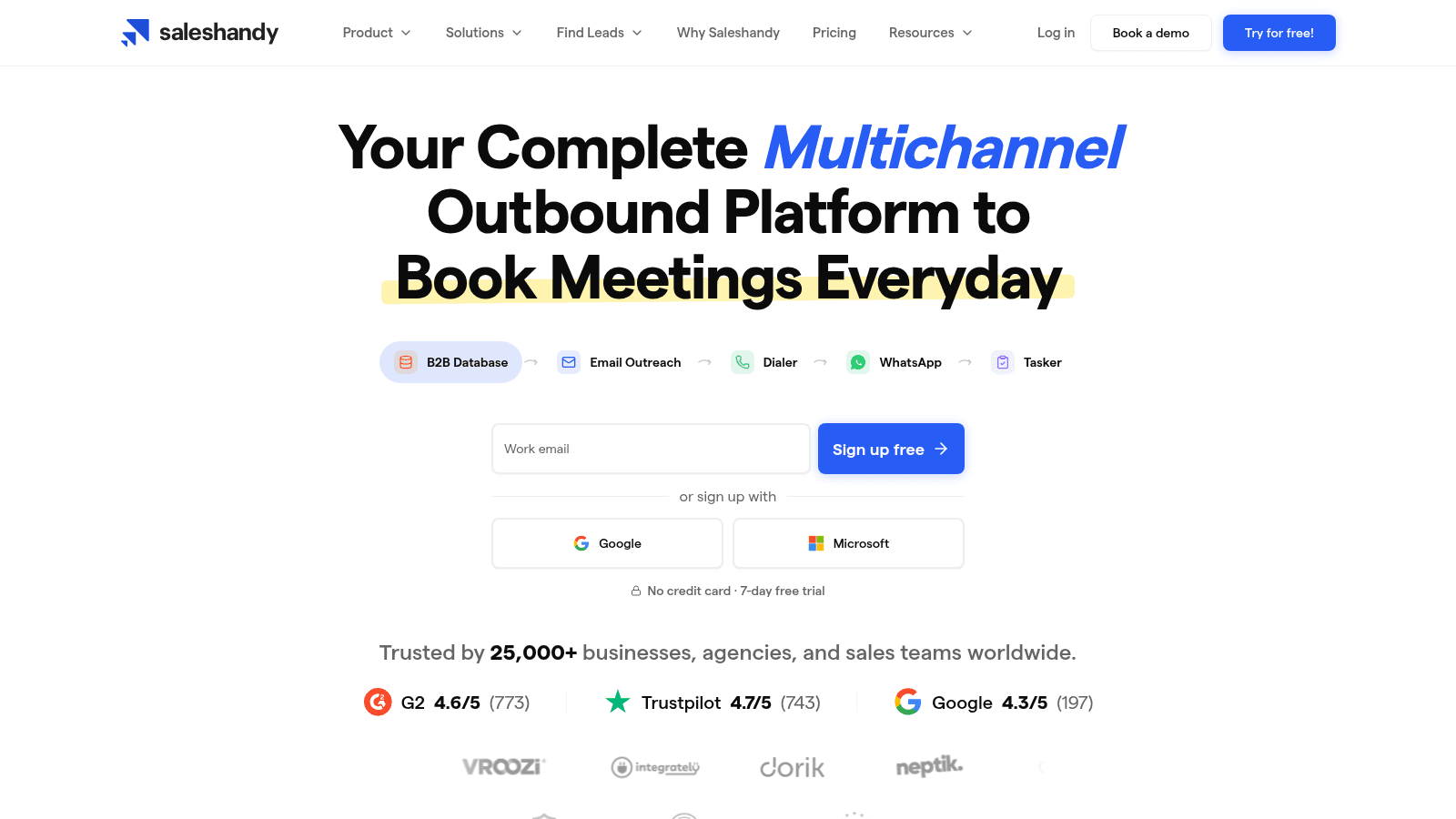
Saleshandy's homepage, saleshandy.com (July 2026).
Saleshandy pairs email infrastructure with an 852M+ contact lead finder, aimed at teams that want the whole outreach setup without a big bill. It gets you sending safely fast.
- Key features: email infrastructure setup with SPF, DKIM, and DMARC in under 10 minutes → start sending safely, fast; B2B Lead Finder with 852M+ contacts → prospect in-tool; multichannel sequences → email, calls, and LinkedIn in one flow
- Pricing: Outreach Starter is $36/month, or $25/month billed annually, for 2,000 prospects and 6,000 emails with unlimited email accounts. Pro, Scale, and Scale Plus run $99 to $299.
- Pros: a low entry price with unlimited email accounts, a large lead database included, and fast domain setup
- Cons: lead-finder and dialer credits are add-ons, the 7-day trial is short, and higher prospect caps come at a jump
- Best for: budget teams wanting all-in-one
For a small team that wants sending, deliverability, and a lead database without overspending, Saleshandy is a smart entry point.
Lemlist
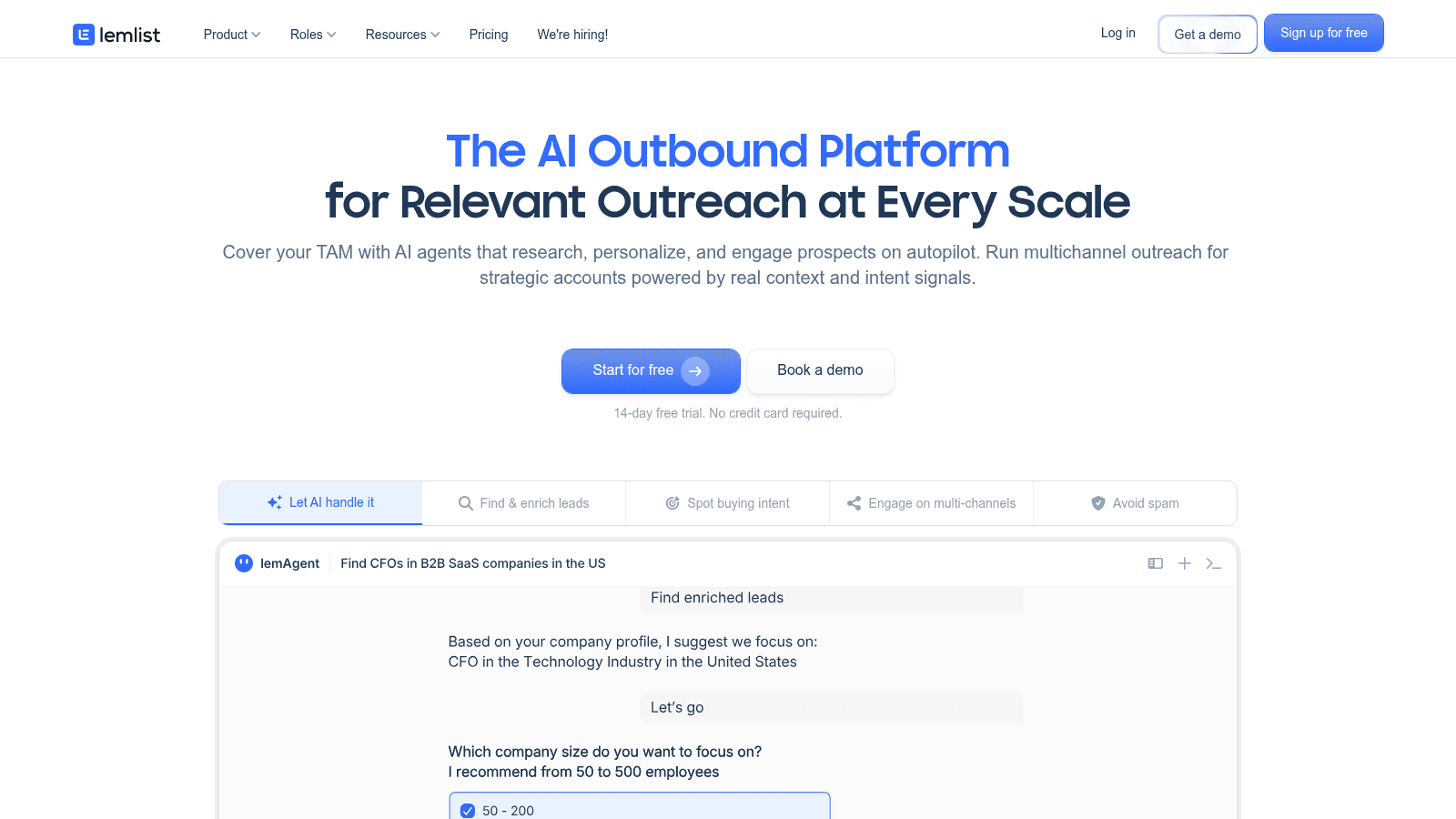
Lemlist's homepage, lemlist.com (July 2026).
Lemlist is the personalization specialist, combining a 650M+ lead database with genuine multichannel sequences across email, LinkedIn, calls, and SMS. Its AI pulls context from a prospect's profile and site to tailor each message.
- Key features: 650M+ lead database with email and phone finder → prospect and enrich in-tool; multichannel sequences → email, LinkedIn, calls, and SMS in one workflow; AI personalization → draw context from LinkedIn, sites, and CRM
- Pricing: the Email plan is $55/month per user billed annually (around $69 monthly) with 50,000 emails; Multichannel is $87/month per user annually. The entry price rose over the past year.
- Pros: genuine multichannel in one platform, a large built-in lead database, standout personalization
- Cons: multichannel is per-user so team cost grows, the email plan caps LinkedIn features, and the entry price has climbed
- Best for: multichannel personalization
For teams that win on tailored, multichannel messages rather than raw volume, Lemlist is a capable all-rounder.
QuickMail
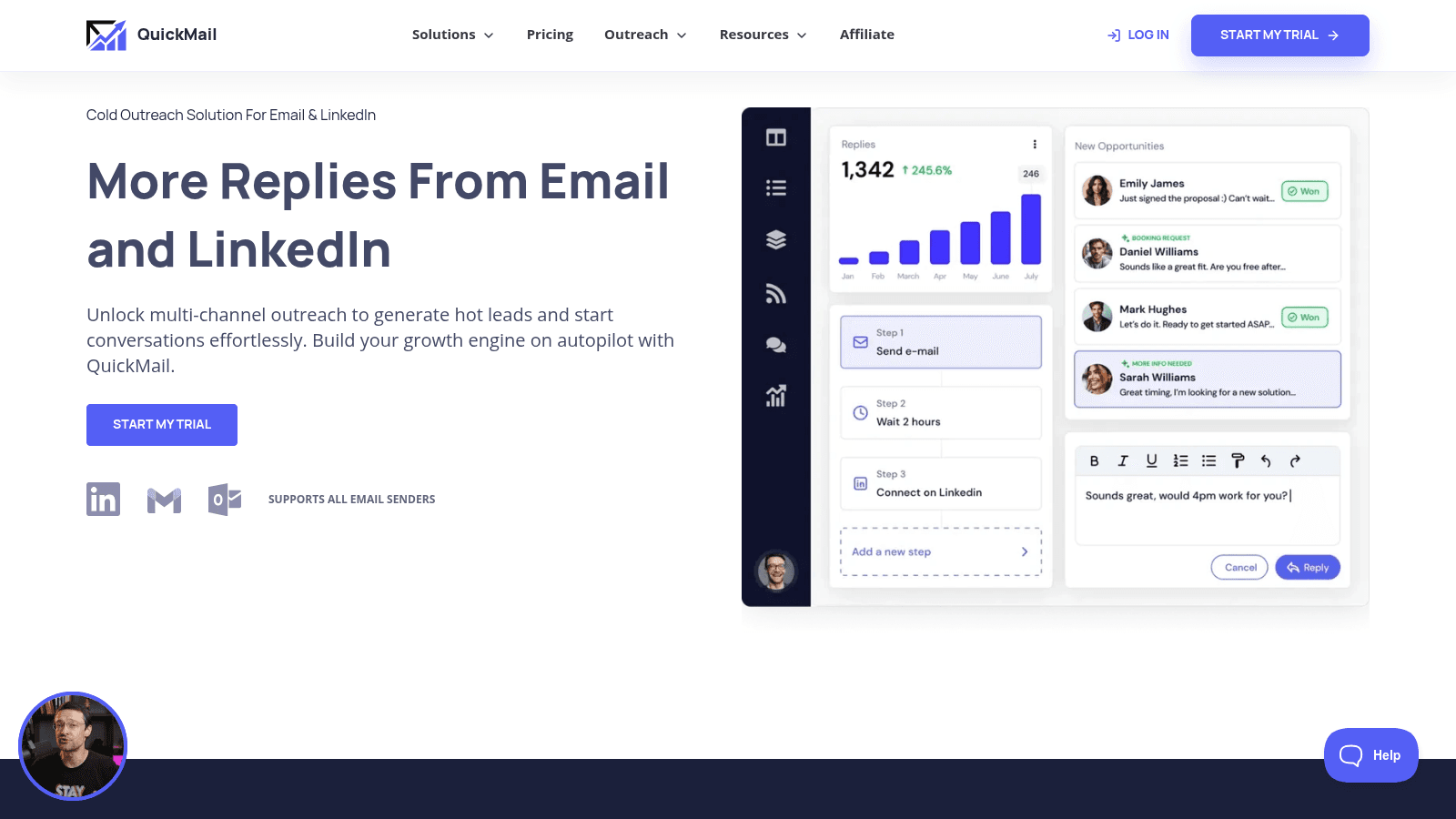
QuickMail's homepage, quickmail.com (July 2026).
QuickMail is the deliverability purist: Inbox Rotation, MailFlow warmup, and blacklist monitoring across email and LinkedIn, priced flat rather than per seat. It's a favorite of agencies that guard sender reputation above all.
- Key features: Inbox Rotation → spread sends across accounts to protect reputation; multichannel campaigns → LinkedIn plus email with unified replies; AI deliverability and free AutoWarmer → keep inboxes healthy at no extra cost
- Pricing: the Starter plan is $49/month (5,000 emails, 1,000 contacts) with unlimited senders and users; Growth is $99 and Agency $299.
- Pros: flat pricing with unlimited users and senders, strong deliverability with free warmup, reliable API and reporting
- Cons: no built-in lead database, an interface that feels dated next to newer tools, and a higher entry price than some rivals
- Best for: deliverability-focused agencies
For teams obsessed with inbox placement that want unlimited seats at a flat rate, QuickMail is dependable.
Woodpecker
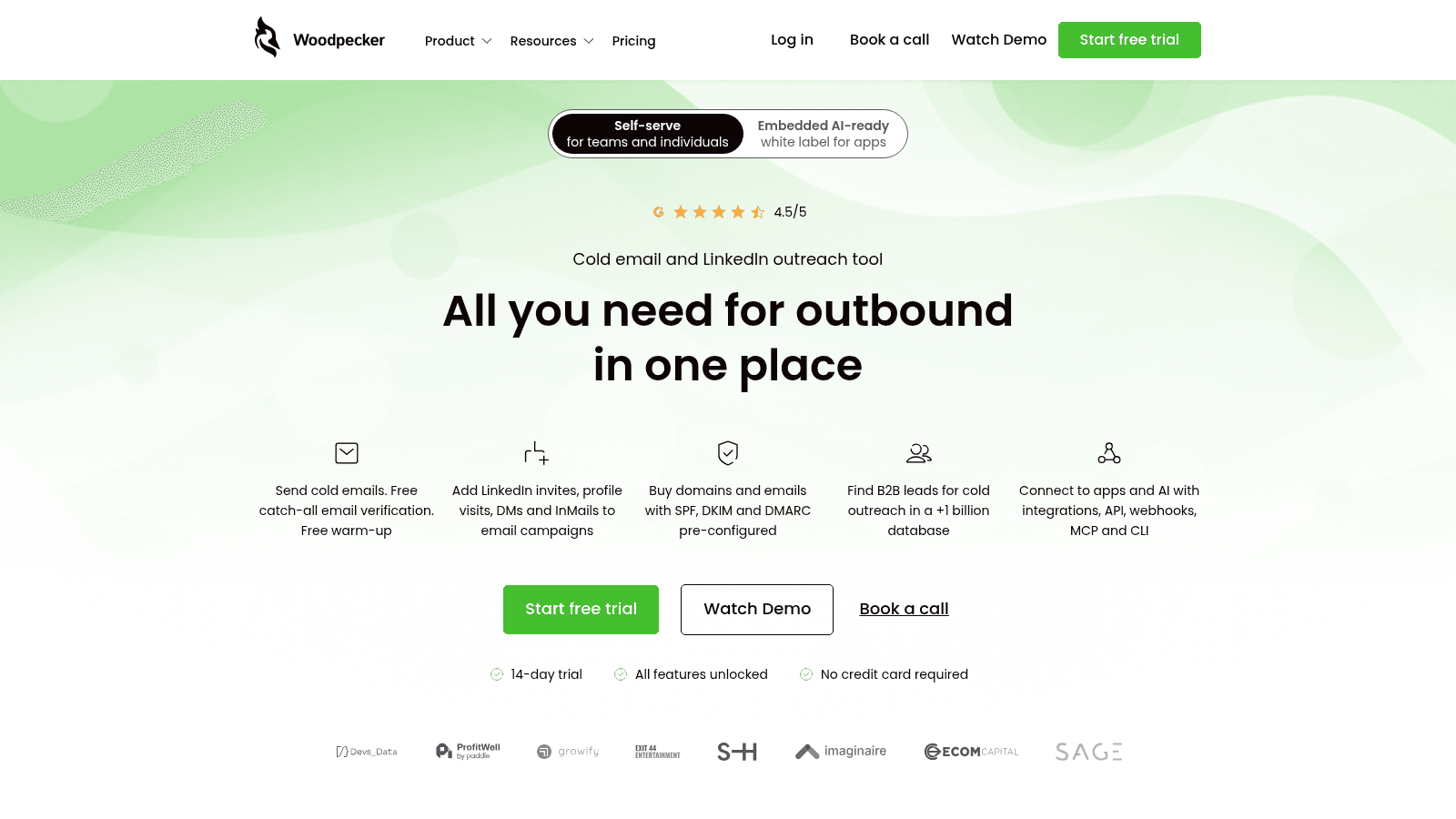
Woodpecker's homepage, woodpecker.co (July 2026).
Woodpecker is a deliverability-focused email and LinkedIn outreach tool popular with SMBs, and in 2026 it moved to usage-based pricing that rewards lighter senders. You pay for prospects contacted, not a flat seat.
- Key features: free email verification and warmup → cleaner lists and better placement at no extra cost; inbox rotation → protect reputation across accounts; LinkedIn outreach automation → connections and DMs alongside email
- Pricing: usage-based at $7 per 100 contacted prospects per month, with unlimited team members, email accounts, and 4 free warmups. A 14-day trial needs no card.
- Pros: you pay only for prospects you actually contact, verification and warmup bundled free, unlimited seats and inboxes
- Cons: usage-based cost is hard to forecast, LinkedIn and integrations are paid add-ons, and it has fewer AI features than newer rivals
- Best for: pay-as-you-go SMBs
For teams with variable volume that would rather not pay a flat monthly fee, Woodpecker's pay-per-prospect model is genuinely useful.
Apollo
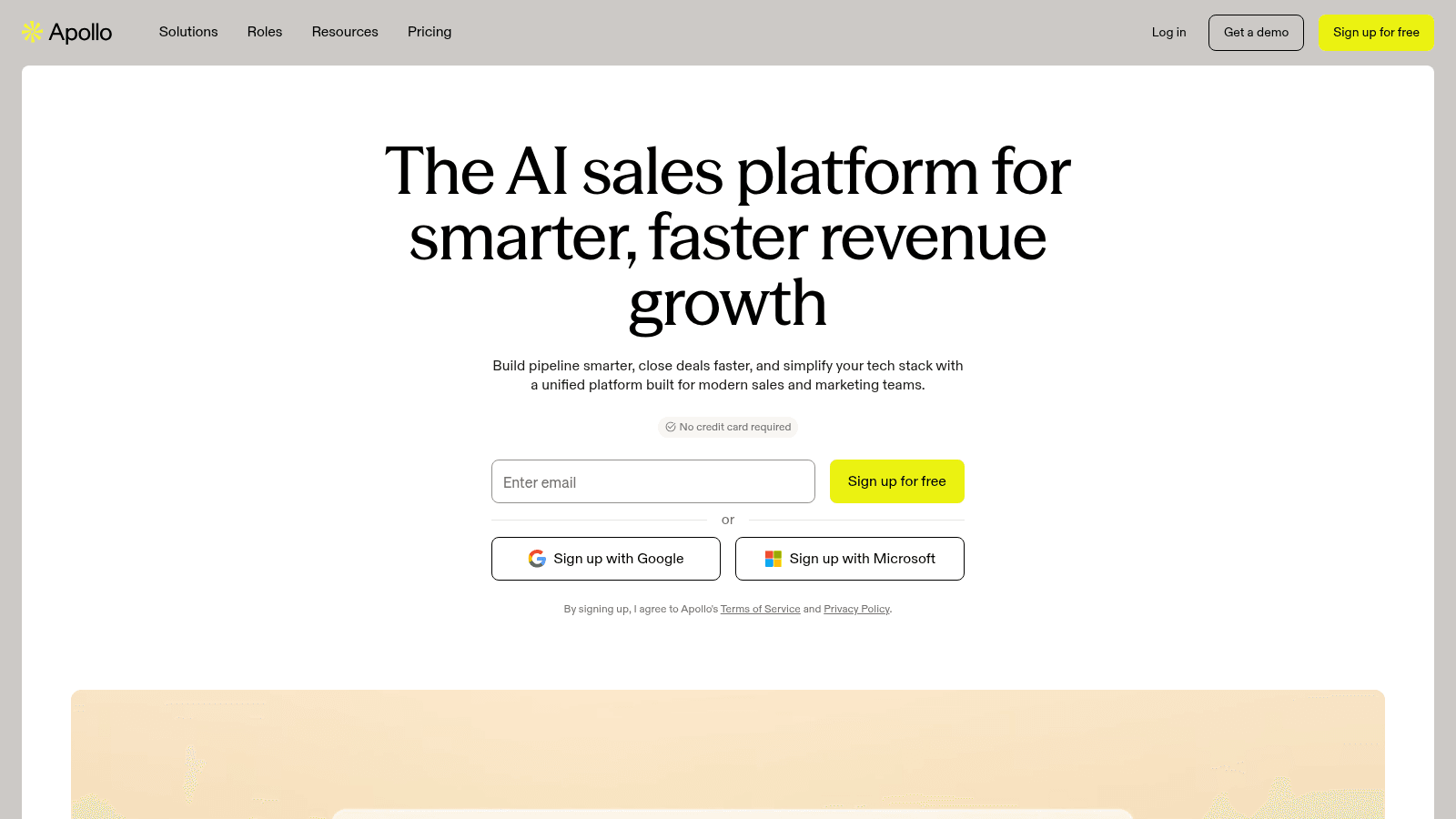
Apollo's homepage, apollo.io (July 2026).
Apollo is a data-first platform: a 210M+ contact database with prospecting, enrichment, and outreach layered on top. It's better known for its data than its deliverability, so treat the two separately.
- Key features: 210M+ contacts and 30M+ companies → find and enrich prospects natively; AI multichannel campaigns → sequences with workflow automation; deal intelligence → call summaries and meeting prep
- Pricing: a free forever plan with limited credits, then Basic at $49 per user/month annual ($59 monthly), Professional at $79, and Organization at $119 (minimum three users).
- Pros: a huge built-in database, a genuine free tier, an all-in-one mix of data and engagement
- Cons: credit caps on phone and export upsell, email deliverability weaker than dedicated senders, and per-seat cost that scales
- Best for: database plus outreach
For teams that want their prospecting data and outreach in one place, Apollo is strong, though pair it carefully on deliverability for cold sends.
GMass
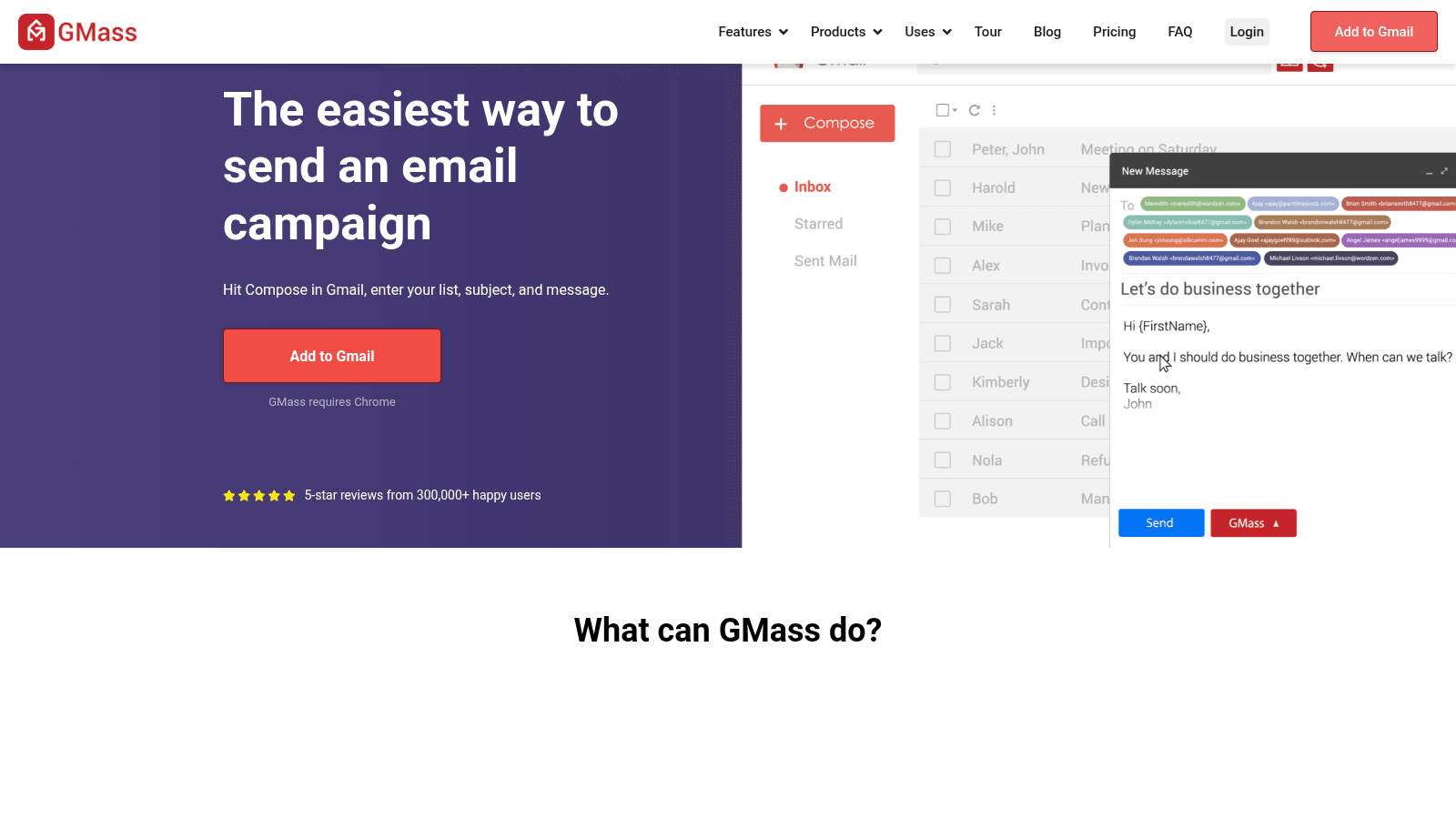
GMass's homepage, gmass.co (July 2026).
GMass runs outreach entirely inside Gmail through a Chrome extension, turning a Google Sheet into a mail-merge campaign. For anyone who already lives in Google Workspace, the learning curve is almost nothing.
- Key features: send from Gmail with automatic follow-ups → run cold outreach without a separate app; Google Sheets mail merge with conditional logic → personalize at scale from a spreadsheet; Spam Solver deliverability testing → get AI suggestions to reach the inbox
- Pricing: the Individual Standard plan is $29.95/month, or $20/month billed annually; Premium is $39.95/month and Professional $59.95/month. Team plans start at $175/month for five users.
- Pros: lives inside Gmail with near-zero setup, genuinely cheap, strong deliverability tooling for a lightweight tool
- Cons: no native warmup, no built-in lead finder or LinkedIn, and it requires broad Google account permissions
- Best for: Gmail-native senders
For solopreneurs and small teams already in Gmail who want low-cost outreach without a new platform, GMass fits the workflow you already have.
Mailshake
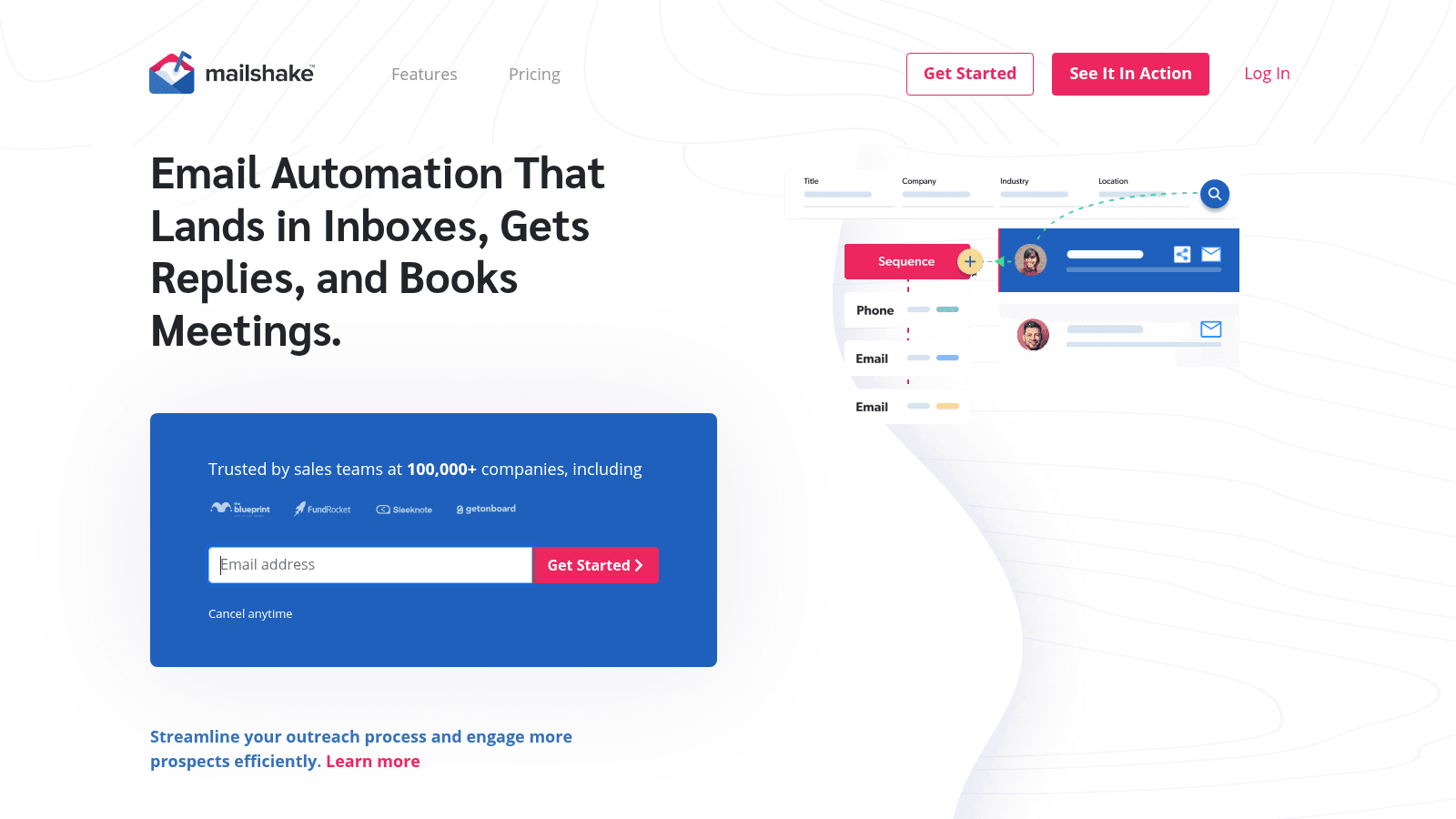
Mailshake's homepage, mailshake.com (July 2026).
Mailshake keeps outreach simple, automating email, phone, and social touches with an AI writer and clear analytics. It's built for people who want to start fast without a manual to read.
- Key features: AI email writer (SHAKEspeare) → generate and A/B-test copy; deliverability tools → domain setup, warmup, and list cleaning; Lead Catcher and analytics → surface your most engaged replies
- Pricing: the Starter plan is $29/month ($25 annual) for one email address and 1,500 sends; Email Outreach is $49 and Sales Engagement $99. There's no free trial.
- Pros: a low entry price that's easy to learn, multichannel on one plan, solid analytics with Lead Catcher
- Cons: no free trial, an entry plan capped at one inbox and 1,500 sends, and fewer deliverability features than dedicated tools
- Best for: beginners wanting easy setup
For a solo seller or small team that wants a gentle on-ramp to outreach, Mailshake keeps things simple.
How We Chose These Email Outreach Tools
We put this list together from current pricing pages and what users are actually saying, then scored each tool on what decides real outreach results in 2026. Marketing claims and brand size didn't factor in.
Four factors carried the most weight. First, deliverability, since warmup, inbox rotation, and authentication decide whether your emails are even seen. Second, real pricing at your actual volume, not the headline number. Third, fit by team type, because a solo founder and a 20-seat agency need different tools. Fourth, candor about limits, including where a tool bills for credits or leans on a paid add-on.
Reply.io ranks first because it's the most complete platform here, from sending to an autonomous AI SDR, and because it's the one we know best, built by the same team as Name2Email. The rest are written up straight, with real prices and honest drawbacks, so the list holds up whether or not you use anything we make.
Find the Emails Before You Send Them
Every tool above sends outreach; none hands you a free, unlimited list of verified work addresses. Most bundle a lead database that charges per credit, which is fine at scale but wasteful when you only need a handful of prospects' emails to start.
That's the job Name2Email does, and it's free. Type a prospect's name and their company domain while you're writing in Gmail, and Name2Email lays out the addresses that match the company's naming pattern. Hover over one and Gmail shows the contact's name and photo when it recognizes the address, so you can tell which is real before you hit send. No account, no credits, no monthly cap.
Be clear-eyed about the limits: it's pattern-based, works best on corporate domains, and can't promise every address, so pair it with a step to verify an email in Gmail before a large send. Used together, the workflow is simple: find the email free with Name2Email, confirm it, then load a clean list into whichever sender you picked above. Our guide on how to find an email address walks through the full method, and a companion piece covers looking up an email address you already have.
What to Look for in Email Outreach Tools
Once you've narrowed the field, the details decide it. Outreach is unforgiving, so weigh the features that keep you in the inbox and turn sends into replies rather than the ones that look good on a feature grid.
Deliverability You Can Rely On
Warmup, inbox rotation, and authentication aren't optional extras. A commenter in r/SaaS who tested several platforms put it plainly: "deliverability is 100% the most important thing," and warned that a data-heavy tool "is good to search for leads, not a good tool for email outreach." It's one opinion, but it matches why dedicated software with warmup and rotation exists.
AI That Actually Saves Time
The best AI tools for email outreach do more than generate a subject line. Look for AI that drafts full sequences, personalizes from real context, and, at the top end, handles replies and books meetings like Reply.io's Jason. AI copy is only useful if it lifts your reply rate, so test it against a message you'd write by hand before you trust it with a campaign.
Follow-Ups and Reply Tracking
Most replies come from the follow-up, not the first email. Backlinko and Semrush, analyzing 12 million outreach emails, found follow-ups roughly double your response rate, and a personalized subject line lifted responses by 30.5%. Any tool worth paying for should automate timed follow-ups and pull every reply into one inbox so nothing gets missed.
How Much Do Email Outreach Tools Cost?
Outreach pricing splits into flat monthly plans, per-seat plans, and usage-based models. The entry numbers are low; the real cost depends on volume, seats, and whether you add a lead database. Here are the public starting prices and how each one bills.
Tool | Entry price | Billing |
|---|---|---|
Woodpecker | $7 / 100 prospects | Usage-based |
GMass | $20/month | Per user (Gmail) |
Mailshake | $29/month | Per user |
Saleshandy | $36/month | Flat, unlimited inboxes |
Smartlead | $39/month | Sends + contacts |
Instantly | $47/month | Flat (bundle from $94) |
QuickMail | $49/month | Flat, unlimited seats |
Apollo | Free / $49 per user | Per user + credits |
Lemlist | $55/month | Per user (annual) |
Reply.io | $59/month per user | Per user (AI SDR from $500) |
As a rough guide, a solo sender runs real outreach for $20 to $60/month, a small team lands around $50 to $100/month per seat, and an AI SDR or heavy multichannel program runs several hundred a month. Whatever you choose, the finding step can stay free, so budget for sending rather than for building the list.
Are Free Email Outreach Tools Worth It?
Free email outreach tools exist, but read the fine print. Apollo has a genuine free tier with limited credits, and several tools offer trials rather than free plans. The catch is almost always volume: free tiers cap sends, contacts, or the deliverability tools that keep you in the inbox, which is exactly where outreach lives or dies.
The cheapest tool isn't always the free one. A low-priced paid plan with real warmup and rotation usually beats a capped free tier that lands you in spam. A more practical version of "free" is to keep the expensive part, finding and verifying addresses, at no cost, and pay only for sending.
Name2Email hands you unlimited work-email lookups at no charge, so you can build and clean a starter list for free, then run a sender on its cheapest paid plan. Once outreach proves itself, upgrading to multichannel or an AI SDR is a smaller, easier decision.
Choosing the Email Outreach Tool That Fits You
The best email outreach tool is the one whose strengths match your volume, budget, and how hands-on you want to be, not the one with the loudest homepage. Cut this list to two or three, start a free trial, and send a small warmed-up batch before committing. The upside is real: Litmus puts the average return on email at $36 for every $1 spent, so the right tool pays for itself quickly.
For the shortest path, pair our free Name2Email finder with Reply.io and run finding, sending, and AI-driven follow-up in one place. Add Name2Email to Chrome, build a clean list free, and you're ready to load your first sequence. If you'd rather send personalized emails one at a time, our guide to emailing multiple recipients individually shows how.
Need the addresses or a cleaner list? Our guides to the best email finding tools, email verification tools, and email validation tools handle the steps on either side of sending.
Frequently asked questions
Reply.io is our top pick for AI-driven multichannel outreach, with an autonomous AI SDR. Instantly and Smartlead lead for high-volume agencies, Saleshandy and Mailshake for budget teams, GMass for Gmail-native senders, and Woodpecker for pay-as-you-go. The best fit depends on your volume and whether you want AI or multichannel.
A few tools offer free tiers or trials, and Apollo has a genuine free plan with limited credits, but free tiers usually cap sends or deliverability features. A practical approach is to keep list-building free with Name2Email and pay only for a sending tool, since that's where volume and deliverability actually cost money.
Entry prices range from $7 per 100 prospects (Woodpecker) and $20/month (GMass) up to $59/month per user for Reply.io. Multichannel plans run around $99/month, and an AI SDR like Jason starts at $500/month. Your real cost depends on volume, seats, and whether you add a lead database.
Reply.io leads with Jason, an AI SDR that sources leads, writes and sends sequences, and books meetings on its own. Lemlist and Smartlead offer strong AI personalization and warmup, and Mailshake includes an AI writer. Test any AI copy against a message you'd write by hand before trusting it with a live campaign.
Most bundle a lead database that charges per credit, so finding addresses isn't truly free inside the software. Name2Email finds work emails free and unlimited inside Gmail, so many teams build their list with it first, then load a clean list into their outreach tool to avoid burning credits.

We build Name2Email, the free Chrome extension that finds work emails inside Gmail. We write about outreach, prospecting, and getting more replies.
Connect →