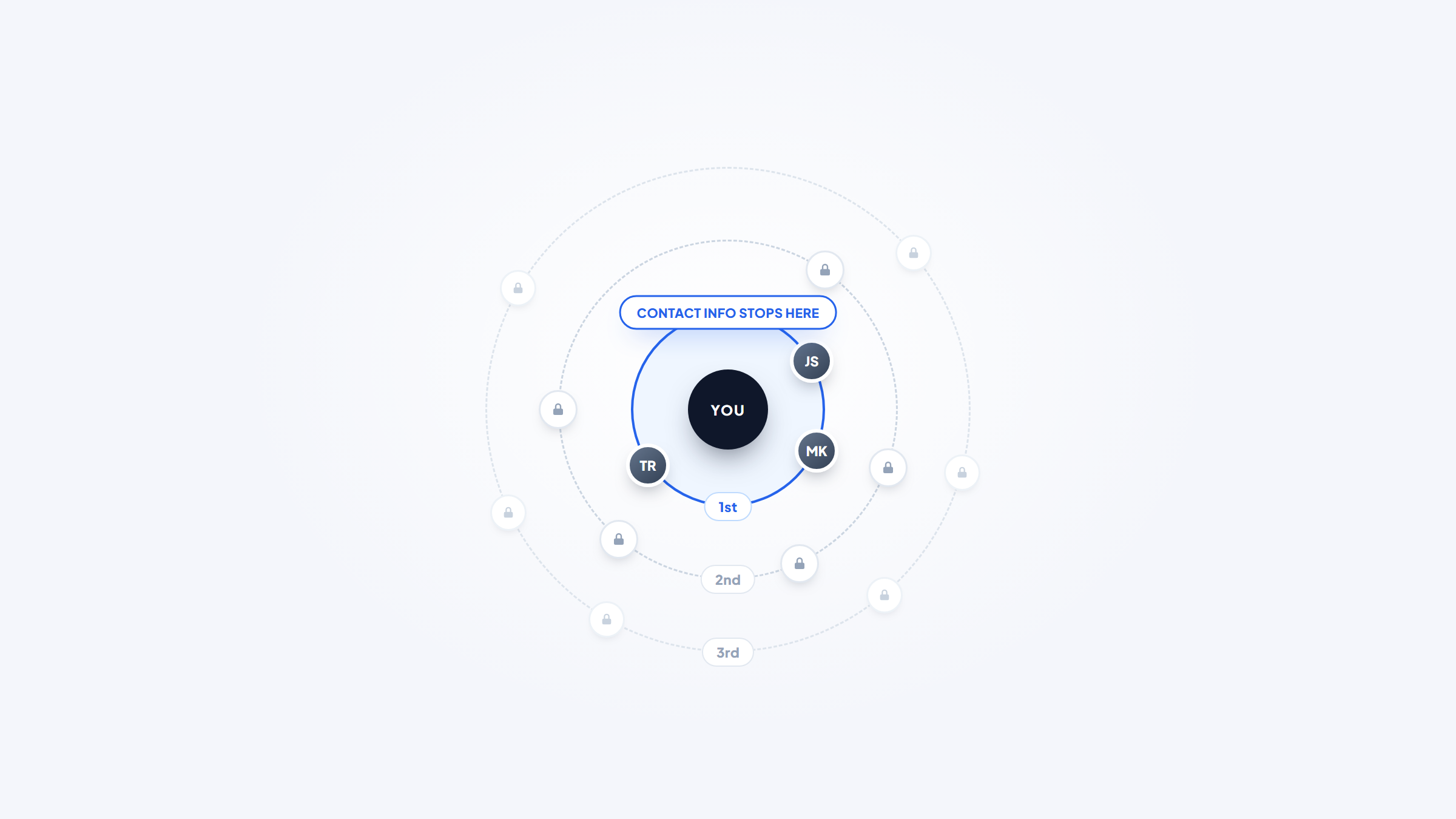
- 1LinkedIn shows you a person's contact info only if you are connected or they chose to make it public, so most methods work around the platform rather than inside it.
- 2The highest-yield route is using LinkedIn to learn the name and company, then deriving the work email from the company's naming pattern.
- 3LinkedIn's own terms restrict automated collection, and the well-known hiQ ruling was about one US statute, not blanket permission to scrape.
- 4Our free Chrome extension turns a name and company domain into the likely work email inside Gmail, with no credits and no account.
LinkedIn is where you identify the right person and almost never where you get their email.
The profile gives you a full name, a current employer, a job title, and often enough career history to write something relevant. What it withholds, unless you are already connected, is the one field you need to actually make contact.
This guide covers how to find someone's email on LinkedIn: the methods that work inside the platform, the ones that work around it, what LinkedIn's rules actually say, and where the whole thing usually ends up, which is deriving a work address from a company pattern.
We make Name2Email, a free Chrome extension that finds work emails inside Gmail, so the last step is our specialty. The rest of this works without us.
What LinkedIn Will and Will Not Show You
Start with the platform's own behavior, because it sets the boundary for everything else.
Every member has a Contact info section on their profile. What appears there depends on two things: whether the member added an email address at all, and your connection degree.
First-degree connections can see the contact info a member has chosen to share, which frequently includes an email address. Second and third-degree connections generally cannot, even when the member has filled the field in.
So the simplest legitimate method is genuinely just this: open the profile, click Contact info under the headline, and see what is there. On first-degree connections it works more often than people assume, because a large share of members added an address years ago and forgot.
If you are not connected, that path closes and you move to the alternatives below.
Method 1: Connect First, Then Look
Sending a connection request is the most direct route and the most underrated.
A request with a short, specific note has a far better acceptance rate than a bare one, and acceptance immediately unlocks the contact info field. It also gives you a warmer opening than a cold email would have.
The trade-off is time. Connection requests sit unanswered for days, and LinkedIn caps how many you can send in a week. This works well for a handful of high-value targets and poorly for volume.
A practitioner thread in r/sales describing 200 LinkedIn bookings over five months makes the point that this channel rewards patience and specificity rather than volume. You can read the discussion on Reddit for one operator's account, treating the numbers as anecdotal rather than benchmarks.
Method 2: Read the Profile for a Published Address
Sometimes the quickest way to find LinkedIn email details is to read the profile itself, because a surprising number of people publish an address in the body of their profile without ever using the contact field.
Check the About section, where consultants, recruiters, and freelancers frequently write "reach me at" followed by an address. Check the Featured section, which often contains links to personal sites or newsletters that list contact details. Check recent posts and comments, where people share addresses in response to "DM me" threads.
Four parts of the same profile, none of them the contact field.
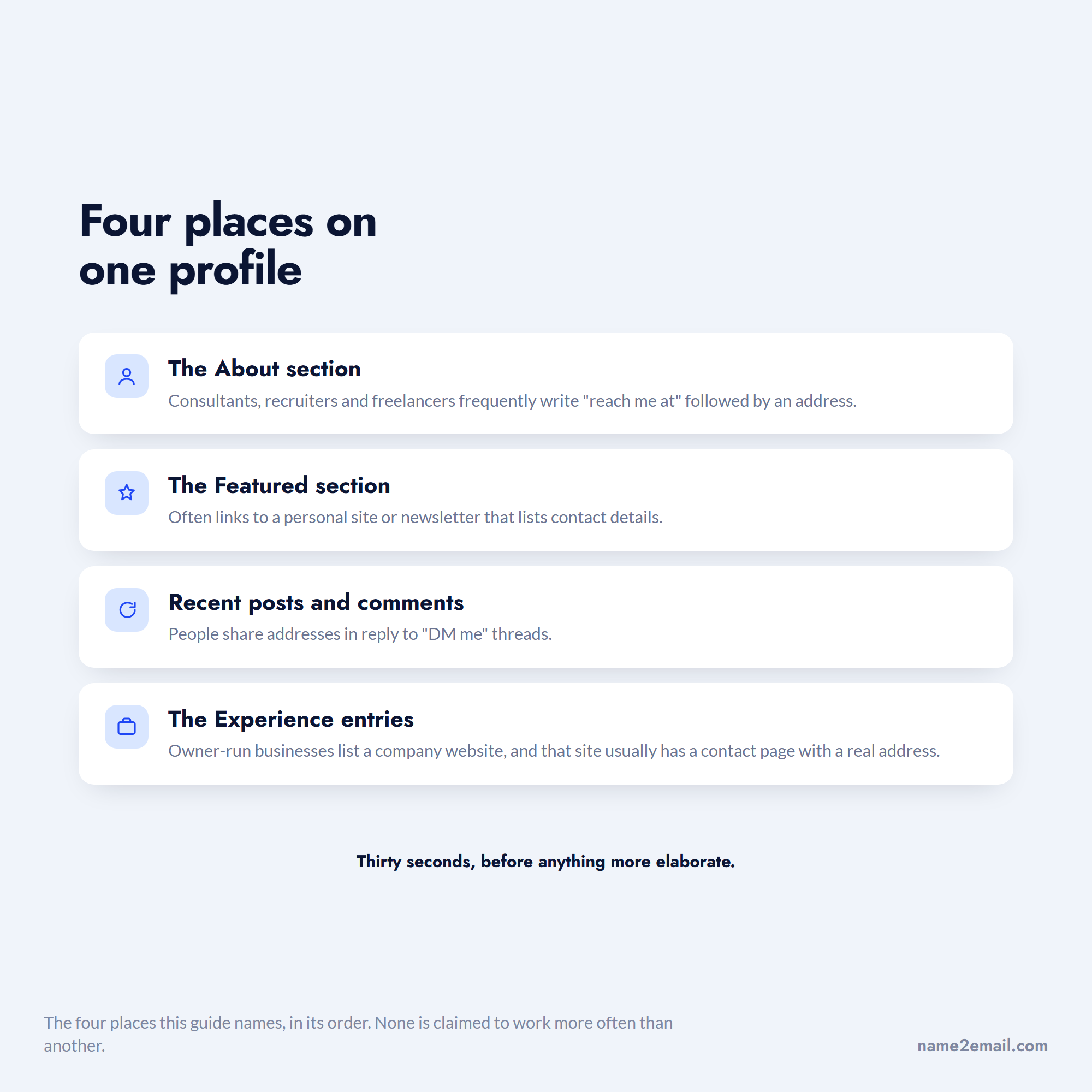
Also check the Experience entries. People who run their own business often include a company website there, and that site usually has a contact page with a real address on it.
This costs nothing and works often enough to be worth thirty seconds before you try anything more elaborate.
Method 3: Find Email Address From LinkedIn Using the Company Pattern
This is how to find email from LinkedIn profile data at any scale, and it uses LinkedIn only for identification.
From the profile you have two facts: the person's full name and their current employer. That is everything you need, because almost every company applies one email naming convention across all staff.
Work out that convention from any single known address at the company, then apply it to your target.
- Copy the person's full name exactly as written on the profile, including any middle initial or hyphenation.
- Open the LinkedIn company page attached to their current role and follow the website link.
- Locate a single existing address at that domain, whether on a contact page, in a press release, or through a site-restricted search.
- Read the structure of that example to see how the company joins first and last names.
- Rebuild your target's name in the same structure, then verify it before you send anything.
Two LinkedIn-specific details make this more accurate than it sounds. Profiles carry the legal first name far more often than a chat handle does, which matters because email patterns are built from legal names rather than nicknames. And the company page tells you which entity someone actually works for after an acquisition, which is frequently not the brand on their business card.
The catch is name formatting. Profiles with accented characters, hyphenated surnames, or names written in a non-Latin script rarely map cleanly to an address, and companies handle those inconsistently. For those cases, confirm rather than derive.
Our guide on searching Google for addresses covers the operator syntax for step three.
This is the approach our extension automates. Name2Email generates the likely formats from a name and company domain inside Gmail's compose window, populates the "To" field, and lets you confirm the right one by hovering, because Gmail surfaces the person's name and photo when it recognizes an address. It is free and unlimited, with no account and no credit meter.
We are honest about the constraints. We generate patterns from public naming conventions rather than querying a scraped database, which means we work best on corporate domains and cannot guarantee every address. Where a paid database earns its money is the bulk case, and the best email finding tools compares those fairly.
Method 4: Sales Navigator and Paid Tools
LinkedIn's own paid tier does not hand over email addresses, which surprises people who buy it expecting exactly that.
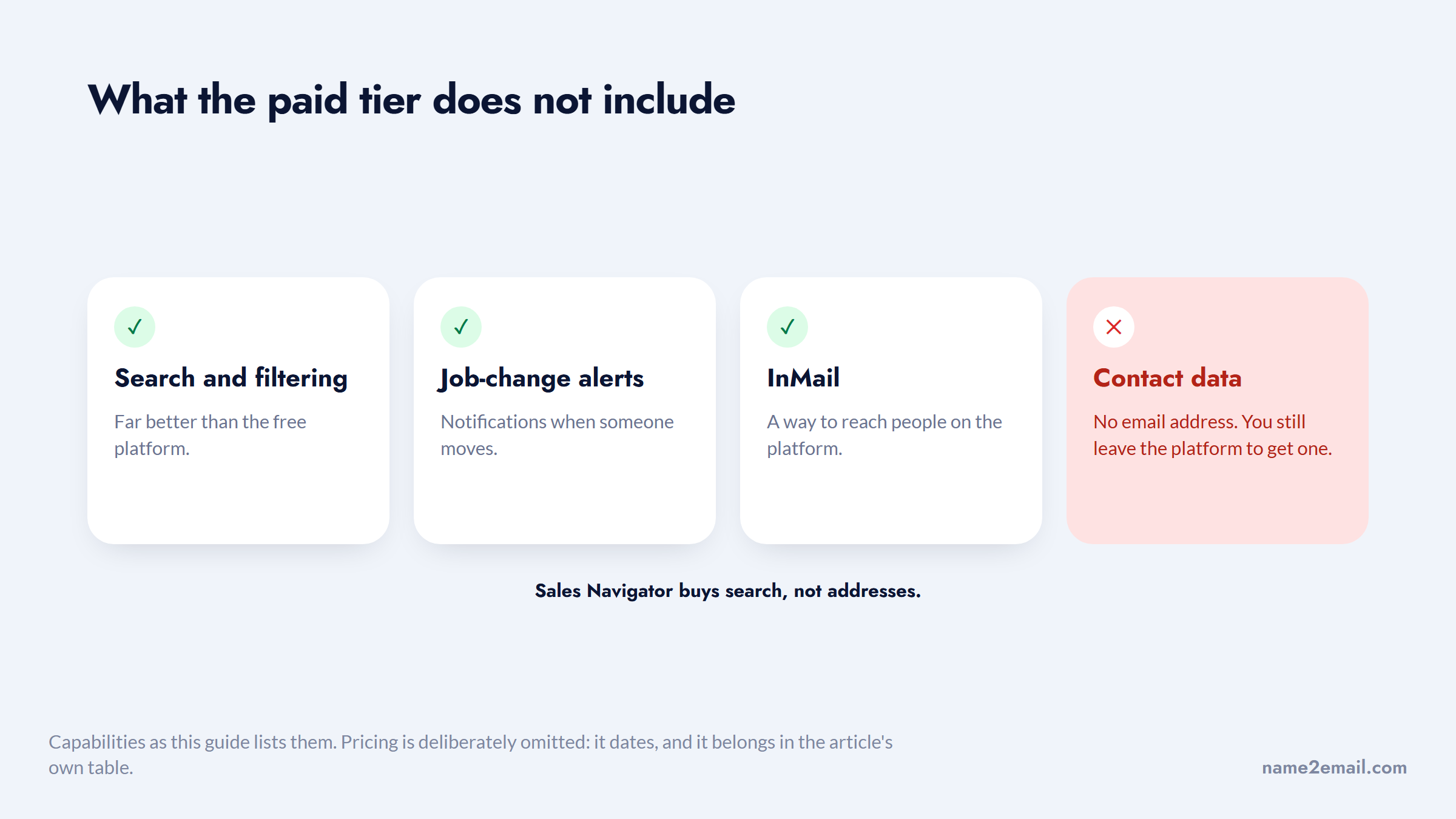
Sales Navigator, at $119.99 per month for Core, gives you far better search and filtering, alerts on job changes, and the ability to reach people through InMail. What it does not include is contact data. You still leave the platform to get an address.
Three of the four things people buy it for are there; the fourth is the one they wanted.
Third-party tools fill that gap by matching a LinkedIn profile against their own contact database. Apollo, from $49 per user per month, and UpLead, from $74 per month billed annually, both offer Chrome extensions that surface an address while you view a profile. Accuracy varies by region and seniority, and both meter you by credits.
The honest comparison is that paid tools buy you speed rather than a capability you lack. The pattern method gets the same address for free; the tool gets it in two seconds instead of two minutes.
That trade only pays off above a certain volume. At twenty prospects a month, a $49 subscription costs more than the time it saves. At two hundred, it is obviously worth it. Work out where your own break-even sits before subscribing, rather than assuming the tool is the professional choice.
Method 5: Search Outside LinkedIn Entirely
Once you have a name and employer, the open web often has what LinkedIn is hiding.
To find email address LinkedIn profiles never show, start with the company's own site. Team pages list addresses directly, particularly at smaller firms. Press releases carry media contacts in full. Conference programs and academic papers, usually PDFs, print contact blocks verbatim. GitHub commit metadata frequently exposes a developer's work address.
For anyone who publishes, speaks, or writes code, one of those usually resolves it. Our guide on finding an email address covers each of these in sequence.
Which Method Fits Which Kind of Profile
The right method depends less on your tooling than on who you are trying to reach.
Profile type | What usually works | What usually fails |
|---|---|---|
Founder or executive at a small firm | Company site contact page, press releases | Contact info field, often left empty |
Engineer or developer | GitHub commit metadata, pattern derivation | LinkedIn itself, many keep thin profiles |
Consultant or freelancer | Address published in the About section | Pattern derivation, no company domain |
Enterprise middle manager | Pattern derivation from a colleague | Published sources, they rarely appear |
Recruiter | Contact info field, they want to be reached | Anything elaborate, just check the profile |
Academic or researcher | Institutional page, papers as PDFs | Corporate-style patterns, universities differ |
Sales or marketing lead | Almost everything, high public footprint | Nothing much, these are the easy ones |
The row worth noting is the enterprise middle manager, because that is the most common B2B target and the one with the smallest public footprint. For those people, deriving the pattern from a more visible colleague is usually the only free route that works.
Find LinkedIn Profile by Email Address
The reverse problem, to find LinkedIn profile by company email, comes up just as often, usually when someone emails you and you want to know who they are.
Searching the full address in LinkedIn's own search box sometimes works, because members who published an address in their profile text become findable that way. It fails when the address only sits in the private contact field.
Uploading contacts through LinkedIn's Add Contacts feature is more reliable. LinkedIn matches addresses in your uploaded file against accounts and suggests them as connections, which effectively resolves address to profile.
Searching the address in Google with `site:linkedin.com` catches profiles that published it publicly. And searching the local part of the address, the piece before the @, alongside the company name will often surface the right person even when the address itself is nowhere.
For the broader version of this task, our guides on Google reverse email lookup and looking up an email address go deeper.
Method Comparison
Each route trades cost against speed and reliability.
Method | Cost | Speed | Reliability | Best for |
|---|---|---|---|---|
Contact info on profile | Free | Instant | High, first-degree only | People you already know |
Connect, then check | Free | Days | Moderate | A few high-value targets |
Address published in profile text | Free | Under a minute | Low but worth checking | Consultants, freelancers, recruiters |
Derive from company pattern | Free | 1 to 2 minutes | High on corporate domains | Almost everyone |
Name2Email in Gmail | Free | Seconds | High on corporate domains | Ongoing one-at-a-time outreach |
Chrome extension finders | $49 to $99/month | Seconds | Varies by region | Volume prospecting |
Sales Navigator | $119.99/month | Not applicable | No email included | Search and alerts, not contact data |
The pattern across the table is that free methods are competitive on accuracy and lose only on speed, which is why paying makes sense at volume and rarely below it.
What LinkedIn's Rules Actually Say
This is where a lot of advice online is loose, so it is worth being precise.
LinkedIn's User Agreement prohibits scraping and automated data collection from the platform. That is a contractual restriction, and it applies regardless of whether the data is technically public.
The case people cite in the other direction is hiQ Labs v. LinkedIn, where the Ninth Circuit held that scraping publicly accessible pages likely does not constitute access "without authorization" under the Computer Fraud and Abuse Act. You can read the Ninth Circuit's opinion directly.
Two things are commonly misread about it. It addressed one specific US anti-hacking statute, not contract law, data protection law, or LinkedIn's ability to enforce its own terms. And hiQ's dispute with LinkedIn continued afterward on other grounds.
Three activities, and only the middle one is in any doubt.
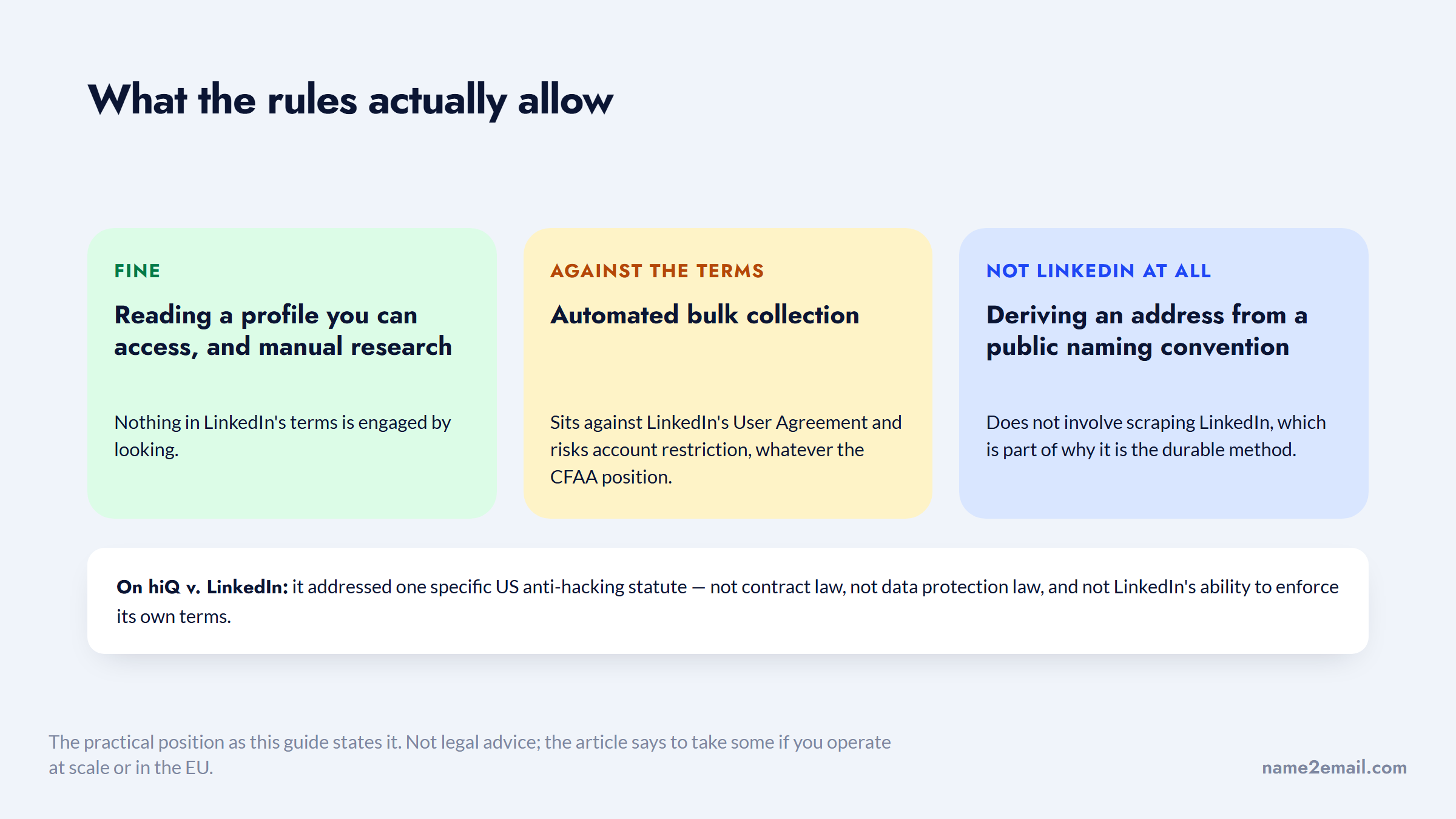
The practical position: reading a profile you can access is fine, and manual research is fine. Automated bulk collection sits against LinkedIn's terms and risks account restriction, whatever the CFAA position. Deriving an email from a name and a company's public naming convention does not involve scraping LinkedIn at all, which is part of why it is the durable method.
None of this is legal advice, and if you are operating at scale or in the EU, take some.
Why the Right Person Matters More Than the Right Tool
LinkedIn's scale is the reason this workflow exists at all: the platform reports more than 1 billion members across more than 200 countries and territories, which makes it the most complete professional directory available.
A directory that size finishes one half of the job and does nothing for the other.
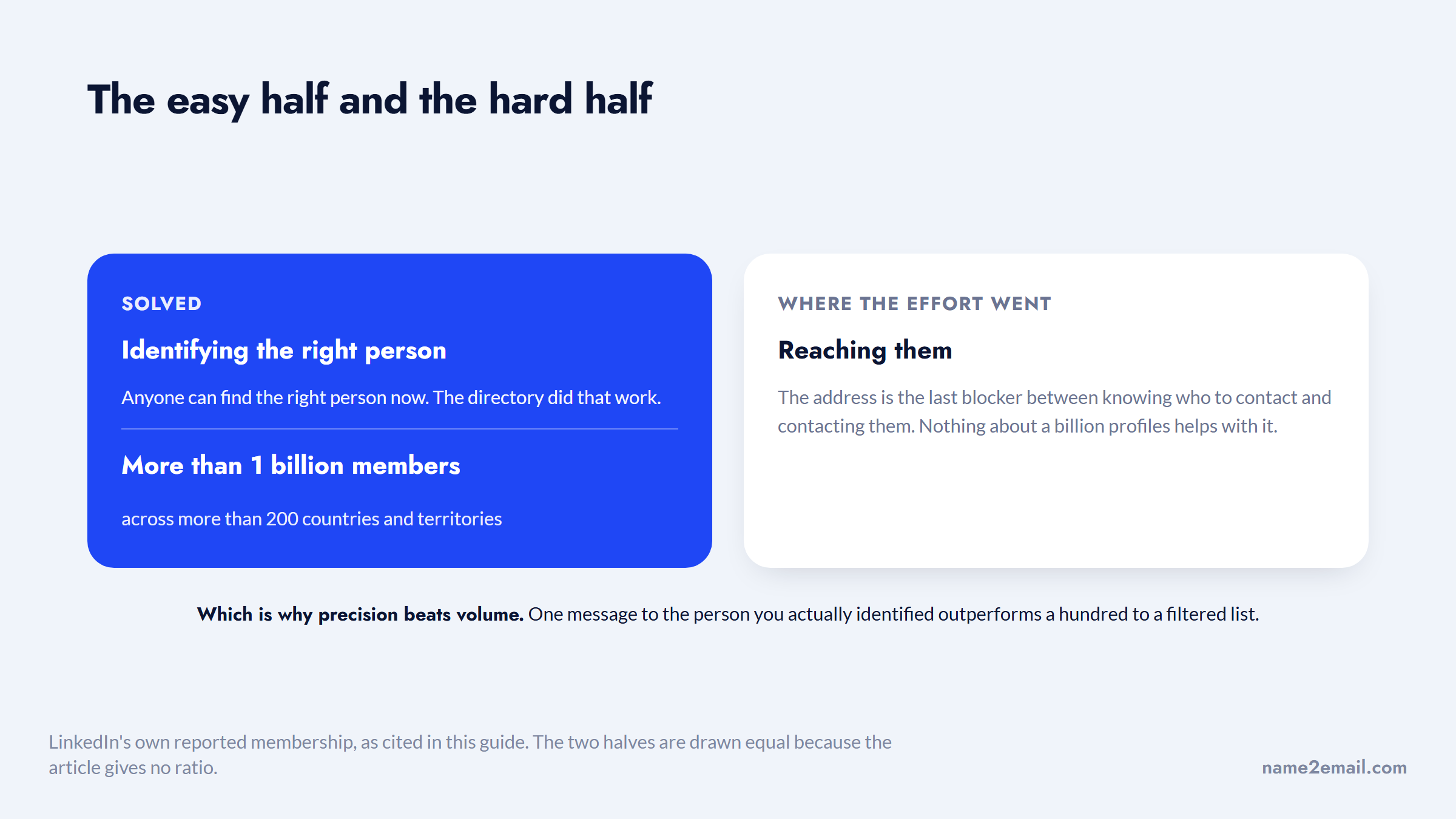
That completeness is exactly why identification is the easy half and contact is the hard half. Anyone can find the right person now. Reaching them is where the effort concentrated.
It also means precision beats volume. A message to the specific person you identified through careful profile research will outperform a hundred messages to a filtered list, and the address is the last blocker between those two states.
The Practical Sequence
Work it in this order and most lookups resolve in under two minutes.
Check the Contact info section first, since it costs one click. Scan the About and Featured sections for a published address. Note the name and employer, find the company domain, and derive the pattern from any single address you can find on that domain. Verify the result before sending.
Four steps in order, and one thing worth not buying for this.
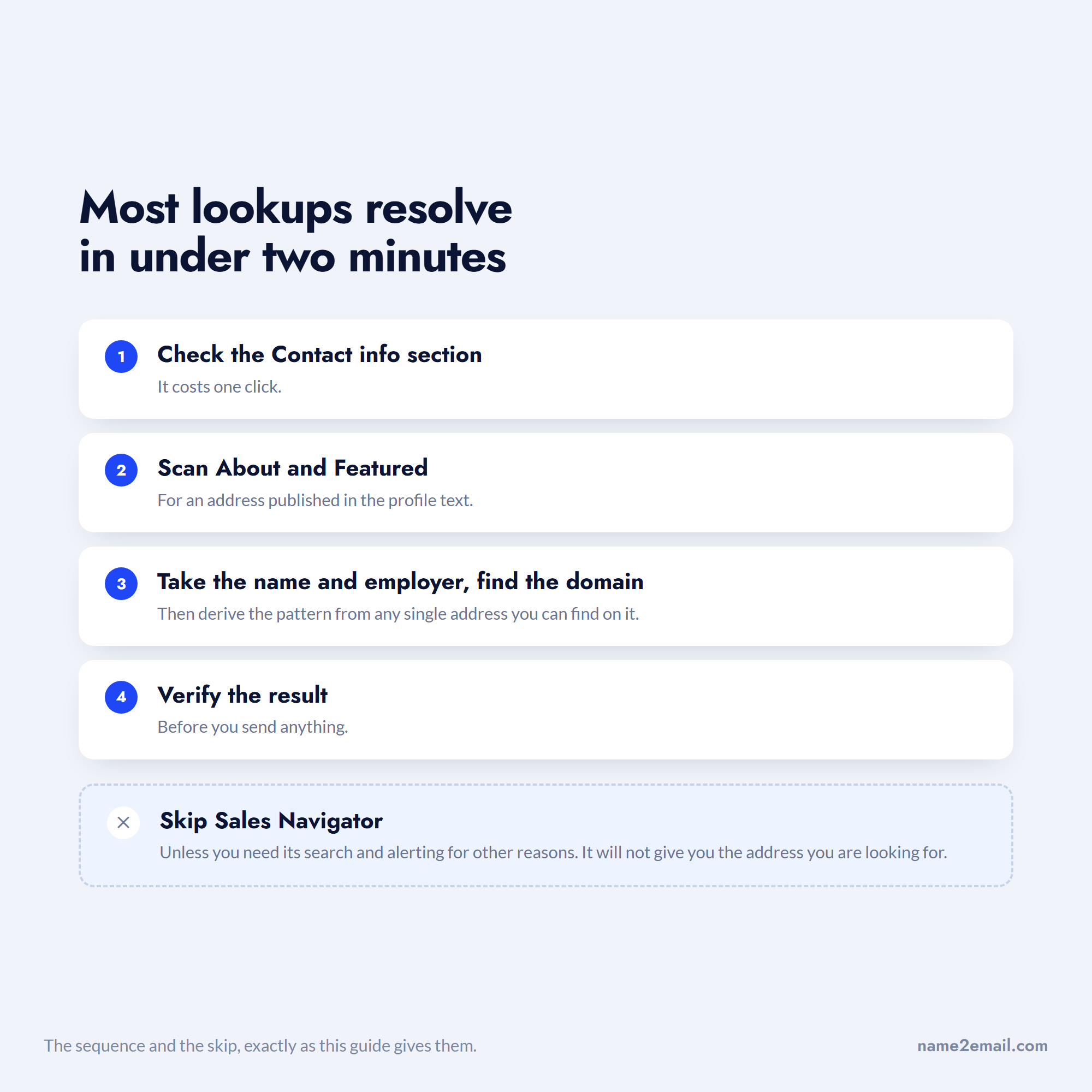
Skip Sales Navigator unless you need its search and alerting for other reasons, because it will not give you the address you are looking for.
For the verification step, our guide on verifying an email address covers the manual check and the best email verification tools covers bulk. When you are ready to write the message itself, writing a good email covers structure and the best cold email software covers sending at volume.
And for the derivation step itself, add Name2Email to Chrome and do it inside Gmail free, or see how we compare to the paid finders first.
Frequently asked questions
Open their profile and click Contact info under the headline. If you are a first-degree connection and they added an address, it appears there. If you are not connected, that field is hidden, so the reliable route is to take the name and employer from the profile, find the company's email naming convention from any single published address at that domain, then apply the pattern to your target. Verify the result before sending, since a derived address is a hypothesis.
Often, yes. Searching the full address in LinkedIn's search box works when the member published it in their profile text. Uploading the address through LinkedIn's Add Contacts feature is more reliable, since LinkedIn matches uploaded addresses against existing accounts. You can also search the address in Google with `site:linkedin.com`, or search the part before the @ alongside the company name, which often identifies the person even when the address itself is not indexed.
No, and this is a common and expensive misunderstanding. Sales Navigator, from $119.99 per month, provides advanced search and filtering, job-change alerts, and InMail credits, but it does not include contact data. You still need a separate method to obtain an email address. If contact data is your actual requirement, a data platform or an email finder addresses it more directly and usually for less money.
Reading a profile you have access to and manually researching a company's email format is not scraping and does not conflict with LinkedIn's terms. Automated bulk collection from LinkedIn does conflict with its User Agreement and risks account restriction. The hiQ Labs v. LinkedIn ruling is frequently cited as permission, but it addressed one US anti-hacking statute rather than contract or data protection law. Deriving an address from a public naming convention avoids the issue entirely.
To find an email address from LinkedIn free, take the full name and employer from the profile, then work out the company's naming pattern by finding any single address at that domain, using a search such as `site:company.com "@company.com"`. Apply that pattern to your target's name. Our free Name2Email extension automates this inside Gmail: type the name and company domain in the compose window and it generates the likely formats, which you confirm by hovering, with no credits or account required.

We build Name2Email, the free Chrome extension that finds work emails inside Gmail. We write about outreach, prospecting, and getting more replies.
Connect →