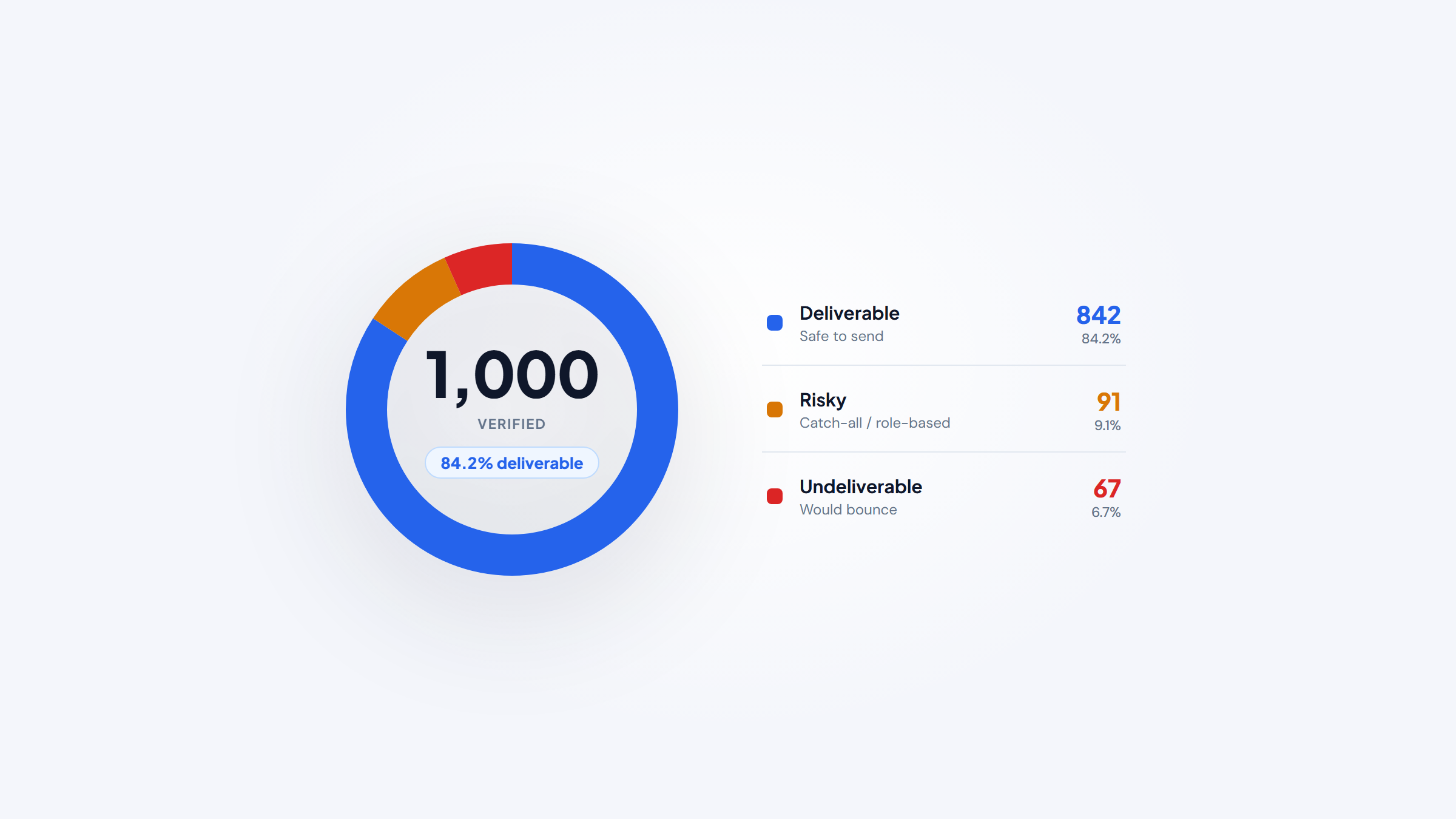
- 1Email verification tools check whether an address is real and will accept mail before you send, which protects both your delivery rate and your sender reputation.
- 2Accuracy is the metric that matters. Most tools claim 97% to 99.6%, but catch-all domains and false positives mean no verifier hits a perfect score, so treat guarantees with healthy skepticism.
- 3Pricing is usually pay-as-you-go: roughly $12 to $80 per 10,000 emails, with the cheapest credible options around $0.001 to $0.004 each.
- 4Verification checks the emails you already have; it won't turn up new ones. Name2Email, our free extension, surfaces work emails from your Gmail inbox, so pair the two: find first, verify before you send.
You can write the perfect email and still never reach the inbox if the address is dead, mistyped, or a spam trap. Email verification tools solve that by checking each address before you send, so your bounce rate stays low and mailbox providers keep trusting your domain. This guide ranks the best email verification tools for 2026 on the thing that actually counts: accuracy, plus the depth of checks behind it.
We make Name2Email, a free Chrome extension for finding work emails without leaving Gmail, so we sit one step upstream of every tool here. To be clear about the boundary: Name2Email finds addresses, it doesn't verify deliverability, so the verifiers below are what you run on your list before a real send. Find first, then verify.
That order matters more than most senders realize. Sinch Mailgun's 2025 survey of 1,100 senders found that almost 88% of senders couldn't correctly identify what their delivery rate even measures, because an email that lands in spam still counts as "delivered." A good verifier is how you stop guessing.
What Are Email Verification Tools?
An email verification tool checks whether an email address is valid, active, and safe to send to, without actually sending a message that could bounce. It runs a series of technical checks and returns a verdict: valid, invalid, risky, or unknown. You upload a list or call an API, and it tells you which addresses to keep, which to drop, and which to send to carefully.
You'll see them called email verifiers, email validation tools, email checkers, or bounce-reduction tools. The label varies, but the job is the same: get your bounce rate down before a send so mailbox providers keep letting you in.
The reason this matters is sender reputation. Every hard bounce and spam complaint tells Gmail, Yahoo, and Outlook that you're not managing your list, and they respond by filtering more of your mail to spam. Twilio SendGrid's deliverability guide notes that a spam-complaint rate above 0.3% crosses the violation line, and even rates under 0.08% can be considered high, so keeping a clean, verified list is not optional if you send at any volume.
How Email Verification Works
Verification tools stack several checks, from cheap and instant to slow and thorough. Understanding the layers helps you read a tool's results instead of trusting a single "valid" label.
Here are the core checks a good verifier runs, roughly in order of depth:
- Syntax check: confirms the address is formatted correctly and catches typos like a missing "@" or "gmial.com."
- Domain and MX check: confirms the domain exists and has mail servers set up to receive email.
- SMTP handshake: pings the mailbox server to confirm the specific inbox exists, without sending a message.
- Catch-all detection: flags domains that accept mail to any address, where a "valid" result is less certain.
- Role and disposable detection: identifies info@ or sales@ addresses and throwaway domains that hurt engagement.
- Spam-trap and abuse screening: flags addresses known to damage sender reputation.
The catch-all is where verifiers earn their price. A catch-all domain accepts everything, so the SMTP check can't confirm a specific inbox, and most tools mark those addresses "risky" or "unknown" rather than valid. The best tools do extra work to resolve them; the rest leave you to decide. Because that step is imperfect, treat any accuracy claim as a strong estimate, not a promise.
The Best Email Verification Tools in 2026
The ten verifiers below all do the job well, but they differ on accuracy, speed, price, and how they handle catch-alls. The table sums each up at a glance; the entries get into the detail.
Tool | Best for | Key checks | Free tier | Pricing (from) | Rating |
|---|---|---|---|---|---|
ZeroBounce | Highest stated accuracy | Full checks, AI scoring, 45 integrations | 100/month | Free · PAYG | ★★★★★ |
Bouncer | GDPR-safe verification | Reputation shield, catch-all, EU data | 100 credits | Free · $8/1k | ★★★★½ |
NeverBounce | Real-time API checks | Real-time API, free list analysis | Test credits | Free · $8/1k | ★★★★½ |
Kickbox | Developer-friendly API | Sendex score, clean API docs | 100 | Free · $5/500 | ★★★★ |
Emailable | Fast bulk verification | Fastest processing, Monitor re-checks | 250 | Free · $38/5k | ★★★★ |
MillionVerifier | Budget accurate checks | Free catch-all, risky-email refund | 100 | Free · $4.90/2k | ★★★★½ |
Hunter | Verifying in a sales stack | Verifier plus finder and campaigns | 50/month | Free · $34/mo | ★★★★ |
Reoon | Cheap high-accuracy API | Full SMTP handshake, fast API | 100+20/day | Free · $12/10k | ★★★★ |
Clearout | Deep multi-check verification | 20+ checks, finder plus verifier | 100 | Free · $40/5k | ★★★★ |
QuickEmailVerification | Daily-free API testing | Typo fixes, 100 free daily | 100/day | Free · $4/500 | ★★★½ |
Ratings reflect accuracy, catch-all handling, and value, not brand size. Shortlist two or three, run the same test list through each free tier, and compare the verdicts before you buy.
ZeroBounce
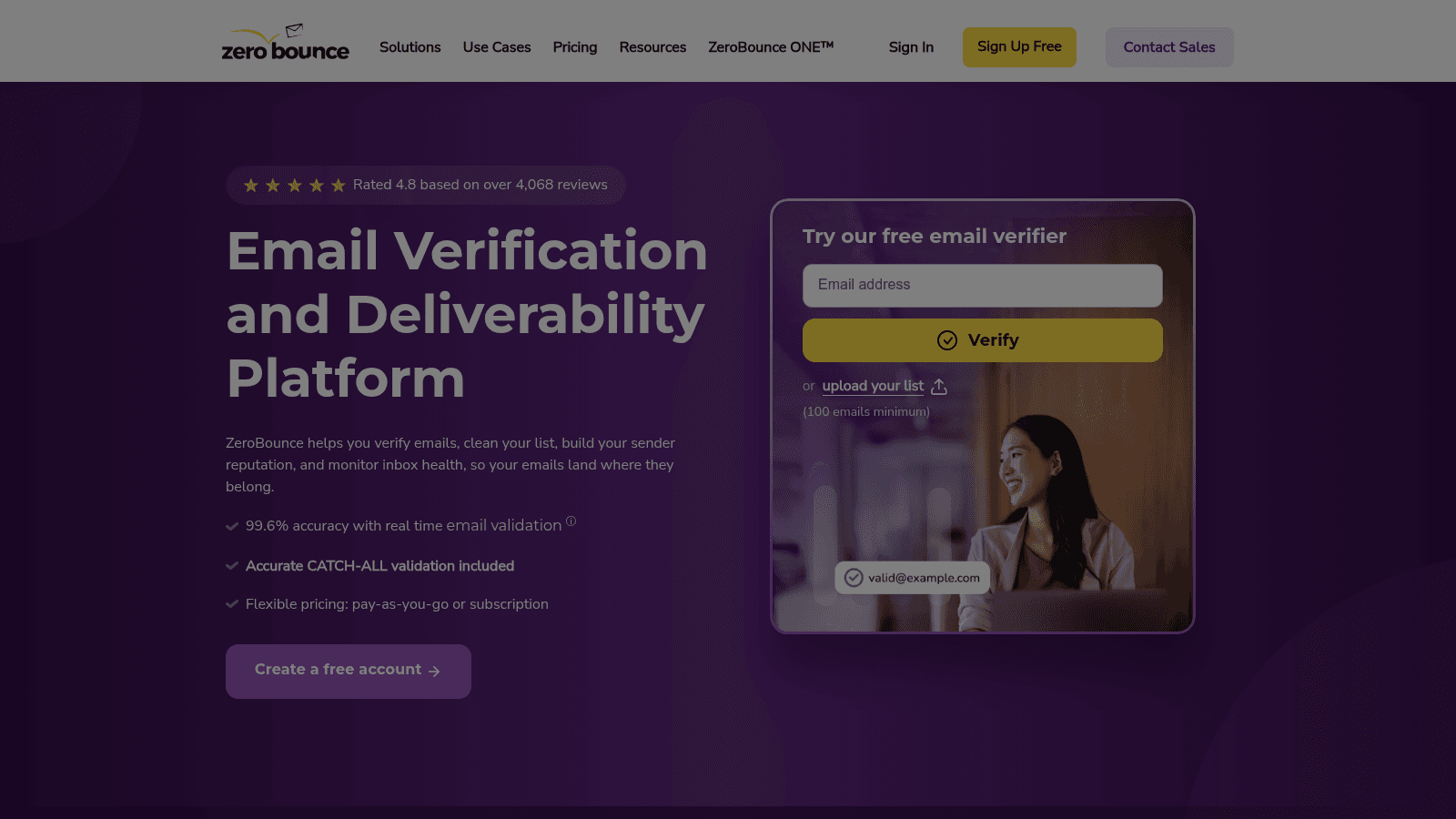
ZeroBounce's homepage, zerobounce.net (July 2026).
ZeroBounce is the accuracy leader here, with the deepest feature set: validation, AI scoring that predicts engagement on catch-alls, blacklist monitoring, and inbox-placement testing in one suite. It also carries the most compliance badges, from SOC 2 to HIPAA.
- Key features: full validation with catch-all and spam-trap detection → drop the addresses that bounce or trap; AI email scoring → judge risky catch-alls before sending; 45 native integrations → clean lists inside your ESP or CRM
- Pricing: a free plan covers 100 validations a month. Paid credits are pay-as-you-go and never expire, working out to roughly $0.006 to $0.008 per email, or about $64 per 10,000. Monthly subscriptions run cheaper per email but don't roll over.
- Pros: the most integrations in the category, strong compliance and security posture, AI scoring adds real signal on catch-alls
- Cons: among the priciest per email, pricing is calculator-based and a little opaque, and users note credits go fast
- Why it's a good email verification tool: it backs a "99.6% validation accuracy guaranteed" claim with the deepest toolkit here, so it's the safe default when accuracy is non-negotiable.
For teams that treat deliverability as mission-critical and want scoring plus compliance in one place, ZeroBounce is the strongest all-round pick.
Bouncer
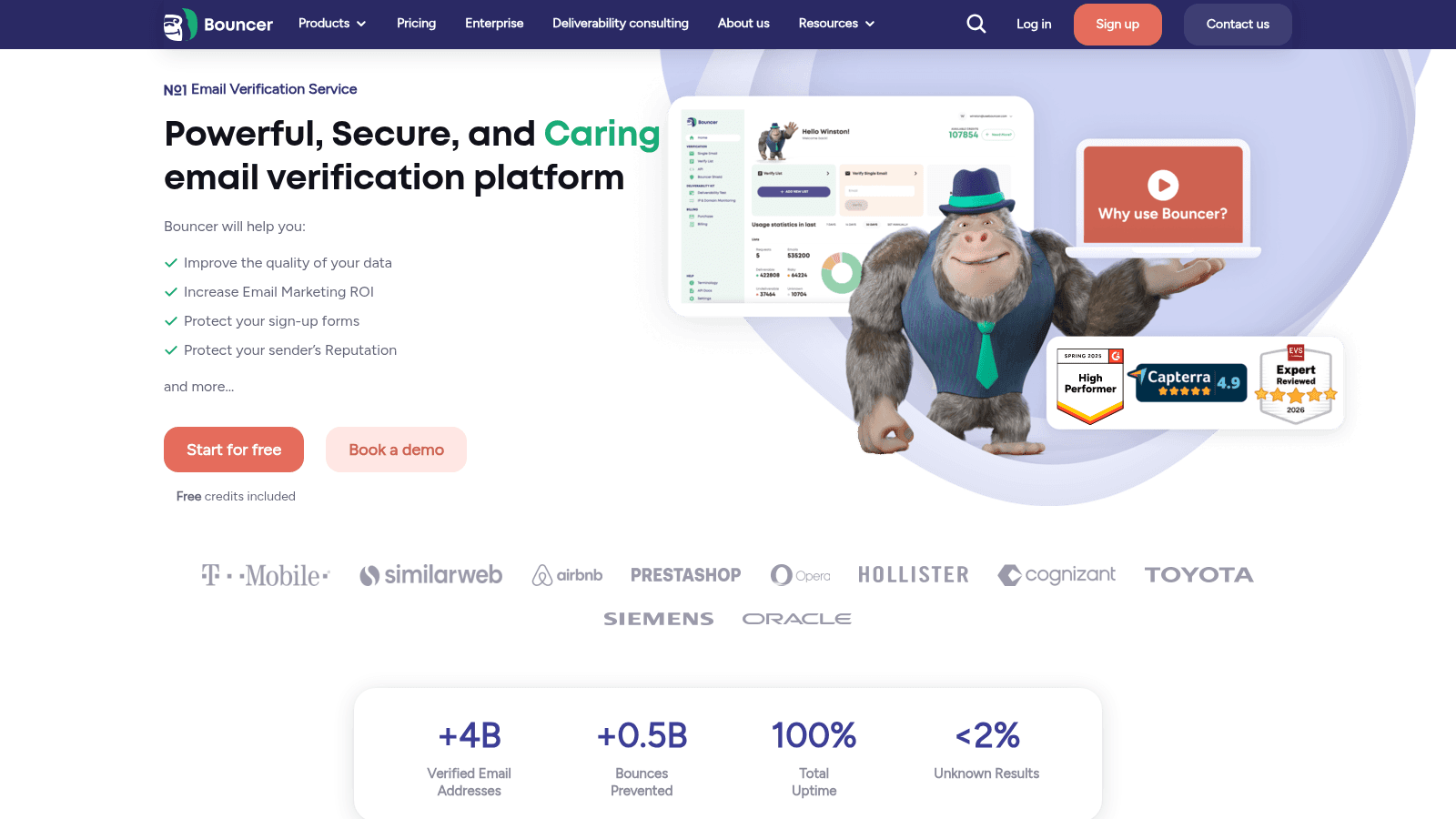
Bouncer's homepage, usebouncer.com (July 2026).
Bouncer is a GDPR-first verifier built in the EU, with a Toxicity and Reputation Shield that protects your domain while you verify. Cold-emailers like it for exactly that.
- Key features: high-accuracy verification with many validation steps → trustworthy results; Reputation Shield → protect your domain during verification; deliverability kit with catch-all and role detection → clean lists thoroughly
- Pricing: a free plan gives 100 credits. Pay-as-you-go starts at $8 per 1,000 and tiers down to $2 per 1,000 at a million, so 100,000 costs $400. Credits never expire, and a monthly subscription option exists.
- Pros: credits never expire, genuine GDPR and EU data handling, strong hands-on support
- Cons: fewer native integrations than ZeroBounce, catch-alls are flagged risky rather than resolved, and the entry price is higher than budget tools
- Why it's a good email verification tool: it marks a "99%+" accuracy rate and pairs it with GDPR compliance and domain protection, a rare combination for regulated senders.
For EU-based teams or anyone who wants compliance and reputation protection built in, Bouncer is the standout choice.
NeverBounce
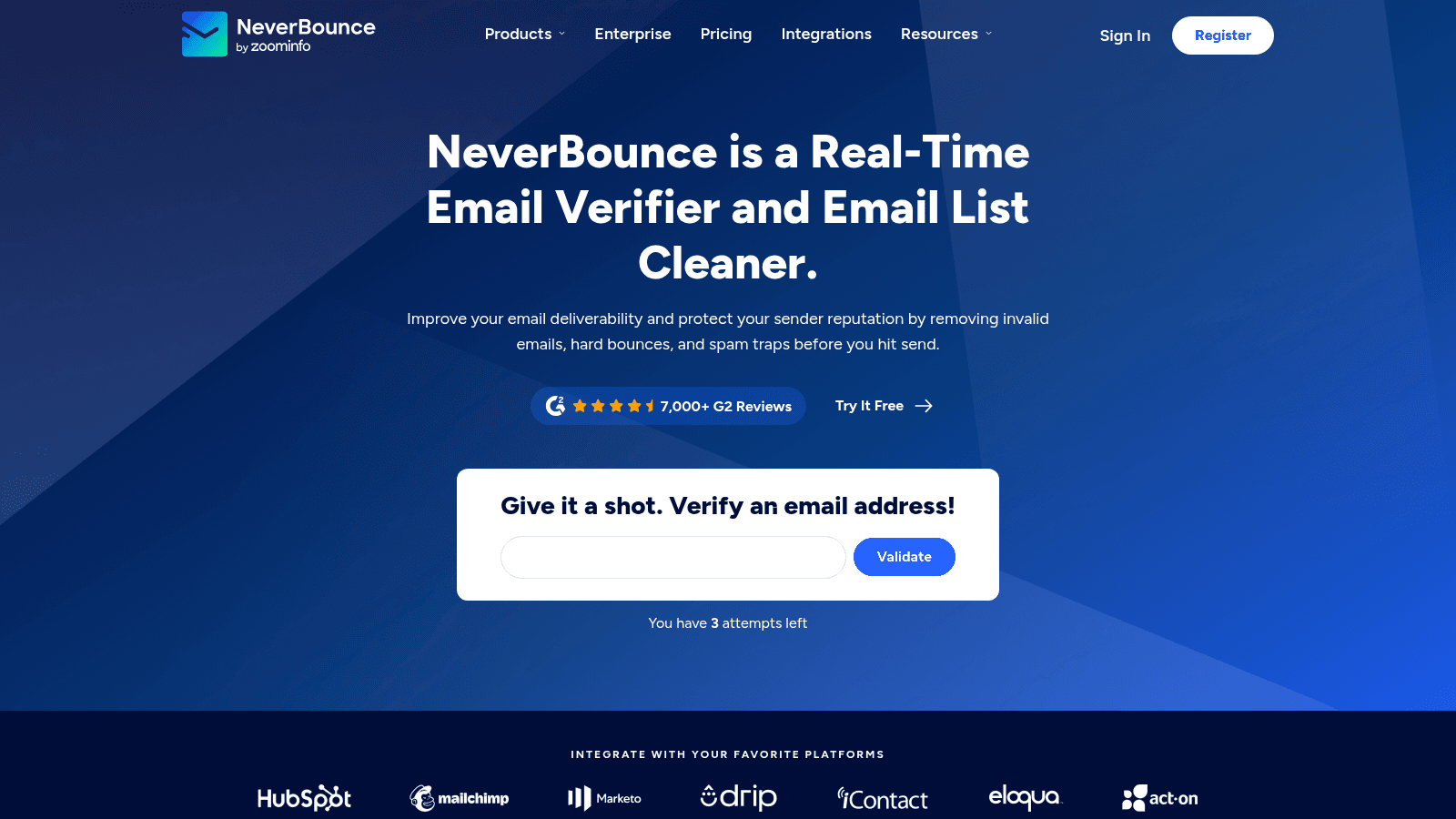
NeverBounce's homepage, neverbounce.com (July 2026).
NeverBounce is a real-time and bulk verifier that's part of the ZoomInfo stack, trusted by large senders for its API and its free list analysis before you pay. It's an enterprise-grade default.
- Key features: real-time single-email API → verify at signup or in your app; bulk cleaning with syntax, MX, SMTP, and catch-all checks → clean lists before a campaign; free list analysis → see your list quality before spending
- Pricing: free test credits and a free list analysis, then pay-as-you-go at $8 per 1,000 (about $50 per 10,000), scaling down with volume. Credits expire 12 months after purchase, and a monthly plan starts at $49.
- Pros: a trusted enterprise name, 80+ integrations, free list analysis up front
- Cons: credits expire, which is a rare downside; a mid-to-high price; catch-alls still leave some residual bounces
- Why it's a good email verification tool: its real-time API and enterprise credibility make it a reliable pick for teams that verify at scale and inside their own apps.
For larger senders who want a proven API and to check list quality before paying, NeverBounce is a dependable enterprise choice.
Kickbox
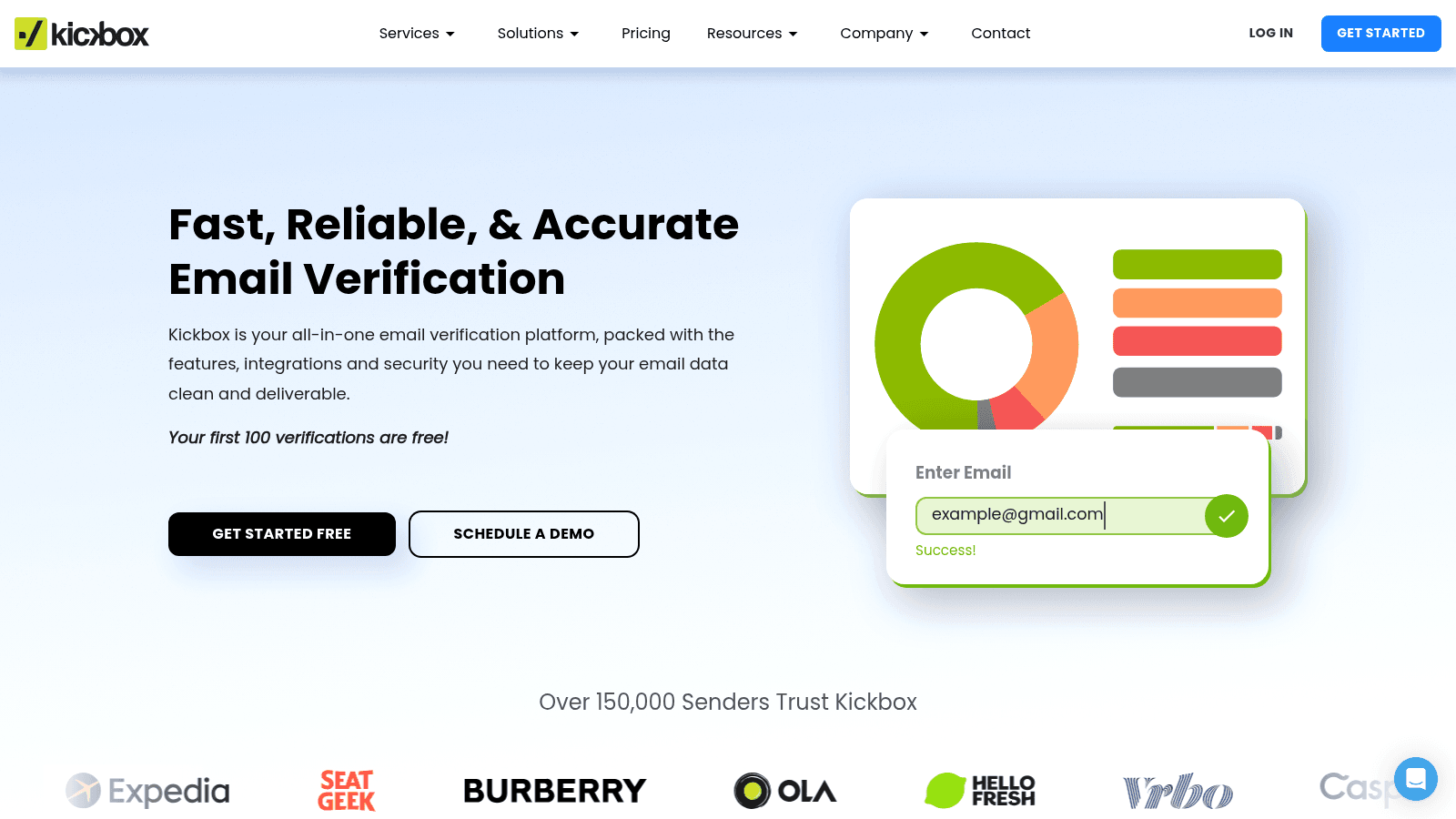
Kickbox's homepage, kickbox.com (July 2026).
Kickbox is the developer's verifier, owned by Sinch, with excellent API documentation and a "Sendex" quality score that rates each address beyond a simple valid or invalid.
- Key features: Sendex quality scoring → judge address quality, not just validity; syntax, MX, SMTP, role, disposable, and catch-all checks → thorough verification; free tools like a disposable checker → quick spot checks
- Pricing: a free plan gives 100 verifications. Pricing is purely credit-based with no subscription, at $5 per 500 (about $80 per 10,000). Credits expire after 12 months.
- Pros: an excellent developer experience and docs, a reputable Sinch-owned brand, a clean and reliable API
- Cons: the most expensive per email at low volume, credits expire, and catch-all handling is weaker than some rivals per reviews
- Why it's a good email verification tool: its Sendex score and API make it the easiest verifier to build into a product, with a self-reported accuracy around 95%.
For developers embedding verification into signup forms or apps, Kickbox's documentation and scoring make it the natural fit.
Emailable
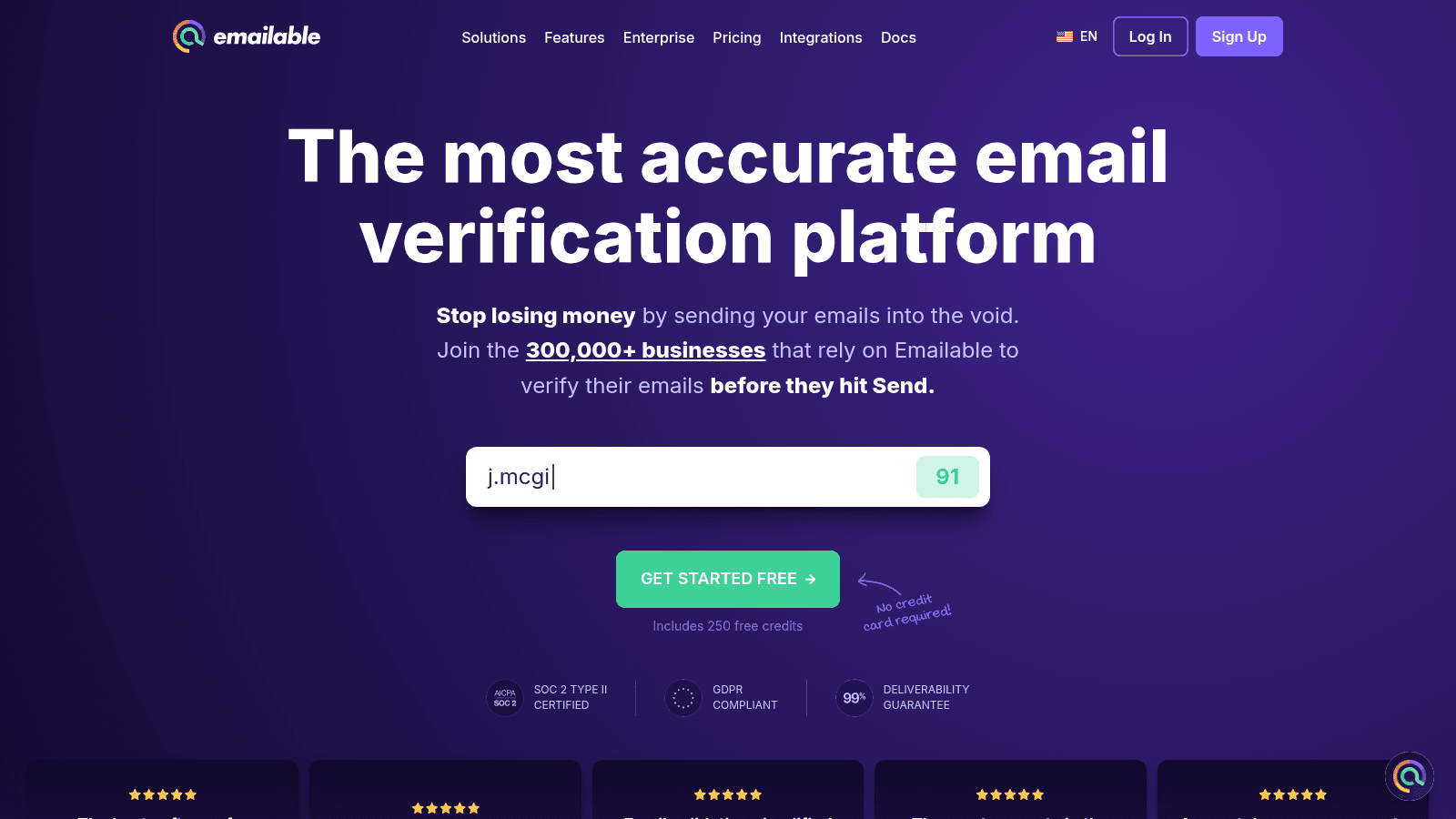
Emailable's homepage, emailable.com (July 2026).
Emailable is the speed pick, processing 10,000 emails in a couple of minutes, with a Monitor feature that re-validates your list on a schedule. It suits teams that verify large lists often.
- Key features: fastest tested bulk processing → clean big lists in minutes; Monitor for scheduled re-validation → keep lists clean over time; real-time API and widget → verify at the point of capture
- Pricing: a free plan gives 250 credits, the highest free tier here. Pay-as-you-go is $38 per 5,000 (about $50 per 10,000), with a subscription that saves 15%. Credits never expire, and unknown or duplicate results are refunded.
- Pros: genuine speed, the largest free tier, refunds on unknown and duplicate results
- Cons: a 5,000-credit minimum purchase, a mid-tier price, and fewer integrations than ZeroBounce or NeverBounce
- Why it's a good email verification tool: its speed and self-reported 99%+ accuracy make short work of large lists, and Monitor keeps them clean between sends.
For teams that verify big lists regularly and value speed, Emailable is one of the most practical options here.
MillionVerifier
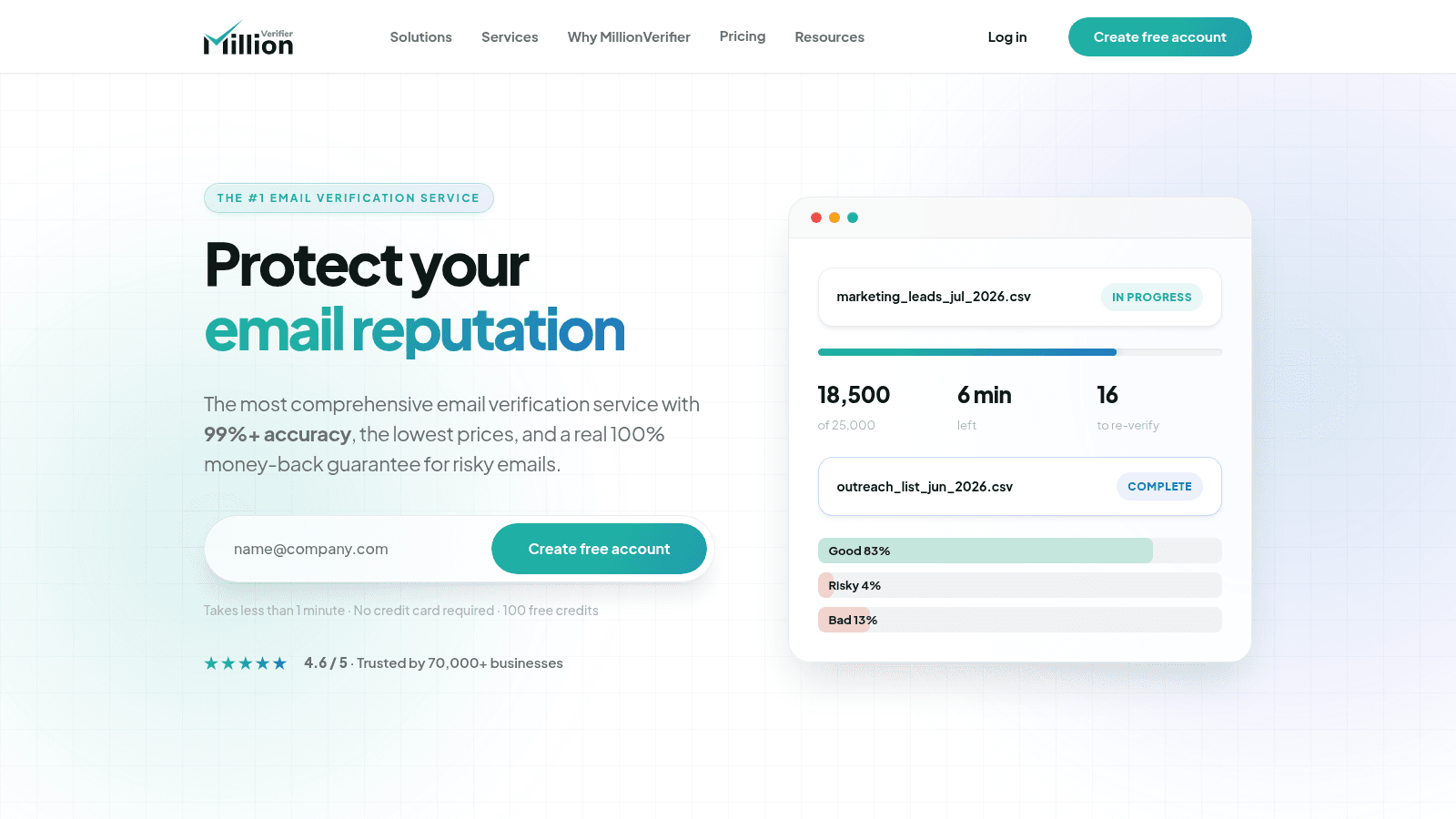
MillionVerifier's homepage, millionverifier.com (July 2026).
MillionVerifier is the budget champion that doesn't feel like a compromise, with a money-back guarantee on any risky or unknown email and catch-all verification included free. It's the best price-to-accuracy ratio in this list.
- Key features: full verification with free catch-all checks → no surprise add-on cost; 100% money-back refund on risky or unknown results → pay only for clear answers; bulk verifier plus API → clean lists and protect signup forms
- Pricing: a free plan gives 100 credits. One-time packs never expire: 2,000 for $4.90, 10,000 for $37, 100,000 for $189, and a million for $449. Monthly renewal packs are also available.
- Pros: the best price-to-accuracy ratio here, credits never expire, a genuinely unusual risky-email refund
- Cons: its self-reported "99%+" accuracy is debated on Reddit (testers peg real-world results closer to 90% to 96%), fewer compliance badges than ZeroBounce, and a basic UI
- Why it's a good email verification tool: it delivers near-premium accuracy at a fraction of the price, with a refund that removes the risk of paying for unclear results.
For budget-conscious senders who still want dependable results, MillionVerifier is the value pick that's hard to argue with.
Hunter (Email Verifier)
Hunter's homepage, hunter.io (July 2026).
Hunter is best known as an email finder, but its verifier is a solid module for teams already living in Hunter for prospecting. Finding, verifying, and campaigns share one workspace.
- Key features: email verifier with SMTP, MX, and format checks → confirm addresses before outreach; confidence score → judge how likely an email is correct; finder and campaigns in one tool → prospect and verify without switching apps
- Pricing: the free plan includes 50 credits monthly, roughly 100 verifications since a check costs half a credit. Paid plans open at $34/month billed annually for 2,000 credits, then $104 and $209 for more. It runs on a subscription rather than pay-as-you-go credits.
- Pros: an all-in-one finder and verifier, a trusted brand, good for sales teams already on Hunter
- Cons: verification is bundled rather than dedicated, credits are shared with the finder, and there's no headline accuracy guarantee
- Why it's a good email verification tool: it folds verification into a prospecting workflow, so sales teams can confirm addresses without paying for a separate verifier.
For teams that already prospect in Hunter, its built-in verifier is a convenient way to check addresses in the same place.
Reoon Email Verifier
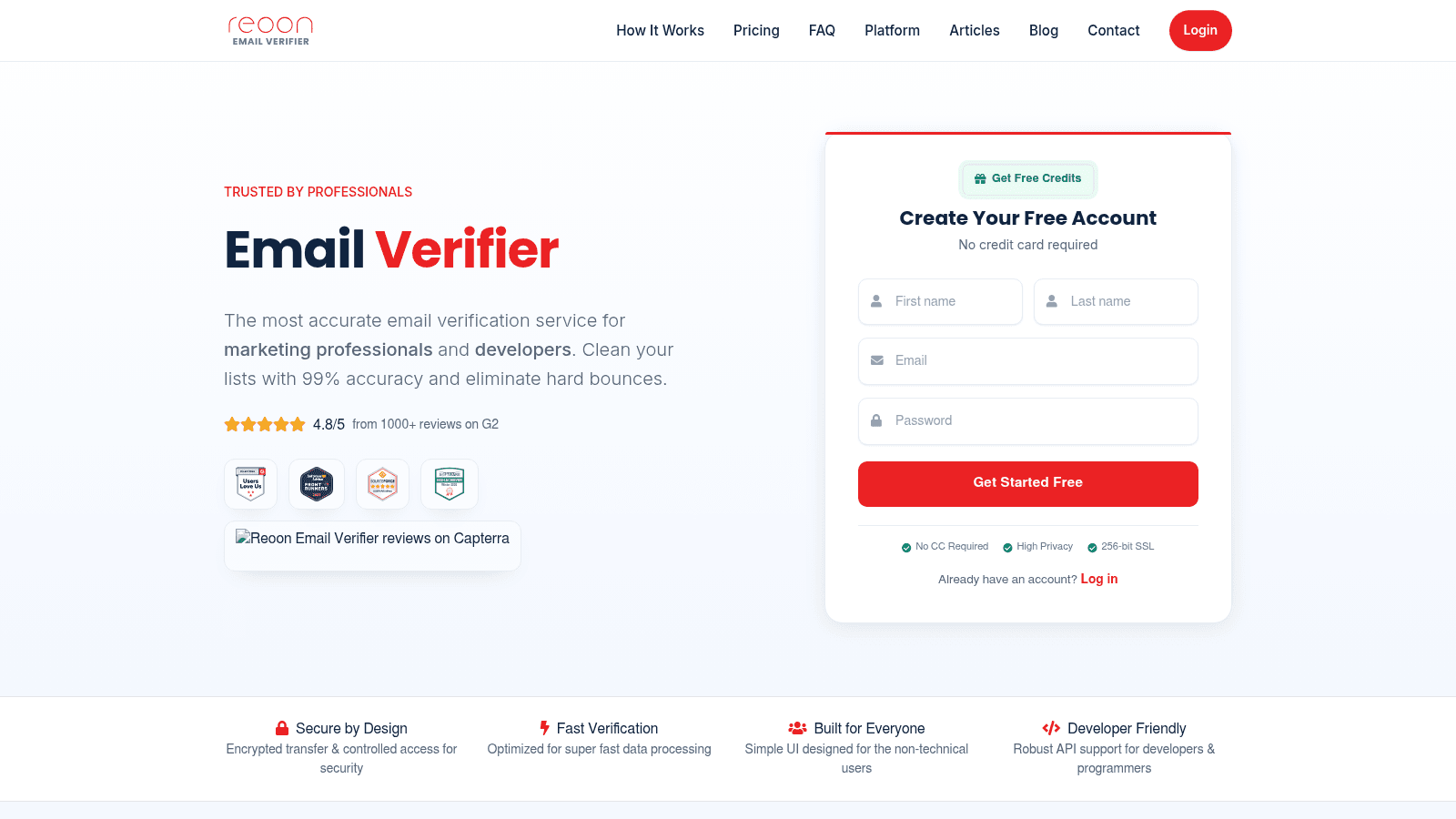
Reoon Email Verifier's homepage, reoon.com (July 2026).
Reoon is the cheapest high-accuracy option here, with a full SMTP handshake that confirms a mailbox exists and a fast API. It's well rated on G2 and popular for its low per-email cost.
- Key features: full SMTP handshake → confirm the mailbox actually exists; Quick and Power modes → trade speed for depth as needed; catch-all and disposable detection → flag the risky addresses
- Pricing: a free plan gives 100 lifetime credits plus 20 a day. Instant credits never expire: 10,000 for $12, 100,000 for $94, 500,000 for $372. Daily-renewal subscriptions start at $9/month for 500 a day.
- Pros: the cheapest instant credits here at about $0.0012 per email, a never-expiring option, a genuinely fast API with 15-day data deletion for privacy
- Cons: no large native-integration list since it's API-led, a self-reported "99% accuracy" that skeptics question, and pricing that lives in a homepage section rather than a dedicated page
- Why it's a good email verification tool: it delivers a full SMTP-level check at the lowest price in this list, which makes high-volume verification affordable.
For high-volume senders who want deep checks without a premium price, Reoon is the value-per-verification leader.
Clearout
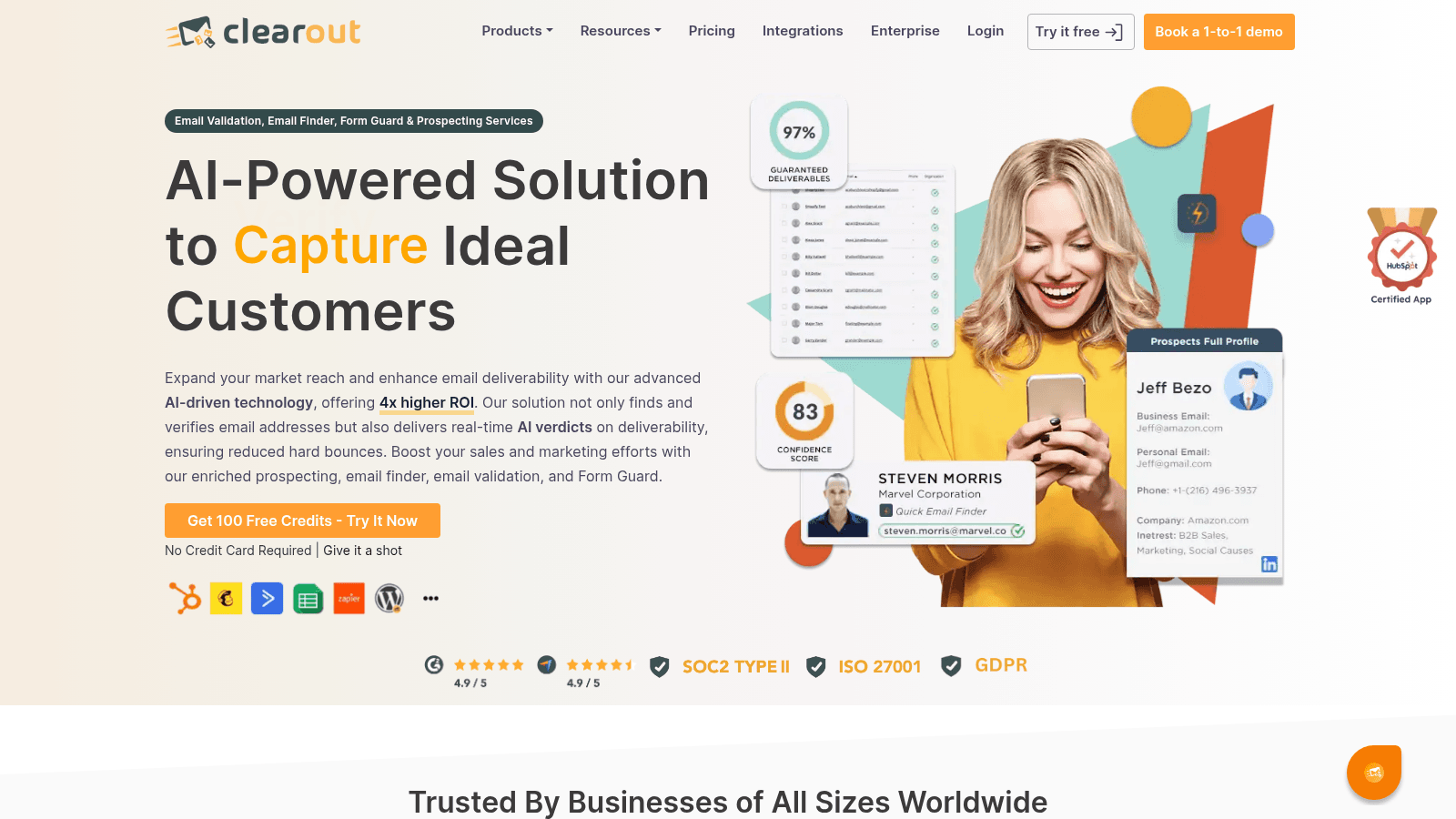
Clearout's homepage, clearout.io (July 2026).
Clearout runs 20+ validation checks and pairs verification with an email finder, so you can prospect and clean in one platform. Parallel bulk processing keeps large jobs quick.
- Key features: 20+ validation checks including catch-all → thorough, layered verification; parallel bulk verification → clean large lists faster; email finder plus verifier → prospect and verify together
- Pricing: a free plan gives 100 credits. Pay-as-you-go starts at $40 per 5,000 (about $58 per 10,000), and credits never expire and roll over. Higher API rate limits and extra parallel runs are paid add-ons.
- Pros: credits never expire, a combined finder and verifier, unlimited integrations on paid plans
- Cons: rate limits sit behind paid add-ons, a busier UI that mixes prospecting and verification, and a mid-tier price
- Why it's a good email verification tool: its depth of checks and marketed 98%+ accuracy make it a thorough option, especially if you want finding and verifying in one tool.
For teams that want deep verification alongside prospecting, Clearout covers both jobs in a single platform.
QuickEmailVerification
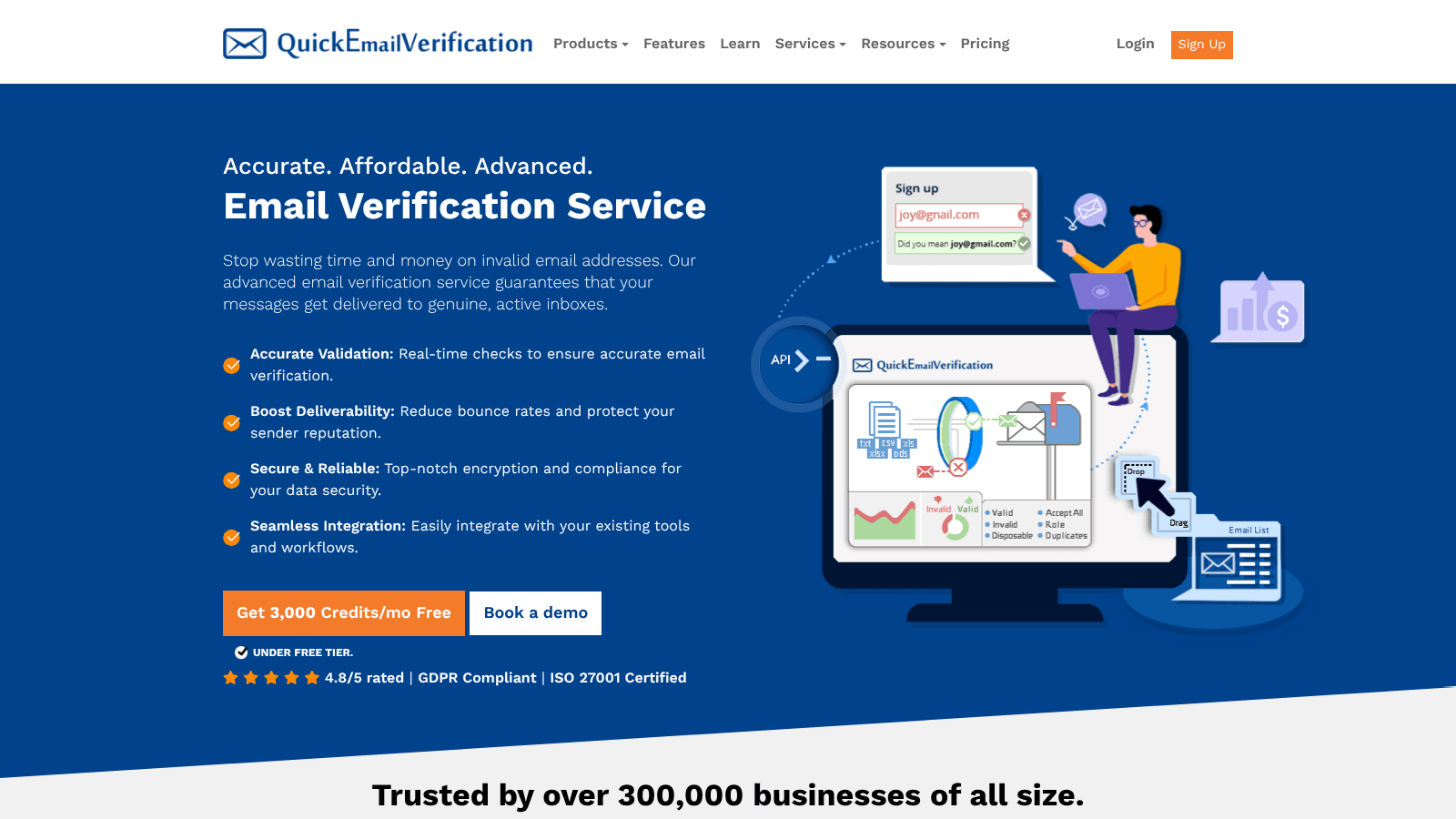
QuickEmailVerification's homepage, quickemailverification.com (July 2026).
QuickEmailVerification gives you 100 free verifications every day, which makes it a handy default for small, ongoing checks. It runs the full range of checks and even suggests typo corrections.
- Key features: syntax, MX, SMTP, catch-all, role, and spam-trap checks → thorough verification; typo suggestions → recover addresses with obvious mistakes; real-time API and bulk cleaning → verify at capture or in batches
- Pricing: you get 100 free credits a day with no card. Pay-as-you-go is $4 per 500 (about $80 per 10,000) with credits that never expire, and a monthly subscription starts at $25 for 500 a day.
- Pros: 100 free credits every day, credits never expire, a solid API
- Cons: an older interface, a smaller integration ecosystem, and a brand less prominent than ZeroBounce or Kickbox
- Why it's a good email verification tool: its daily free allowance and marketed "99% accuracy" make it a low-friction option for steady, small-scale verification.
For teams with light, ongoing verification needs, QuickEmailVerification's daily free credits are genuinely useful.
How We Chose These Email Verification Tools
This ranking draws on live pricing pages and recent user reviews, with each verifier scored on what actually protects your deliverability. The biggest accuracy number on a homepage didn't earn any tool a place.
We weighed four things above all else. First, accuracy and catch-all handling, since a false "valid" is what causes a bounce. Second, real per-email pricing, because verification is bought in volume and the rate matters. Third, how the tool delivers, whether that's a real-time API, bulk upload, or both. Fourth, honesty, including whether a tool refunds unclear results and whether its accuracy claim holds up in independent testing.
We treat every self-reported accuracy figure as a claim, not a fact, and we've said so where users report lower real-world results. The goal is a list you can trust whether you're cleaning a cold list or verifying signups in real time.
What to Look for in an Email Verification Tool
With a shortlist in hand, a few details separate a verifier that protects your reputation from one that just looks reassuring. Weigh these before you commit to a plan.
Real Accuracy, Not Just a Big Number
Every tool advertises 97% to 99.6% accuracy, so the number alone tells you little. What matters is how the tool handles the hard cases: catch-all domains, greylisted servers, and role addresses. One tester in r/SaaS who ran the same list through Hunter, Clearout, NeverBounce, and Reoon found they "all give very similar results" and still left 1% to 2% bounces. Set your expectations there: a good verifier lowers your bounce rate, it doesn't zero it.
Pricing That Matches Your Volume
Verification is priced per email, so the model matters as much as the rate. Pay-as-you-go credits that never expire (MillionVerifier, Bouncer, Reoon) suit occasional cleaning, while a subscription suits steady monthly volume. Watch for hidden costs, especially catch-all checks that cost extra credits, and prefer tools that refund unknown or risky results so you don't pay for non-answers.
Real-Time API or Bulk Upload
Decide how you'll actually verify. If you're cleaning a list before a campaign, bulk CSV upload and speed matter most, which is where Emailable and Reoon shine. If you're verifying addresses as people sign up, you need a real-time API, which NeverBounce and Kickbox do well. Many teams need both, so check that your pick covers the workflow you'll use most.
How Much Do Email Verification Tools Cost?
Verification pricing is almost always per email, sold in credit packs or monthly subscriptions. The cheapest tools run around a tenth of a cent per email; the priciest are closer to a cent. The table shows a rough price per 10,000 emails, the volume most senders can compare on.
Tool | Price per 10,000 (approx.) | Free tier |
|---|---|---|
Reoon | $12 | 100 + 20/day |
MillionVerifier | $37 | 100 |
NeverBounce | $50 | Test credits |
Emailable | $50 | 250 |
Clearout | $58 | 100 |
ZeroBounce | $64 | 100/month |
Kickbox | $80 | 100 |
QuickEmailVerification | $80 | 100/day |
These rates fall as volume rises, and several tools sell credits that never expire, so a one-time pack can be the cheapest route for occasional cleaning. As a rule, budget a tenth of a cent to a cent per address, and don't pay premium prices for a list you'll only verify once.
Are Free Email Verification Tools Worth It?
Free email verification tools are worth it for testing, with limits. Nearly every tool here offers a free tier of 100 to 250 credits, and a few, like QuickEmailVerification and Reoon, refresh free credits daily. That's enough to check a small list or trial a tool's accuracy before you pay, but not enough to clean a real campaign list.
For free bulk email verification, the honest answer is that you'll hit the cap fast. A genuinely free tool tends to trade away accuracy or speed, and a bad verification is worse than none because it gives you false confidence. The better move is to use a paid verifier's free tier to compare accuracy, then buy a small never-expiring credit pack from whichever wins.
Where you can save real money is upstream, in finding. Name2Email gives you unlimited work-email lookups for free, so you spend nothing building your list and only pay to verify it before a send. Keeping the finding step free is how you keep the verification budget small.
Where Email Finding Fits
Verification tools answer "will this address accept mail?" They don't answer "what is this person's address?" Those are two different jobs, and doing them in the right order saves you credits and bounces.
Name2Email handles the first step for free. You enter a name and company domain in Gmail's compose box, and Name2Email offers the addresses most likely to be right. Hovering brings up Gmail's recognized contact, name and photo included, so the genuine one stands out. It's pattern-based, strongest on corporate domains, and won't confirm every address on its own, which is exactly why you follow it with a verifier.
The clean workflow is simple: find the address free with Name2Email, then run it through one of the verifiers above before a real send. We break down each half in our guides to finding an email address and verifying an email in Gmail, plus a guide to looking up an address.
Choosing the Right Email Verification Tool
The best email verification tool is the one whose accuracy, price, and delivery model match how you send, not the one with the highest number on its homepage. Run the same test list through two or three free tiers, compare the "valid" and "risky" verdicts, and pick the one you trust.
Keeping a list clean is real work: Sinch Mailgun found that maintaining sender reputation is why senders who prioritize hygiene do it, and a clean list is what keeps you in the inbox.
For the shortest path, keep finding free and spend only on verification. Add Name2Email to Chrome, build your list at no cost, then verify it before you send. A verified list is worth far more than a big one, because every bounce you prevent is reputation you keep. Once it's clean, load it into your cold email platform or send each message individually.
With your list verified, our guides to the best email validation tools, email finding tools, and email outreach tools handle hygiene, sourcing, and sending.
Frequently asked questions
ZeroBounce is our top pick for its accuracy, AI scoring, and 45 integrations. Bouncer leads for GDPR-safe verification, NeverBounce for a real-time API, and MillionVerifier for budget accuracy. The best fit depends on your volume, whether you need an API or bulk upload, and how much compliance matters.
Yes. Most tools offer free tiers of 100 to 250 credits, and QuickEmailVerification and Reoon refresh free credits daily. Free tiers are great for testing accuracy but too small to clean a real campaign list, so use them to compare tools, then buy a small never-expiring credit pack.
Tools claim 97% to 99.6% accuracy, but independent testing and user reports put real-world results a little lower, especially on catch-all domains where no verifier can be certain. Expect a good verifier to cut your bounce rate to around 1% or less, not to zero it entirely.
Verifiers stack checks: syntax catches typos, the MX check confirms the domain receives mail, and the SMTP handshake confirms the specific mailbox exists. Catch-all, role, disposable, and spam-trap checks flag risky addresses. Deeper checks cost more time and sometimes more credits, but they catch the bounces cheaper checks miss.
No. Verification tools check addresses you already have; they don't generate new ones. To find work emails, use a finder like our free Name2Email extension inside Gmail, then run those addresses through a verifier before sending. Finding and verifying are separate steps, best done in that order.

We build Name2Email, the free Chrome extension that finds work emails inside Gmail. We write about outreach, prospecting, and getting more replies.
Connect →