- 1Data matching software links records that describe the same person or company across different systems, usually without a shared ID to rely on.
- 2Three jobs hide under the label: deduplication inside one system, record linkage across systems, and identity resolution across many sources. Each favors different tools.
- 3Free and open-source options (OpenRefine, Splink, Zingg) cover a lot of one-off matching work at $0, while the enterprise platforms are mostly quote-only.
- 4Every tool here matches records you already hold. The match no tool solves for you is a name with no email yet, which is the one Name2Email does free inside Gmail.
Two systems, one customer, two records. The CRM spells it "Timothy Chen, Oracle Corp, Menlo Park." The billing file says "T. Chen, Oracle, Menlo Park, CA." Nothing in either file says they are the same person, and data matching software is the layer that decides they belong together and keeps one version you can trust.
Getting it wrong is expensive. A duplicate contact doubles your outreach and breaks your reporting, and a missed match means a customer gets treated as a stranger. Matching decides whether the rest of your stack works from one truth or several.
This list covers eleven tools across the whole range, from a free desktop app to a platform that starts at $58,560 a year. For transparency: we build Name2Email, the free Gmail extension described at the end of this article. It is not a matching engine and it is not ranked here; it answers the one match most sales teams actually need. Reply.io, which makes Name2Email, sits at the top of the list, and we are flagging that relationship rather than hiding it.
What Is Data Matching Software?
Data matching software identifies records across one or more datasets that refer to the same real-world entity, even when names, addresses or identifiers are formatted differently or missing. The output is a link between records, a merged golden record, or a confidence score for how sure the tool is.
The term covers three jobs buyers often lump together. Deduplication happens inside a single system: your CRM has 4,000 contacts and 300 are duplicates, and a dedupe tool finds and merges those groups.
Record linkage happens across systems: a customer list and an invoice list share no key, so the tool falls back on names, addresses and fuzzy logic. Identity resolution runs at much larger scale, stitching a person's email, device and purchase history into one persistent profile, often in real time.
What makes all three hard is the missing unique identifier. With a reliable ID, matching is a join any database can do.
Without one, the tool has to guess, and every guess trades a false positive against a false negative. Merge two records that were never the same person and you corrupt your data; miss a real match and you keep two versions of one customer. Most data matching solutions let you tune that trade-off, and the good ones say so.
One case the category ignores is the one sales teams hit most: matching a name to a work email that exists in no system yet.
The Best Data Matching Software for 2026
The table stacks entry price next to the matching job each tool is built for, because a free desktop app and a $58,000 subscription are not competing for the same work. Every published figure was checked against the vendor's live page in October 2026.
Tool | Best for | Key features | Main limitation | Pricing (from) | Rating |
|---|---|---|---|---|---|
Reply.io | Resolving contacts to companies at outreach time | 1B+ contact database, multichannel sequences, AI SDR | No free plan, only a 14-day trial | $59/user/mo | ★★★★★ |
OpenRefine | One-off cleanup on a messy file | Cluster and edit, reconciliation, faceting | Desktop tool, no API for automation | Free | ★★★★☆ |
Splink | Probabilistic linkage at large scale | Fellegi-Sunter model, SQL backends, no training data | Needs Python and SQL skills | Free | ★★★★★ |
Zingg | Warehouse-native entity resolution | In-warehouse matching, golden records, active learning | Enterprise edition is quote-only | Free (open source) | ★★★★☆ |
WinPure | No-code matching and dedupe | Fuzzy and phonetic matching, golden records, no code | Pricing is quote-only | Free 30-day trial | ★★★★☆ |
Data Ladder | Fuzzy matching for analysts | Exact, fuzzy, numeric and phonetic matching, profiling | Quote-only, Windows-centric | Free trial | ★★★★☆ |
Melissa | Address-led record matching | Postal reference data, person matching, batch and API | Matching is address-first | $40 per 10,000 credits | ★★★☆☆ |
FullContact | Identity resolution for marketing | Person-centered graph, real-time resolve API, consent tooling | Quote-only, built for marketing rather than CRM dedupe | Quote only | ★★★☆☆ |
Tamr | Enterprise multi-domain mastering | Output-based pricing, unlimited users, reference data bundled | Quote-only, long enterprise sales cycle | Quote only | ★★★★☆ |
Senzing | Embedding entity resolution in an app | Real-time resolution, schema-free, APIs and SDKs | Developer-only, high entry price | $58,560/yr | ★★★★☆ |
Profisee | Matching with governance attached | Matching, steward workflows, reference data management | Quote-only, overkill for a single file | Quote only | ★★★★☆ |
Ratings favor verified pricing and matching depth.
Reply.io
Reply.io is a sales engagement platform, and the reason it opens this list is its bundled B2B contact database. It holds 1B+ contact records with company and role attached, so a name resolves to a company and a job title inside the same system you use to email from.
To be clear about the boundary: Reply.io is not a record-linkage engine. It will not deduplicate your CRM, but it resolves a person to a company and contact details at the point of outreach.
Best for: resolving contacts to companies at the moment you write to them
Key features:
- A bundled 1B+ contact database, so company and role come back attached to the contact
- Email, LinkedIn, calls, SMS and WhatsApp sequences, so a matched contact is worked where it lives
- An AI SDR (Jason) that sources and sequences autonomously
- Mailbox warmup and deliverability tooling included at every tier
- Native HubSpot and Salesforce sync, which limits duplicate records between outreach and CRM
- Intent signals that rank which matched contacts to work first
Pricing: the Email Volume plan starts at $59 per user per month billed annually, scaling to $899 at 500,000 contacts. Multichannel starts at $99 per user per month and the AI SDR tier starts at $500 per month. There is no free tier; a 14-day trial is the only way in, and the database is bundled inside the platform rather than sold as a standalone file. Delivery and bounce figures are self-reported.
Pros: bundled database resolves company and contact in one step, find and contact in one system with no export, warmup included at every tier, AI SDR upgrade path, native CRM sync.
Cons: no free plan and no standalone data file, per-user pricing climbs as the team grows.
How to start using it:
- Open a trial account and connect the sending mailbox.
- Search the contacts you already hold, or let the built-in database suggest companies by domain.
- Confirm the company and role attached to each contact before it enters a sequence.
- Build a multichannel sequence and let warmup run before you raise the volume.
- Sync results back to HubSpot or Salesforce so the CRM keeps one record per person.
Why it's a good data matching software: the database resolves a name to a company and a role without a separate lookup step. For a team whose matching problem is really "who is this contact and where do they work," it closes that gap inside the tool that sends the email.
Final verdict: the strongest pick when the match you need is a contact to a company at the moment you write, provided per-user pricing and the absence of a free plan suit you.
OpenRefine
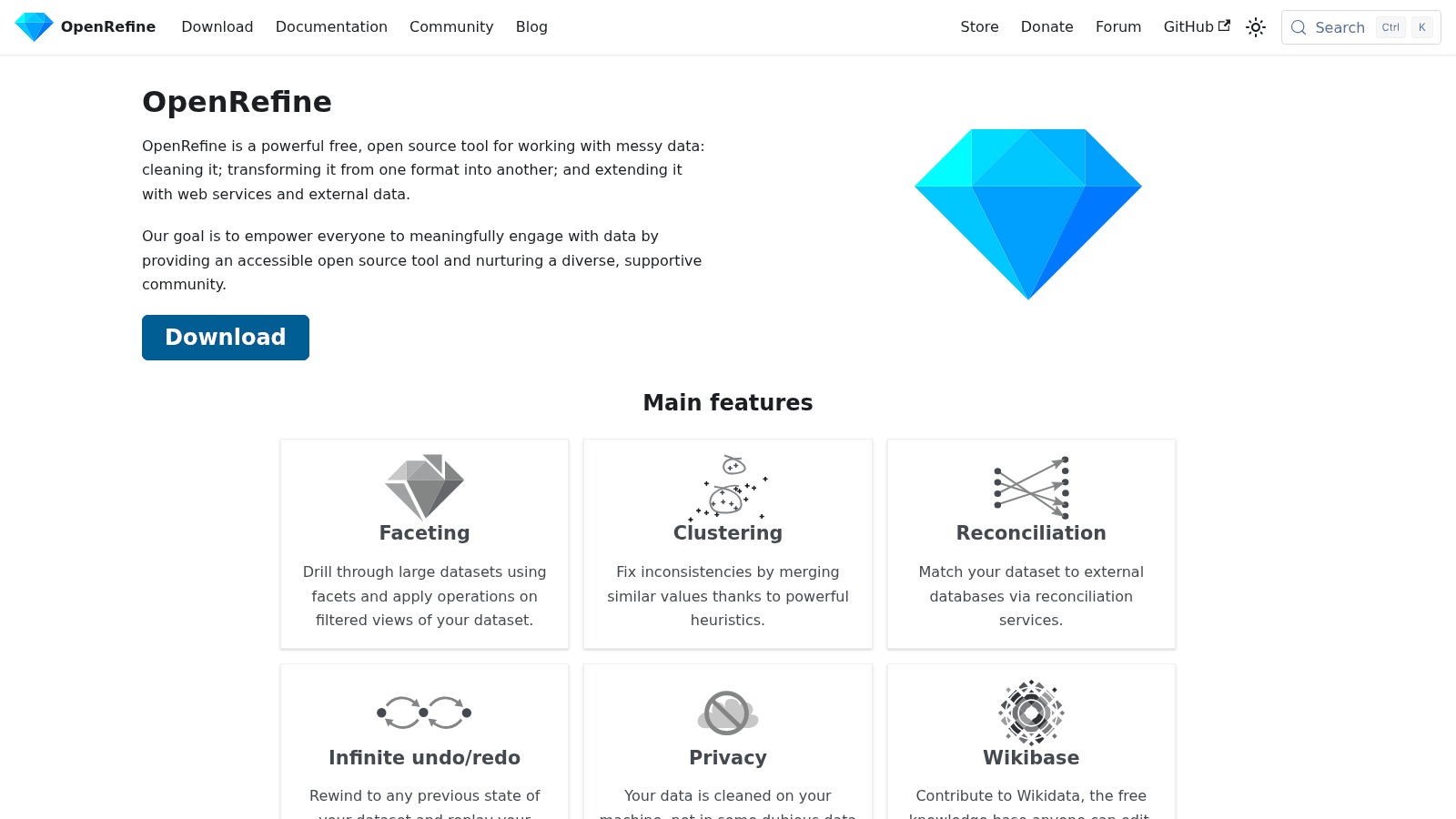
OpenRefine is a free, open-source desktop app for cleaning messy data. Its cluster-and-edit feature groups near-duplicate values, and its reconciliation feature matches rows against external databases.
Key features:
- Cluster and edit that merges similar values, so "IBM" and "I.B.M." collapse into one
- Reconciliation that matches your rows to external sources such as Wikidata
- Faceting that filters a large dataset so you can inspect matches before merging them
Pricing: OpenRefine is free and open source under the BSD-3-Clause license, and it runs on your own machine, so there is no per-record cost.
Pros: no cost, data stays on your machine, strong at taming inconsistent values.
Cons: desktop tool for one-off jobs, no API for automation, manual beyond a few hundred thousand rows.
Why it's a good data matching tool: it is the fastest free way to see how bad your duplicates are before you pay for anything.
Final verdict: the right starting point for a one-off cleanup and a sanity check on any vendor's accuracy claim.
Splink
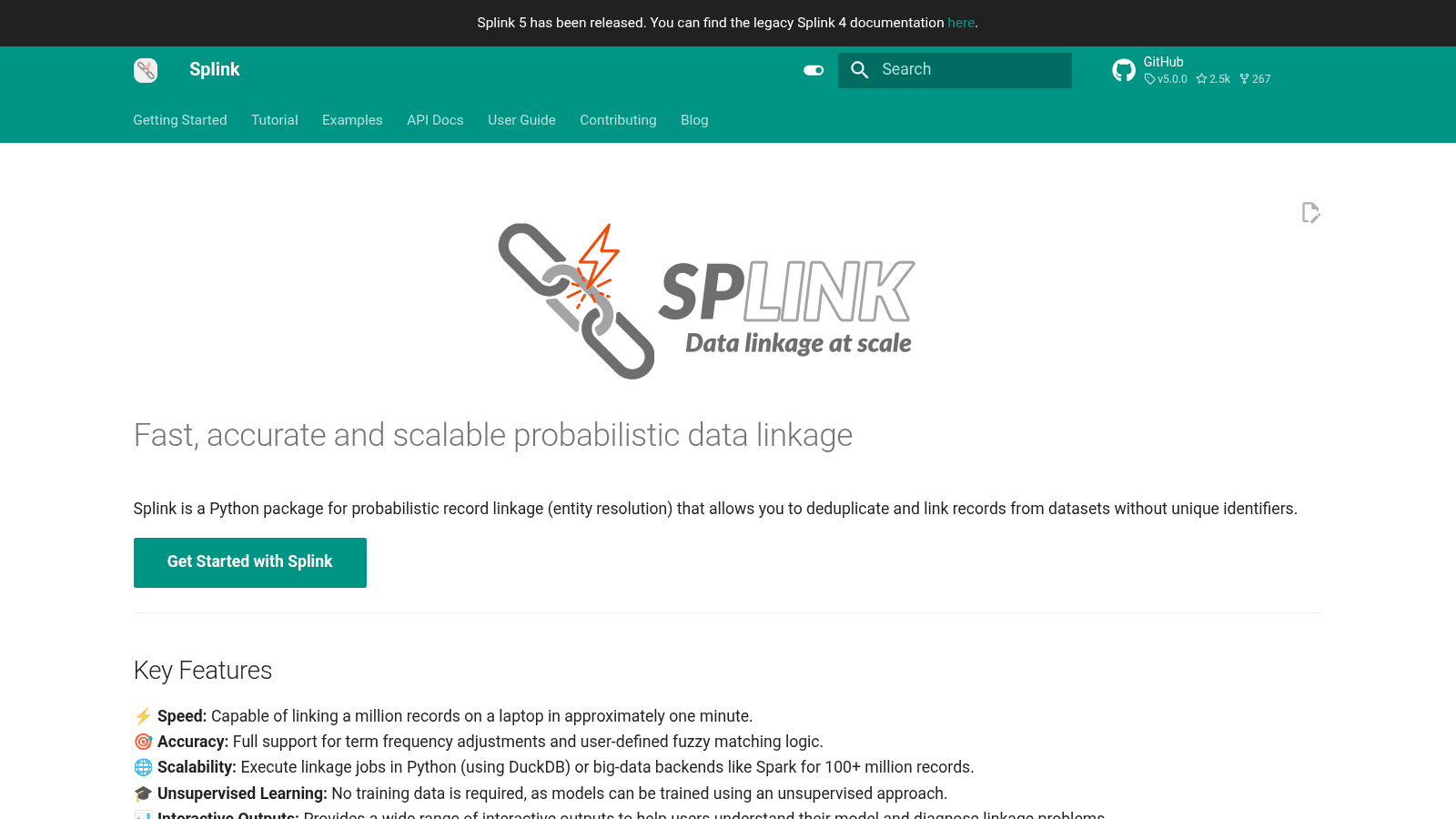
Splink is a free, open-source Python library for probabilistic record linkage, built by the UK Ministry of Justice. It scores pairs of records and links the ones likely to be the same entity.
Key features:
- A Fellegi-Sunter probabilistic model that scores the match probability for each pair
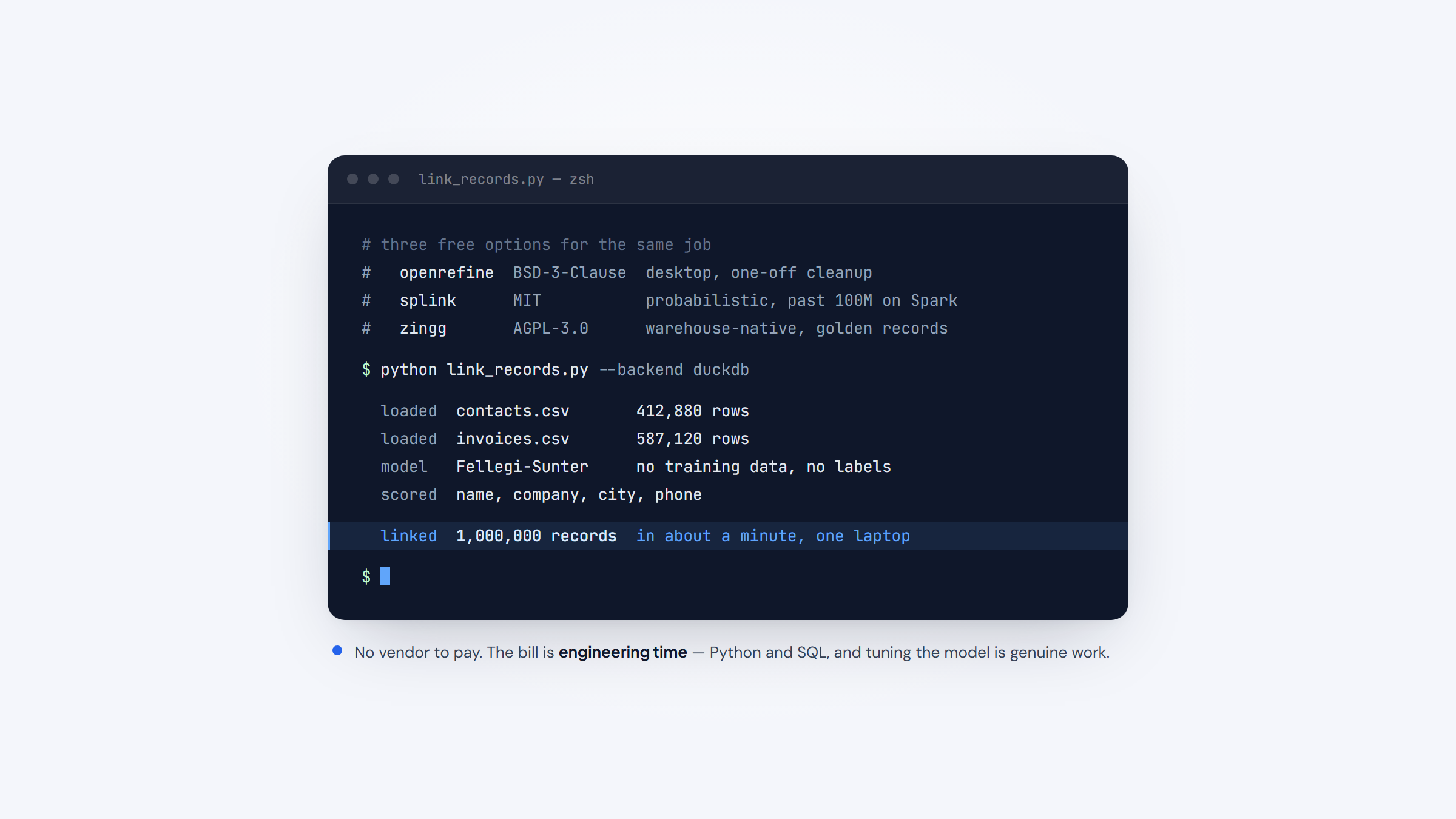
- Execution on DuckDB, Spark and other SQL backends, linking a million records in about a minute on a laptop
- Unsupervised learning that builds the model with no labeled training data
Pricing: Splink is free and open source under the MIT license, and you supply the compute. There is no vendor to pay.
Pros: free, scales past 100 million records on Spark, works without training data.
Cons: needs Python and SQL skills, no interface, tuning the model is genuine work.
Why it earns a place here: it is the strongest free option when the matching problem is genuinely large.
Final verdict: the default open-source choice for engineering teams linking millions of records.
Zingg
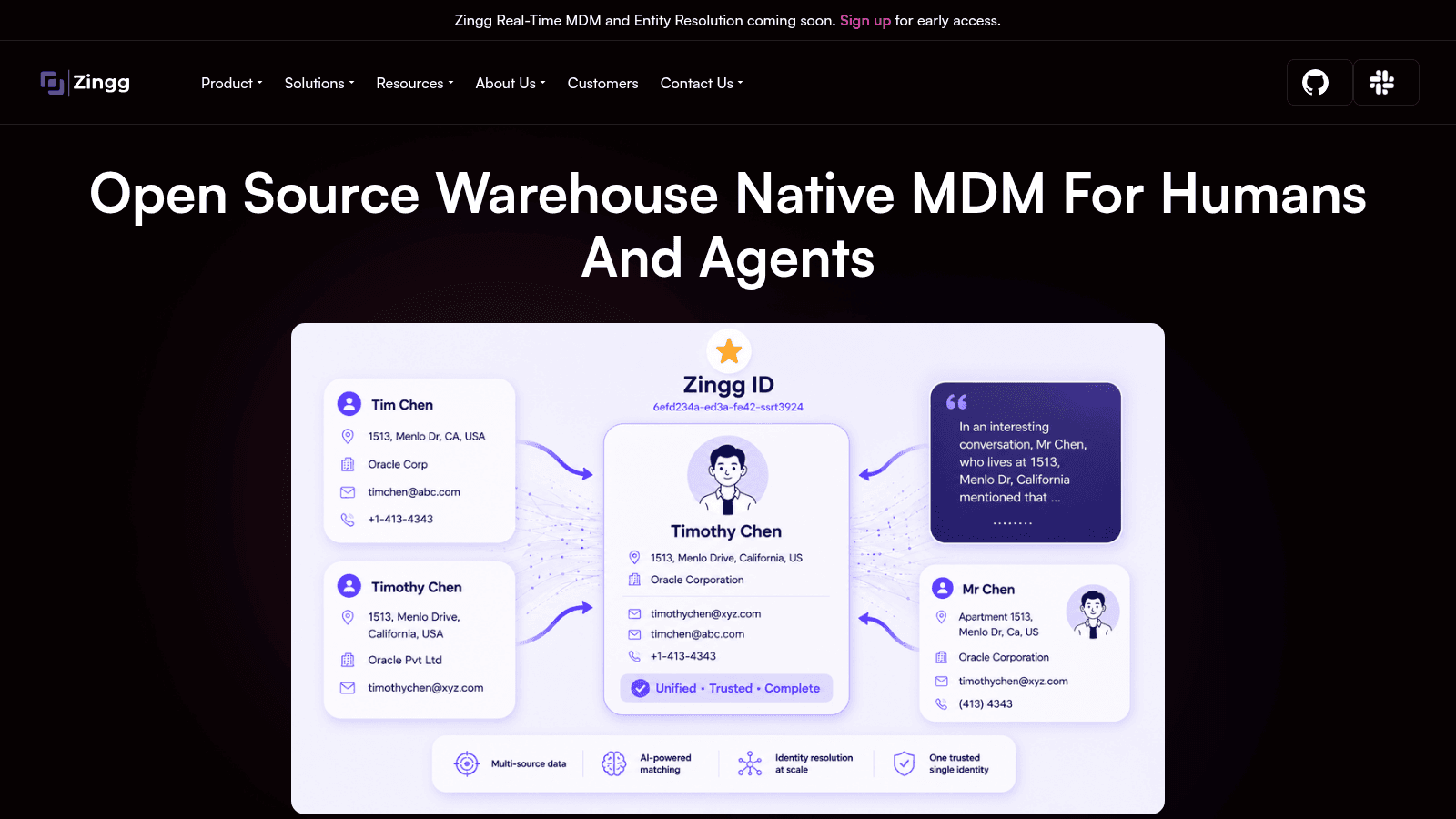
Zingg is an open-source entity-resolution layer that runs inside your warehouse on Spark, Databricks, Snowflake or Fabric, finding duplicate and related records and building a single golden record per entity.
Key features:
- Entity matching and resolution native to the warehouse, so records never leave it
- Identity-resolution output that produces one unified view per person or company
- Active learning that improves the model from a small set of labeled examples
Pricing: the open-source edition is free under AGPL-3.0, and a paid enterprise edition is quote-based. Teams that can operate the pipeline themselves pay nothing for the software beyond the compute they already run.
Pros: open source, runs in the warehouse, active learning cuts labeling effort.
Cons: enterprise edition is quote-only, needs Spark and data-engineering setup, smaller community than the general-purpose tools.
Why it made this list: it is the free option that treats matching as a data pipeline rather than a manual cleanup.
Final verdict: a solid pick for warehouse-native teams that want to own the matching pipeline.
WinPure
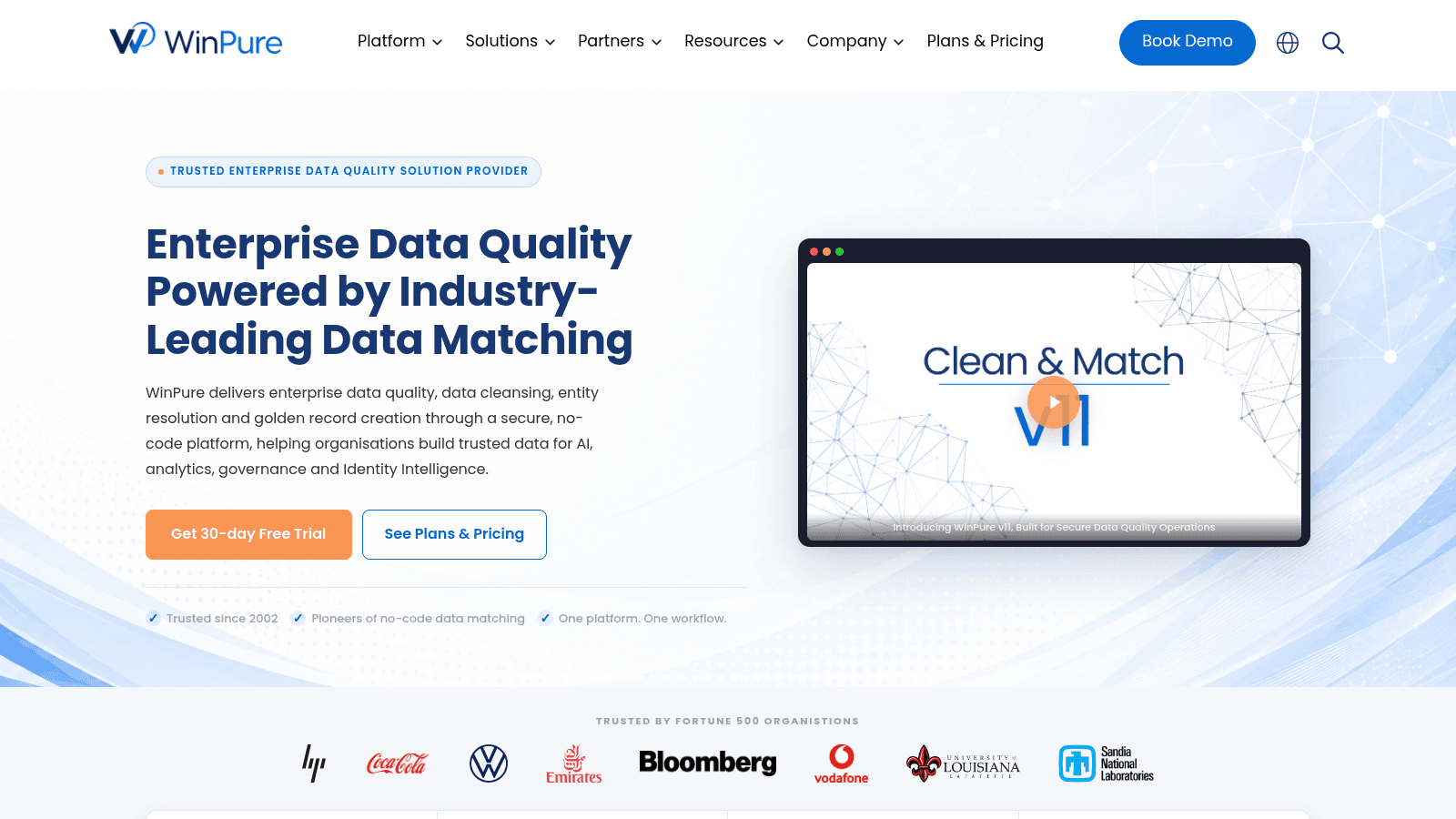
WinPure is a no-code data quality platform built around matching and deduplication. It cleans, matches and merges records across spreadsheets, databases and CRM exports, and creates golden records without any code.
Key features:
- No-code matching and deduplication across name, address and company fields
- Fuzzy, phonetic and exact matching with tunable confidence thresholds
- Golden-record creation that keeps the strongest value from each duplicate group
Pricing: a 30-day free trial covers the full tool. Paid licensing is quoted, so there is no public rate card to compare against a competitor.
Pros: no code required, runs on your own machine or server, covers dedupe and golden records in one place.
Cons: pricing is quote-only, desktop and server install rather than cloud-native, dated interface.
Why buyers shortlist it: it is one of the few no-code tools built around matching first rather than enrichment.
Final verdict: the practical choice for an ops team that needs dedupe without adding engineers.
Data Ladder
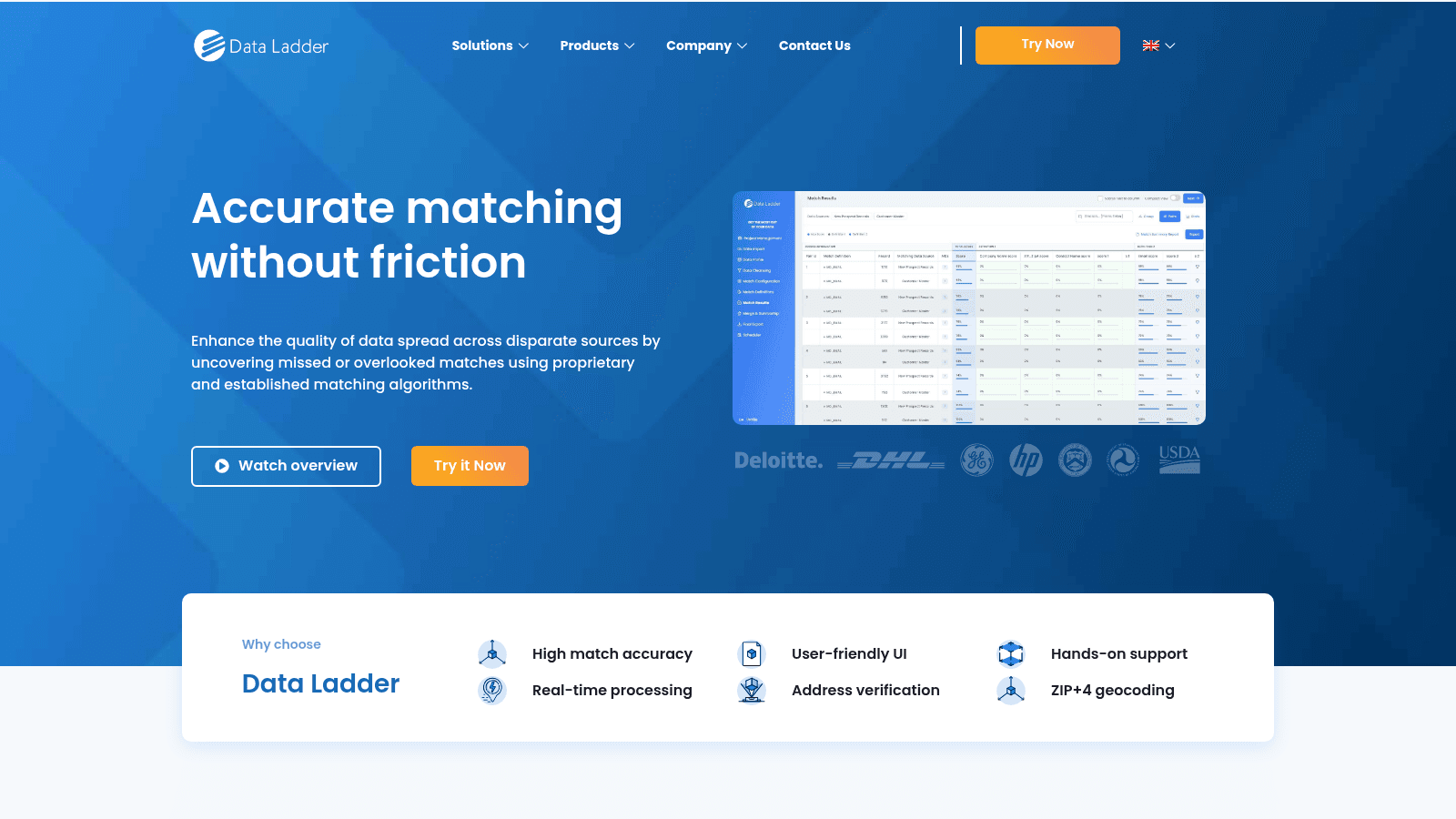
Data Ladder's DataMatch Enterprise matches records with exact, fuzzy, numeric and phonetic algorithms and merges the ones belonging to the same entity. It is no-code, and it is aimed at teams reconciling spreadsheets, databases and CRM data.
Key features:
- Multiple matching algorithms with custom match-confidence levels
- No-code golden-record creation and record merge
- Data profiling that shows where mismatches cluster before you run a match
Pricing: a free trial is available. Pricing is quoted per build, and the vendor's 99% match-accuracy figure is self-reported rather than independently tested.
Pros: no code, handles messy name and address data well, profiling included.
Cons: quote-only pricing, appears Windows-centric, the accuracy figure is the vendor's own.
Where it wins: it puts fuzzy matching in reach of analysts who do not write code.
Final verdict: a capable no-code matcher once you have a price you are happy with.
Melissa
Melissa has supplied address, phone and identity data for more than 40 years. Its Data Quality Suite matches person and address records against a reference set and standardizes them, which is the matching step behind accurate direct mail and clean CRM records.
Key features:
- Address matching and standardization against postal and global reference data
- Person matching and deduplication across name and address fields
- Real-time API and batch processing for large record sets
Pricing: pay-as-you-go starts at $40 for 10,000 address credits, subscriptions start at $5,145 per year for 1 million records, and an unlimited plan starts at $16,000. Credits are consumed per record, not per match attempt.
Pros: mature reference data, strong address accuracy, both API and batch delivery.
Cons: credit costs add up on large files, matching is address-first rather than general entity resolution, tiers are granular.
Why buyers pick it: address and identity matching is the problem Melissa was built for, not a side feature.
Final verdict: the pick when postal accuracy is the requirement and the budget can follow.
FullContact
FullContact is an identity-resolution platform built on a person-centered identity graph. It links fragmented records, emails, devices and profiles into one persistent customer profile, mainly for marketing and customer-recognition teams.
Key features:
- A person-centered identity graph that unifies records across sources
- Real-time resolve and enrich APIs for a person at the moment of interaction
- Privacy and consent tooling for handling first-party data
Pricing: FullContact is quote-only: its pricing page is a contact form, and resolution volume sets the number.
Pros: strong identity graph, real-time APIs, consent and privacy tooling built in.
Cons: quote-only, built for marketing rather than CRM dedupe, needs real volume to justify.
Why buyers shortlist it: resolving one person across devices is a different problem from duplicate cleanup, and FullContact does the former well.
Final verdict: the marketing-side identity resolver, priced for teams with volume.
Tamr
Tamr is an AI-native master data management platform that unifies duplicate and related records into golden records. It is built for large organizations reconciling customer, supplier, product and location data across many systems.
Key features:
- Output-based pricing that charges per golden record rather than per input row
- Unlimited users on the platform, with no per-seat cost
- Reference data bundled for verification at no extra cost
Pricing: Tamr is quote-only and prices on the golden records you produce, with volume discounts and implementation services included in the subscription. Because there are no feature tiers, the quote reflects your data rather than a plan name.
Pros: no per-seat cost, pays for output not input, bundled reference data, implementation included.
Cons: quote-only, long enterprise sales cycle, heavier than a team reconciling one spreadsheet needs.
What sets it apart: pricing on output aligns the vendor's bill with the matches you actually use.
Final verdict: the enterprise choice when mastery spans several data domains at once.
Senzing
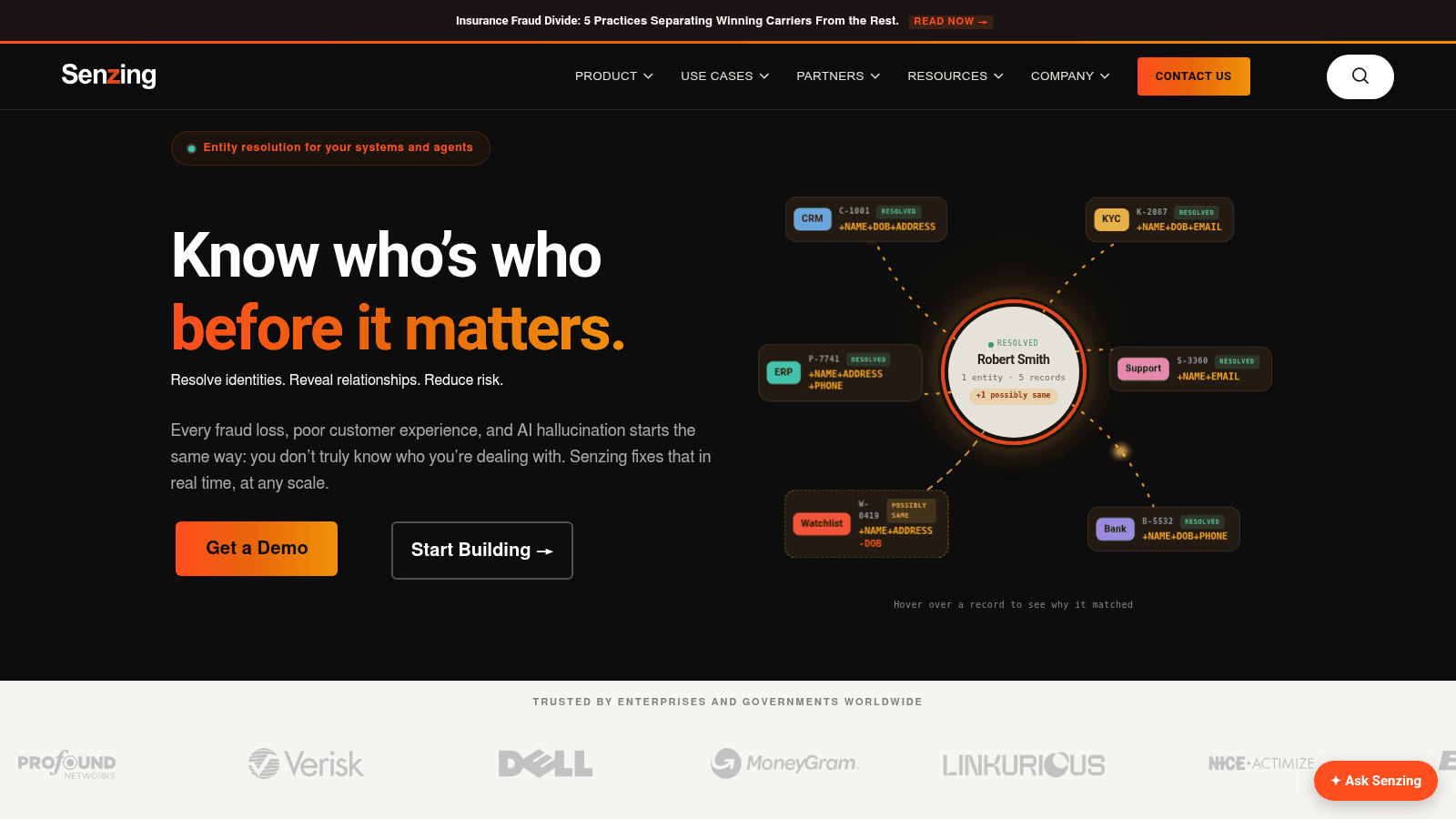
Senzing is an entity-resolution engine sold as an SDK and API rather than an app. It resolves records about the same person or organization in real time, with no schema to define and no model to train, which suits fraud, compliance and customer-360 work.
Key features:
- Real-time entity resolution that adapts as data changes, with no retraining
- A schema-free design, so new sources and attributes need no remodeling
- APIs and SDKs for embedding resolution inside your own application
Pricing: subscription pricing starts at $58,560 per year for 10 million data source records and scales with volume on an annual contract. Support is included at no additional charge.
Pros: real-time, schema-free, scales to very large record counts, support included.
Cons: developer-only with no interface, a high entry price for small teams, a quote needed above the published slider.
Where it stands out: it resolves identities inside production systems rather than in one-off cleanup jobs.
Final verdict: the strongest engine for teams embedding entity resolution into an application.
Profisee
Profisee is an enterprise master data management platform that keeps matching, stewardship and governance in one place. It unifies duplicate records across systems and gives data stewards a workflow to approve each merge, which suits regulated and complex organizations.
Key features:
- Matching and deduplication across source systems with steward workflows
- Governance and reference-data management in the same platform
- Cloud or on-premise deployment with automated failover
Pricing: Profisee is quote-only. It publishes no rate card and routes buyers to a pricing quote instead.
Pros: matching and governance together, steward approval on merges, flexible deployment.
Cons: quote-only, enterprise-focused, overkill for a single spreadsheet cleanup.
Why it made this list: approval workflows matter when a bad merge has downstream consequences you cannot undo.
Final verdict: the enterprise pick when governance has to sit beside matching.
How We Chose the Best Data Matching Software
We required that each tool genuinely match records, not simply fill in missing fields. Filling a gap in a lead record is an enrichment job with its own pricing and its own vendors, and the data enrichment tools comparison owns that category. Merging two records that describe the same entity is the different job this list is about.
We also insisted on a real matching capability over a marketing claim. A tool earns a place here if it exposes fuzzy, probabilistic or identity-graph matching, not just a database with a search box.
Where a vendor publishes rates, we read the live page in October 2026 and quoted the figure. Where a vendor quotes only through sales, we say so rather than guessing, because a fabricated price is worse than an honest blank.
What to Look for in a Data Matching Tool
The feature list matters less than how the tool handles a wrong guess, because every match is one. Accuracy numbers deserve suspicion too: a vendor's 99% match rate usually measures exact duplicates, not the messy partial matches you actually have, so ask which records the figure covers. The number you want is the false-positive rate on your own data, which only a sample test reveals.
A second thing to check is how the tool lets you tune the trade-off. A configurable confidence threshold lets you push toward fewer false matches when a bad merge is expensive, or toward more matches when a missed record is the bigger risk.
Four practical constraints matter too:
- Confirm where the data is processed, since sending customer records to a vendor cloud is a compliance question for many teams.
- Check whether the tool exposes an API, because one-off cleanup and an ongoing pipeline have different needs.
- Ask how matches are reviewed and merged, since an automatic merge removes your ability to catch a bad one.
- Confirm what happens to unmatched records, because a matcher that silently drops them hides your real gap.
Run that sample test before any annual commitment: a tool 5 points better on your data beats a 20% lower headline price. If the record you are chasing is an address you already hold, the reverse check is looking up an email address.
Choosing by Use Case and Team Size
The cheapest data match software for one file is a spreadsheet add-in and the most expensive is an enterprise platform, so the choice sits between them. Three questions get you there: dataset size, how often you run the match, and who operates the tool.
For a one-off cleanup on a spreadsheet, an audience list or a CRM export, a free tool wins on cost and speed. OpenRefine will cluster and merge a few thousand messy rows in an afternoon, and Excel handles smaller jobs. Paying for enterprise software to clean one file is almost never worth it.
For a repeatable pipeline that runs weekly or monthly, the calculus changes. Splink and Zingg put matching into a script or a warehouse job that runs on a schedule, and because they are open source, the cost is engineering time rather than a license.
For an ops team without engineers, a no-code tool such as WinPure or Data Ladder trades flexibility for a point-and-click workflow.
For identity resolution across devices, channels or millions of customers, the enterprise platforms earn their price: FullContact, Tamr, Senzing and Profisee each solve something a script cannot, whether that is real-time resolution, multi-domain mastering or a governance workflow around every merge. Recruiters, founders and PR teams hit the one-at-a-time version of the match far more often than data teams do, which is why our use cases start there.
What Data Matching Costs in 2026
Price in this category tracks the matching job, not the feature count, which is why a free project and a six-figure contract both show up in the same shortlist. The table shows what each model charges and what actually moves the bill.
Tool | Entry price we verified | Pricing model | What drives the bill |
|---|---|---|---|
OpenRefine | Free | Open source (BSD-3-Clause) | Your compute and time |
Splink | Free | Open source (MIT) | Compute you supply |
Zingg | Free (open source) | AGPL-3.0 self-host, enterprise quote | Warehouse compute and support |
WinPure | Free 30-day trial | Quoted license | Seats, deployment, data volume |
Data Ladder | Free trial | Quoted per build | Record volume and deployment |
Melissa | $40 per 10,000 credits | Credits, subscriptions, unlimited | Records matched per year |
Reply.io | $59/user/mo | Per user, annual billing | Users and active contacts |
FullContact | Quote only | Custom annual | Resolution volume |
Tamr | Quote only | Per golden record | Golden records produced |
Senzing | $58,560/yr | Annual subscription by record count | Data source records loaded |
Profisee | Quote only | Custom annual | Users and deployment |
Read the right-hand column before the price column. A tool that charges per record rewards you for matching fewer, better records, while a per-user tool punishes a large team even when the data is small. Comparing data matching solutions on price alone misses this, because the record count matters more than seat count. If list hygiene is part of the same cleanup, the economics email list management software describes run alongside these figures.
Are Free and Open-Source Data Matching Tools Worth It?
For a large share of matching work, yes, and the free options here are not toys. They cover the two jobs most teams have: cleaning one file, and running a match in a pipeline.
OpenRefine handles the first: it runs locally, and its cluster-and-edit feature turns a column of inconsistent company names into a clean set of unique values, though you will not automate it.
Splink and Zingg handle the second. Splink scales past 100 million records on Spark and needs no training data, and Zingg runs the same kind of matching inside your warehouse under an open license. That is why the open-source data matching software on this list points at capable tools rather than a compromise.
Selling contact records per lookup is a different business from matching records you already hold, so the paid finders sit in a separate best email finding tools comparison.
Spreadsheet users are not left out either. If you only need free data matching software on a small list, Excel brings two options most teams already have: the Fuzzy Lookup add-in matches two tables on approximate text similarity, and Power Query's fuzzy merge does something similar.
Both are quick, and both come with the same warning a commenter raised in a Reddit thread on matching customer lists, who said the Excel fuzzy lookup "works" but they "don't trust that the results are actually matching the same people."
The honest limit is scale and repeatability. Free tools give you no governance workflow, no audit trail for every merge and no support contract when a match goes wrong, so once matching becomes a recurring job other people depend on, the case for paying grows.
Where Data Matching Stops: The Name-to-Email Gap
Every tool on this list, free or expensive, matches records you already hold. That leaves one common job untouched: you have a name and a company, and you need the person's work email before any record exists to match.
This is the match that stalls campaigns. The Harvard Business Review found that only 3% of companies' data meets basic quality standards, so even the records you hold are often incomplete in exactly the field you need. IBM puts the cost of that poor data quality at $12.9 million a year, and a missing email is one of the most expensive gaps to leave open.
We built Name2Email for this step. It is a free Chrome extension that lives in Gmail: enter a name and a company domain, and it proposes the likely formats (first.last, f.last, first), drops them into the "To" field, and lets you confirm the match by hovering, since Gmail surfaces a recipient's name and photo once it recognizes an address.
We are honest about the boundary. Name2Email is pattern-based rather than database-backed, so it will not clean or deduplicate a file, it works best on corporate domains, and we cannot guarantee every address. For bulk matching, use the tools above. For the one person you need right now, it removes a step the rest of the category does not touch.
Two adjacent jobs are worth naming. Filling a missing field on a record you already hold is lead enrichment tools, and ranking which leads to work first is lead intelligence software. Neither replaces matching, and matching does not replace them.
The extension is deliberately narrow: it generates patterns from public naming conventions and confirms them through Gmail, a five-step flow.
A One-Week Shortlist Plan
The fastest way to a good decision here is a small test, not a long evaluation.
- Export 200 records you can label by hand, with the true matches and true non-matches marked.
- Run them through one free tool first, Splink if you have an engineer and OpenRefine if you do not.
- Run the same 200 through two paid tools on a trial, and count false positives and false negatives rather than a headline score.
- Check what each tool does with the records it cannot match, because how it reports a gap matters as much as how it reports a match.
- Price the winner at your real record volume, not the entry tier, so the comparison reflects month six.
That test costs an afternoon and replaces most of a sales process. If the gap you uncover is the email itself, verifying an email address closes the loop once you find it. When the match you need is one name at a time, Add to Chrome and find the work email without leaving Gmail.
Frequently asked questions
Data matching software finds records that describe the same person, company or product across datasets and links or merges them. Teams use it to deduplicate a CRM, reconcile two lists that share no identifier, and resolve a customer's identity across devices. The output is a cleaner, unified set of records rather than a longer one.
Deduplication is one narrow case of matching. It removes duplicate records inside a single system, such as 300 repeats in a 4,000-contact CRM. Matching is the broader job of linking records across two or more systems or files that have no shared key. Deduplication is a subset, and any data match software worth buying does both.
Yes. The Fuzzy Lookup add-in matches two Excel tables on approximate text, and Power Query's fuzzy merge does something similar inside the data model. Both are free and quick for small lists, but they are weaker on large files and leave no audit trail, so treat them as a first pass rather than a system you rely on.
Yes. Splink links a million records in about a minute on a laptop and scales past 100 million on Spark, and Zingg runs the same resolution inside a warehouse under an open license. The limit is not the software but the engineering effort to tune the pipeline, which is the trade you accept instead of a license fee.
Four models dominate. Open-source tools are free and you supply the compute, no-code tools quote a license, credit-based tools such as Melissa charge per record, and enterprise platforms quote per golden record or per data source record. Senzing starts at $58,560 a year for 10 million records, so check what the meter measures before comparing two prices.

We build Name2Email, the free Chrome extension that finds work emails inside Gmail. We write about outreach, prospecting, and getting more replies.
Connect →