- 1Lead intelligence software answers one question: which leads should a rep work first? It turns scoring, prioritization and routing signals into a ranked queue.
- 2The category splits into routing platforms, website visitor identification, and account scoring tools. Entry pricing runs from free to about $1,250 a month.
- 3Every tool here decides *who* to contact. Most stop at a company and a name rather than the person's email address, and that gap is where outreach usually stalls.
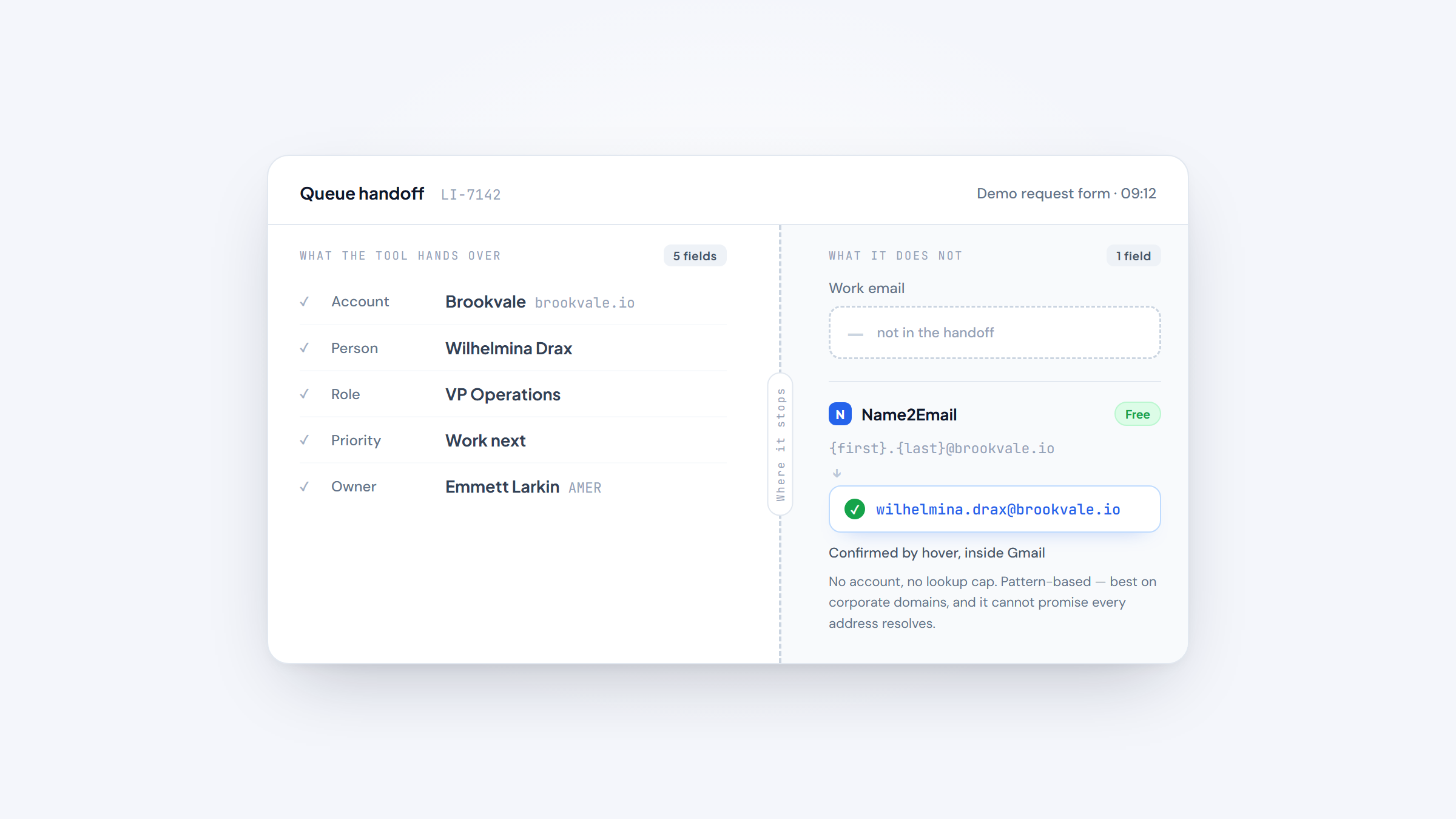
- 4We build Name2Email, a free Chrome extension that finds a named person's work email inside Gmail. It is the finder you reach for after a tool tells you which lead to work.
Lead intelligence software exists because the modern inbox is a flood. A form fill, a free-trial signup, a pricing-page visit and a webinar registration all land in the same CRM as the same kind of "lead," even though they are nowhere near the same kind of buyer. The job of this software is to sort that flood into an order.
This list covers nine lead intelligence tools that score, prioritize or route leads in 2026. Some of them cost $0, some run past $30,000 a year, and a few are changing hands right now as larger platforms buy them. We describe each one factually, name its real limits, and tell you where it fits.
One thing up front, because it saves you a disappointing demo later: lead intelligence software decides which lead deserves attention. It rarely gives you the lead's actual work email address. We make Name2Email, the free extension that closes that last mile inside Gmail, and it appears later in this article as the companion to whichever tool you pick. It is not ranked here, because finding an address and scoring a lead are different jobs.
What Is Lead Intelligence Software?
Lead intelligence software reads signals about a lead or an account and uses them to decide who gets worked, in what order, and by whom. The signals are the raw material. The output is a decision.
That decision usually takes one of three forms:
- A score that ranks a lead against the rest of the queue.
- A priority that tells a rep which account to open first this morning.
- A route that assigns the lead to the right owner, territory or calendar the moment it arrives.
If you have compared this category before, you may have landed on sales intelligence tools, which describe the accounts you could sell to. Lead intelligence sits one step later in the motion. Sales intelligence tells you a company exists and fits your market. Lead intelligence tells you that this specific lead, right now, is worth a rep's next hour.
Lead intelligence is also not the same as leading business intelligence software. A BI platform reports on what already happened across the business, after the quarter closes. Lead intelligence works in the other direction: it acts on a signal while the lead is still live and before the moment passes. Where a BI platform explains last quarter, a lead intelligence tool has to change this morning's call list.
Practitioners draw a similar line. In a thread on r/CRM titled "CRM lead scoring is built for marketers," the author argues that rules like "if industry equals finance and employees are over 10, add 20 points" miss the context that actually predicts a fit. The tools that stick are the ones that read signals, not just field values.
The distinction matters to how these tools get bought. A BI platform is a reporting purchase. Lead intelligence software is an operating purchase, and it has to plug into the CRM and the rep's daily workflow or it goes unused.
The Best Lead Intelligence Software for 2026
The list below runs from full routing and engagement platforms to narrow signal tools, ordered by how directly each one answers the "who should I work" question. We lead with Reply.io because it bundles scoring with the sending layer, which is the shortest path from a ranked lead to an actual email. Pricing was read from each vendor's own page in October 2026, and quote-only tools say so.
Tool | Best for | Key features | Main limitation | Pricing (from) | Rating |
|---|---|---|---|---|---|
Reply.io | Scoring plus sending in one platform | 1B+ contact database, multichannel sequences, AI SDR | No free plan, only a 14-day trial | $49/user/mo annual | ★★★★★ |
Chili Piper | Routing inbound demo requests instantly | Real-time routing, scheduling, enrichment | $15K/yr entry, 200-seat minimum on standalone scheduling | $1,250/mo | ★★★★☆ |
Default | Consolidating routing, enrichment and booking | Workflow routing, enrichment calls, round-robin | Runs are metered, $15K/yr floor | $1,250/mo | ★★★★☆ |
RB2B | Identifying the person behind a visit | Person-level site ID, Slack delivery, business emails | Person-level ID is US-only; email addresses only on paid tiers | $0/mo | ★★★★☆ |
Factors.ai | Scoring accounts from intent signals | Account identification, custom scoring, ad attribution | Real scoring starts at the $20K tier | $199/mo | ★★★★☆ |
Common Room | Aggregating product and community signals | Signal aggregation, RoomieAI, MCP server | No public pricing; now part of Zoom | Quote only | ★★★★☆ |
Pocus | Telling reps what to work next | Prioritized queues, multi-source signals, AI next steps | No self-serve price; joining Apollo | Quote only | ★★★☆☆ |
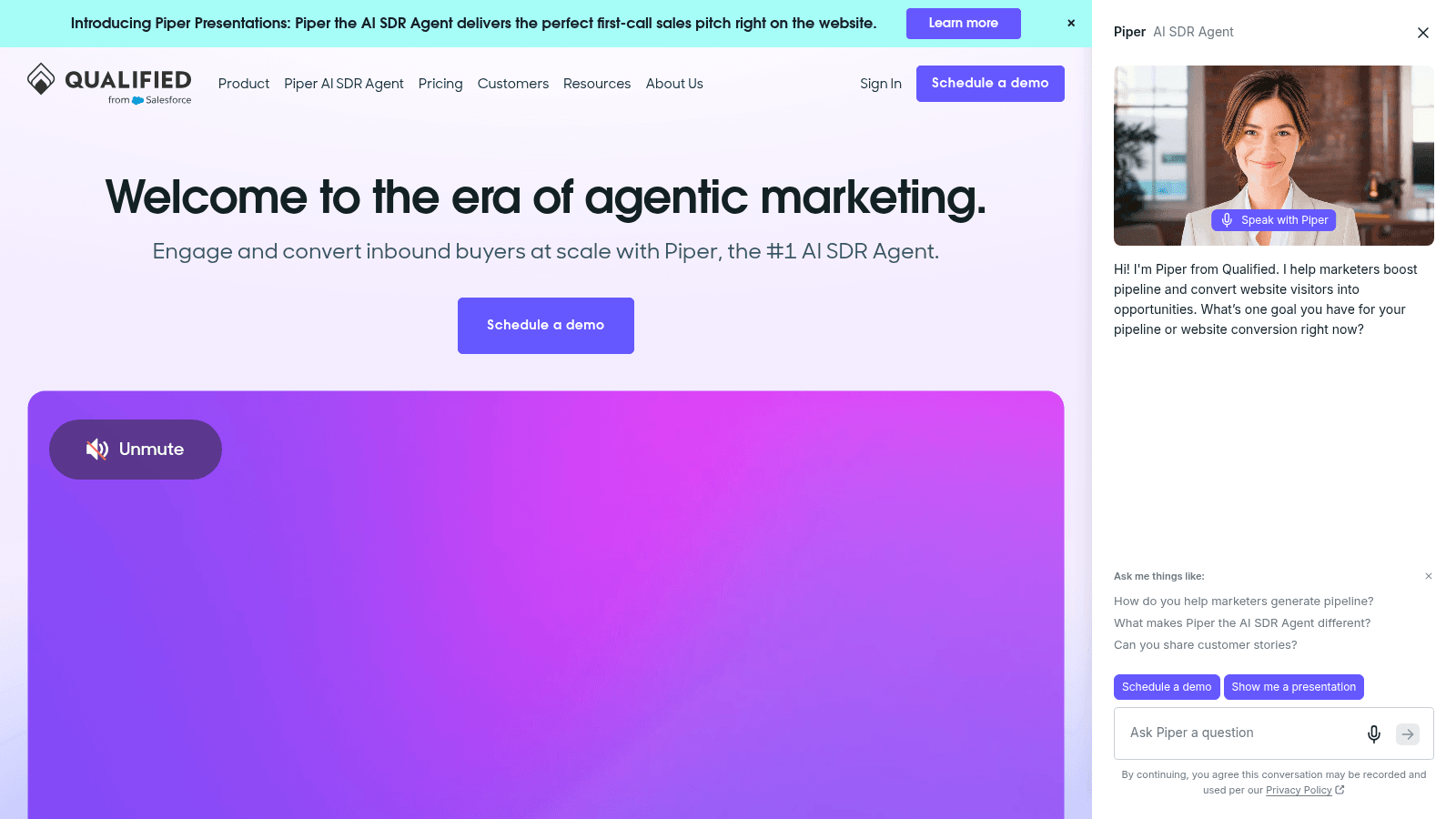
Qualified | Inbound AI SDR that books meetings | Piper AI SDR, instant booking, Salesforce-native | Quote only; now part of Salesforce | Quote only | ★★★★☆ |
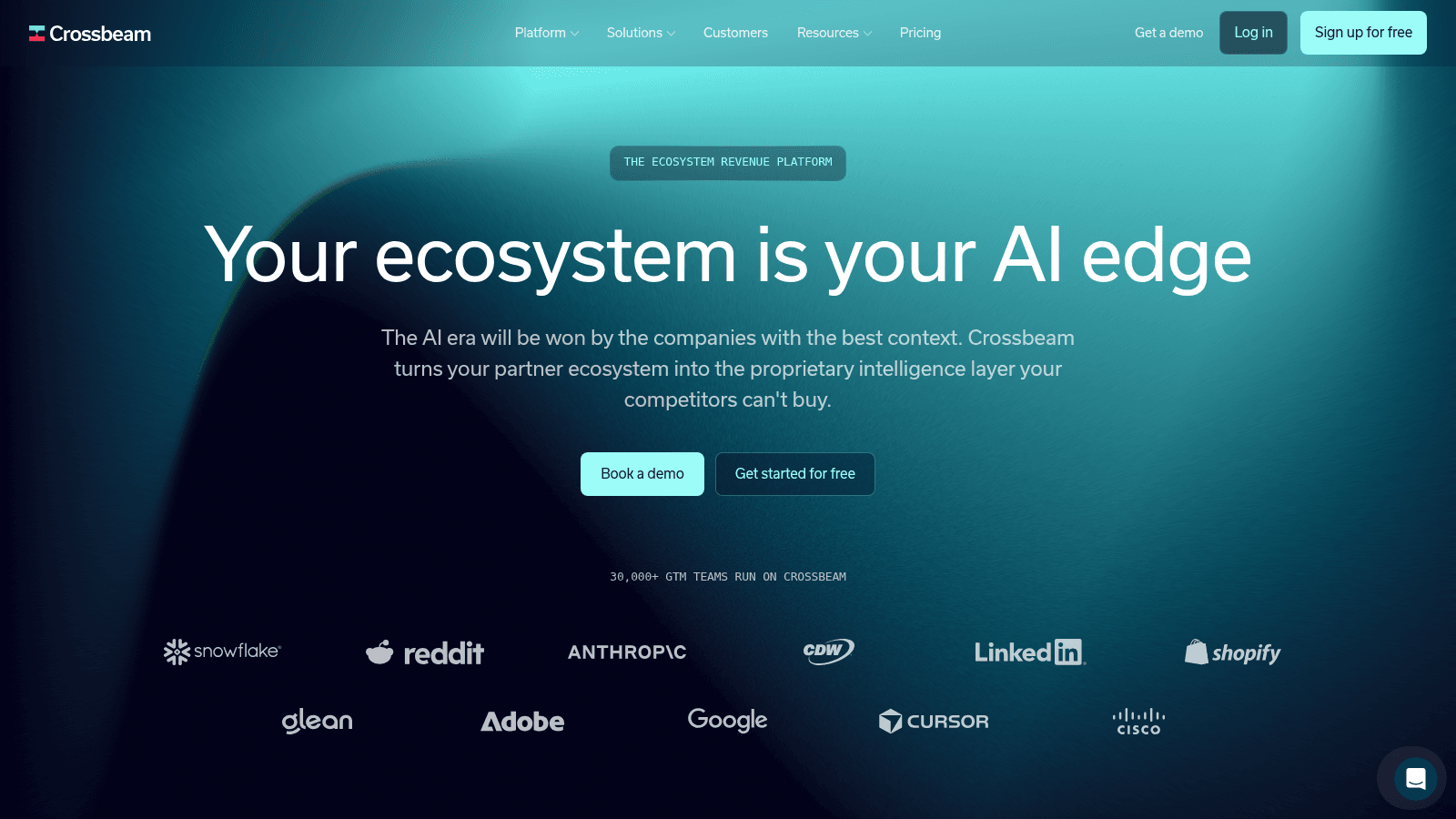
Crossbeam | Prioritizing from partner overlap | Account overlap mapping, partner attribution, free tier | Partner data, not person-level scoring | $0/mo | ★★★☆☆ |
Reply.io leads the table because the same platform that ranks a lead can also send the sequence, which removes a handoff that trips up most scoring projects. The rest of the entries follow, each with the pricing we could actually read on the page.
Reply.io
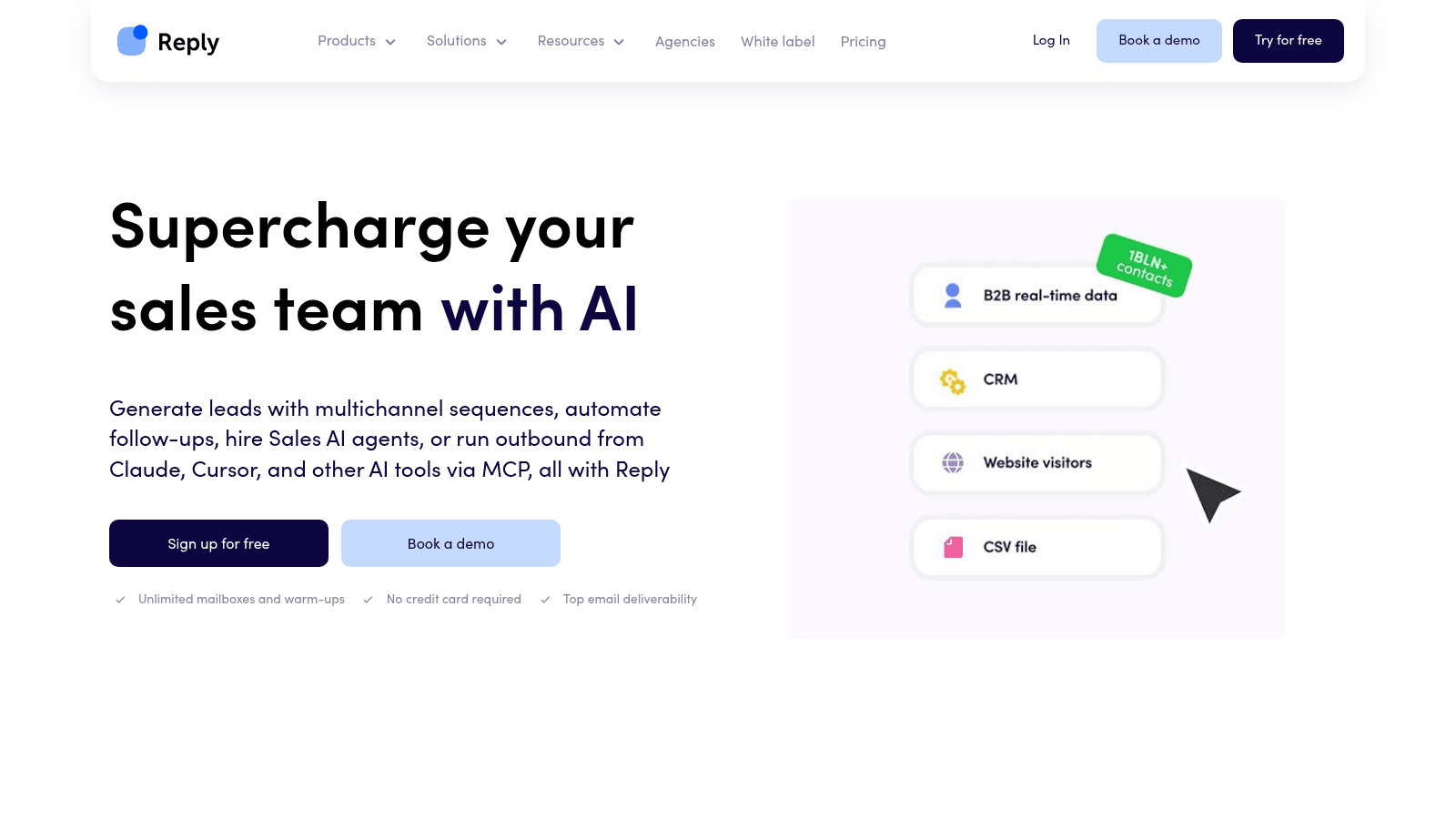
Best for: Teams that want scoring and sending in one platform
Reply.io is an AI sales engagement platform. It pairs a contact database and intent signals with multichannel sequences and an optional autonomous agent, then runs the outreach from the same place it scores the lead. For a roundup about which leads to work, that matters, because the decision and the action live in one system instead of two.
The database is bundled inside the platform and is not sold as a standalone file. Reply.io reports its own delivery and bounce figures, so treat those as vendor claims rather than third-party verification. The company says it has helped more than 3,000 teams and holds a 4.6 out of 5 rating on G2.
Full disclosure: Reply.io builds Name2Email, the free Gmail extension we make. That relationship is why Name2Email appears in this article, and it is why we keep the tool's limits in plain sight rather than selling it. Reply.io is listed here because it genuinely fits the category, not because we invented a spot for it.
Key features:
- Real-time B2B database with 1B+ contacts and intent signals
- Multichannel sequences across email, LinkedIn, calls, SMS and WhatsApp
- Jason AI SDR for autonomous prospecting and reply handling
- Built-in mailbox warmup and deliverability tooling at every tier
- Native CRM sync with HubSpot and Salesforce
- Unified inbox with AI-assisted response handling
Pricing: Email Volume starts at $49 per user per month on annual billing ($59 month to month), Multichannel at $89 on annual billing ($99 monthly), and the AI SDR at $500. The Agency plan starts at $166 per month. There is a 14-day trial and no free plan. Add-ons include LinkedIn automation at $69 per account per month, Calls and SMS at $29 per user per month, and email validation from $20 per month.
Pros: database and intent bundled with sending, genuine multichannel in one sequence, warmup included on every plan, an AI SDR upgrade path, strong CRM integrations.
Cons: no free plan, only a 14-day trial, and the multichannel and AI SDR tiers get expensive fast.
How to start using it:
- Start the 14-day trial and connect your sending mailboxes.
- Import your list or build one from the bundled database using fit filters.
- Set scoring criteria so the highest-intent contacts surface first.
- Build a multichannel sequence and turn on warmup before you send.
- Work replies from the unified inbox instead of switching tools.
Why it earns a place: it closes the gap between the score and the send. Most teams stitch a scoring tool to a sending tool and lose a day in the handoff. Reply.io keeps both in one workspace.
Final verdict: the most complete option here if you want scoring, data and outreach under one login. Budget for the jump to Multichannel or AI SDR if you need more than email.
Chili Piper
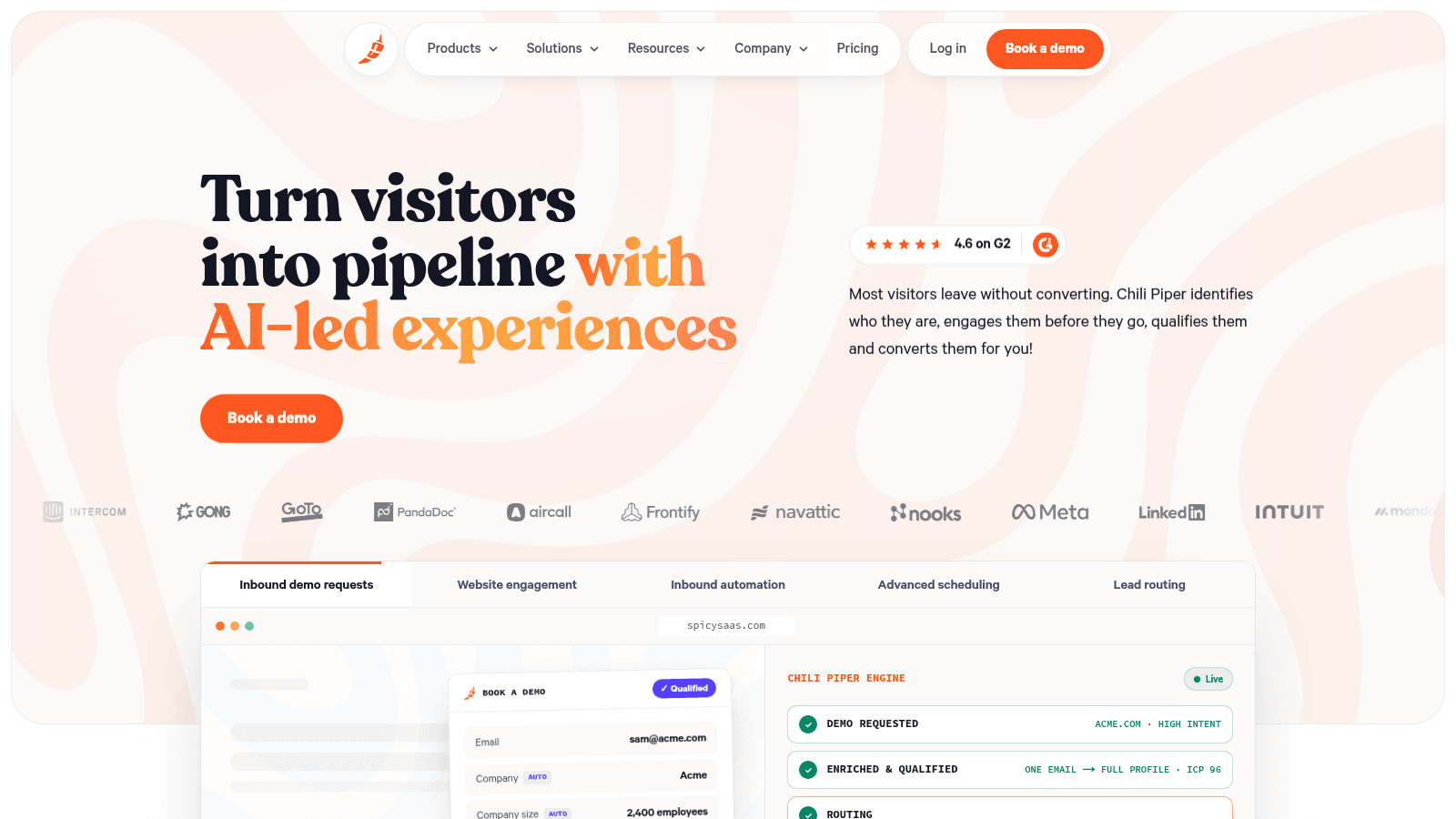
Best for: Routing inbound demo requests to the right rep instantly
Chili Piper takes a form fill and turns it into a booked meeting without a round of emails. It identifies who the visitor is, enriches the record, qualifies it against your rules, and routes it to the right rep's calendar in real time. The product sits on top of your existing CRM rather than replacing it.
The homepage leans on conversion numbers, including a 70% lift in demo-request conversions at Gong. Those are customer-reported outcomes, not a published benchmark, so read them as marketing rather than verified research.
Key features:
- Real-time routing rules that assign a lead the moment a form converts
- Scheduling that books the meeting in the same step as qualification
- Enrichment and qualification before the handoff to a rep
Pricing: Routing and Scheduling starts at $1,250 per month for 15 seats, which is $15,000 a year, with extra seats at $45 each per month. Standalone ChiliCal scheduling is $12 per user per month, with a 200-seat minimum.
Pros: instant routing on form fill, strong scheduling, 45,000 AI credits included per year.
Cons: a $15,000 annual floor, a 200-seat minimum on standalone scheduling, and far more routing than scoring.
Why buyers shortlist it: if your problem is that inbound leads wait hours for a first touch, Chili Piper fixes that directly. It is intelligent lead distribution software in the most literal sense, distributing inbound demand to the right calendar as it arrives.
Final verdict: the sharpest tool here for inbound routing and booking. Less useful if your leads arrive as a flat list rather than a live form fill.
Default
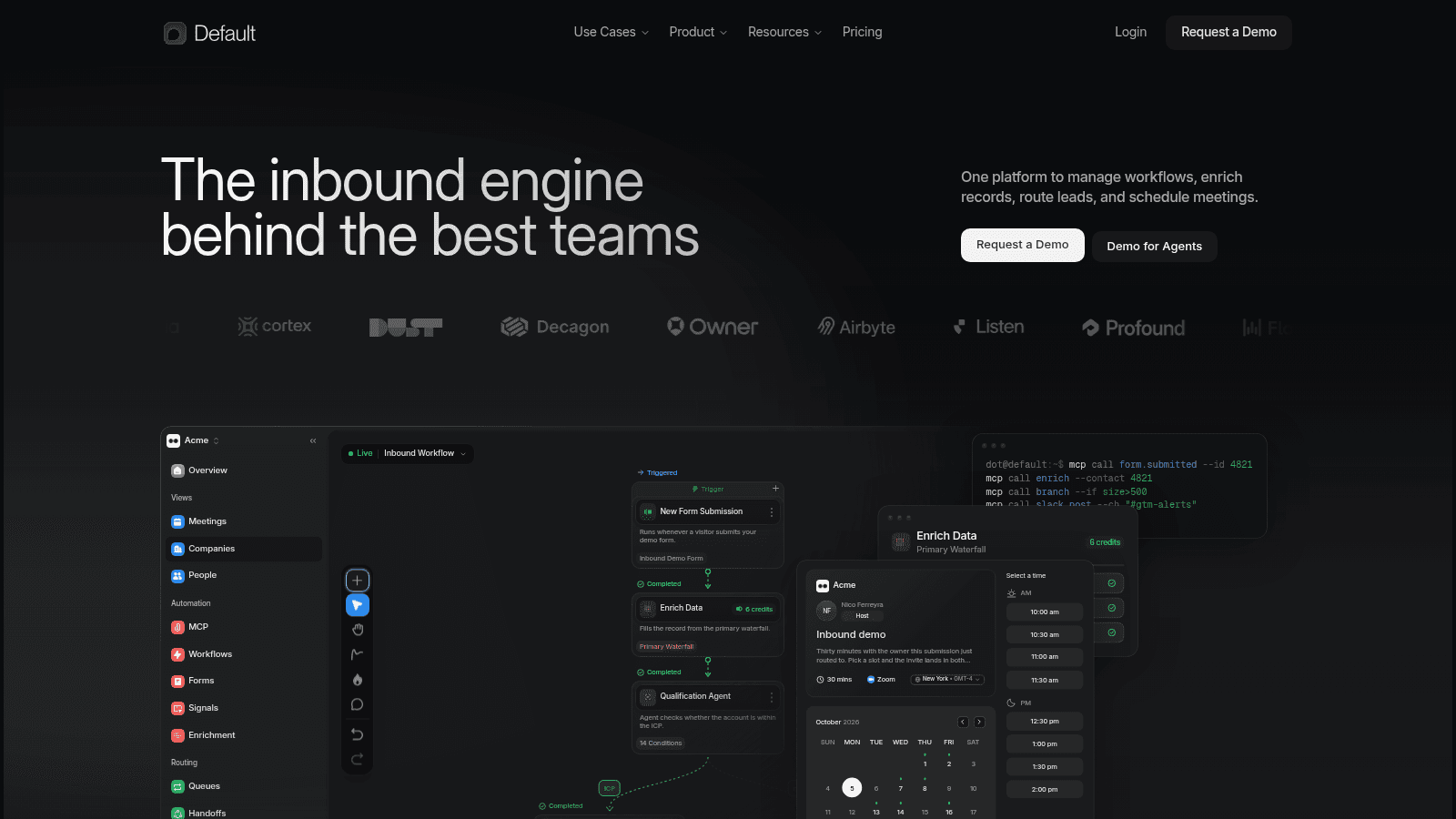
Best for: Consolidating routing, enrichment and booking into one layer
Default presents itself as the platform to manage workflows, enrich records, route leads, and schedule meetings, and it does those four things in one system. The pitch is consolidation: replace the pile of point tools with a single inbound engine. Its customers include Cortex, People Data Labs and Airbyte.
The workflow builder is the core of the product. You build as many workflows as you want, and the plan meters runs rather than builds, with unused runs rolling over month to month.
Key features:
- Workflow routing that assigns leads on any signal you can read
- Native enrichment calls to providers such as Clearbit and People Data Labs
- Round-robin and object routing with booking links and handoffs
Pricing: Growth is $1,250 per month ($15,000 a year) and Scale is $3,000 per month ($36,000 a year). Rep seats cost $45 per user per month, with lighter seats at $20 per user per month.
Pros: routing, enrichment and scheduling in one product, unlimited workflows, credits that roll over.
Cons: runs are metered rather than builds, a $15,000 annual floor, and a smaller ecosystem than the CRM-native incumbents.
Its real strength: fewer moving parts. If your routing logic currently lives across CRM fields, Zaps and a spreadsheet, Default gives it one home.
Final verdict: a strong fit for revops teams that want to delete tools. Expect to pay for the consolidation.
RB2B
Best for: Identifying the person behind an anonymous website visit
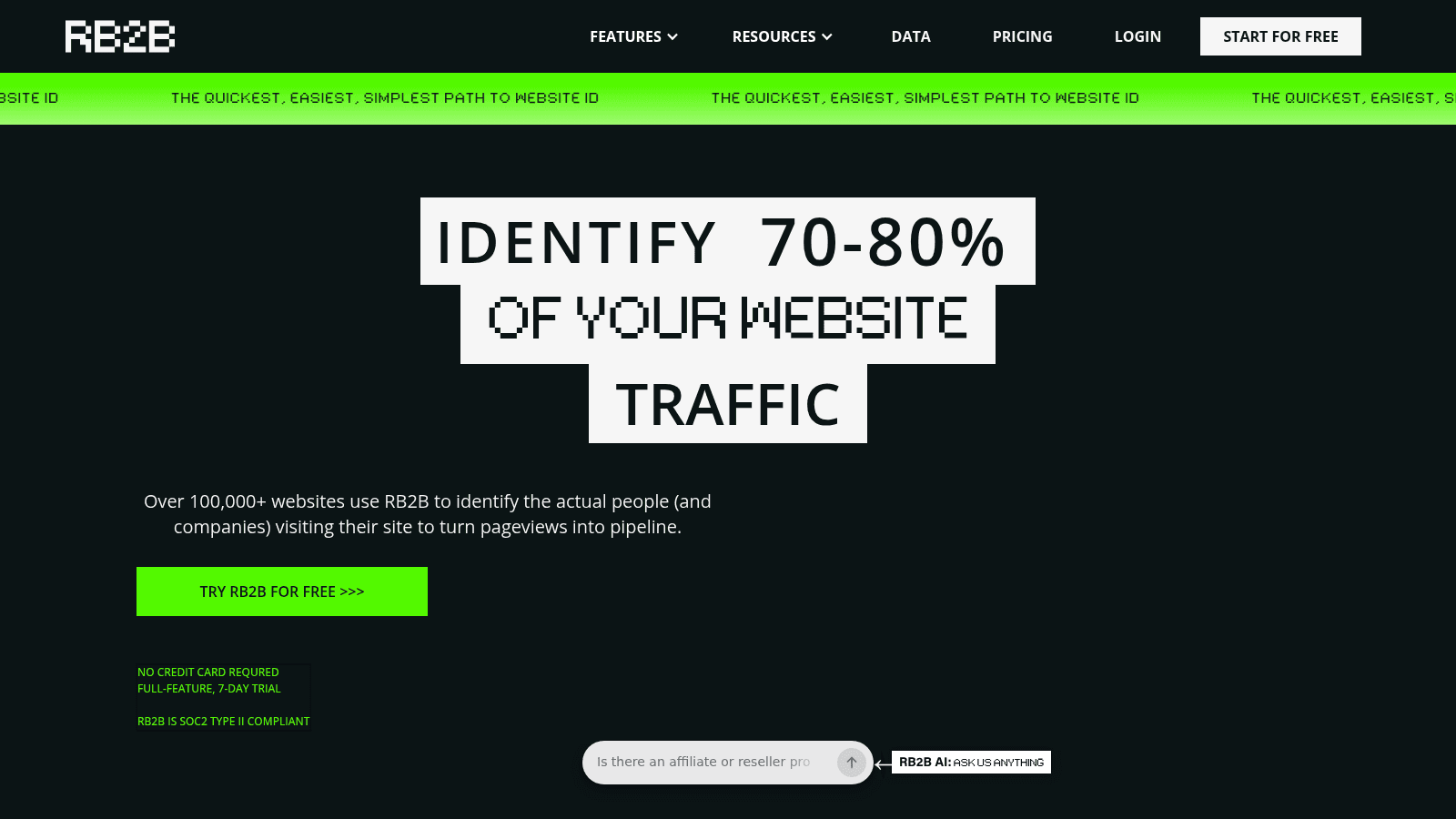
RB2B identifies a large share of your website traffic, up to 70% to 80% resolution, which the vendor reports for its combined Demandbase integration, and pushes the actual person and company into Slack or Teams. If your website is where intent shows up first, RB2B is the fastest way to see who showed up without filling in a form.
The free tier is company-level only: it identifies the organization but not the person and carries no email addresses. Person-level identification is limited to US visitors.
Key features:
- Person-level site identification for US traffic
- Slack and Teams delivery of visitor profiles in real time
- Business email addresses and full integrations on the Pro tier
Pricing: Free is $0 per month with 150 monthly resolutions. Starter is $79 per month with 300 resolutions. Pro is $149 per month and adds business email addresses plus all integrations. PRO+ is $199 per month with premium resolution. There is a 7-day full-featured trial.
Pros: a genuinely usable free tier, real-time person-level identification, a Slack-first workflow reps actually read.
Cons: person-level ID is US-only, the free and Starter tiers carry no email addresses, and there is no scoring engine behind the identification.
Where it fits: RB2B is a signal source, not a decision engine. It tells you who is on the site, and your CRM or a routing tool has to turn that into a priority.
Final verdict: the cheapest way to start seeing anonymous traffic. Pair it with a scoring or routing layer to act on what it finds.
Factors.ai
Best for: Scoring accounts from intent and advertising signals
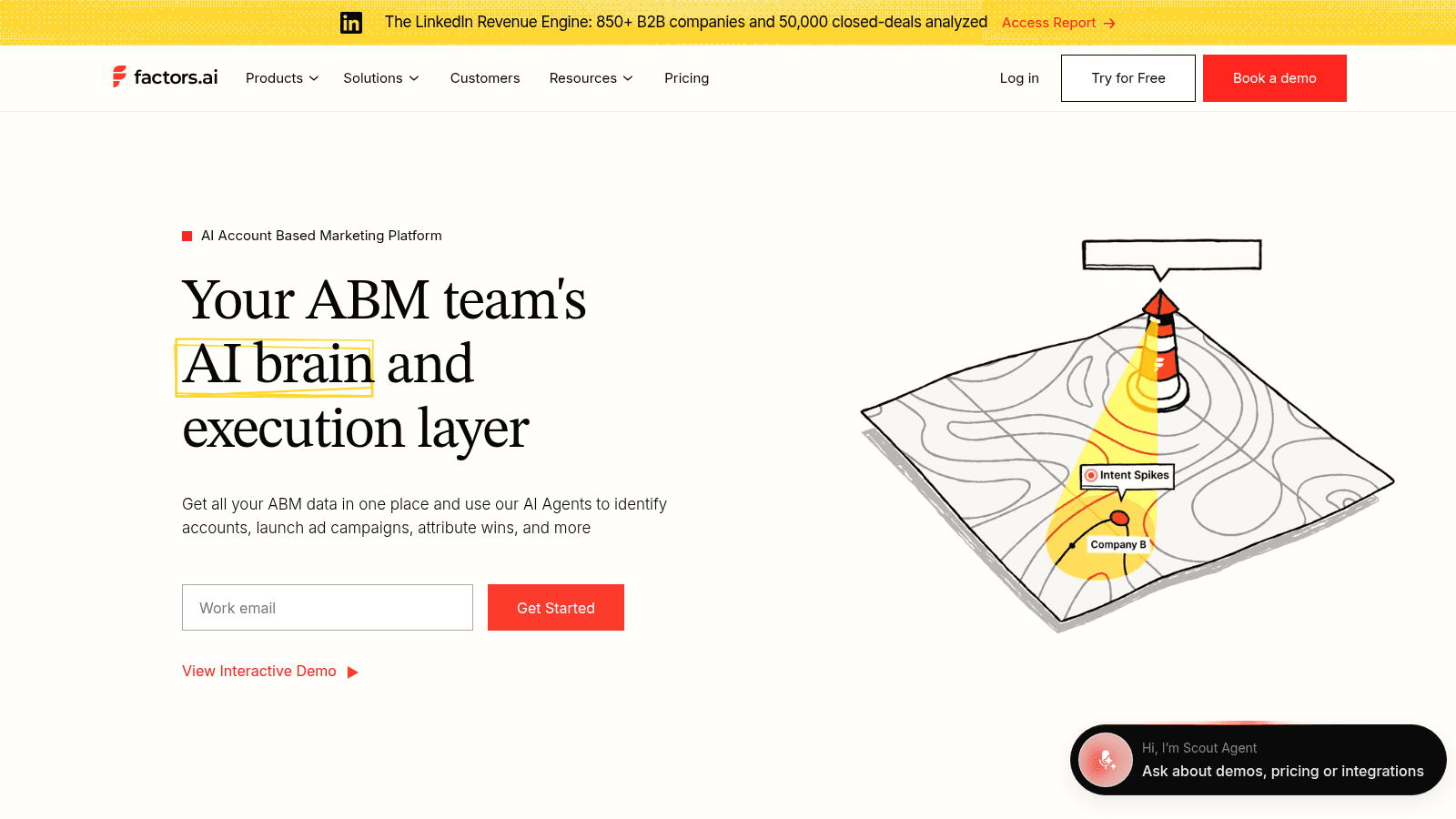
Factors.ai is an AI account-based marketing platform. It identifies accounts visiting your site, tracks intent spikes, builds custom account scoring, and syncs the result to your CRM. Because it also runs LinkedIn and Google ad attribution, it can tie a score back to the spend that produced the visit.
The scoring depth scales with the plan, from firmographic and behavioral segmentation on Basic to custom account scoring on Growth, with predictive account scoring reserved for the Enterprise tier.
Key features:
- Account identification with intent-spike alerts
- Custom account scoring and engagement tracking on Growth
- Predictive account scoring on Enterprise
- LinkedIn and Google ad attribution tied to the same account records
Pricing: Lite is $199 per month after a free trial. Basic is $6,000 a year, Growth is $20,000 a year, and Enterprise starts at $30,000 a year.
Pros: a free trial, it scores accounts rather than only people, and it connects signals to ad spend.
Cons: real scoring starts at the $20,000 tier, the shape is ABM rather than pure inbound routing, and plans bill annually.
Why it made this list: it treats the account, not the individual, as the unit of prioritization, which is the right call for ABM teams running a fixed target list.
Final verdict: a strong account-scoring layer if you run ABM and buy ads. Overkill if you just need inbound leads sorted.
Common Room
Best for: Aggregating product and community signals into one queue
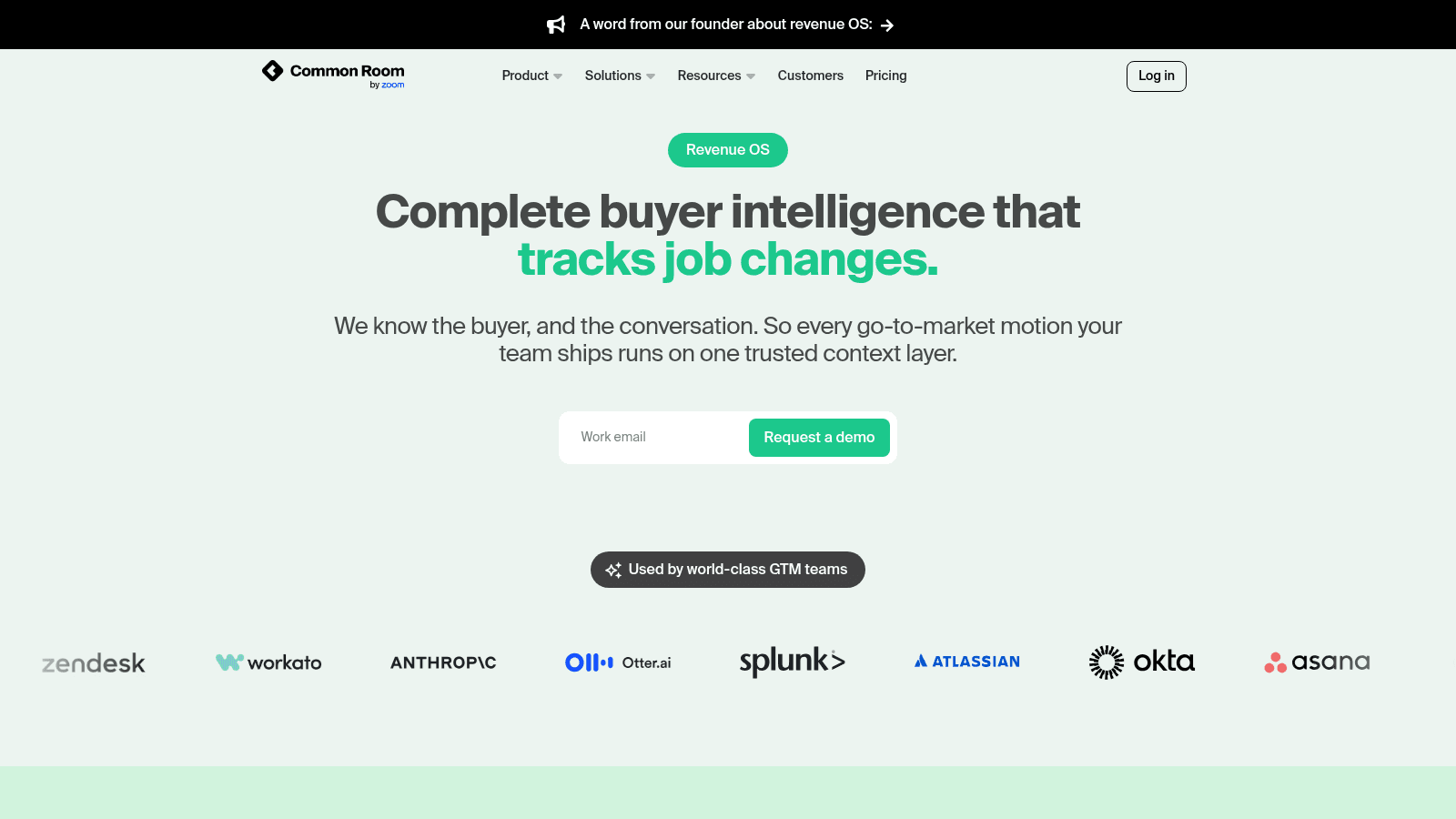
Common Room collects buyer intelligence from product usage, community activity and job changes, then pushes it into the CRM and Slack so reps see it where they work. The premise is that the strongest buying signals often live outside the CRM, in the product and the community, and that they need one home.
The homepage now reads "Common Room by Zoom," a reflection of the acquisition that folded the company into Zoom's platform. Pricing is quote-only, and the site routes you to a demo.
Key features:
- Signal aggregation across product, community and CRM
- RoomieAI research plus a Prospector contact lookup
- An MCP server on every plan so AI assistants can query the buyer data
- SOC 2 certification and GDPR compliance
Pros: strong signal aggregation, a useful MCP layer for AI tooling, and a real compliance story.
Cons: no public pricing, the Zoom acquisition may reshape packaging, and it adds another data layer next to your CRM.
Why buyers shortlist it: if your product generates its own usage signals, Common Room is one of the few tools built to read them and route them into sales.
Final verdict: a good fit for product-led and community-led teams. Confirm the current packaging directly, given the acquisition.
Pocus
Best for: Telling reps which account to work next
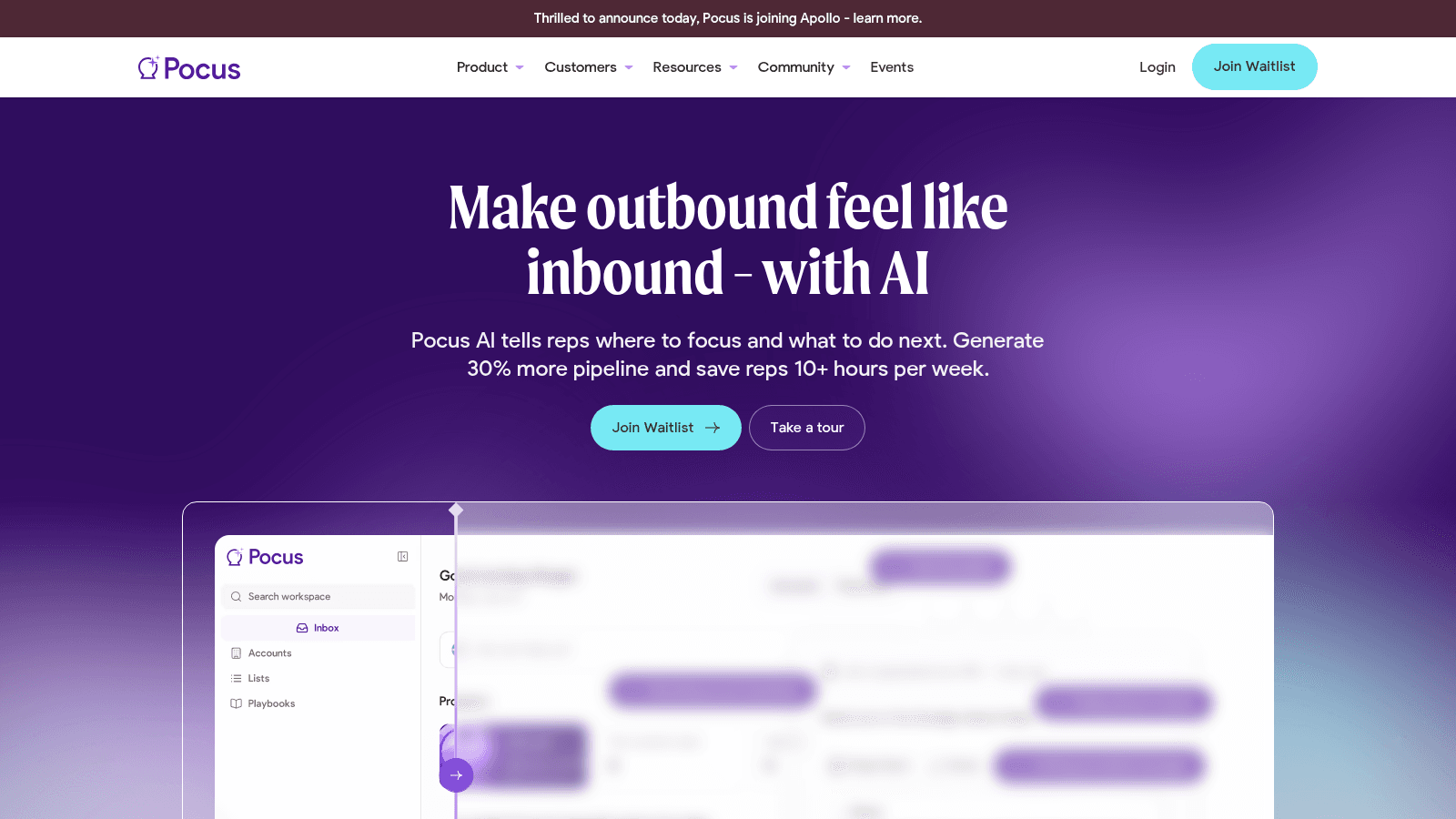
Pocus AI puts a prioritized queue in front of each rep and suggests the next action, drawing on product, CRM and third-party intent signals. The pitch is that outbound should feel like inbound: instead of hunting, a rep opens a list that is already ranked.
A banner on the site announces that Pocus is joining Apollo, so the product's packaging and roadmap are in transition. Pricing is not published, and the site currently points to a waitlist.
Key features:
- Prioritized daily work queues per rep
- Signals from product usage, CRM data and third-party intent
- AI-generated next steps and playbooks
Pros: rep-first prioritization, it pulls many signal sources into one view, and it suits product-led motions.
Cons: no self-serve price, the Apollo acquisition means packaging may change, and setup takes real revops effort.
Where it beats the alternatives: it starts from the rep's morning, not from a data table. The output is a short list, not a dashboard.
Final verdict: worth a look for product-led teams that want a ranked queue. Wait for the Apollo deal to settle before committing to a contract.
Qualified
Best for: Turning inbound traffic into booked meetings with an AI SDR
Qualified runs Piper, an AI SDR agent that meets buyers on your website, qualifies them in conversation, and books the meeting. The site now reads "Qualified, from Salesforce," following its acquisition by Salesforce, which makes it a natural fit for Salesforce-native teams.
The product is built around inbound engagement rather than list scoring. It works best when there is live traffic to talk to.
Key features:
- Piper AI SDR for website conversations and email follow-up
- Instant meeting booking the moment a buyer qualifies
- Salesforce-native routing and data
Pricing: quote-only. The site pushes a demo for a custom plan.
Pros: real-time inbound engagement, a Salesforce-native data model, and strong meeting-conversion tooling.
Cons: no public price, Salesforce ownership may shift the roadmap, and it is built for inbound rather than list scoring.
Why it earns a place: it handles the moment a signal becomes a conversation, which is where a lot of inbound demand is lost.
Final verdict: a good fit for Salesforce shops drowning in inbound. Get the pricing in writing before you commit.
Crossbeam
Best for: Prioritizing accounts from partner and ecosystem overlap
Crossbeam maps your accounts against your partners' accounts and surfaces the overlaps, so a rep can see which prospects already exist somewhere in the ecosystem. Its tagline calls it the ecosystem revenue platform.
This is an adjacent signal rather than a scoring engine, and it earns its place because partner overlap is one of the strongest warm-intent signals a B2B team can act on. The value depends on how many partners you can get onto the platform.
Key features:
- Account overlap mapping with partners
- Pipeline and attribution reporting for partner-sourced deals
- A free tier for building an ecosystem map
Pricing: Free is $0 forever. Connector is $4,800 a year plus $1,800 per user a year. Supernode and Enterprise are quote-only, and credit packs start at $1,000.
Pros: a free tier, a genuinely unique signal, and no credit card to start.
Cons: partner data rather than person-level lead scoring, value that depends on partner participation, and seat costs that add up.
Its real strength: overlap. An account that a trusted partner already knows is a warmer conversation than a cold list entry.
Final verdict: a useful prioritization layer for partner-led teams. Not a scoring engine on its own.
How We Chose This List
Three filters decided this list. First, the tool had to act on a signal, not just store one. A contact database with no scoring, priority or routing logic does not qualify, no matter how large it is.
Second, the pricing or the pricing model had to be visible on the vendor's own site, or we say plainly that it is quote-only. Third, we kept the lineup focused on the decision layer that tells you which lead to work, which is why a general company data platform does not appear here.
We also checked each vendor's own reasoning for being in this category, not a roundup's summary of it. Where a vendor's homepage made a performance claim, we labeled it as the vendor's claim. Where a company had been acquired, we say so, because ownership changes packaging and procurement.
Adjacent categories stayed off the list on purpose. Company research tools answer a different question, namely what a company is, so they belong to the upstream layer rather than the decision layer below it.
What to Look For in Lead Intelligence Software
The features that matter depend on where your queue is broken, but a few checks separate a tool that gets used from one that gathers dust.
- Routing that runs in seconds, not on a nightly batch, so a hot lead reaches a rep while it is still hot.
- Scoring you can edit without a developer, including the ability to weight signals such as pricing-page visits and product usage.
- A native sync to your CRM, so the score lives on the record the rep already opens.
- A clear answer on credits and limits, because a scoring tool that meters every enrichment call gets expensive at volume.
- A visible owner for routing rules, so the logic does not sprawl across fields and automations that nobody trusts.
Speed is the other half of the routing question. Research published in Harvard Business Review found that 37% of companies responded to a web lead within an hour, 23% never responded at all, and the average response time stretched to 42 hours. A tool that ranks leads perfectly but delivers them a day late has solved the wrong problem.
That last point is not theoretical. In a discussion on r/CRM about managing complex lead routing rules, the recurring complaint was not volume but ownership: once routing logic lives across CRM fields, automation steps and documents, teams stop trusting what actually happens. Buy a tool that keeps the rulebook in one place, or you will rebuild it in six months.
The enrichment question matters too. Many of these tools treat enrichment as a native step or a metered call to a provider, and the difference shows up in your bill. If you want the data underneath the score to be solid, it helps to understand how data enrichment tools work, because the score is only as good as the record it reads.
How to Choose the Right Tool
Match your lead intelligence tool to the shape of your demand, not to the longest feature list.
If most of your leads arrive as form fills and demo requests, you want a routing and booking tool. Chili Piper and Default are built for that pattern, and both will pay for themselves if slow follow-up is your leak. If your leads arrive as anonymous website traffic, start with RB2B and add a scoring layer later. If you run a fixed target list and buy ads against it, an account-scoring tool like Factors.ai fits better.
For teams that want one login, Reply.io collapses the scoring and sending steps into a single platform, which removes the integration work that usually delays a rollout. For partner-led motions, Crossbeam adds an overlap signal that no scoring engine can produce on its own.
One more constraint shapes the choice: the buying group is almost never one person. Forrester's buying research found that 86% of B2B purchases stall, that an average of 13 people take part in a decision, and that 89% of purchases involve two or more departments. A tool that routes a lead to a single owner without accounting for the rest of the group leaves most of the deal unworked.
If you are searching specifically for intelligent lead distribution software, that is the routing step inside these platforms, the part that assigns demand to an owner the moment it arrives. Use the channels your team already uses as one of the deciding signals; if the tool maps to your use cases, it earns its spot.
What Does Lead Intelligence Cost?
Pricing in this category spans a very wide range, from free tools that identify visitors to six-figure enterprise contracts. The table below shows the entry price we could verify on each vendor's own page in October 2026, and the billing model behind it.
Tool | Entry price we verified | Billing model |
|---|---|---|
RB2B | $0/mo | Monthly, resolution caps |
Crossbeam | $0 | Annual plan plus per-seat |
Reply.io | $49/user/mo | Per user, annual billing |
Chili Piper | $1,250/mo | Annual contract, 15 seats included |
Default | $1,250/mo | Annual contract, metered runs |
Factors.ai | $199/mo | Lite, after trial |
Common Room | Quote only | Custom annual |
Pocus | Quote only | Custom annual |
Qualified | Quote only | Custom annual |
The pattern worth noticing is that the free and low-cost tools tend to be signal sources, while the tools that route and orchestrate cost four figures a month. That is not an accident.
Routing touches every rep's calendar and every territory rule, so vendors price it as infrastructure. If you only need to see who is on your site, you can start for nothing. If you need to change how inbound demand gets distributed across a sales org, expect a real contract.
If your budget is tight and your goal is cold outreach rather than inbound routing, the cheaper path is often a sending tool plus a free finder, the model behind cold email software.
Where Lead Intelligence Stops: The Name-to-Address Gap
Every tool on this list ends at the same place. It tells you a lead is worth working, gives you a company, often a name, and hands the lead to a rep. Most stop there rather than handing over that person's actual email address, and for cold outreach that is the step where the queue goes quiet.
This is the gap we built Name2Email to close. It is a free Chrome extension that works inside Gmail: type a person's name and company domain in the compose window, and it generates the most likely work-email patterns, then lets you confirm the right one by hovering, because Gmail surfaces the contact's name and photo when it recognizes the address.
We will be honest about what it is and is not. Name2Email is pattern-based, so it works best on corporate domains and it cannot guarantee every address. It confirms via Gmail recognition rather than a verification service, and it is not a bulk list builder or a scraped contact database.
Name2Email is the finder you use once a tool like the ones above has told you which lead to work. It is free, needs no account, and has no lookup cap, so the cost of finding one more address is zero.
There are more ways to find an address than this one, and an email lookup by hand is worth knowing as a fallback. The point is that the last mile is a separate job from the scoring that precedes it. Pick your lead intelligence software to decide who to work, then use Name2Email to reach them.
Add to Chrome and find your next prospect's email without leaving Gmail.
What to Automate First
If you take one thing from this list, take the order of operations. Fix the routing before you buy the scoring. A precise score that reaches a rep a day late is worth less than a rough score that arrives in a minute.
Start with the signal you already have. If it is a form fill, route it in real time. If it is website traffic, identify it. If it is product usage, aggregate it. Then measure the gap between signal and first touch, and let that number decide your next purchase.
The tool that wins is the one your reps actually open. Everything else on this page is a means to a shorter, better-prioritized work queue. Two adjacent categories solve the data problems underneath the decision, lead enrichment tools and data matching software, and neither is a substitute for the routing layer.
The finder layer is the easiest part to start, because Name2Email is free and its key features need no setup. Install it, and the next lead your routing tool surfaces is one hover away from an email.
Frequently asked questions
Lead intelligence software reads signals about a lead and decides who should be worked, in what order and by whom. The signals come from your CRM, website, product or third-party intent data, and the output is a score, a priority or a routing decision that lands on a rep's queue.
It ranges from free to well over $30,000 a year. RB2B and Crossbeam start at $0, Reply.io starts at $49 per user per month on annual billing, and the routing platforms Chili Piper and Default start at $1,250 a month. Factors.ai starts at $199 a month on Lite and steps up to $6,000 a year on Basic. Common Room, Pocus and Qualified are quote-only.
Yes, but the free tiers usually cover the signal, not the decision. RB2B's free plan identifies companies at 150 resolutions a month, and Crossbeam's free plan builds an ecosystem map. Both are useful starting points that you pair with a scoring or routing layer as you grow.
Sales intelligence describes the accounts you could sell to, including firmographics, contacts and technographics. Lead intelligence sits later in the motion and decides which specific lead deserves attention now. The two overlap, but sales intelligence answers "who might buy" while lead intelligence answers "who do we work next."
Not reliably. Most tools here identify a company or a name and route the lead, then stop. They rarely hand you the person's actual work email. That is the gap Name2Email fills for free inside Gmail, where you generate the likely patterns for a name and domain and confirm the address by hovering.

We build Name2Email, the free Chrome extension that finds work emails inside Gmail. We write about outreach, prospecting, and getting more replies.
Connect →