- 1Lead enrichment tools backfill the fields missing from a record you already own, and the field that most often blocks outreach is the person's work email.
- 2Waterfall tools query several providers in sequence and charge for verified results; single-source tools charge per lookup and miss more.
- 3Entry prices run from $0 to around $74 per month billed annually, and Dropcontact bills in euros. Free tiers are generous enough to test hit rates before you pay.
- 4Finding one address as you type is a different job from enriching thousands of rows. We built Name2Email for the first one, and it is free.
Most lead records arrive incomplete, and one missing field decides whether a sequence ever starts: the person's work email. You can outbound without a job title or a headcount figure. You cannot email an address you do not have.
That is the job lead enrichment tools do. They take something you already hold, a name, a company domain, a LinkedIn URL, a half-filled CRM row, and return the fields that are missing. This guide covers 11 tools that do it well in 2026, with prices we checked on each vendor's site in October 2026, plus the credit mechanics that decide what you really pay.
For transparency: we make Name2Email, a free Chrome extension that finds work emails inside Gmail. It is a finder for one contact at a time, not an enrichment platform, so we do not rank it in the list below. Reply.io, the company that builds Name2Email, is the first row in the table, and we say so because we have a stake in it.
What Lead Enrichment Tools Actually Do
A lead enrichment tool completes a record you own. You give it a company domain, a LinkedIn profile URL, or a name plus a company, and it returns the job title, seniority, company size, industry, and, most usefully, the work email.
The direction matters. A contact database answers "show me people who match this filter." Enrichment answers "tell me more about this specific person I already have." That is why enrichment bills per record instead of per search, and why it sits inside a CRM or a sequencer rather than replacing it.
Enrichment usually starts from one of three situations: a form capture that handed you an email and nothing else, a CRM whose thousands of records have aged out, or a purchased list that arrived with gaps. In all three, the missing address is what stalls the sequence, and it is where the tools below earn their keep.
The scale of the problem is measurable. Experian's Global Data Management Research, which surveyed 700 business leaders, found that organizations believe about a third of their customer and prospect data is inaccurate in some way. Enrichment is the maintenance routine for that third.
The Three Ways to Fill a Missing Email Field
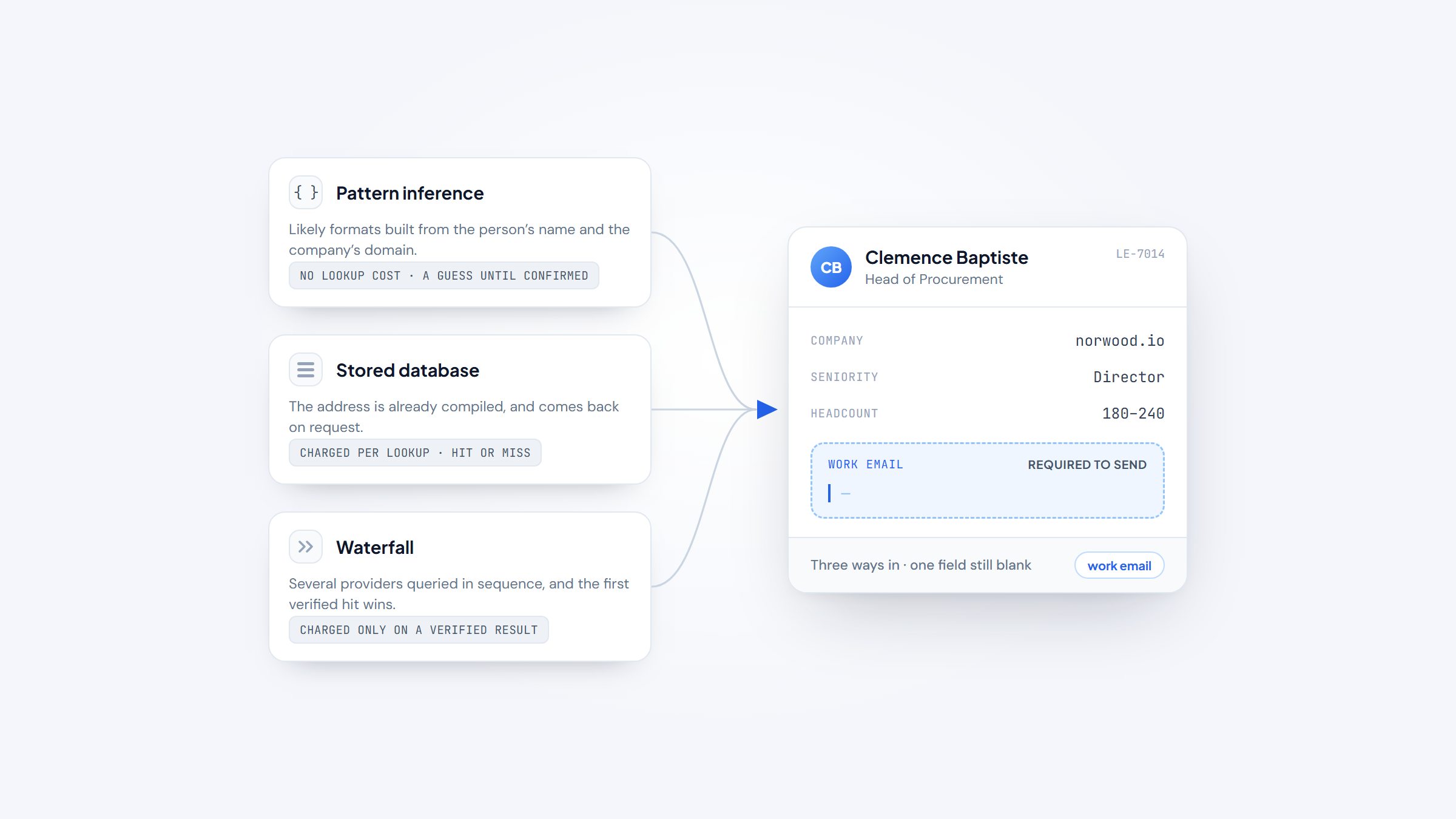
Providers source an address in one of three ways, and the difference decides both hit rate and cost.
The first is pattern inference. The tool builds the likely formats from the person's name and the company's domain, formats like first.last@ or f.last@. It costs nothing per lookup and needs no database, but every result is a guess until something confirms it. Dropcontact runs a refined version of this with validation bolted on.
The second is a stored database. The provider has already compiled the address and returns it on request. Apollo, Lusha, UpLead, Wiza and Datagma all work this way, though each covers different regions and industries well.
The third is a waterfall. Several providers are queried in sequence and the first verified hit wins. Clay, FullEnrich and BetterContact are waterfalls, and they hit more often because they are not limited to a single dataset. Most charge only when a result comes back valid.
A million rows and a schema mismatch is a different problem from one missing address, and it is handled by a different set of tools, the data enrichment tools that clean records at warehouse scale. This article stays with the tools that put an address on a person inside a sales motion.
The Best Lead Enrichment Tools in 2026
The table compares entry price with the credit mechanics that decide real cost. Every figure comes from the vendor's live pricing page, checked in October 2026.
Tool | Best for | Key features | Main limitation | Pricing (from) | Rating |
|---|---|---|---|---|---|
Reply.io | Data and sending in one login | 1B+ contacts, multichannel sequences, intent signals | Database is bundled, never sold standalone | $49/user/mo annual | ★★★★★ |
Clay | Custom enrichment waterfalls | 150+ providers, Claygent AI agent, CRM sync | HTTP API starts at the Growth tier | Free; $54/mo annual | ★★★★★ |
Apollo | Enriching and emailing from one seat | 210M+ contacts, waterfall enrichment, sequencer | Free credits are thin for volume | Free; $49/user/mo annual | ★★★★☆ |
Lusha | Fast in-browser enriching | 515M+ contacts, 29M+ companies, intent topics | Phone reveals cost 5 credits each | Free; $37.45/mo yearly | ★★★★☆ |
Hunter.io | Finding and verifying emails | Domain search, Email Finder, verifier | Credits are shared across the team | Free; $34/mo annual | ★★★★☆ |
Dropcontact | GDPR-first European enrichment | Algorithmic, no dataset, pay on success | Priced in euros, lower coverage | From EUR29/mo | ★★★★☆ |
FullEnrich | Mobile and email waterfalls | 25+ providers, pay per verified result | Little beyond contact fields | Free 1,000 credits/mo | ★★★★☆ |
BetterContact | Cheap verified-only waterfall | 20+ named providers, charged only on valid | Thin beyond enrichment | $15/mo | ★★★★☆ |
UpLead | Verified contacts with intent data | 200M+ contacts, intent data, CRM export | No free plan, credit packs run out | Trial; $74/mo annual | ★★★★☆ |
Wiza | LinkedIn-led list building | 850M+ contacts, verify on request | Small monthly email credits | Free; $49/user/mo | ★★★★☆ |
Datagma | Affordable EMEA and APAC data | API on all plans, credits roll over | Mobiles cost 30 credits each | Free; $49/mo | ★★★★☆ |
Reply.io leads the list, followed by ten tools that each solve a slightly different version of the same problem. Each entry states what the tool is genuinely good at and where it stops.
Reply.io
Best for: Teams that want data and sending in one system
Reply.io is the sales engagement platform behind Name2Email, and its bundled database is why it leads this list. Enrichment is not a separate subscription here: the account that runs your sequences also looks up contacts and drops verified emails, titles and company fields straight into the sequence builder.
The database holds 1+ billion contacts across 150+ countries, with 60+ million accounts and 15+ million US company profiles. Intent signals sit beside the contact data, so you can filter for people already showing buying behavior before you spend a credit.
Three caveats are worth knowing before you pick it. You cannot buy the data on its own; it ships inside the platform, so a team that only wants a CSV is paying for sequencing it will not use.
Access runs on a 14-day trial rather than a free tier, which gives you 50 verified credits to test with. And the delivery and bounce rates come from Reply.io itself rather than an independent audit.
Key features:
- 1+ billion contacts across 150+ countries, bundled with the platform
- Multichannel sequences across email, LinkedIn, calls and WhatsApp
- Intent signals alongside fresh prospecting data
- 60+ million account profiles and 15+ million US company profiles
- CRM integrations and an optional AI SDR
- Add-ons for LinkedIn automation ($69/month per account), calls and SMS ($29/month per user) and email validation ($20/month)
Pricing: The Email Volume plan starts at $49 per user per month on annual billing ($59 month to month), and tiers scale with active contacts. Add-ons are billed separately. Access is trial-only, with no permanent free tier.
Pros: one subscription for data and sending, large bundled database, intent signals included, strong multichannel sequences, 14-day trial with 50 credits
Cons: no free tier and no way to buy the data alone, paid add-ons raise the real cost
How to start using it:
- Open the 14-day trial, then link one sending mailbox.
- Set your ICP filters in the database and check the preview count.
- Push the matching contacts into a sequence or export them.
- Let the built-in warm-up run before you scale volume.
- Review reply handling and adjust the sequence after the first week.
Why it's a good lead enrichment tool: the record you enrich and the sequence you send it through live in one place, so no export step sits between them.
Final verdict: the strongest pick when you want enrichment and outreach under one login, and the wrong pick if all you need is a data file. Because Reply.io builds our free finder, we are disclosing that stake rather than hiding it.
Clay
Clay is the orchestration layer rather than a data source. It sits above 150+ providers and builds waterfalls with fallback logic, so a record moves provider to provider until something returns.
Key features:
- Multi-provider waterfalls across 150+ data partners
- Claygent, an AI agent that fills fields no API covers
- CRM sync and HTTP API integrations on higher tiers
Pricing: the free plan includes 100 data credits and 500 actions a month. Launch starts at $54 per month billed annually ($60 monthly). Growth, at $185 per month billed annually ($205 monthly), is the first tier with HTTP API access.
Pros: widest provider coverage, a useful free tier, unlimited seats
Cons: API access is gated to Growth, the action-and-credit split is confusing, costs climb quickly at volume
Why buyers shortlist it: running providers in sequence beats any single dataset on hit rate, and Clay makes that configurable without code.
Final verdict: the default choice for teams building custom enrichment workflows.
Apollo
Apollo is a database, an enrichment engine and an outbound tool in one account. It holds 210+ million contacts, and you can enrich a record you already own or search for new ones from the same seat.
Key features:
- 210+ million contacts and company records
- Waterfall enrichment plus a built-in sequencer
- Buyer intent filters and AI-assisted research
Pricing: the free plan grants 900 credits per seat per year, handed out monthly. Basic is $49 per user per month billed annually ($59 monthly) with 30,000 credits a year; Professional is $79, and Organization is $119 with a three-seat minimum.
Pros: one place to enrich and email, a large database, a real free tier
Cons: accuracy varies by market and needs spot-checking, the free credit pool is small for volume, per-seat cost scales with the team
Where it fits: you stop paying for a separate sequencer when the data vendor already sends mail.
Final verdict: the best all-in-one pick for small teams that want to test before they commit.
Lusha
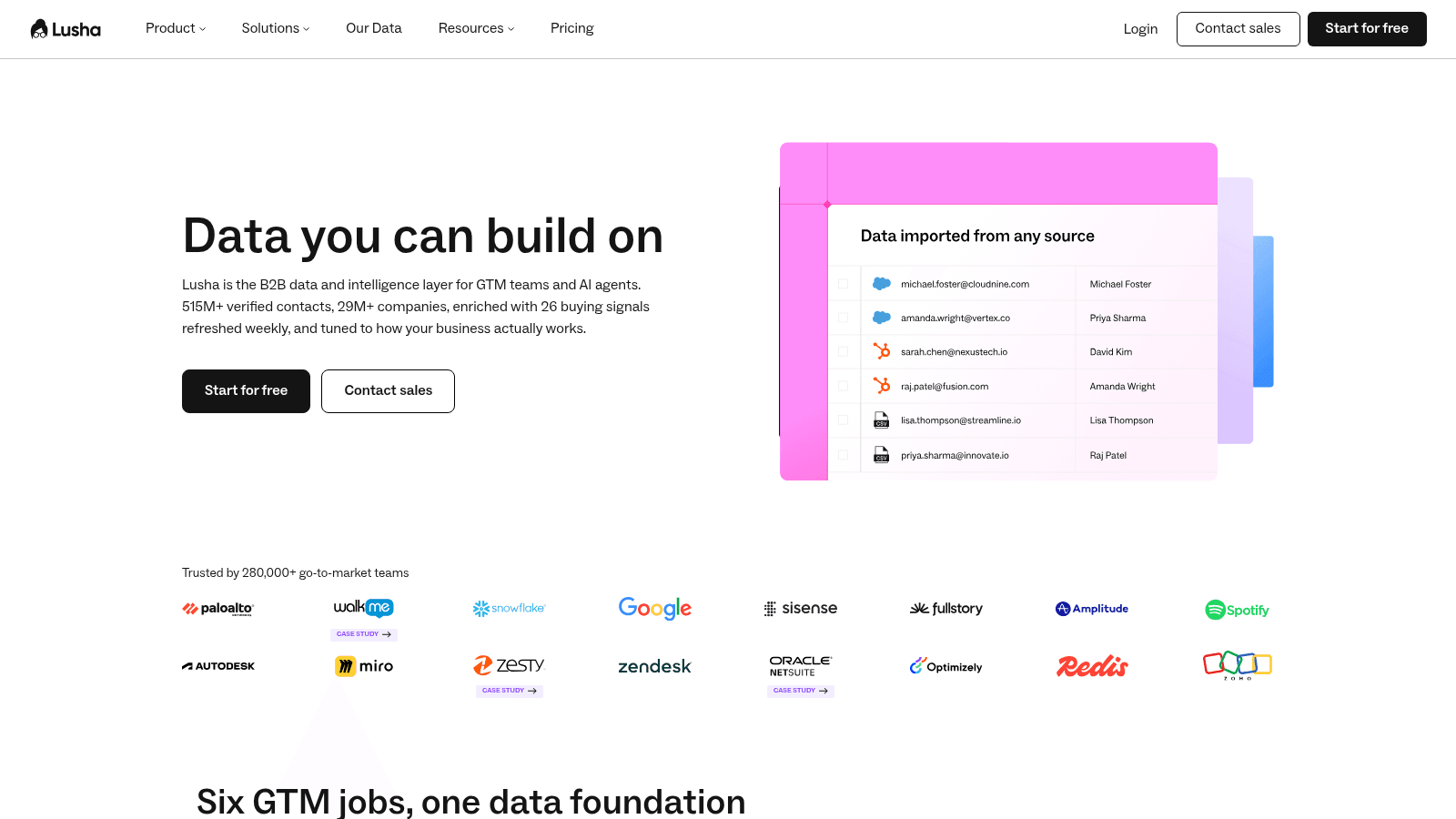
Lusha is a browser-first enrichment layer. It holds 515+ million verified contacts and 29+ million companies, and it layers buying-intent signals on top.
Key features:
- Chrome extension that reveals contacts on the page you are on
- Bulk CSV and CRM enrichment
- 26 buying-intent topics on higher tiers
Pricing: a free plan gives 40 credits a month. Paid plans start at $37.45 per user per month billed yearly, which buys 4,800 credits a year; monthly billing costs more. A phone reveal takes 5 credits against an email's 1.
Pros: fast in-browser lookups, a large verified contact count, intent signals included
Cons: phone reveals burn credits, company data is lighter than its contact data, the API sits on higher tiers
Why it made the list: it is the quickest way to add a title, email and company to a record while you are already looking at the person.
Final verdict: a strong companion for reps who live in a browser, less so for bulk warehouse jobs.
Hunter.io
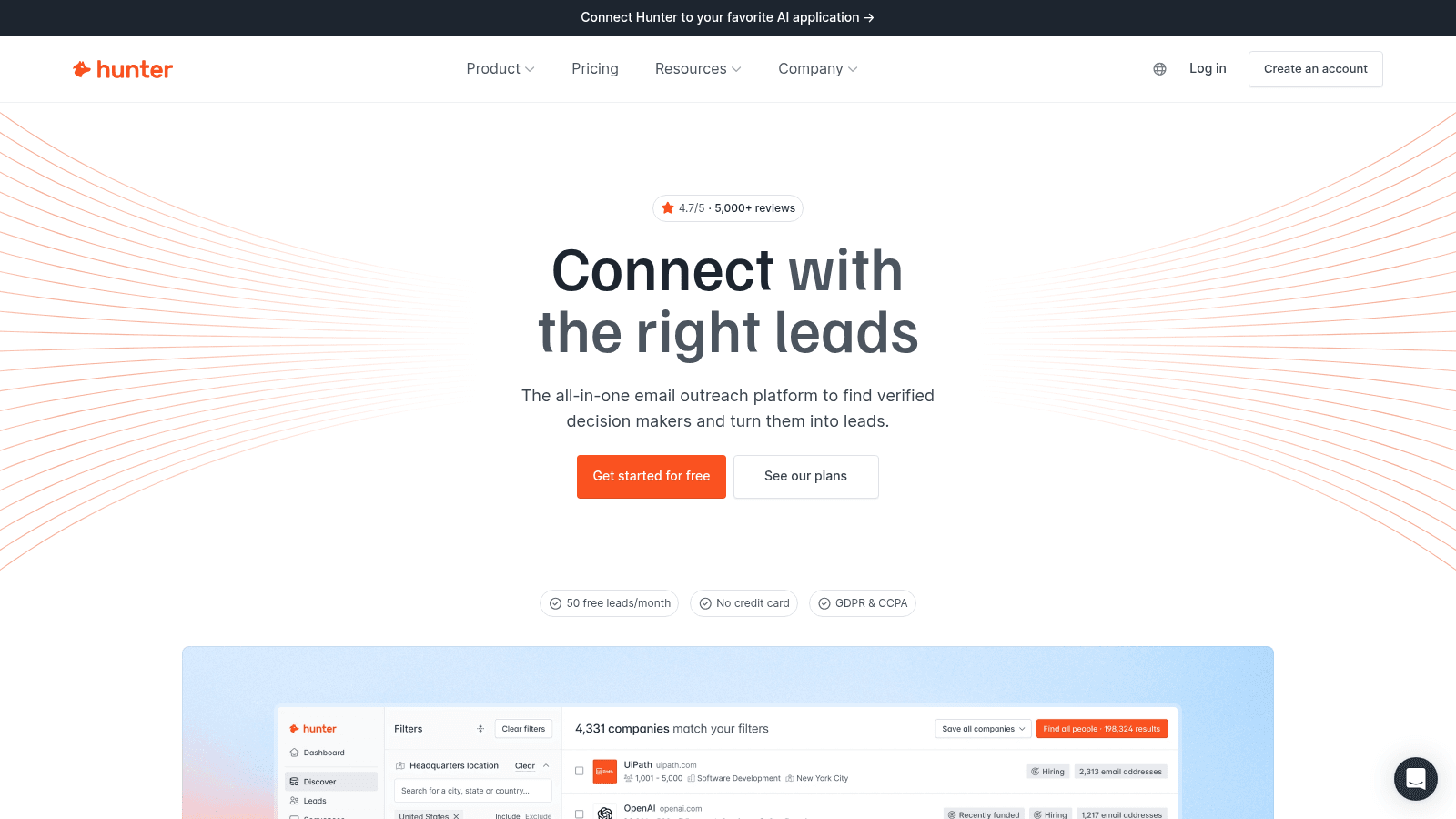
Hunter is the email specialist. It finds addresses by domain, confirms them with a verifier, and has been the default for outbound teams for years.
Key features:
- Domain Search that maps the addresses at a company
- Email Finder for a name plus a domain
- Email Verifier, charged at half a credit per check
Pricing: 50 free credits a month. Starter is $49 per month ($34 billed annually) with 2,000 credits; Growth is $149 ($104) with 10,000; Scale is $299 ($209). A failed find costs nothing.
Pros: clear credit rules, no charge for misses, a bundled verifier
Cons: credits are shared across the team, no built-in sending, coverage thins outside large English-speaking markets
Where it beats the alternatives: the finder and the verifier bill from one pool, which removes a second subscription.
Final verdict: the best starting point when email is the only field you need to fill.
Dropcontact
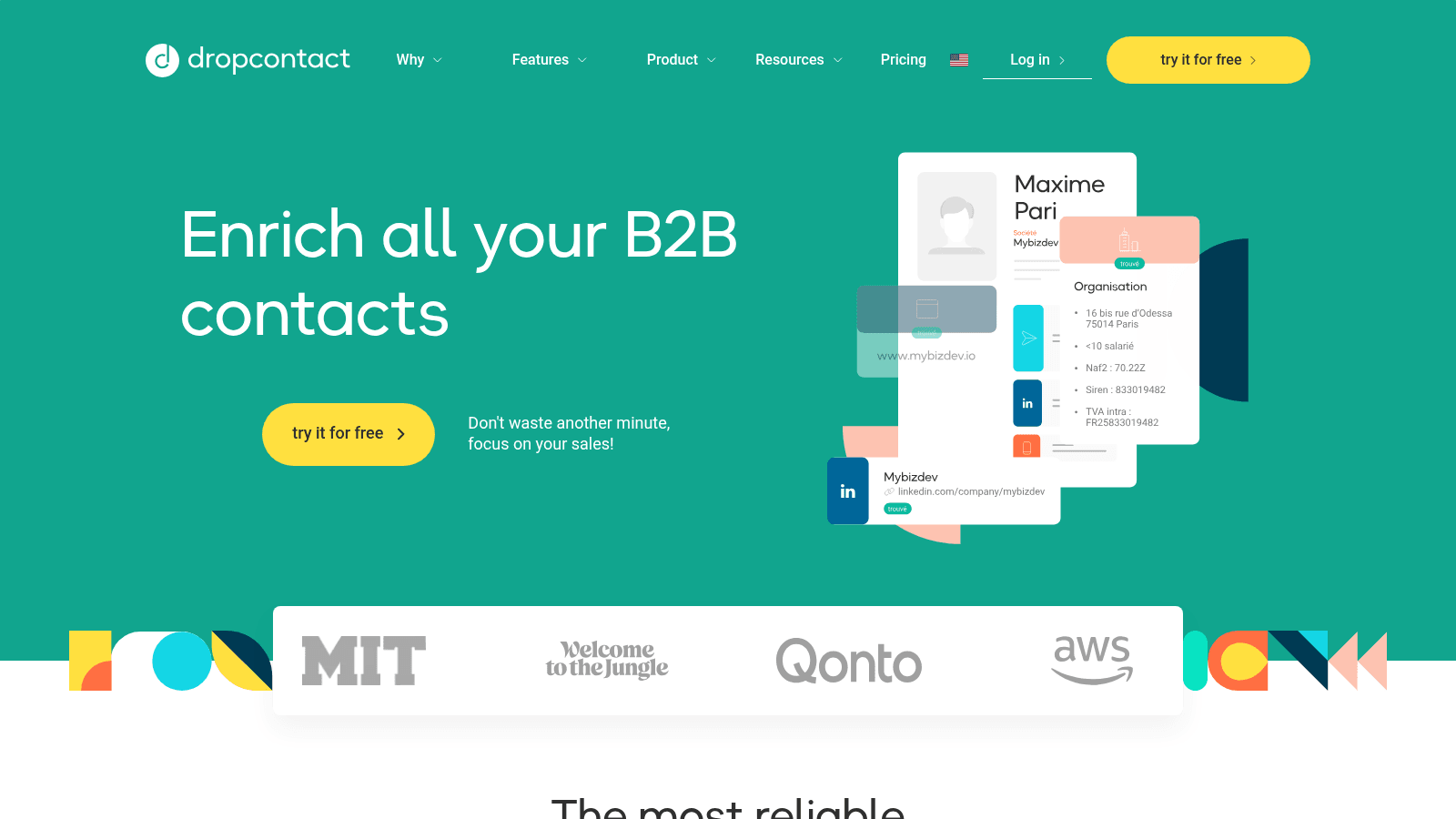
Dropcontact is the European, privacy-first option. It uses algorithms and validation rather than a scraped dataset, and it bills only when it finds a valid address.
Key features:
- Algorithmic email finding with native validation
- GDPR-compliant processing on EU infrastructure
- File, API and Google Sheets enrichment
Pricing: Starter starts at EUR29 per month (EUR24 billed annually, 500 credits) and scales with credit volume; Growth starts at EUR35 per month. At the 4,000-credit level those tiers run EUR79 and EUR120. Enterprise is custom, from 200,000 credits a month.
Pros: pay only on success, strong catch-all handling, a clean data-protection story
Cons: no large dataset behind it, lower coverage than database tools, priced in euros
Why it earns a place here: for EU-focused teams, the compliance posture is itself the feature.
Final verdict: the pick when GDPR is a hard requirement and coverage can be slightly lower.
FullEnrich
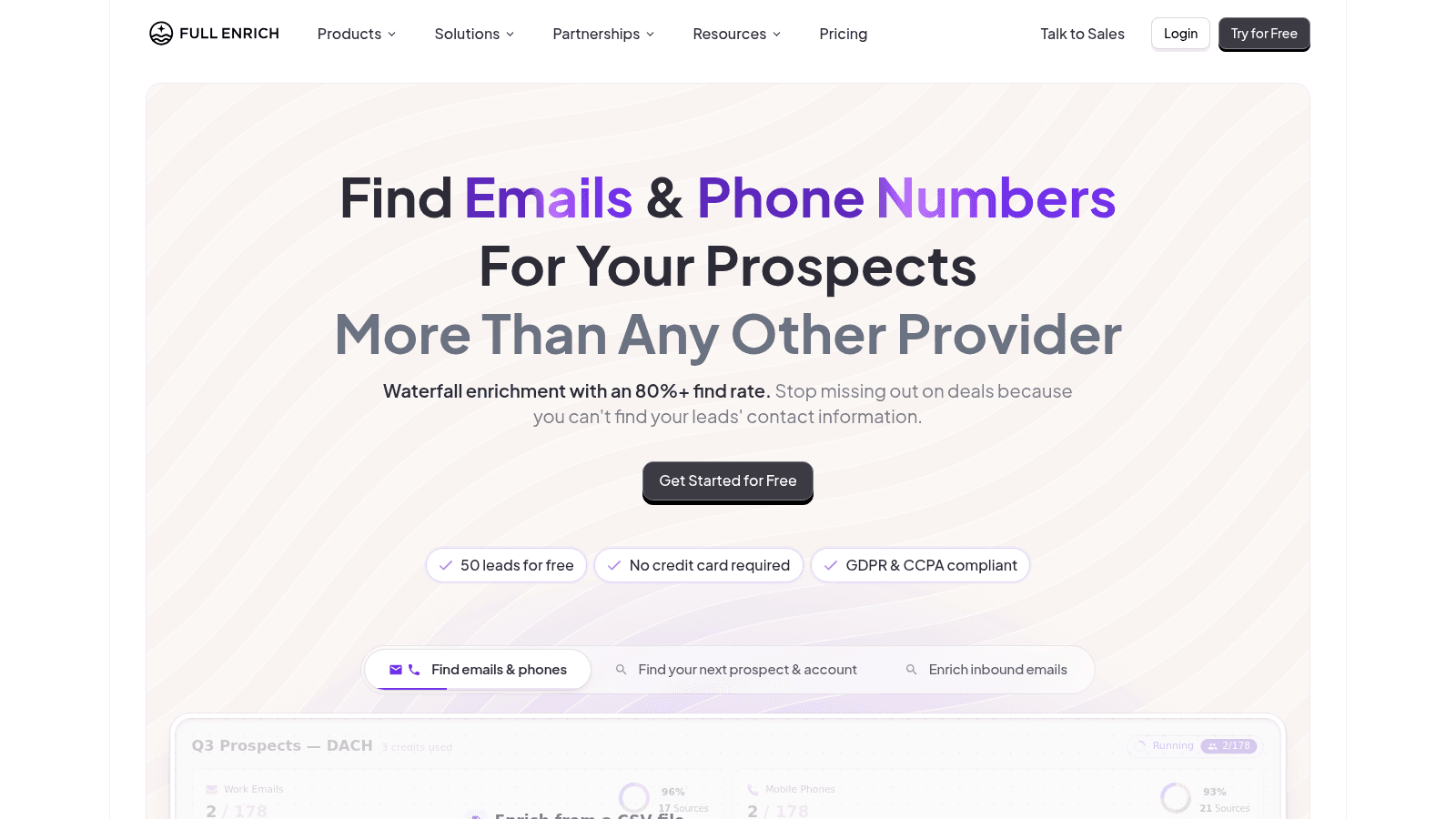
FullEnrich narrows in on contact waterfalls, especially mobile numbers, and charges only for verified results across 25+ providers.
Key features:
- Waterfall across 25+ contact providers
- Pay per verified result, with no charge for misses
- Unlimited users on every plan
Pricing: the free tier includes 1,000 credits a month. A work email costs 1 credit, a personal email 3, and a mobile 10. Paid volume runs from about $0.048 per credit (15,000 credits for $720 a month), with smaller plans costing more per credit.
Pros: strong mobile coverage, transparent per-field costs, unlimited seats
Cons: little beyond contact data, mobiles consume credits fast, no firmographics
Where it fits: it solves the hardest field, the mobile number, better than general platforms do.
Final verdict: the specialist pick when phone coverage is the gap.
BetterContact
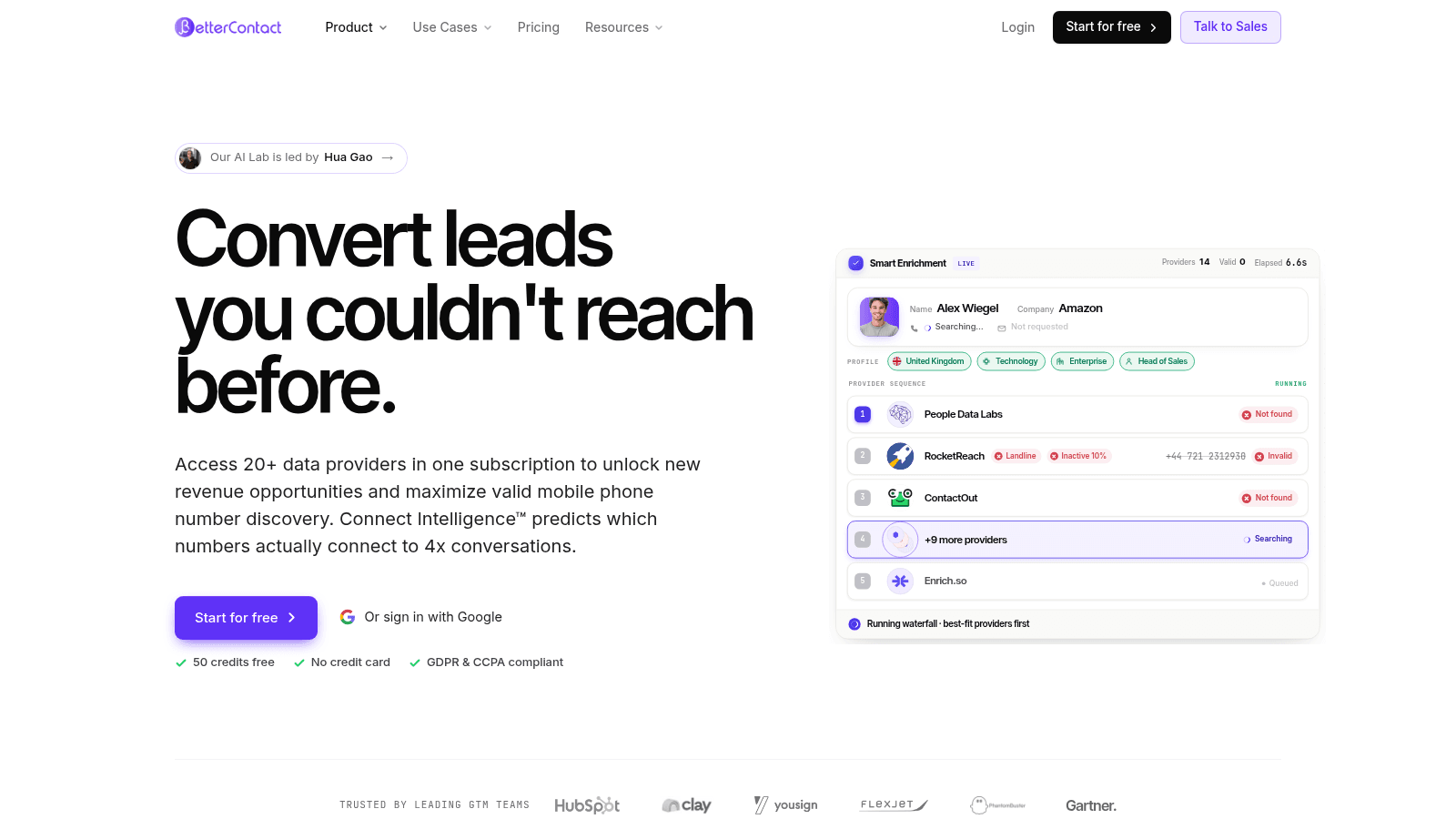
BetterContact is the cheapest entry to waterfall enrichment, and you pay only on a valid match.
Key features:
- Waterfall across 20+ named providers
- Charged only on valid results, with catch-alls free
- Bring-your-own provider keys at the top tier
Pricing: Starter is $15 per month for 200 credits, about $0.075 per email. Pro starts at $49 per month with a slider up to 50,000 credits, and Enterprise starts at $799. Signing up gives 50 free credits.
Pros: the lowest waterfall entry price, no charge for misses, simple pricing
Cons: thin product beyond enrichment, fewer integrations than Clay, a small Starter pool
Why it made this list: it delivers multi-provider hit rates at a price single-source tools charge.
Final verdict: the best value waterfall for a small team testing the water.
UpLead
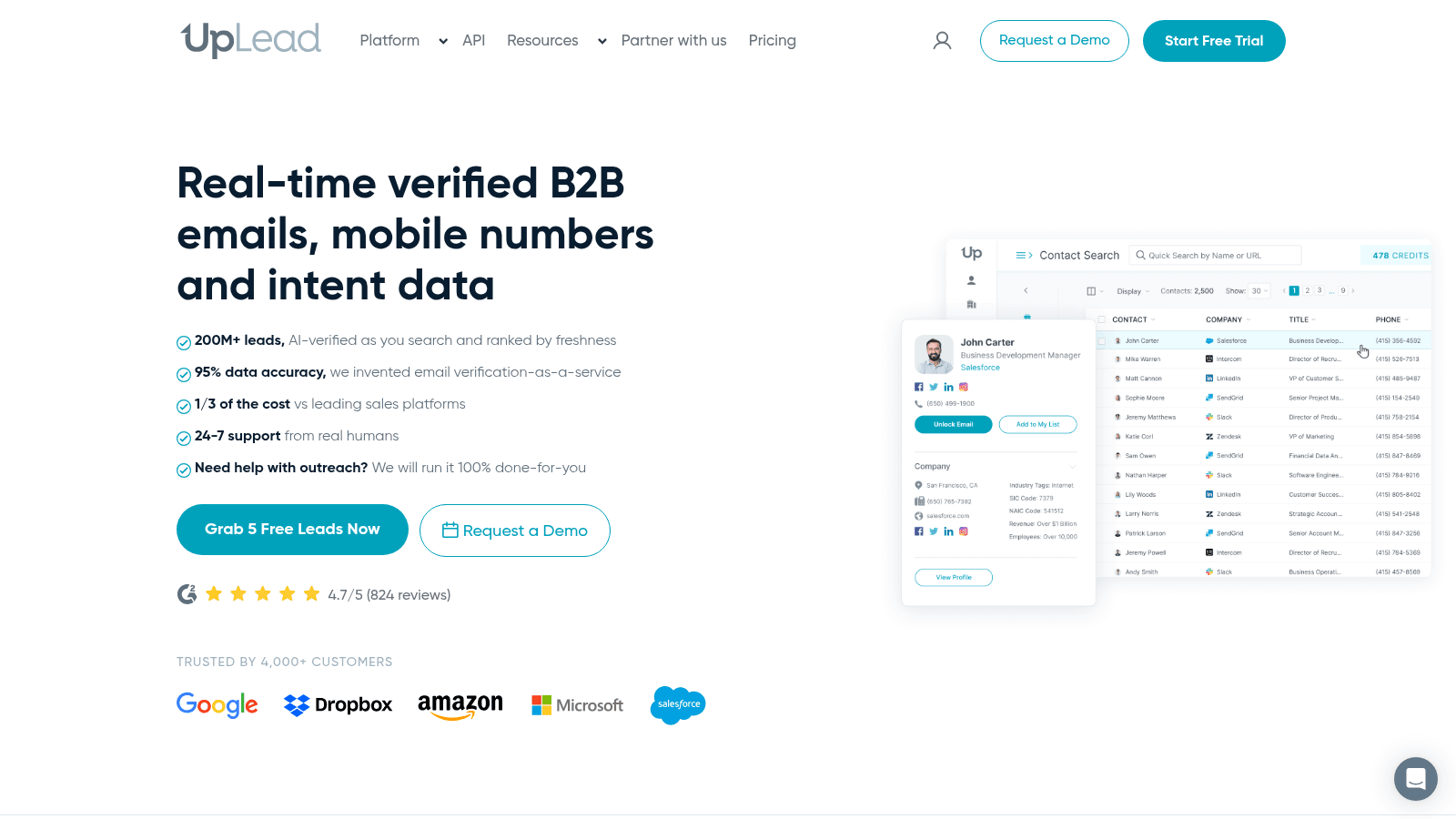
UpLead pairs verified contact data with intent signals and treats accuracy as a headline metric rather than a footnote.
Key features:
- 200+ million contacts with email and direct dial
- Buyer intent data on higher tiers
- Browser extension and CRM export
Pricing: a 7-day trial gives 5 credits. Essentials is $99 per month ($74 billed annually) and Plus is $199 per month ($149 billed annually). Extra credits cost $0.50 to $0.60 each.
Pros: intent data included, straightforward export, a trial that needs no card
Cons: credit packs run out on bigger lists, no free plan, one credit per contact adds up
Where it beats the alternatives: it pairs a verified address with a reason to reach out in the same record.
Final verdict: a solid middle-market pick when intent matters as much as the address.
Wiza
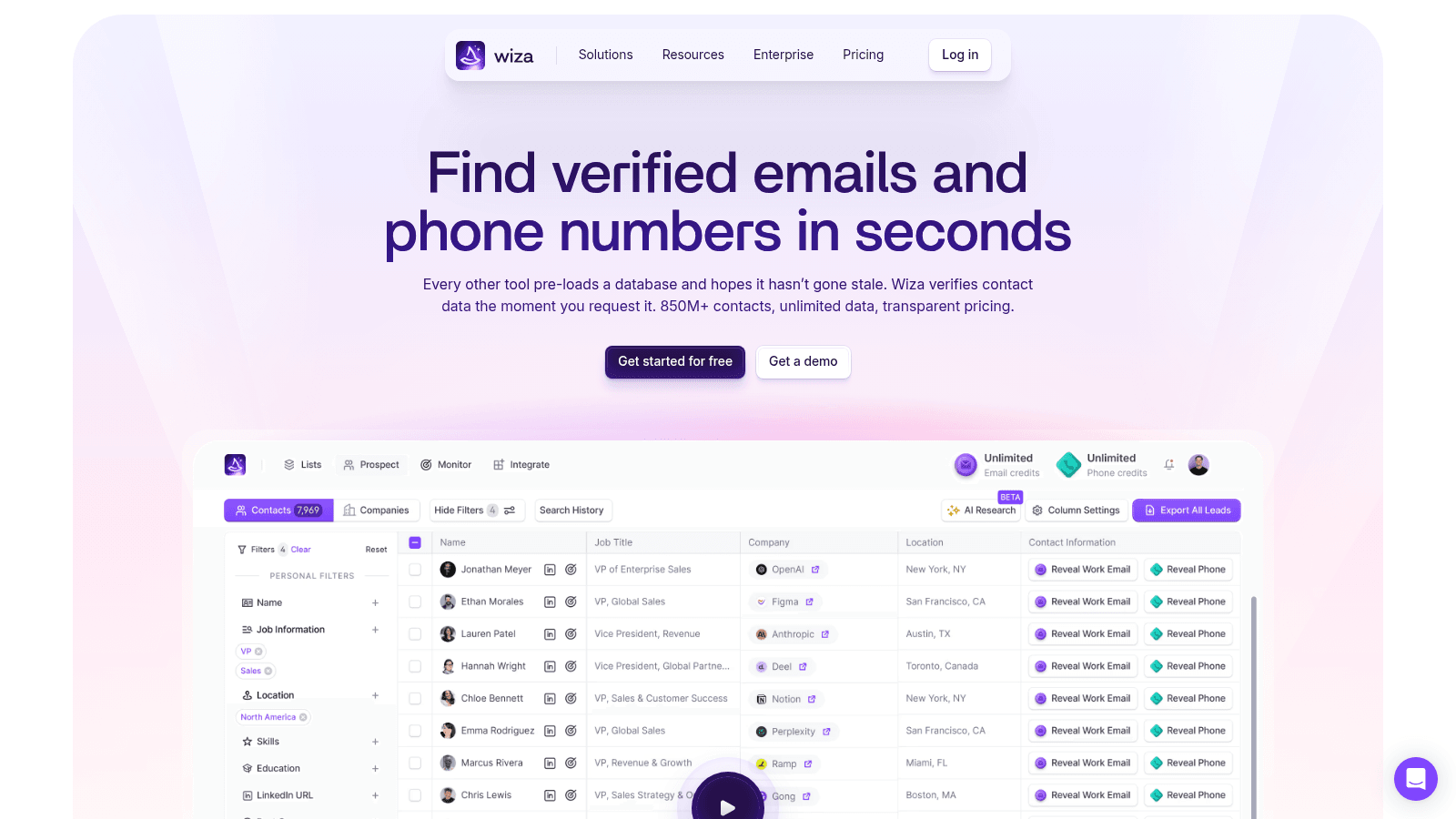
Wiza is built for LinkedIn-led list building. It holds 850+ million contacts and verifies each one at request time rather than serving a stale export.
Key features:
- Chrome extension that turns a LinkedIn search into a list
- 850+ million contacts verified on request
- Unlimited yearly plans for heavy users
Pricing: a free plan gives 20 valid emails and 5 phone numbers. Starter is $49 per user per month for 100 valid emails and 100 phones; Email is $99 and Email + Phone is $199. Yearly team plans run $83 and $166 per user per month.
Pros: a smooth LinkedIn workflow, verification at request time, clear per-seat tiers
Cons: monthly email credits are small, per-seat pricing, phone credits cost extra
Why buyers shortlist it: it turns a LinkedIn search into enriched records without an export step.
Final verdict: the pick for teams that source on LinkedIn and want the list enriched in place.
Datagma
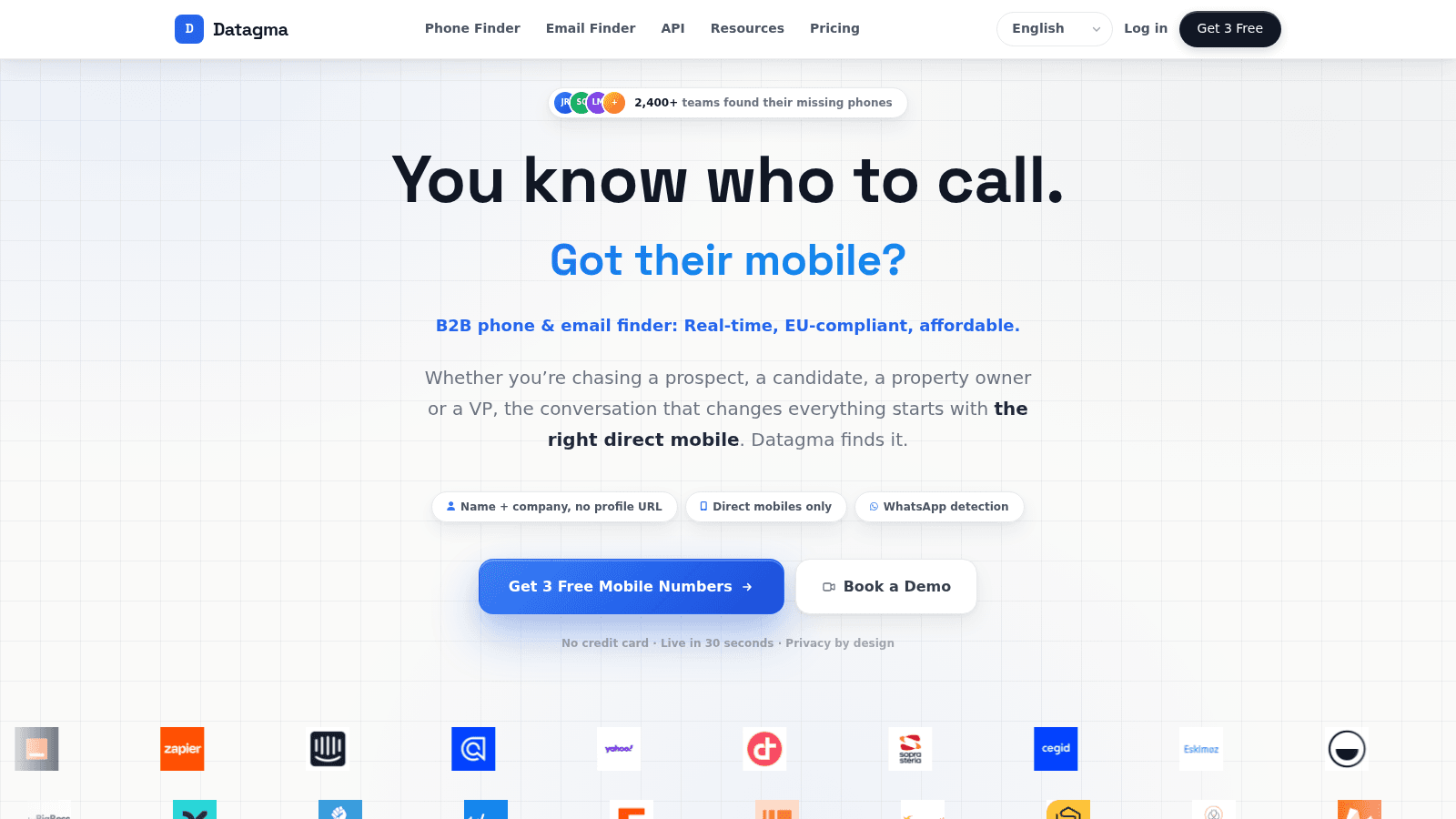
Datagma is the affordable route to European and APAC contact data, and it puts API access on every plan, including the free one.
Key features:
- API, WhatsApp detection and a Chrome extension on all plans
- 100 free credits a month, or 3 phones
- Unused credits roll over for up to 12 months
Pricing: the free tier gives 100 credits a month. Paid tiers begin at $49 per month for 3,000 credits, and extra seats cost $5 each. A verified email is 1 credit and a mobile is 30.
Pros: API on the free tier, credits roll over, strong EMEA and APAC coverage
Cons: mobiles are expensive in credits, smaller than the enterprise databases, fewer native integrations
Where it fits: it gives small teams API enrichment without an enterprise contract.
Final verdict: the budget pick when coverage outside the US matters.
How We Chose These Lead Enrichment Tools
Every tool here had to enrich a record you already own, not just search a database. That single requirement removes most of the "people search" tools that turn up on these keywords, because they build a new list rather than completing the one you have.
We read each vendor's pricing page in October 2026 and recorded the billing basis, because a per-credit price and a per-verified-result price are not comparable without one. Any tool whose price we could not confirm on its own site was left out.
We also weighted hit rate over dataset size. Every coverage claim in this category is self-reported, so a large number proves less than a small sample you ran yourself. Where a vendor publishes a free tier or trial, we noted it, because a same-week test across two or three tools is the only reliable comparison.
The paid email finders were left out of the ranking because they answer a narrower question than enrichment does, and the best email finding tools compares them on their own terms.
What to Check Before You Buy Lead Enrichment Software
The billing basis is the first thing to read, and it is where two tools with the same headline price end up costing different amounts. A per-credit tool charges you for the misses as well as the hits; a per-verified-result tool charges only when it finds something. Before you commit, run through a short checklist.
- Match the billing basis to your data, since per-credit tools punish incomplete lists hardest.
- Check what a phone reveal costs, because it is usually several credits against an email's one.
- Test 100 records you can verify yourself, then count usable results rather than raw coverage.
- Confirm credits do not expire before your next campaign, or buy in smaller packs.
- Decide whether you need an API or a native CRM sync, since both are often gated to higher tiers.
- Ask whether the free tier exposes real fields or hides the ones you need to evaluate.
That last point is worth dwelling on, because a free tier that masks the email field tells you nothing about the paid product. The samples you can actually read are the ones worth testing.
Verification is a separate step from enrichment, and it decides whether the address you just paid for is safe to send to. The Gmail check you run by hand is verifying an email address, and it is worth doing before a big campaign.
This is the advice that recurs on Reddit too. In an r/SalesOperations thread on choosing a single enrichment tool, the strongest comment argued that no one database covers every industry and region, and that a waterfall aggregator beats locking into one provider because you pay only for confirmed contacts. Treat it as a practitioner's opinion rather than a benchmark, but it matches what the billing mechanics above imply.
Choosing a Lead Enrichment Tool for SDRs
This is where the time argument lands. Salesforce's State of Sales research, drawn from a survey of more than 7,700 sales professionals, found reps spend just 28% of their week actually selling, with the rest eaten by tasks like deal management and data entry. A lead enrichment tool for SDRs is worth buying when it removes that data entry, and worth skipping when it adds a tool to click between.
For a solo SDR or a small team, the sensible shape is a cheap waterfall plus a sending platform. BetterContact or FullEnrich supplies the data, and one of the best cold email software platforms runs the sends. You keep the data cost variable, so a slow month costs less.
For a midsize team, a database with intent inside it, like Apollo or UpLead, cuts a subscription. For an enterprise team with compliance requirements, Dropcontact or Lusha fits the procurement review better than a startup waterfall.
The pattern is the same in each case. Match the tool to the volume and the region you actually work, and buy the smallest plan that covers it.
What Lead Enrichment Software Costs in 2026
Entry prices cluster between $15 and $74 per month once you are past the free tiers, but the figure that matters is the billing basis next to it. The table below shows what each tool charges and what the entry price buys.
Tool | Entry price | Billing basis | What it buys |
|---|---|---|---|
Reply.io | $49/user/mo annual | Platform subscription | Email Volume tier with bundled data |
Clay | $54/mo annual | Workspace | Launch tier, 15,000 actions a month |
Apollo | $49/user/mo annual | Per seat | Basic, 30,000 credits a year |
Lusha | $37.45/user/mo yearly | Per seat | Starter, 4,800 credits a year |
Hunter.io | $34/mo annual | Per account | Starter, 2,000 credits a month |
Dropcontact | EUR29/mo | Flat | Starter, pay on success |
FullEnrich | $0.048/credit | Usage | 1 credit per work email |
BetterContact | $15/mo | Usage | Starter, 200 credits a month |
UpLead | $74/mo annual | Per seat | Essentials, 170 credits a month |
Wiza | $49/user/mo | Per seat | Starter, 100 valid emails a month |
Datagma | $49/mo | Per account | Regular, 3,000 credits a month |
Two patterns jump out. Pay-per-verified-result tools look expensive per unit until you compare cost per usable record, at which point a waterfall at $0.05 often beats a database at $0.02 with half the hit rate. And per-seat tools, Apollo, Lusha, UpLead and Wiza, get cheaper per head only when your team is large enough to spread the cost.
The largest single saving available is not a discount code. It is filtering before you enrich, because every credit spent on a record you will never contact is gone.
Where Enrichment Ends and the Finder Begins
Enrichment returns an address. It does not confirm the address still works, and it does not help when you need one email right now rather than a thousand in a batch.
The single-lookup case is where a paid platform is the wrong shape. Spinning up a waterfall and burning credits for one prospect is disproportionate, which is why we built Name2Email. Type a name and company domain in Gmail's compose window and we generate the likely formats, fill the "To" field, and let you confirm by hovering, because Gmail shows the person's name and photo when it recognizes an address.
The limits are real. We generate patterns from public naming conventions rather than querying a database, so we will not enrich 10,000 CRM rows, we work best on corporate domains, and we cannot promise you every address. For bulk work the tools above are the answer, and paid finders fill the space between a warehouse job and a one-off lookup.
Two adjacent jobs sit either side of enrichment: if your problem is duplicate records rather than a missing field, that is data matching software; if it is choosing which leads to work first, that is lead intelligence software.
Wherever the address comes from, verify it before you send. Enrichment and verification are two steps, and skipping the second is how bounce rates climb.
Build a Stack That Keeps Email Fields Fresh
Start by filtering, not enriching. Decide which records belong in the campaign, and only then spend credits on them. That one habit removes most of the wasted spend in this category.
Then run a hit-rate test before you buy. Take 100 records you can verify independently, push them through two free tiers, and count usable results. That number, not the price per credit, tells you which tool is cheaper for your data.
Pick one waterfall as your default and let it handle the volume. Add a database with intent signals when a segment needs coverage the waterfall cannot reach, and keep a way to research an account before you reach out, which is what company research tools cover.
For everything that is one person at a time, skip the credits entirely. Add to Chrome and find work emails inside Gmail for free, no account and no lookup cap.
Frequently asked questions
A lead enrichment tool takes a record you already own and fills in the missing fields from outside sources. In a sales context, the most important field it returns is the person's work email, followed by title, seniority and company details.
They are worth it when your list already exists and has gaps. If you have 5,000 CRM records missing emails, enrichment pays for itself in recovered contacts. If you only need one address a week, a free finder is cheaper and faster.
Some do, and they charge several credits for it. FullEnrich counts a personal email at 3 credits against a work email's 1. For cold outreach, work addresses are usually the better target anyway, since they tie the person to their role.
Clay's free plan is the most capable, with 100 data credits a month and multi-provider waterfalls. Datagma is the only one here that includes API access on its free tier, and Hunter gives 50 credits a month with a verifier attached.
No, they solve opposite problems. A database finds people who match your filters, while enrichment completes the people you already have. Most teams run both, and the tools that do each job well are rarely the same product.

We build Name2Email, the free Chrome extension that finds work emails inside Gmail. We write about outreach, prospecting, and getting more replies.
Connect →