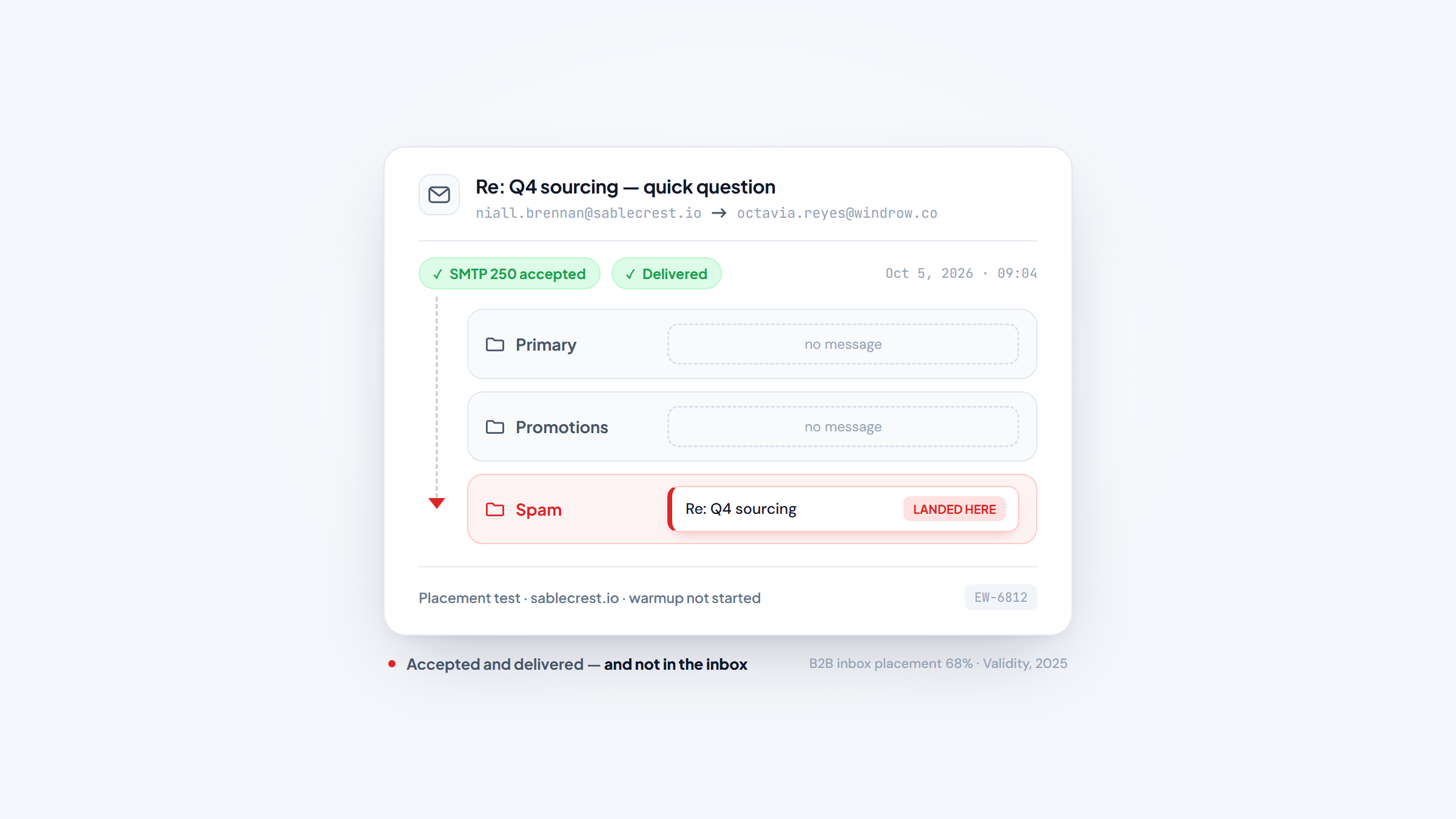
- 1Email warmup tools build sender reputation by generating real opens, replies and inbox placement before your cold email starts, so a new mailbox looks established by the time you send at volume.
- 2All-in-one senders bundle warmup: Reply.io, Instantly, Smartlead and lemlist include it on every tier. Dedicated warmers such as MailReach, Warmup Inbox and TrulyInbox do warmup alone.
- 3Dedicated warmup runs about $15 to $25 per inbox per month. All-in-one platforms start near $39 to $69 per user or per month and fold warmup in.
- 4Warmup builds on a healthy domain, it does not fix one. SPF, DKIM and DMARC come first, because a broken setup means you are warming a domain that will get flagged anyway.
A brand-new mailbox has no history. Send 200 cold emails from it on the first morning and a large share of them land in spam, because Gmail and Outlook score the sender before they read the message.
Email warmup tools manufacture that missing history: they exchange mail between your mailbox and a network of other inboxes, open it, reply to it, and move it out of the spam folder, so the provider sees a sender that real people engage with.
This list covers ten email warmup tools for 2026, from platforms that fold warmup into a full sending stack to standalone services that do nothing else. We checked pricing on every vendor's own site in October 2026 and flag each tool's weak spot.
One thing to settle before you shop. Warmup works on mailboxes and domains you already own, and it does not find the people you want to email. We built Name2Email, a free extension that surfaces a named person's work address right inside Gmail. It is the finder companion to whatever warmer you pick.
What Are Email Warmup Tools?
Email warmup software trains a mailbox provider to trust a new sending address. It puts the address through a controlled period of low-volume, high-engagement mail before any real campaign touches it. Every open, reply and moved-out-of-spam event is a signal to Gmail, Outlook and the rest that this sender is worth delivering to.
The mechanics are similar across tools. They connect to your mailbox over IMAP or SMTP, send warmup messages to a pool of other inboxes, and those inboxes open, reply and rescue the message from spam, ramping volume daily rather than all at once.
That ramp is the part people underestimate. A mailbox that jumps from 0 to 500 sends in a day reads as a spam run, however good the content is. The payoff is measured in the inbox: Validity's 2025 benchmark puts B2B inbox placement as low as 68%, which is the gap a disciplined ramp is meant to close.
Warmup also sits near two categories it is often confused with. Email verification and validation tools ask whether an address is real before you send. Email warmup tools assume the address is good and work on the sender's reputation instead. Cold email software sends the campaign, sometimes with warmup bundled and sometimes without.
The distinction decides your spend. If your problem is a bounced list, a warmer will not help; a verifier will. If a clean list still lands in spam, a warmer is the right buy. Best cold email software covers the sending half of that equation.
Microsoft's postmaster rules make the foundation explicit. Domains sending more than 5,000 emails a day to Outlook must pass SPF, DKIM and DMARC, and non-compliant mail is routed to junk and then rejected. Warmup on a failing authentication setup spends effort on a domain that will be blocked regardless.
The Best Email Warmup Tools for 2026
The list splits into full sending platforms where warmup is one feature, and standalone warmers you bolt onto a stack you already run. We lead with Reply.io because it bundles warmup with sending and data on every tier.
Warmup sits under the sending layer, and the sending layer is its own purchase, because the sales email software you run decides what warmup is even warming.
Tool | Best for | Key features | Main limitation | Pricing (from) | Rating |
|---|---|---|---|---|---|
Reply.io | Bundling warmup with sending and data | Unlimited mailboxes and warmup on every tier, multichannel sequences, 1B+ contact database | No free plan, only a 14-day trial | $59/user/mo | ★★★★★ |
Instantly | High-volume senders who want warmup plus sending | Unlimited email accounts, warmup and inbox rotation, lead database | No free tier, and the data bundles cost more | $47/mo | ★★★★☆ |
Smartlead | Agencies warming many mailboxes | Unlimited mailboxes, AI warmup pool, Master Inbox | Verified-email caps push paid add-ons | $39/mo | ★★★★☆ |
Lemwarm | lemlist users who want native warmup | Warmup inside lemlist, 650M+ lead database, multichannel sequences | Warmup is tied to a lemlist subscription | $69/mo | ★★★★☆ |
MailReach | Per-mailbox warmup with spam testing | Warmup from $25 per mailbox, spam test credits, provider-specific warmup | Per-mailbox pricing adds up at scale | $25/mailbox/mo | ★★★★☆ |
Warmup Inbox | Simple inbox and IP warming | A pool of 30,000+ inboxes, IP warmup, language warmup | Priced per inbox on every tier | $15/inbox/mo | ★★★★☆ |
TrulyInbox | Teams that want a free tier and AI warmup | Free for one account, AI warmup emails, 95%+ claimed inbox placement | Higher tiers get expensive quickly | $0 (1 inbox) | ★★★★☆ |
Mailivery | Founders who want flat pricing | AI warmup, inbox placement tests, blacklist monitoring | Mailbox limits apply on each flat tier | $29/mo | ★★★★☆ |
Warmy | Deliverability insights alongside warmup | Warmup, seed list, DMARC monitoring, Google Postmaster data | No free plan, and entry starts near $49 | $49/mo | ★★★★☆ |
Warmbox | Small teams that want cheap warmup | AI warmup, 5,000+ companies, pay-as-you-go plans | Low inbox and daily-email caps on cheap tiers | $15/mo | ★★★☆☆ |
Reply.io leads because the platform that warms a mailbox also sends from it, which removes the export-and-reimport step most warmup projects stall on.
Reply.io
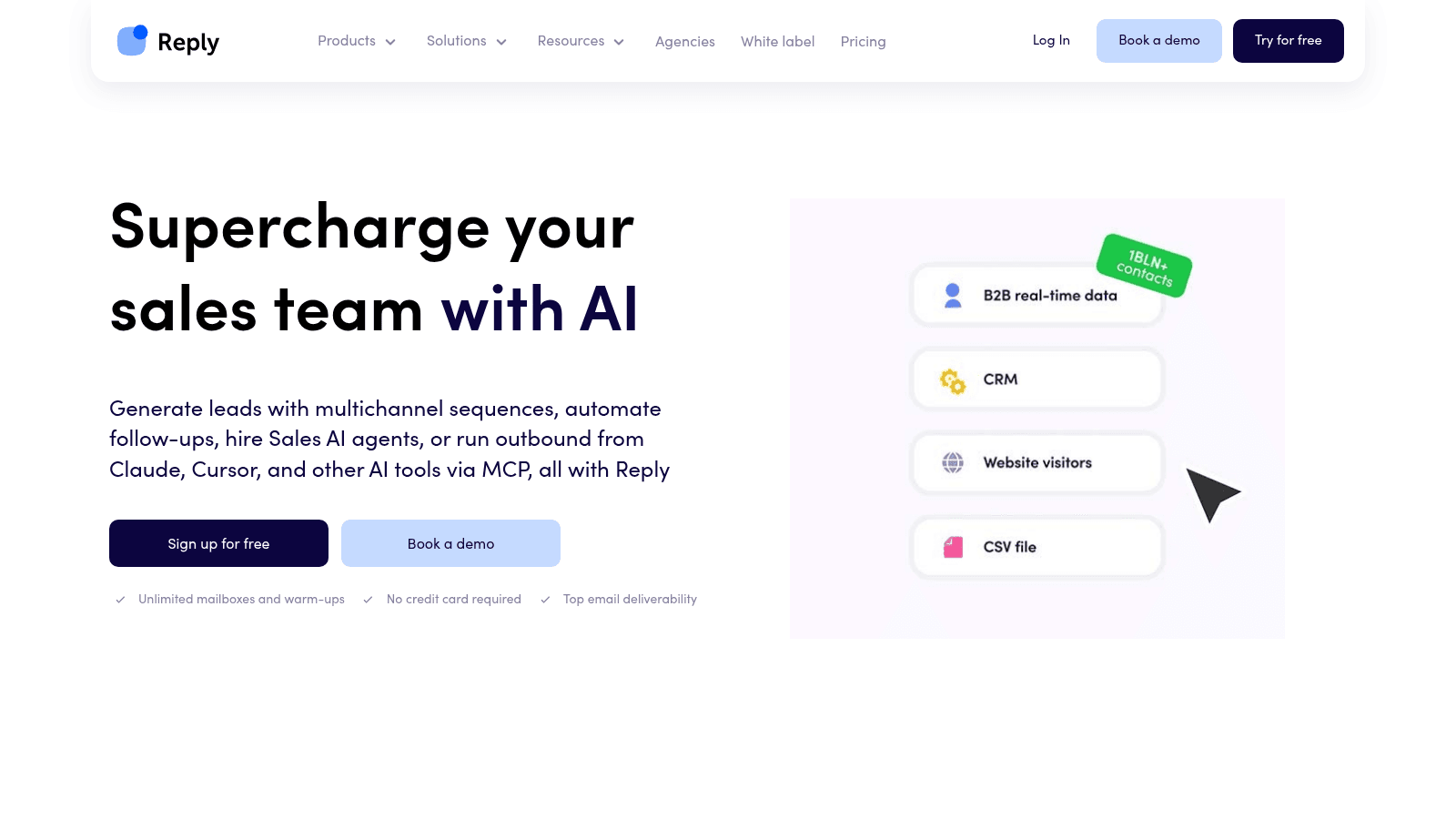
Best for: Teams that want warmup inside a full sending stack
Reply.io is an AI sales engagement platform that runs multichannel sequences across email, LinkedIn, calls, SMS and WhatsApp. For a warmup buyer, the detail that matters is that mailbox warmup is bundled on every plan, not sold as an add-on. You connect your sending mailboxes and the platform warms them while it runs your sequences from the same place.
Warmup here is closer to a default than a product. Unlimited mailboxes and warmups arrive on the entry Email Volume plan, so a team scaling from two inboxes to twenty does not watch a warmup bill grow with each one. That is the practical gap between a bundled warmer and a per-mailbox service.
The platform pairs warmup with a 1B+ contact database and intent signals. That database sits inside the platform rather than being sold separately, and the delivery and bounce numbers the vendor publishes are its own. Reply.io also counts more than 3,000 customer teams and a 4.6 out of 5 score on G2.
Worth saying plainly: Reply.io is the company behind Name2Email, our free Gmail extension. Warmup really is included on every tier, which is why it takes the first row.
Key features:
- Unlimited mailboxes and warmup on every plan, so cost does not scale per inbox
- Multichannel sequences, so warmup feeds a live campaign rather than sitting idle
- A 1B+ contact database with intent signals, so you do not buy a separate data source
- An AI SDR named Jason that prospects and answers replies from the same warmed mailboxes
- Native CRM sync with HubSpot and Salesforce, so replies land in the record of truth
- A unified inbox with AI-assisted responses, so engagement signals stay in one place
Pricing: The entry Email Volume plan costs $59 per user each month, or $49 on annual billing, and covers 1,000 contacts with unlimited mailboxes and warmup. Multichannel runs $99 monthly ($89 annual), with the AI SDR at $500 and the Agency plan at $166. You get a 14-day trial rather than a free tier.
Pros: warmup on every tier, unlimited mailboxes, database and sending in one platform, a real AI SDR upgrade path, strong CRM integrations.
Cons: the lack of a free plan, the 14-day trial limit, and steep jumps on the Multichannel and AI SDR tiers.
How to start using it:
- Begin the trial and add the mailboxes you plan to send from.
- Switch warmup on and give fresh inboxes a head start before any campaign.
- Hold daily volume to the ramp instead of opening at full speed.
- Load a sequence from your own list or the bundled database.
- Answer replies inside the platform so engagement keeps reinforcing the reputation.
Why it earns a place: it removes the handoff between a warmup service and a sender. A team already paying for a sending platform gets warmup at no extra line item and no second login.
Final verdict: the strongest pick if you are buying the sending stack anyway, because warmup rides along on every tier. If you only need warmup and already own a sender, a dedicated warmer costs less.
Instantly
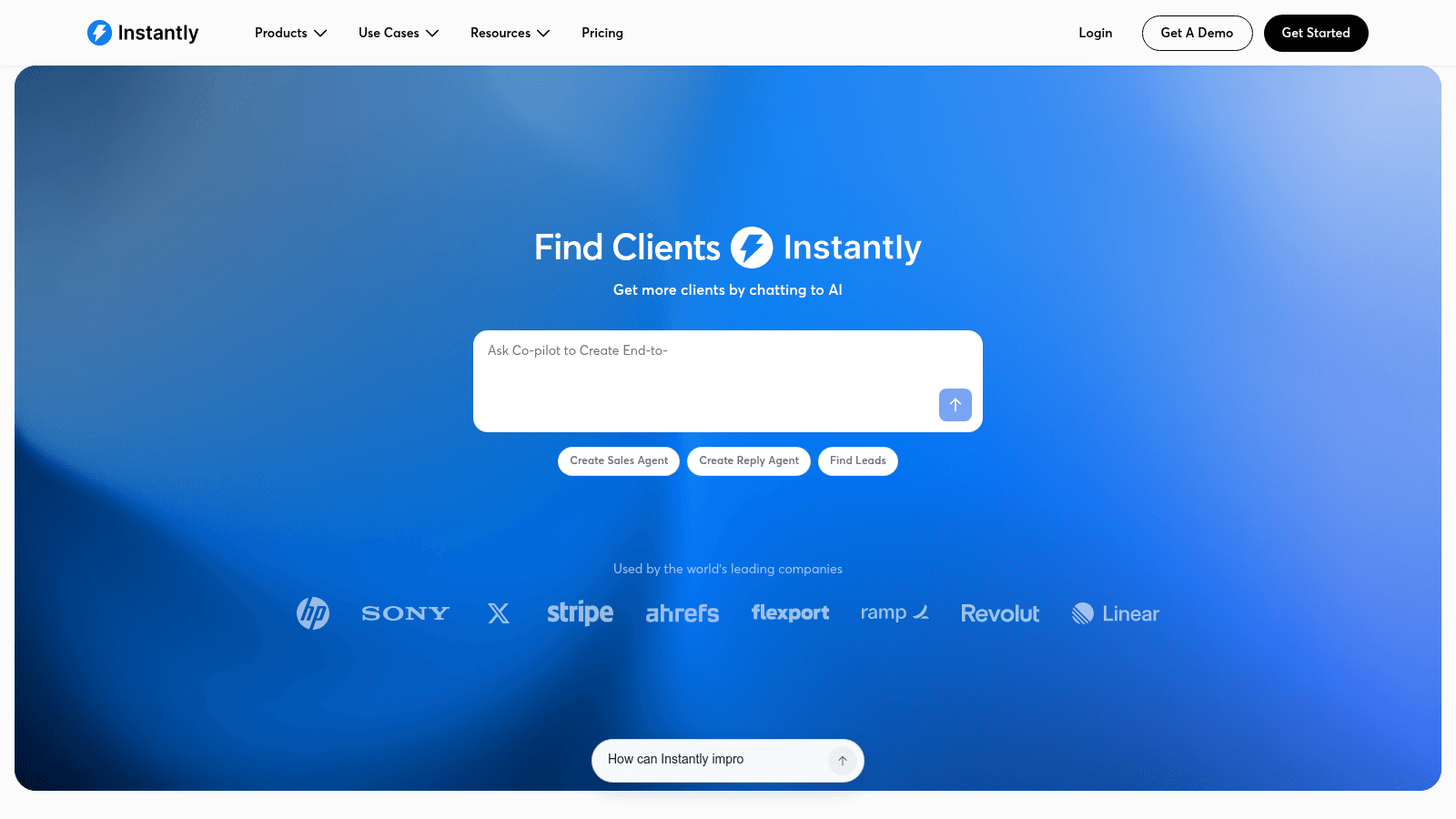
Best for: High-volume senders who want warmup plus sending
Instantly is a cold email platform built around unlimited sending accounts, warmup and deliverability tooling. It adds inbox rotation, a lead database and AI agents for prospecting and replies. Agencies running large volumes tend to land here.
Key features:
- Unlimited email accounts with warmup, so per-inbox cost stays flat
- Inbox rotation and per-mailbox placement reporting, so you catch a falling reputation early
- A lead database with verification and AI sales agents, so sending and data live together
Pricing: Growth is $47 per month for outreach and warmup. Bundles that add lead credits start near $94 per month, and there is no free tier.
Pros: unlimited inboxes at a flat rate, strong deliverability tooling, placement data per mailbox.
Cons: no free tier, the data bundles raise the real cost, and the broad feature set slows onboarding.
Why buyers shortlist it: few platforms pair flat-rate warmup with this much sending infrastructure, so it suits teams that think in volume.
Final verdict: a solid pick if warmup is one of several jobs you want handled in a single sender.
Smartlead
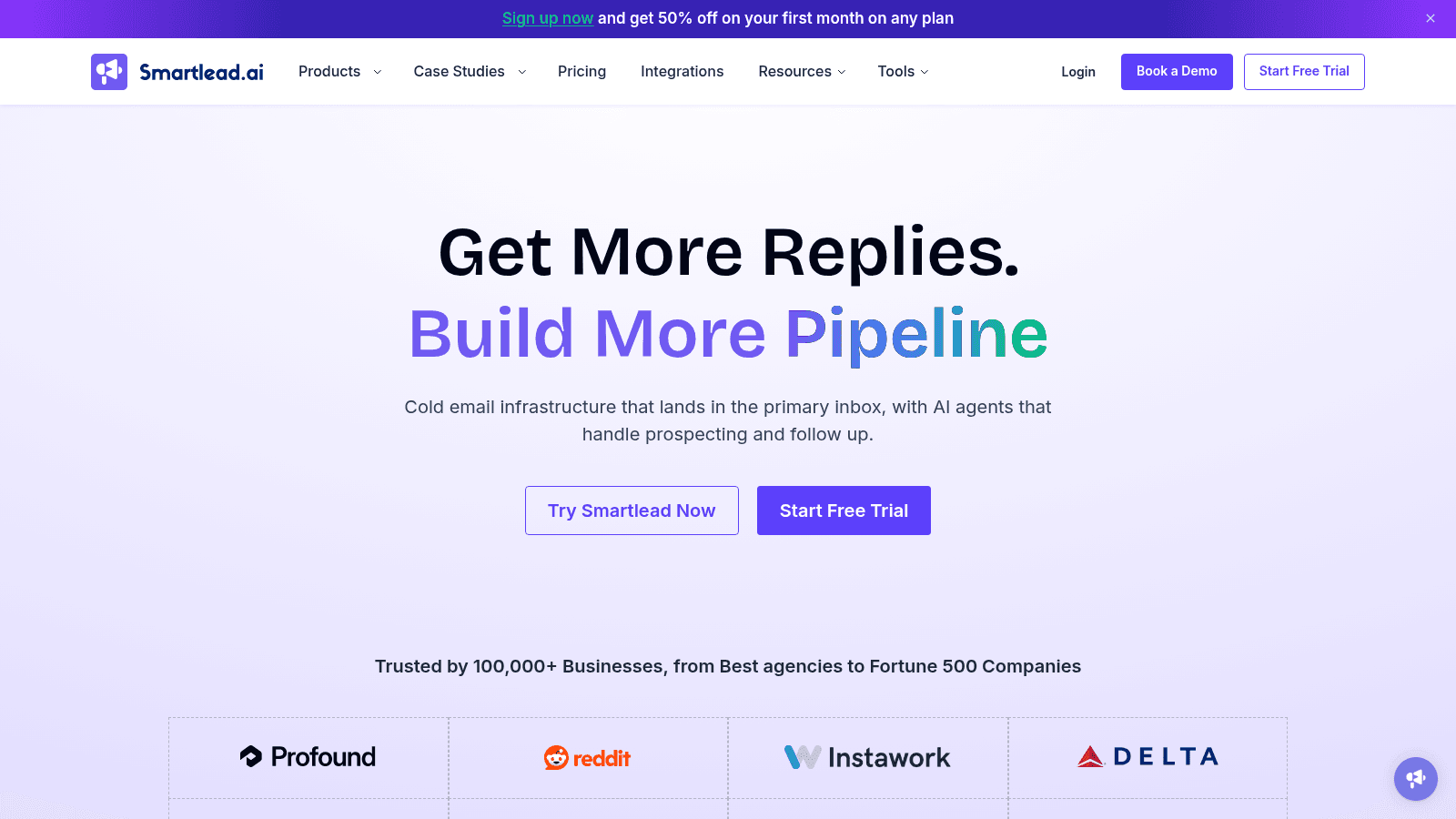
Best for: Agencies warming many mailboxes
Smartlead is a cold email platform centered on unlimited mailboxes, warmup and a unified Master Inbox. The AI warmup pool is the feature that matters here, and unlimited lead storage lets an agency run many client domains from one account.
Key features:
- Unlimited mailboxes and lead storage even on the entry plan, so agency accounts do not multiply the bill
- An AI warmup pool that raises sender reputation across every connected mailbox
- A Master Inbox that unifies replies across clients and domains, plus an API for custom stacks
Pricing: Base is $39 per month ($32.50 annual) with 2,000 contacts and 6,000 sends; Pro is $94 and Unlimited runs $174 to $379. Verified contacts carry caps that push paid add-ons.
Pros: unlimited mailboxes on entry, an API built for agencies, a strong deliverability reputation.
Cons: a setup learning curve, verified-email caps that invite add-ons, and support that varies by tier.
What it is genuinely good at: running warmup across many client mailboxes without a per-inbox fee, which is the agency-specific problem.
Final verdict: a practical pick for agencies warming many domains, provided you plan for the verification add-ons.
Lemwarm
Best for: lemlist users who want native warmup
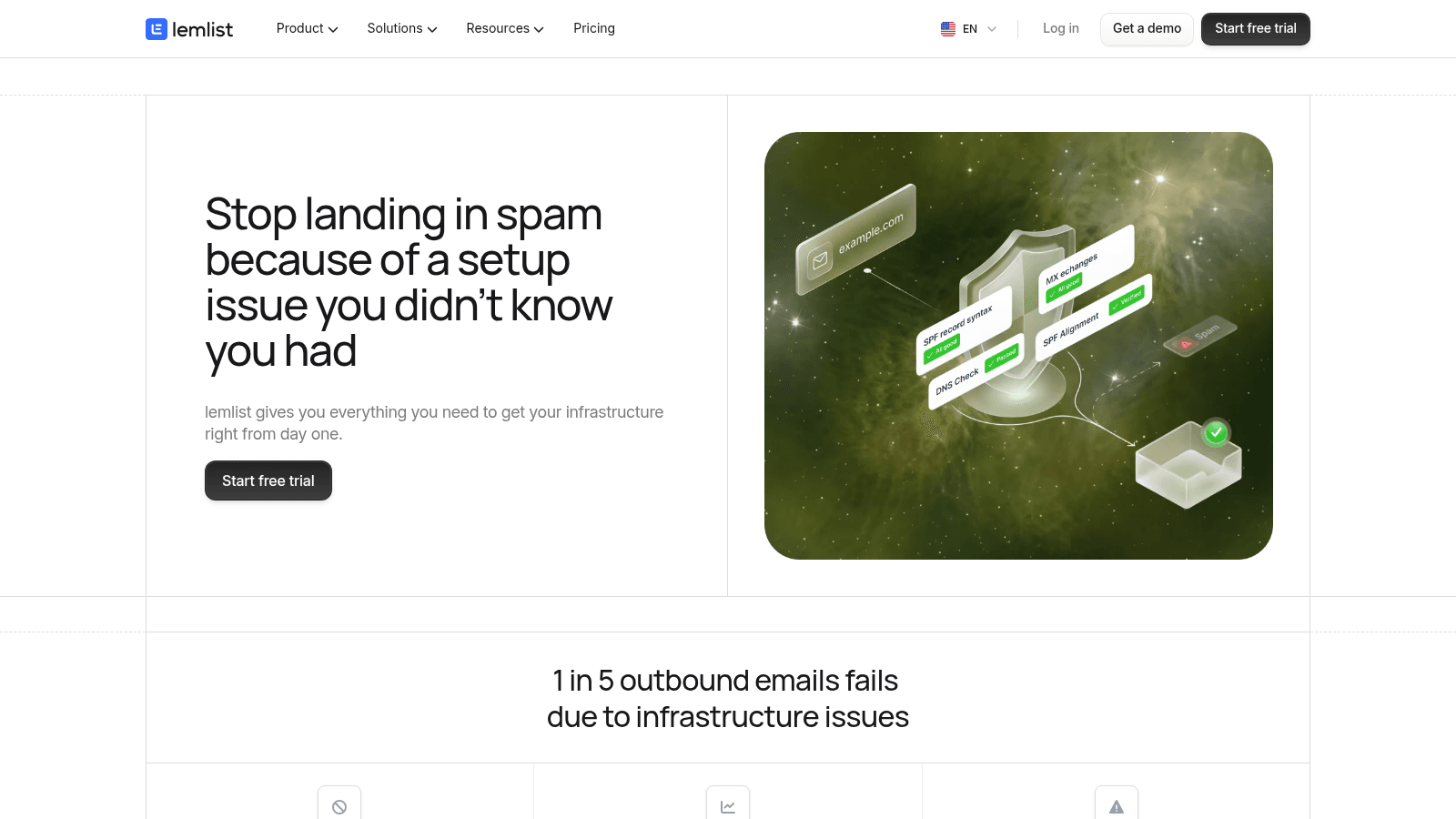
Lemwarm is the warmup engine built into lemlist, the AI sales engagement platform. It warms the mailboxes you already connect to lemlist, so there is no separate login or second subscription if you run that platform.
Key features:
- Native warmup inside lemlist, so there is no separate tool to connect or pay for
- Shared mailbox connections between warmup and campaigns, keeping placement data in one view
- A 650M+ lead database and multichannel sequences, so the platform covers finding and sending
Pricing: the lemlist Email plan is $69 per month ($55 annual) with 50,000 emails, and Multichannel is $109 per month ($87 annual). Lemwarm is included with the subscription.
Pros: no extra warmup cost if you already run lemlist, one login, monitoring tied to live campaigns.
Cons: warmup is locked to lemlist, entry pricing rose in recent years, and LinkedIn sending costs more.
Why it made this list: it is the simplest warmup story for teams already inside lemlist. You turn it on and it runs.
Final verdict: the obvious choice for lemlist users, and a weaker one for anyone who will not send from lemlist.
MailReach
Best for: Per-mailbox warmup with spam testing
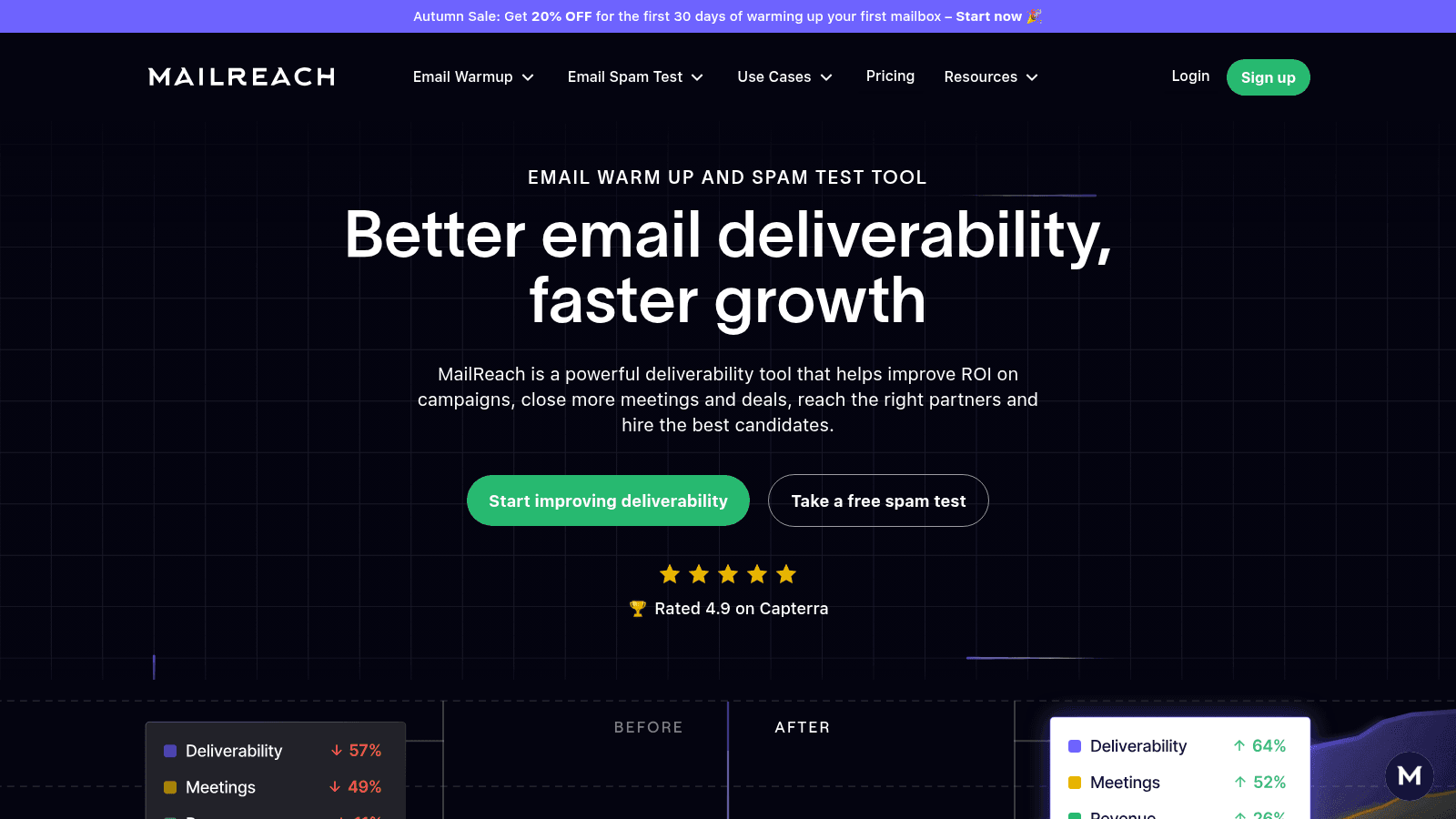
MailReach is a dedicated deliverability tool that pairs mailbox warmup with spam testing. You pay per mailbox you warm, and each plan includes at least 20 spam test credits that check where a send actually lands.
Key features:
- Warmup from $25 per mailbox per month, with spam test credits included on every plan
- Provider-specific warmup for Outlook, Google, SendGrid, Mailgun and Amazon SES
- An email spam test and a warmup API, so you can verify placement and automate warmup
Pricing: warmup starts at $25 per mailbox per month, and the spam tester scales by credits with annual discounts. The homepage carries a 4.9 out of 5 rating on Capterra.
Pros: strong spam testing alongside warmup, provider-specific warmup paths, an API for automation.
Cons: per-mailbox pricing gets expensive across many inboxes, and the spam tester is a separate credit line.
Where it beats the alternatives: on placement evidence. The spam test tells you where a message landed, which most warmup dashboards do not.
Final verdict: a good fit for a few high-value sending domains where placement proof matters more than per-inbox cost.
Warmup Inbox
Best for: Simple inbox and IP warming
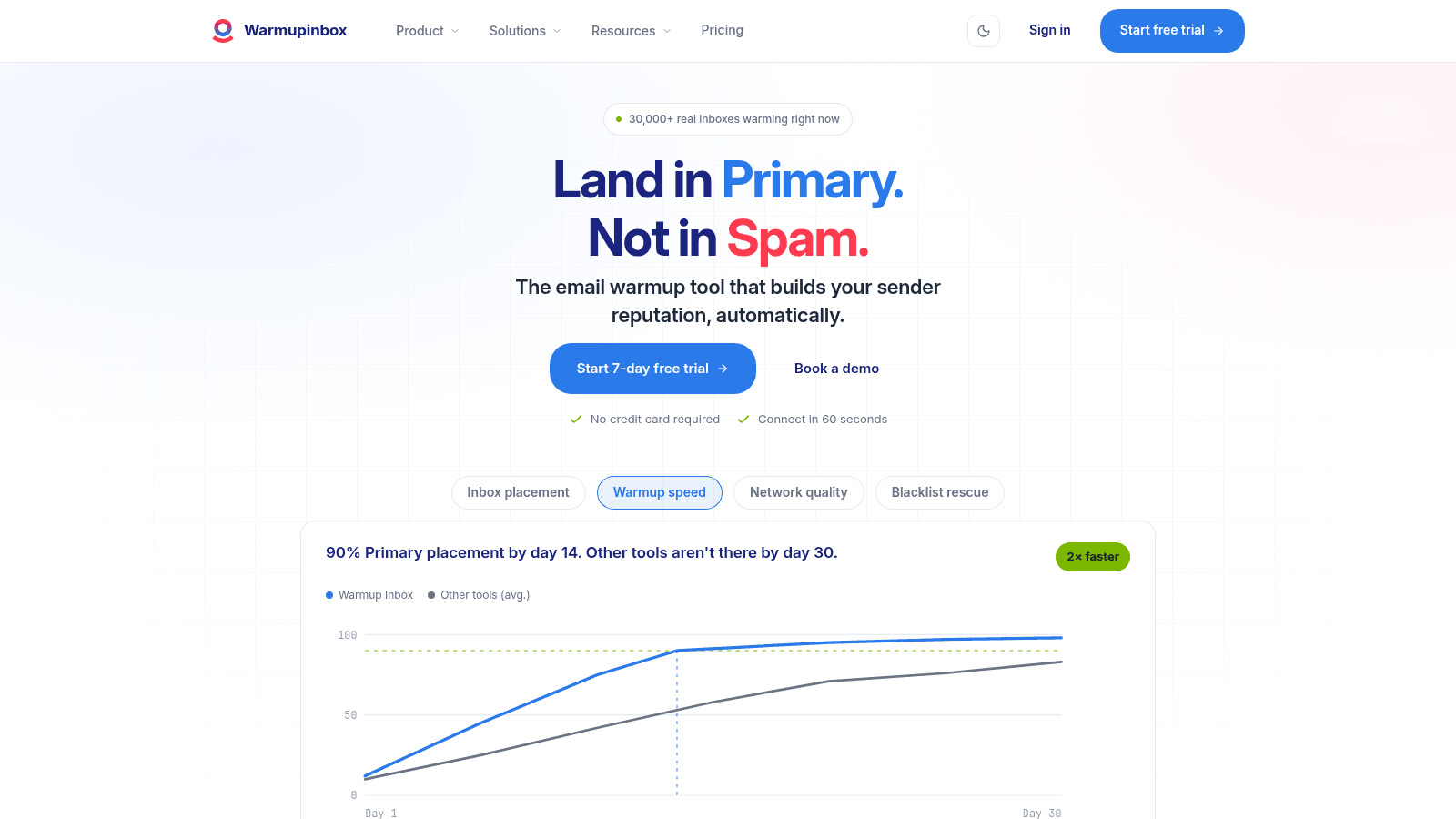
Warmup Inbox is a standalone warmup service that focuses on sender reputation alone. It runs a pool of more than 30,000 inboxes, provides IP warmup for dedicated IPs, and offers language warmup for international sends.
Key features:
- A network of 30,000+ inboxes that open, reply and move warmup mail out of spam
- IP warmup for dedicated sending IPs, separate from mailbox reputation
- A free placement test that shows where your mail lands in 60 seconds
Pricing: plans start at $15 per inbox per month, with higher tiers at $49 and $79 per inbox. A 7-day free trial is available.
Pros: clear per-inbox pricing, IP and language warmup in one place, a free placement test.
Cons: per-inbox cost scales with the fleet, it does no sending, and the speed claims are self-reported.
Its real strength: covering both mailbox and IP reputation, which many warmer tools ignore.
Final verdict: a straightforward choice if you want warmup alone and run a small number of inboxes.
TrulyInbox
Best for: Teams that want a free tier and AI warmup
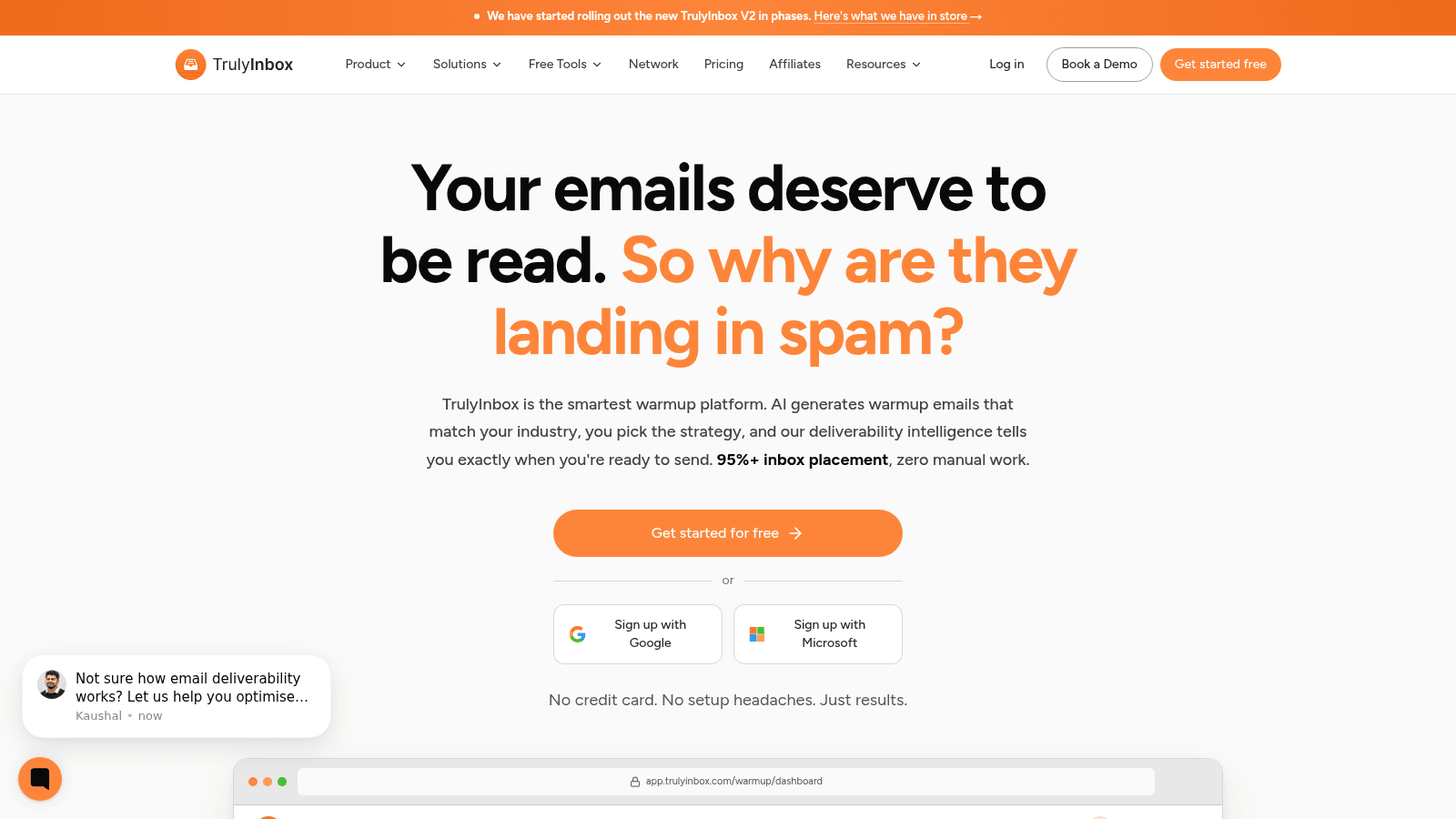
TrulyInbox is an AI warmup platform that generates warmup emails matched to your industry and reports deliverability intelligence. It is one of the few warmup tools with a genuinely free entry tier, covering one account with no credit card.
Key features:
- A free forever tier for one account, so you can test warmup before paying
- AI-generated warmup emails matched to your industry, which read as natural engagement
- Deliverability analytics across inbox, spam and reply metrics per mailbox
Pricing: free for one account. Starter is $22 per month annually for 3 inboxes, Growth is $84 annually for 15 inboxes, and Scale is $169 annually for 50 inboxes. Monthly billing costs more.
Pros: a real free tier, industry-matched warmup content, clear per-inbox scaling.
Cons: higher tiers climb fast, the 95%+ inbox-placement claim is self-reported, and a V2 rollout is in progress.
Why buyers shortlist it: the free tier lets a solo sender test warmup without a card, which few rivals offer.
Final verdict: the best entry point if you want to try warmup for free, then scale when a campaign proves out.
Mailivery
Best for: Founders who want flat pricing
Mailivery is an email warmup and deliverability tool that improves sender reputation through AI-driven conversations with a network of active mailboxes. Its selling point is flat pricing, advertised as never paying per mailbox.
Key features:
- Flat-tier pricing that does not charge per mailbox, which helps teams with several inboxes
- AI warmup conversations with active mailboxes, rather than a recycling pool
- Inbox placement tests and blacklist monitoring, so you spot a problem before a campaign does
Pricing: Starter is $29 per month, Professional is $79 and Business is $199, with a 7-day free trial and no per-mailbox charge.
Pros: flat pricing with no per-inbox fee, blacklist monitoring included, a free trial.
Cons: mailbox limits apply per tier, the vendor does no sending, and warmup alone will not fix bad data.
What it does well: keeps warmup affordable for a team with a handful of inboxes and no appetite for per-seat math.
Final verdict: a sensible middle option between cheap inbox-count plans and premium full-stack platforms.
Warmy
Best for: Deliverability insights alongside warmup
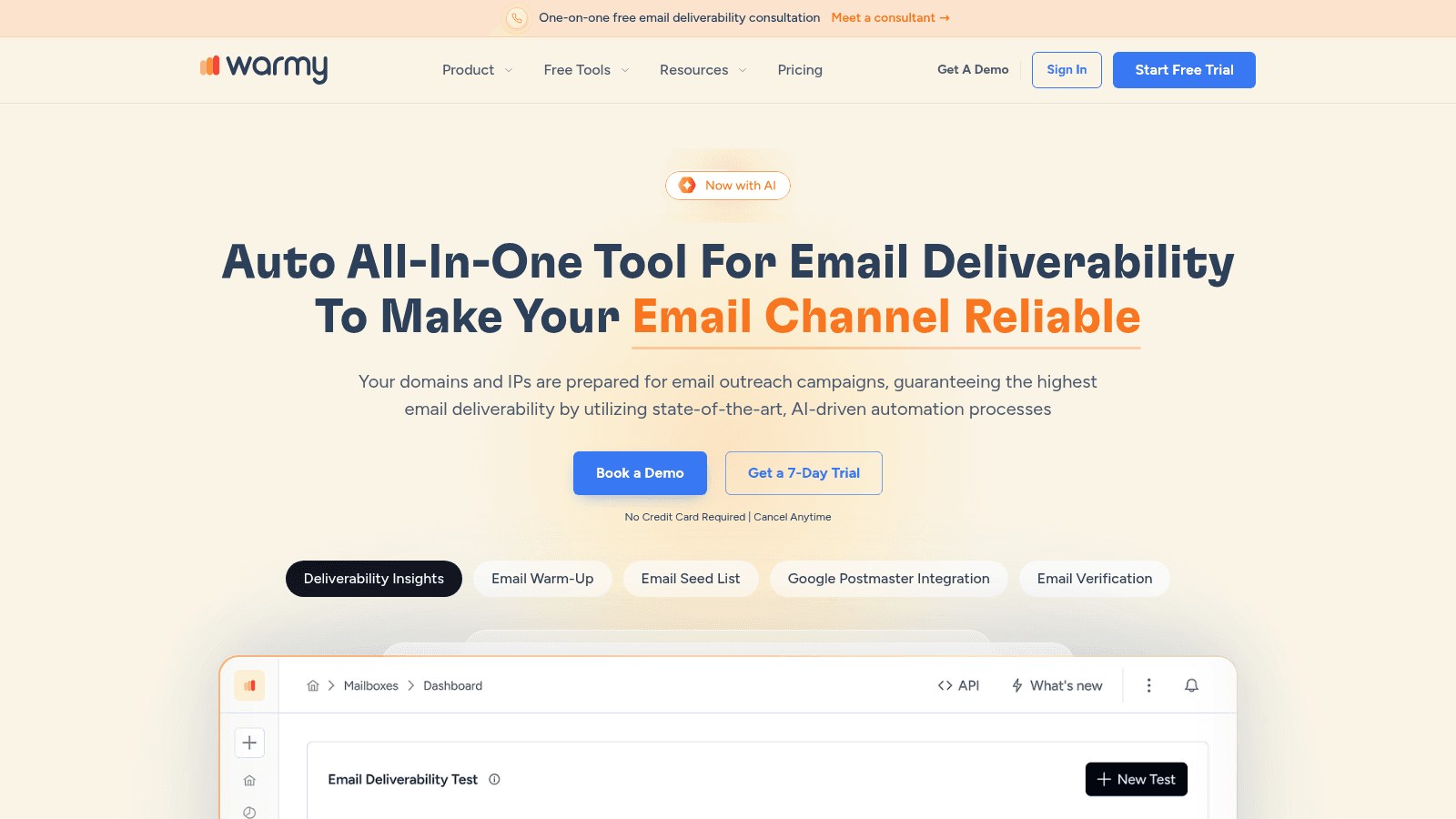
Warmy is a deliverability platform that treats warmup as one piece of a larger picture. Alongside warmup, it runs an email seed list, DMARC monitoring, Google Postmaster integration and deliverability insights, with an AI assistant on top of the reporting.
Key features:
- Email warmup paired with a seed list, so you can test placement on demand
- DMARC monitoring and Google Postmaster integration, which surface authentication problems early
- Deliverability insights and an API, for teams that read the data and automate their stack
Pricing: plans start from $49 per month, billed annually, with no free plan and a 7-day free trial.
Pros: unusual breadth for the price, DMARC and Postmaster visibility, a free trial.
Cons: no free tier, warmup is one feature rather than the whole product, and the insights need someone to act on them.
Its real strength: connecting warmup to the authentication data that explains it, which most standalone warmers leave out.
Final verdict: the pick for a team that wants warmup plus the diagnostic layer around it, at a mid-market price.
Warmbox
Best for: Small teams that want cheap warmup
Warmbox is an AI-based warmup tool that raises inbox reputation from any email service provider. It targets individuals and small teams, with an entry plan that covers a single inbox for a low monthly fee.
Key features:
- AI warmup from any email service provider, so it works across mixed sending setups
- Plans sized by inbox count and daily volume, which keeps small teams cheap
- A free IP blacklist and DNS checker for a fast reputation health check
Pricing: the Solo plan is $15 per month for one inbox and 50 emails a day, Start-up is $69 for three inboxes, and Growth is $139 for six inboxes. Annual billing changes the rate.
Pros: the cheapest flat-fee per-inbox warmer here, works across providers, a free health checker.
Cons: tight inbox and daily-volume caps, no sending or data features, and the cheap tier suits one person.
Why it made this list: it is the honest answer for a solo founder who wants warmup on one inbox for the price of a coffee.
Final verdict: a fine starting point for a single inbox, and too small for a team once you add mailboxes.
How We Chose the Best Email Warmup Tools
We built this list around what a warmup buyer needs to decide, not around who has the loudest marketing. Every tool had to do warmup as a real feature, not a checkbox, and every price came from the vendor's own page in October 2026, not from a review site.
We favored tools that publish a price over tools that hide behind a demo button, because a warmup decision often starts as a small experiment and quote-only pricing blocks it. Where a vendor sells only custom, we say so rather than inventing a floor.
We checked whether each tool warms at the provider level, whether it reports placement rather than just activity, and whether it handles IP reputation alongside mailbox reputation. A warmer that only counts sent warmup emails tells you nothing about where your mail lands. Email list management software matters here too, because a clean list gives warmup far less to fight.
What to Look for in Email Warmup Software
The features that separate a useful warmer from a placebo come down to evidence: a tool worth paying for proves that warmup activity changed placement.
Start with placement reporting. A provider-level view of primary, promotions and spam is the signal that matters. A dashboard that shows only open and reply counts from the warmup pool can look healthy while your real campaigns still land in spam.
Then check provider coverage. Gmail and Outlook treat reputation differently, and a dedicated IP behaves differently again. Look for warmup paths tuned to each provider, not one shared pool. If two email warmup solution tools look identical on paper, the provider list is the tiebreaker.
Authentication support is the third filter. A warmer should help you read your SPF, DKIM and DMARC status, because warmup cannot outrun a broken setup. The same logic applies one step earlier, in the list: verify an email address before it enters a sequence, because warmup on a mailbox that bounces is wasted effort.
Finally, look at ramp control. You want to set daily volume and a schedule, not hand warmup a blind ramp. The best tools let you slow down as easily as speed up, which matters the moment a client domain gets flagged.
How to Choose the Right Email Warmup Solution
The decision usually turns on one question: are you buying a sender anyway? If you are, an all-in-one platform that bundles warmup costs nothing extra and removes a handoff. If you already own a sender, standalone email warmup solution tools are the cheaper route, because you pay only for the reputation work.
For a team of one or two running a single domain, a low-tier standalone warmer does the job. For an agency warming many client mailboxes, unlimited-mailbox pricing beats per-inbox pricing fast; the math flips as soon as you pass a handful of inboxes. For a mid-market team that wants placement data and DNS monitoring together, a broader deliverability platform earns its price.
Do not over-buy on day one, since most warmup tools offer a trial or a free tier. Start on the smallest plan that covers your mailbox count, run a placement test before and after, and only then decide whether you need the full stack. If outreach is the wider goal, email outreach tools covers the platforms that send, and many include warmup already.
What Do Email Warmup Tools Cost?
Warmup pricing follows two models, and the model matters more than the headline number. Per-inbox services charge you for each mailbox. Flat or bundled plans charge a platform fee and include a set number of mailboxes. A team with three inboxes can pay less on a per-inbox plan, while a team with thirty will almost always do better on a bundle.
Plan type | Typical price | What it includes |
|---|---|---|
Dedicated warmup, per inbox | $15 to $29 per inbox/mo | Warmup, placement reporting, spam testing |
Standalone warmup, flat tier | $29 to $79/mo | Warmup for a set number of mailboxes |
All-in-one sender with warmup | $39 to $69/user/mo | Warmup, sending, sequencing |
Platform with data and AI | $94 to $500/user/mo | Warmup, sequences, lead database, AI agents |
The cheapest tier is rarely the cheapest at scale. Warmup Inbox at $15 an inbox looks inexpensive until you warm twenty mailboxes and the bill reaches $300 a month, at which point a bundled platform at $59 a user undercuts it. Work out how the tools compare against your mailbox count before you commit.
If you already pay for a sending platform that includes warmup, a standalone warmer is double-spending on the same mailboxes.
How Long Does It Take to Warm Up a Domain?
Most mailboxes need two to four weeks of warmup before they can carry a real campaign, and a brand-new domain takes longer because it starts with no history at all. The pace is set by the ramp, not by the tool. A mailbox that adds volume in small daily increments reaches a stable sending ceiling sooner than one that spikes and gets throttled.
The schedule that works is boring on purpose. Start low, raise volume by about 10 to 20 percent every few days, and hold the ceiling once placement stays stable. Providers reward consistency and punish the spike that looks like a spam run.
Watch placement, not the calendar, as the signal to start sending. Once a mailbox holds primary placement for several days in a row, it is ready for a light campaign. Then keep it in warmup while you send, so the reputation you built does not decay the week you stop. Good cold email follow-up depends on that same mailbox still being healthy when the second and third touches go out.
Is a Free Email Warmup Tool Worth It?
A free warmup tier is worth it as a test, and rarely as a final answer. The free plans here cover one account or a handful of mailboxes, enough to see whether warmup moves your placement. That experiment is the cheapest way to learn whether your problem is reputation or something else.
Where free plans fall short is scale and evidence. A single free mailbox tells you little about a fleet of sending domains, and the reporting is usually thinner than on paid tiers. If you run more than a handful of inboxes, the free ceiling arrives fast.
There is a bigger point underneath the free question. If your real gap is that you cannot keep track of who you have already contacted, a warmer will not close it, and contact management tools matter more than a free warmup tier. Match the free tool to the actual problem before you commit to a paid one.
Bring the Right Address Into a Warm Mailbox
A warmed mailbox is only useful if there is someone to send to. That is the step the warmup category assumes away: you have a healthy domain, and you now need the work email of a person who fits your list.
That is where we come in. Name2Email is our free Chrome extension that surfaces a work address from a name and a company. Type the two into the compose window and it lists the likely patterns; hover over a suggestion and Gmail shows the matching contact card, which is how you confirm the right one. The homepage walks through how it works step by step.
We are honest about the limits. Name2Email guesses from public naming conventions, so it is strongest on company domains and makes no promise that every address is right. It is not a database, not a bulk list builder and not a verifier, so it pairs with your warmup rather than replacing anything in it.
What to Do Next
Pick your warmup tool by matching the pricing model to your mailbox count, then run a placement test before and after so you can see the change rather than trust a dashboard. If you buy a sender anyway, take the bundle and skip the separate warmup bill. If you already send, start standalone and pay only for reputation work.
Then fix the parts warmup cannot reach: authenticate the domain, clean the list, and ramp slowly. Warmup is one link in a chain, and the chain fails at its weakest point, usually the setup.
The last link is the address itself. Add to Chrome and find your next prospect's work email without leaving Gmail, free and with no account. The warmer keeps the mailbox healthy, and we make sure there is a name at the other end.
Frequently asked questions
Email warmup tools build a sender's reputation by exchanging low-volume, high-engagement mail between your mailbox and a network of other inboxes. They open, reply to and move messages out of spam, then ramp volume daily, so a new mailbox looks established before you send a real campaign.
Most mailboxes need two to four weeks before they can carry a real campaign, and a new domain takes longer because it starts with no history. The deciding factor is the ramp: raising volume by about 10 to 20 percent every few days reaches a stable ceiling faster than a sudden spike.
They help when the rest of the setup is sound, and they cannot compensate when it is not. A practitioner on Reddit reported repairing reputation across eight domains in 8 to 12 weeks, with six of the eight recovering. The same thread warns that sending to genuinely engaged contacts often moves placement more than artificial replies.
Quality varies far more than price suggests. A discussion on Reddit notes that shared pools can drag every member down when one account gets blacklisted, while dedicated per-inbox warmup against real accounts builds a more durable reputation. Look for provider-level placement reporting, not just open counts.
No. Authentication comes first, and warmup builds on top of it. Microsoft requires SPF, DKIM and DMARC on domains sending more than 5,000 emails a day to Outlook, and non-compliant mail is routed to junk and then rejected. Warmup on a failing setup is time spent on a domain that will be blocked anyway.

We build Name2Email, the free Chrome extension that finds work emails inside Gmail. We write about outreach, prospecting, and getting more replies.
Connect →