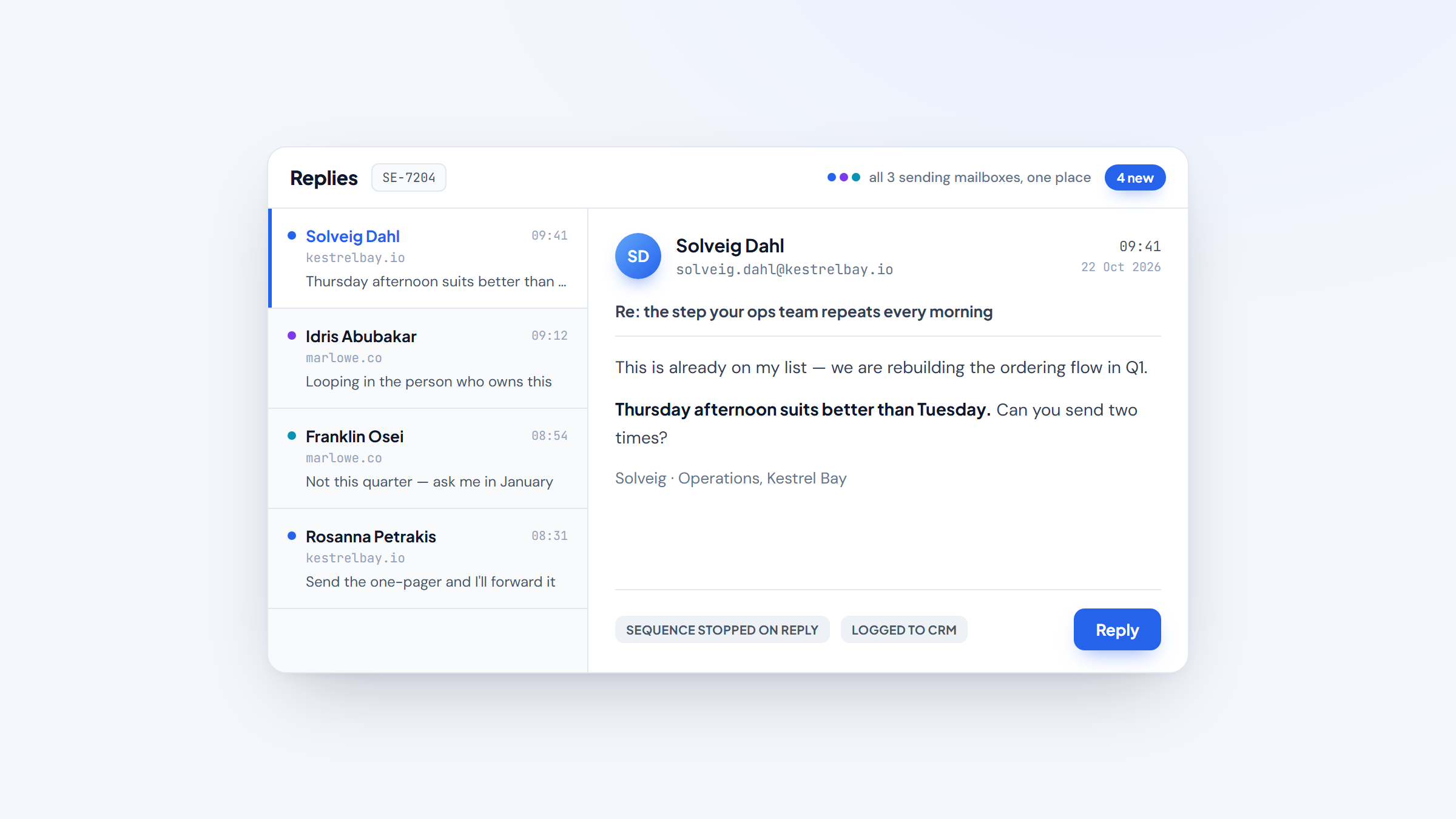
- 1Sales email software does two jobs: it sends and sequences mail at a volume your inbox can't handle safely, and it tracks what happens after each email lands.
- 2The list splits three ways: full sales engagement platforms (Reply.io, Salesloft, Outreach), inbox-native senders (Mixmax, Yesware, Streak, HubSpot Sales Hub), and high-volume outbound tools (Instantly, Saleshandy, Klenty).
- 3Prices run from $0 on the good free tiers to about $150 per seat per month at the enterprise top, with most teams landing between $19 and $99 per user.
- 4Deliverability and reply tracking decide your results more than the feature grid, so check authentication, warmup and whether the tool still leans on opens at all.
Sales email software is what stands between a good list and a full calendar. It sends the first email and every follow-up on schedule, spreads volume across mailboxes so your domain survives, and shows you who opened, clicked or replied. Choosing for 2026 is less about features than about which of those jobs you need done.
This guide ranks 10 tools on live pricing read from each vendor in October 2026, judged for sending and sequencing at scale. We are upfront that our own free extension sits beside them: Name2Email finds a prospect's work email inside Gmail, then hands the address to whichever sender below you pick. Name2Email itself does not send mail, so the entries stay factual.
If you arrived from our roundup of cold email software, this one differs in scope. That article covers tools for reaching strangers; this one covers the software a sales team runs every day, including sequencing, tracking and deliverability for warm and cold mail alike.
What Is Sales Email Software?
Sales email software is a platform that sends and manages outbound email for a sales team, either from inside the inbox reps already use or from its own sending infrastructure. It handles what a personal Gmail account can't: sequenced follow-ups, mailbox rotation, open and reply tracking, templates, and CRM logging.
You will see it called sales email automation software, sales engagement software or a sales email platform. The names overlap because the category grew from two directions. Sales engagement platforms started as cadence tools for SDR teams and added email, calling and analytics. Cold email tools started as high-volume senders and added data and sequencing. Both now land on the same buyer's shortlist.
The reason a team pays for this is volume and reputation. Sending 300 emails a day from your primary mailbox gets that mailbox filtered. Dedicated software warms each sending account, rotates volume, and enforces authentication.
Validity's Email Deliverability Benchmark found that one in six legitimate, permission-based emails never reaches the inbox, and that B2B inbox placement can fall to 68% once hosting and filtering are counted. Sending software exists to move that number.
Where the software stops is finding the address in the first place; most platforms bundle a contact database that charges credits per record. That is the part we handle differently, and our features page explains the free, in-Gmail approach before you read the entries.
The category is shifting toward automation too: Salesforce's State of Sales research reports that nine in 10 sales teams use AI agents or expect to within two years.
The Best Sales Email Software in 2026
Every tool below sends sales email well; they are built for different teams and volumes. Some lead with an AI-driven multichannel platform, some with a Gmail-native inbox, and some with the deliverability plumbing that keeps volume alive. The table shows the shape of each; the entries explain the fit, the price and the drawback.
Tool | Best for | Key features | Main limitation | Pricing (from) | Rating |
|---|---|---|---|---|---|
Reply.io | Email + LinkedIn + calls | Conditional sequences, unified inbox, 1B+ database, AI SDR | No free plan, only a trial | $49/user/mo | ★★★★★ |
Salesloft | Enterprise revenue teams | Cadences, coaching, forecasting, AI agents | Quote-only pricing | Custom | ★★★★½ |
Outreach | AI-orchestrated selling | AI agents, deals, forecasting, coaching | Quote-only, heavy for small teams | Custom | ★★★★ |
Mixmax | Gmail teams | In-Gmail sequences, tracking, scheduling | Sequence recipients capped by tier | $0 / $29/mo | ★★★★½ |
HubSpot Sales Hub | Teams already in HubSpot | Sequences, templates, tracking in the CRM | Sequences gate to the $90 seat | $0 / $7/mo | ★★★★ |
Yesware | Solo sellers, small teams | Unlimited tracking, campaigns, CRM logging | Recipient caps on low tiers | $0 / $19/mo | ★★★★ |
Klenty | SDR teams that dial | Email sequences, parallel dialer, cadences | No free plan, trial only | $50/mo | ★★★★ |
Streak | Small Gmail teams | Mail merge, tracking, pipelines | Gmail only | $0 / $49/mo | ★★★½ |
Saleshandy | Budget sending plus data | Unlimited mailboxes, 852M+ database, dialer | Database credits are metered | $34/mo | ★★★★ |
Instantly | High-volume senders | Unlimited mailboxes, warmup, rotation | No free tier, bundle cost climbs | $47/mo | ★★★★½ |
Ratings reflect fit for sending and sequencing sales email at scale, not company size or brand. Narrow the table to two or three, then read those entries in full before a trial, because the pricing models differ more than the prices do.
Reply.io
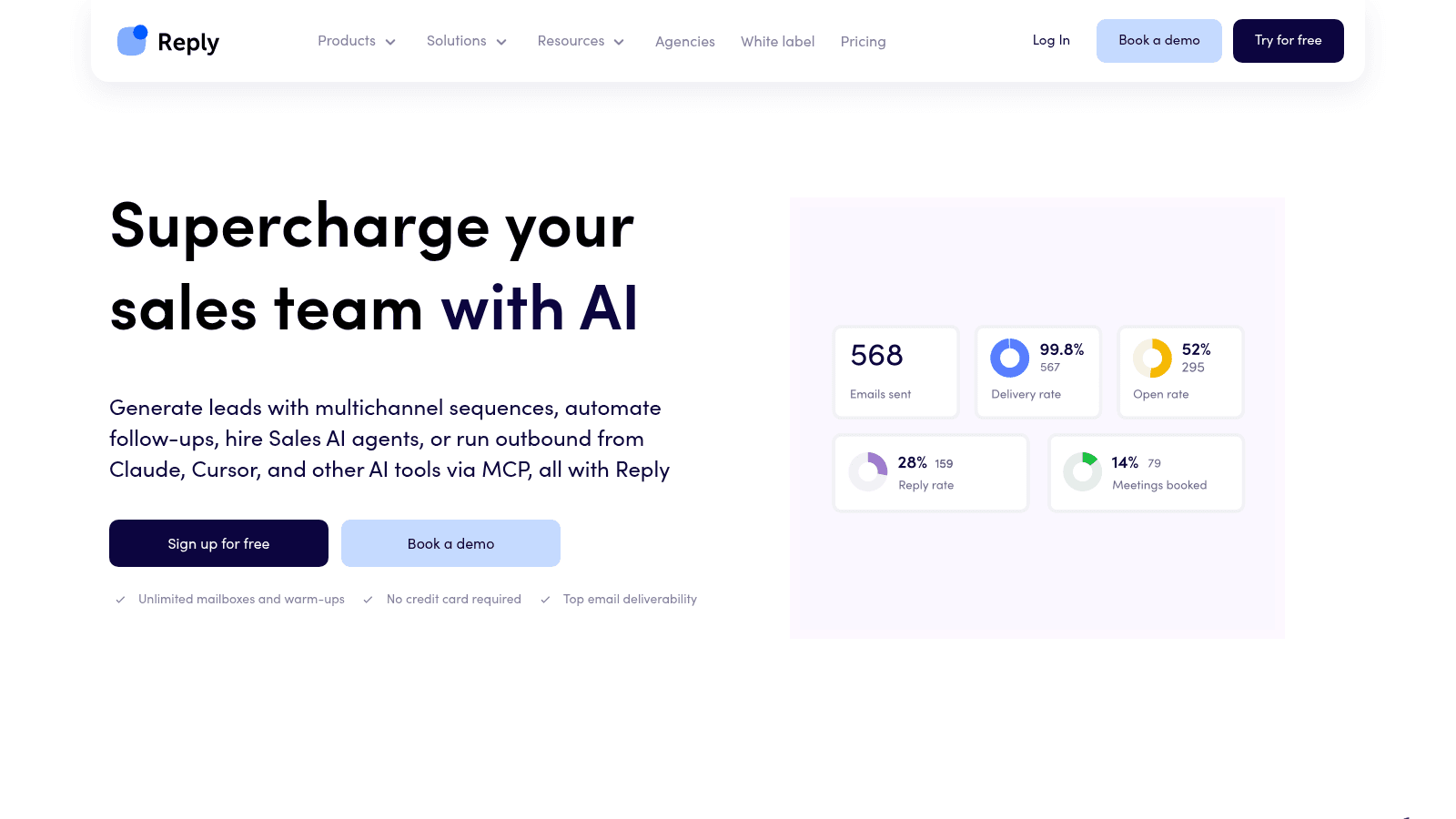
_Reply.io's homepage, reply.io (October 2026)._
Reply.io is a sales email and multichannel engagement platform, and we should say plainly that the team behind Name2Email also builds it. It runs conditional sequences across email, LinkedIn, SMS, WhatsApp and calls from one place, with mailbox warmup and anti-spam on every tier rather than sold as an add-on. The email side gives you unlimited mailboxes, unlimited monthly emails and unlimited contact storage.
A 1B+ B2B contact database with intent signals is bundled inside the platform, so you can source and prioritize prospects without exporting. It is not sold as a standalone file, which matters if you only want the data. The delivery and bounce figures Reply.io publishes are self-reported.
Pricing runs from $49 per user per month on the Email plan billed annually ($59 monthly), with Multichannel from $89 annual ($99 monthly), the AI SDR tier from $500 per month, and Agency from $166 per month. Add-ons include LinkedIn automation at $69 per account per month, Calls and SMS at $29 per user, and email validation from $20. There is no free plan, only a 14-day trial.
Best for: teams sequencing email alongside LinkedIn and calls
Key features:
- Sequences that step between email, LinkedIn, SMS, WhatsApp and calls, so a no-reply on email can trigger a LinkedIn touch
- Automated warmup and anti-spam on every mailbox, which protects sender reputation before you scale volume
- AI-written sequences and personalization variables, which cut the drafting time on a new cadence
- 1B+ contact database with intent signals, so you can build and prioritize a list without leaving the tool
- Unified inbox with AI reply handling, so every response is triaged in one place
- Native two-way CRM sync with HubSpot and Salesforce, which keeps activity logged without manual entry
Pricing: Email from $49 per user per month billed annually ($59 monthly); Multichannel from $89 annual ($99 monthly); AI SDR from $500 per month; Agency from $166 per month. A 14-day trial runs without a card.
Pros: genuine multichannel in one sequence, warmup bundled at every tier, a built-in 1B+ database with intent, an AI SDR upgrade path, strong native CRM sync
Cons: no free plan, and the multichannel and AI SDR tiers climb quickly on a per-user basis
How to start using it:
- Begin the free trial and connect a mailbox; warmup begins automatically.
- Confirm your domain's SPF, DKIM and DMARC records.
- Build or AI-generate a sequence with conditional follow-ups.
- Load a clean list.
- Launch, then manage replies in the unified inbox.
Why it's the best sales email software: it covers sending, sequencing, data and deliverability in one subscription, so a team isn't stitching four tools together and paying four invoices.
If you want one platform to run sales email today and grow into multichannel and AI later, Reply.io is the most complete option here. Start on the email plan and add the other layers only when your volume justifies them.
Salesloft
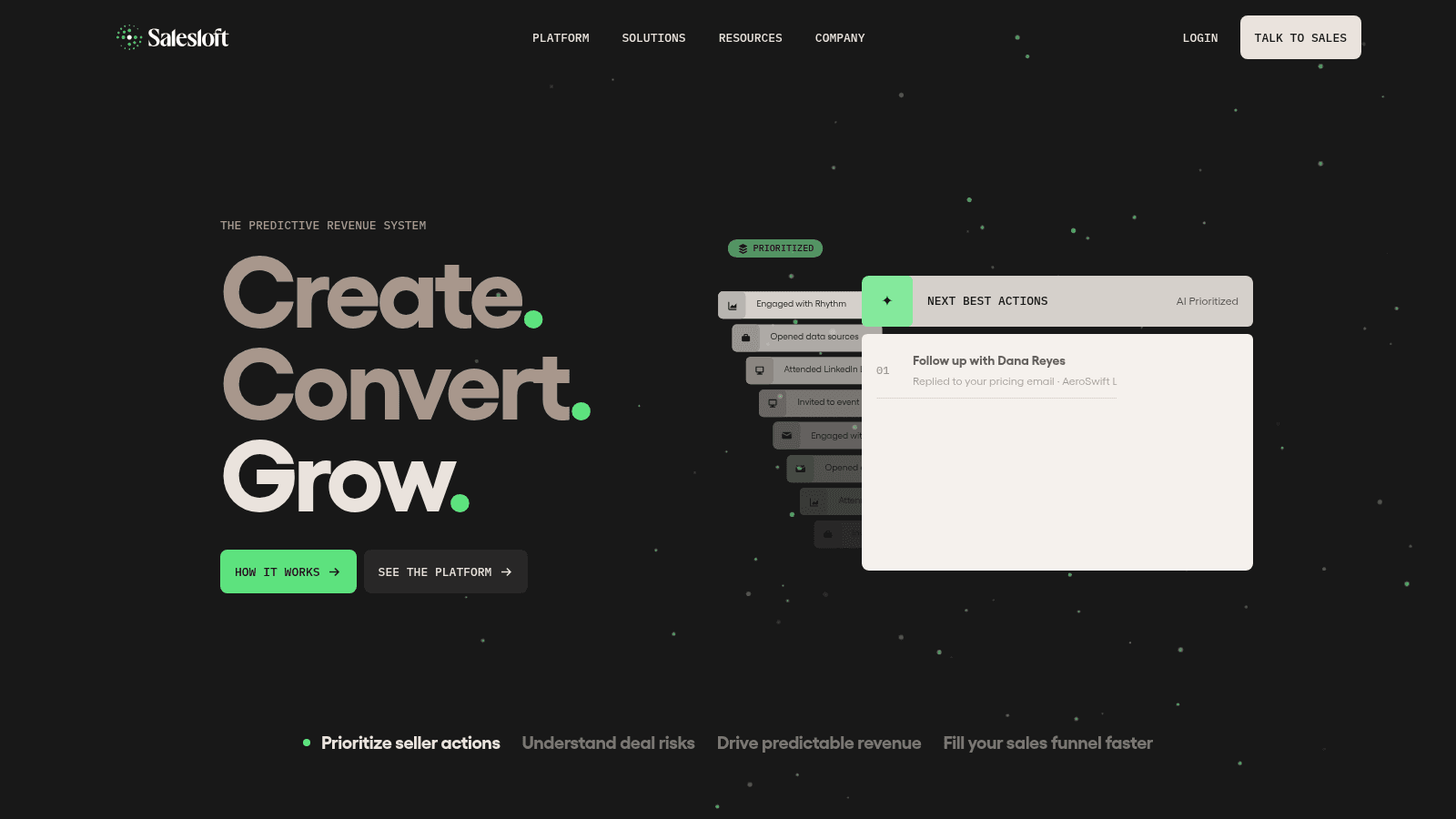
_Salesloft's homepage, salesloft.com (October 2026)._
Salesloft is an enterprise sales engagement platform, positioned as a predictive revenue system after merging with Clari. Cadence is its core email and calling sequencer, sitting alongside conversation intelligence, deal management, forecasting and analytics, with AI agents that surface next-best actions for each rep.
Best for: enterprise teams standardizing cadences
Key features:
- Cadence sequencing across email, calls and social, so every rep runs the same proven motion
- Conversation intelligence and rep coaching, which turns call recordings into training
- Forecasting and deal analytics, so leadership sees pipeline without a separate tool
Pricing: Quote-only. Salesloft does not publish plan prices, so budget for an annual enterprise contract with a per-seat component and an implementation period.
Pros: deep cadence tooling, strong coaching and analytics, AI next-best actions
Cons: quote-only pricing, a real implementation overhead, more than a small team needs
Why it earns a place here: for a large team where email is one managed step, the coaching and forecasting layers justify the platform's weight.
Final verdict: the pick for enterprise revenue orgs that want cadence, coaching and forecasting in one system.
Outreach
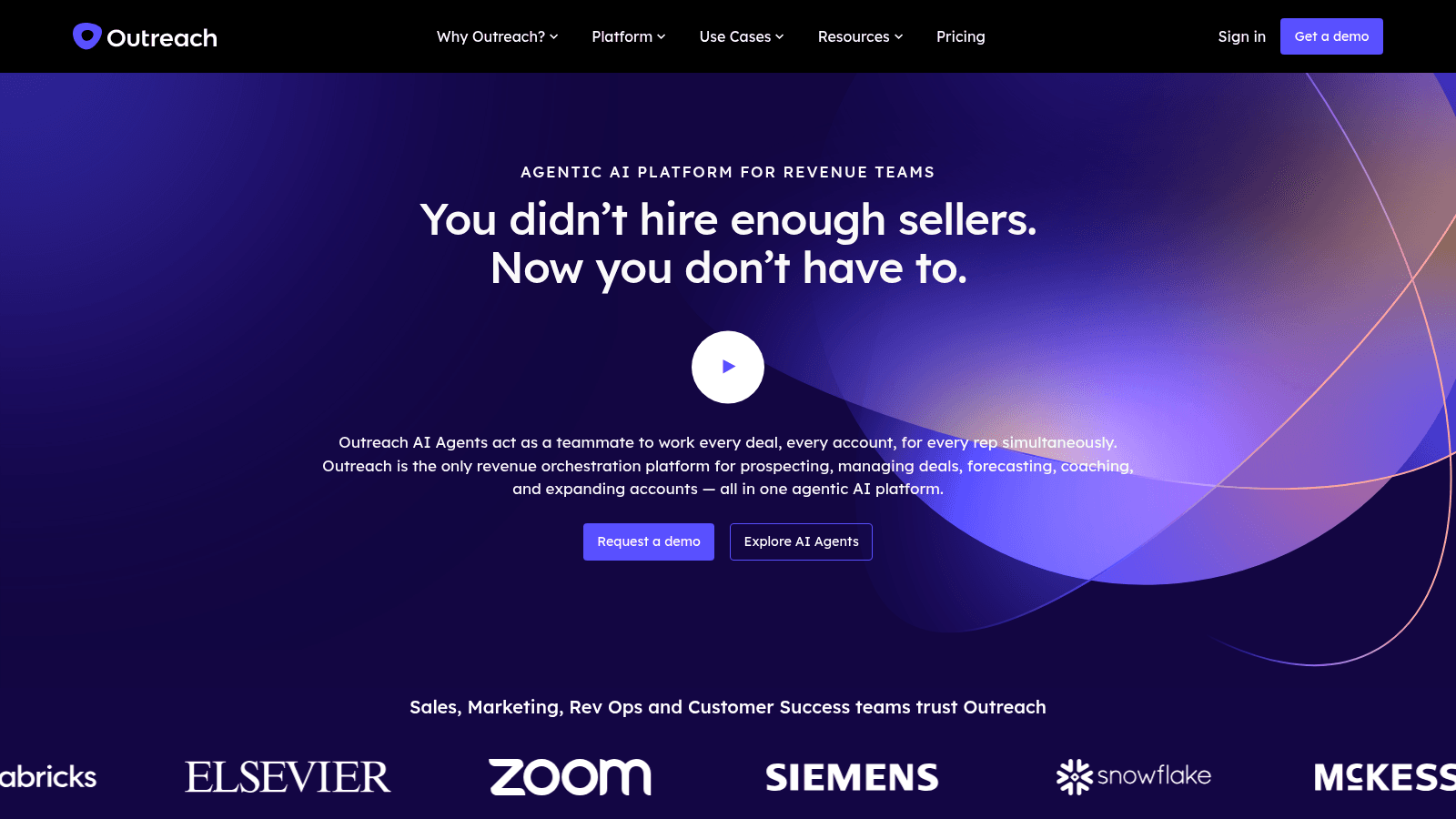
_Outreach's homepage, outreach.ai (October 2026)._
Outreach bills itself as an agentic AI platform for revenue teams, covering sales engagement, deal management, forecasting, conversation intelligence and rep coaching. Its AI agents work accounts in parallel, drafting and running outreach while a rep manages the deals that need a human. The company now sells the whole revenue workflow rather than a sequencer alone.
Best for: enterprise revenue orgs wanting AI orchestration
Key features:
- AI agents that work accounts in parallel, so prospecting continues while reps are on calls
- Sales engagement with deal management in one platform, which removes a handoff
- Forecasting and pipeline inspection, so leadership reviews deals in the tool reps sell in
Pricing: Quote-only, with no published plan prices. Expect an enterprise contract priced on seats plus consumption.
Pros: broad revenue platform, AI agents for prospecting, strong forecasting and coaching
Cons: quote-only pricing, enterprise complexity, overkill for a lean outbound team
What it is genuinely good at: running an AI-assisted outbound motion at enterprise scale where engagement, deals and forecasting share one data model.
Final verdict: a strong fit for large revenue organizations, and more platform than most small teams will use.
Mixmax
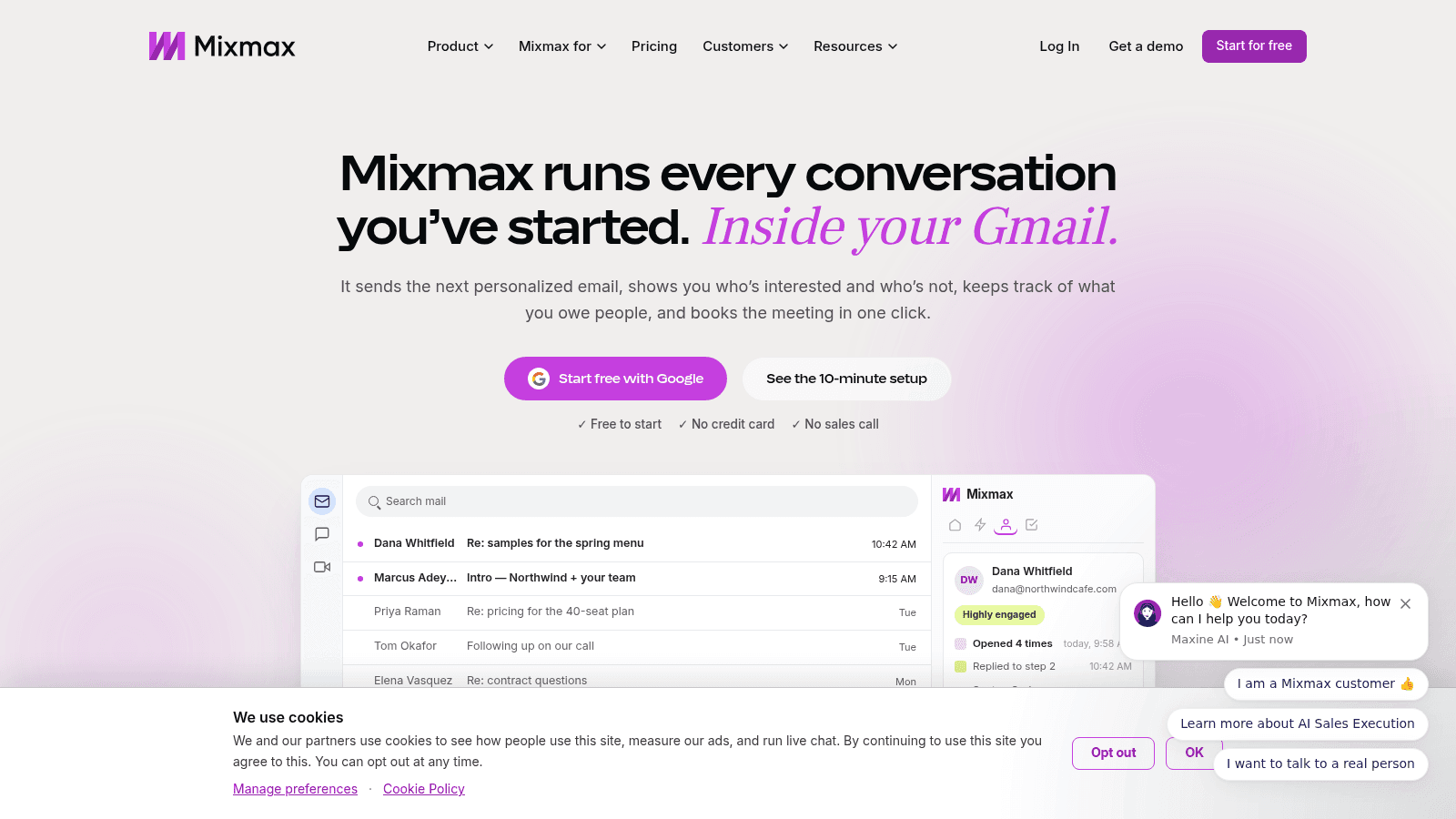
_Mixmax's homepage, mixmax.com (October 2026)._
Mixmax runs sequences and tracking inside Gmail rather than asking reps to learn a new app. It adds sequenced follow-ups, unlimited open and click tracking, meeting scheduling and a live engagement feed, with Salesforce and HubSpot sync, so activity logs automatically. A genuine free tier makes it easy to test before you pay.
Best for: Gmail teams wanting sequences in the inbox
Key features:
- In-Gmail sequences and follow-ups, so adoption doesn't depend on a new login
- Unlimited open and click tracking on paid tiers, with a live engagement feed
- Scheduling links and CRM sync, which turns replies into booked meetings
Pricing: Free is $0 with 20 tracked emails and up to 50 sequence recipients a month; Inbox and Meeting Copilot are $29 per user per month billed annually ($34 monthly); Engagement Copilot is $49 ($65); Mixmax Suite is $89 ($105). A 14-day trial needs no card.
Pros: native to Gmail, a real free tier, sequences plus tracking plus scheduling together
Cons: sequence recipients capped by tier, per-user pricing, lighter multichannel than a dedicated platform
Where it fits: teams whose reps live in Gmail and want sequenced sales email without a separate sending app or a migration.
Final verdict: the best Gmail-native sequencer here, as long as your monthly recipient volume fits the tier you buy.
HubSpot Sales Hub
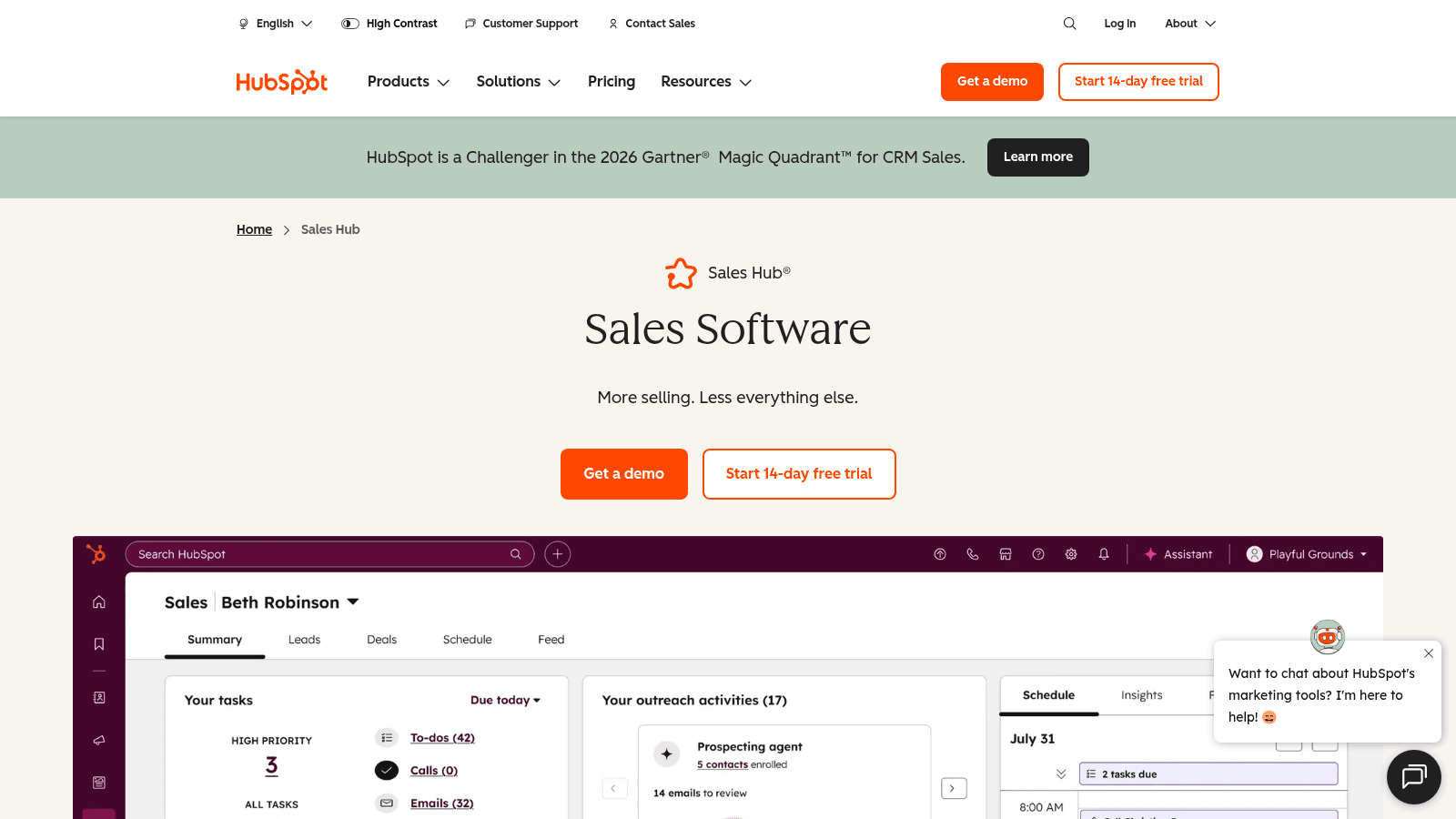
_HubSpot Sales Hub's homepage, hubspot.com (October 2026)._
HubSpot Sales Hub puts sequencing, templates, tracking and meeting links inside the HubSpot CRM, so reply data, deal stages and contact records stay in sync. Free users get basic email tools and a small template limit, while the sequencing engine is a paid feature.
Best for: teams already running HubSpot CRM
Key features:
- Sequences up to 5,000 per account on Professional, with per-user daily send limits
- Email templates stored in the CRM, so the copy and the contact record live together
- Native tracking and logging, which keeps reporting accurate without an integration
Pricing: Free tools for up to two users; Starter is $7 per seat per month; Professional is $90 per seat per month, where sequences start; Enterprise is $150 per seat per month.
Pros: native CRM and email in one system, a cheap Starter seat, no integration to maintain
Cons: sequences gate to the $90 Professional seat, per-seat costs add up, best value only if you commit to HubSpot
Its real strength: removing the gap between the email you send and the record you keep, for teams already standardized on HubSpot.
Final verdict: an easy yes for HubSpot teams and an expensive detour for everyone else.
Yesware
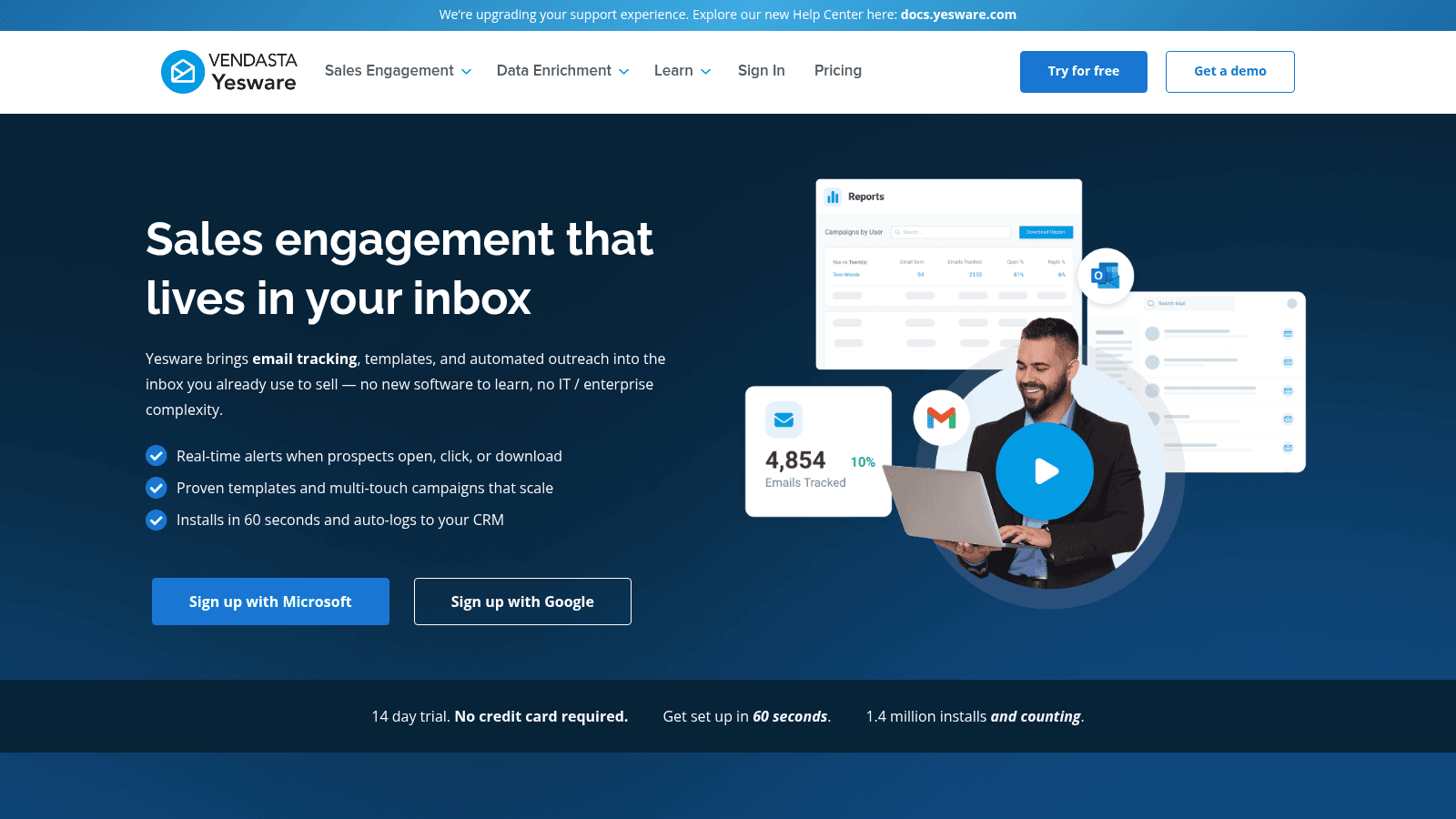
_Yesware's homepage, yesware.com (October 2026)._
Yesware is sales engagement that installs into the inbox you already use, on Gmail or Outlook, with no new software to learn. It tracks opens, link clicks and attachment views, runs multi-touch campaigns, and logs activity to your CRM automatically. It keeps a free forever tier, which makes it the simplest sales email tracking software to switch on for a single mailbox.
Best for: solo sellers and small teams on Gmail or Outlook
Key features:
- Unlimited open, link and attachment tracking on paid plans, so you see engagement on real sends
- Multi-touch campaigns with reusable sales email templates, which automate a small follow-up series
- Automatic CRM logging, so activity is recorded without copy-paste
Pricing: Free Forever is $0 with 10 campaign recipients a month; Pro is $19 per seat per month with 20 campaign recipients; Premium is $45 with unlimited campaigns; Enterprise is $85, all with lower annual rates.
Pros: a free forever tier, unlimited tracking on Pro, installs into the existing inbox, CRM logging
Cons: steep campaign-recipient caps on the cheap tiers, no large multichannel suite, open tracking is a shrinking signal
Why buyers shortlist it: it adds tracking and light sequencing to an existing mailbox in minutes, at the lowest entry cost on this list.
Final verdict: the best value for 1-to-1 sales email and small campaigns, and not built for volume sequencing.
Klenty
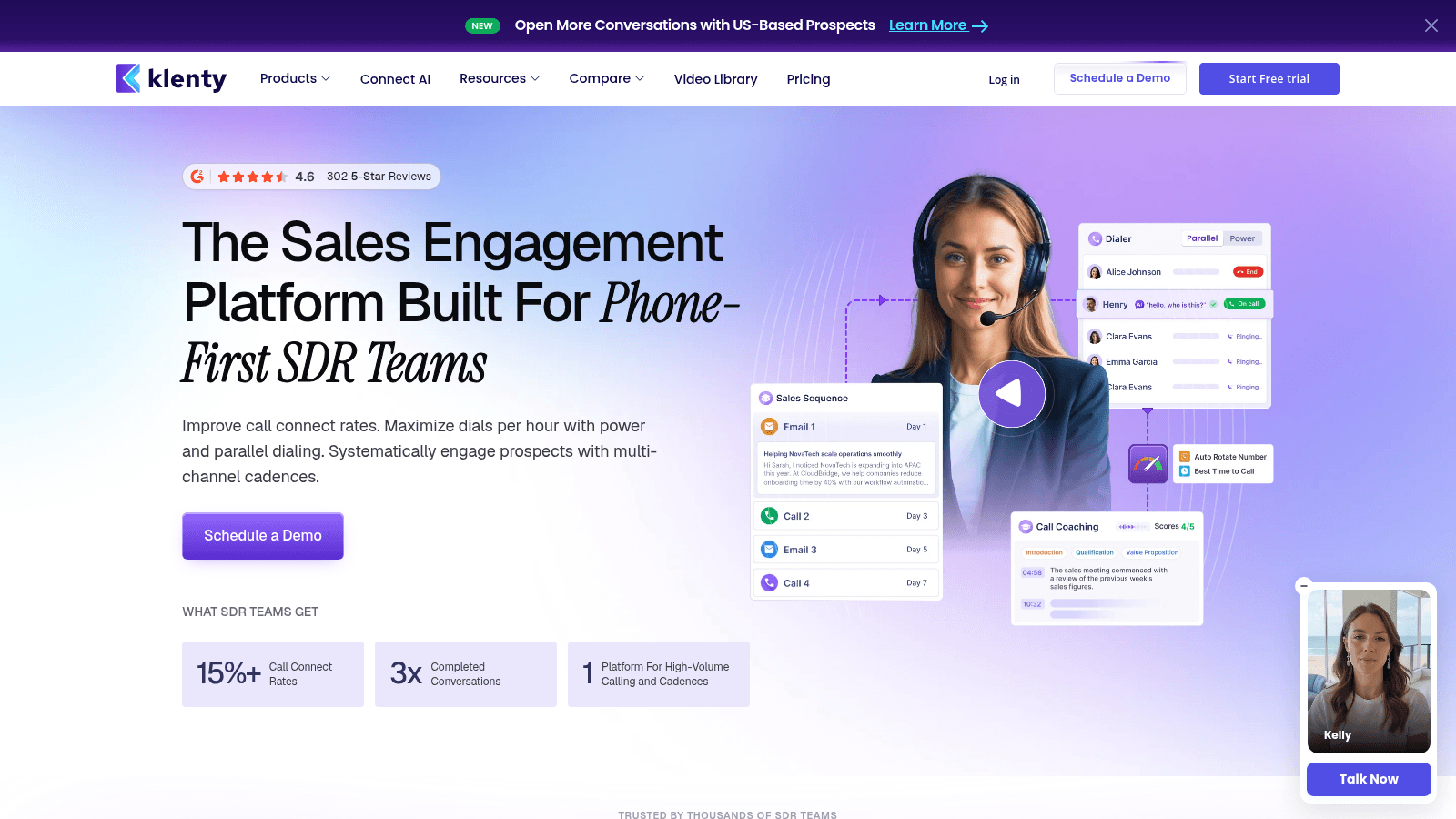
_Klenty's homepage, klenty.com (October 2026)._
Klenty is a sales engagement platform built around SDR teams, with email sequences at the center and a parallel dialer alongside. Cadences step across email, calls and LinkedIn tasks, and the dialer lifts connect rates by dialing several numbers at once.
Best for: SDR teams running email and dialing
Key features:
- Email cadences with automatic follow-ups and multi-channel steps
- A parallel dialer add-on, which raises live conversations per hour
- CRM sync and cadence analytics, so managers see which steps convert
Pricing: Starter is $50 per month billed annually; Growth is $70 per user per month; Plus is $99 per user per month; the dialer is a $45 per user add-on. A 14-day trial sends up to 200 emails.
Pros: email and dialing in one cadence, clear tiering, sales-focused analytics
Cons: no free plan, per-user cost climbs with the dialer, phone-first focus if you sell by email only
Why it made this list: it is one of the few platforms here that treats the phone as a first-class step in the same sequence as email.
Final verdict: a solid pick for SDR teams that dial, and more than an email-only team needs.
Streak
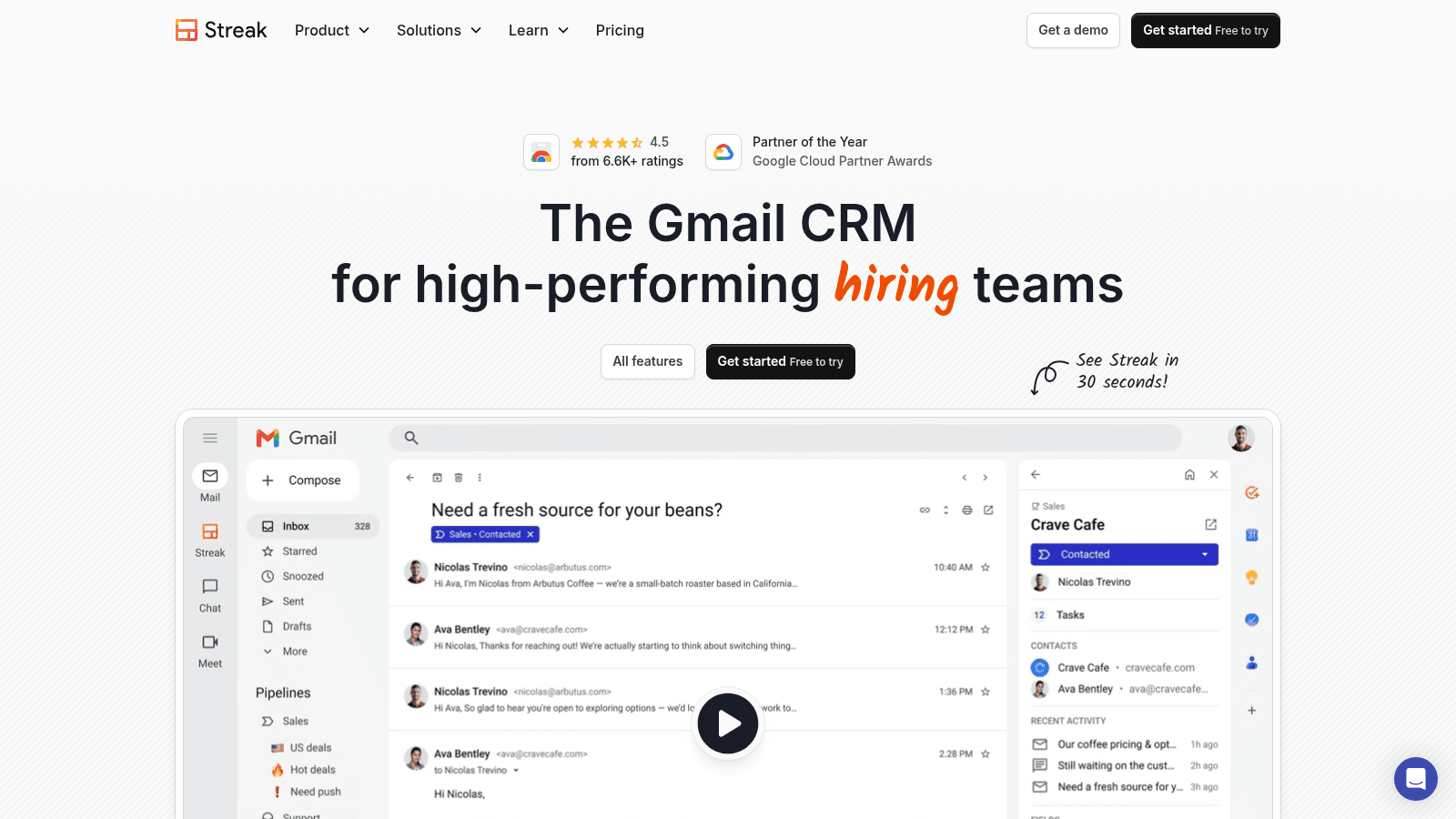
_Streak's homepage, streak.com (October 2026)._
Streak is a CRM that lives inside Gmail, with mail merge, tracking and send-later built into the inbox. You can run a pipeline, log email history and send a merged campaign without leaving Gmail or paying for a separate CRM. The email power tools are free forever, and paid tiers add pipelines, unlimited records and automation.
Best for: small teams selling from Gmail
Key features:
- Mail merge with tracking, so a personalized campaign sends from your own Gmail
- A CRM pipeline inside Gmail, which keeps deals and email in one view
- Unlimited pipelines and records on Pro, so the tool grows with the team
Pricing: Email power tools are free forever; Pro is $49 per user per month with a full Gmail CRM and mail merge; Pro+ is $69 with automations and integrations; Enterprise is $129. Paid plans include a 14-day trial.
Pros: works inside Gmail, free email power tools, merge plus tracking plus pipeline in one, unlimited records on Pro
Cons: Gmail only, per-user pricing, lighter CRM depth than dedicated platforms
Where it beats the alternatives: it gives a small Gmail-based team a CRM and sales email without a migration or a second subscription.
Final verdict: a smart, low-cost choice for small teams that sell straight out of Gmail.
Saleshandy
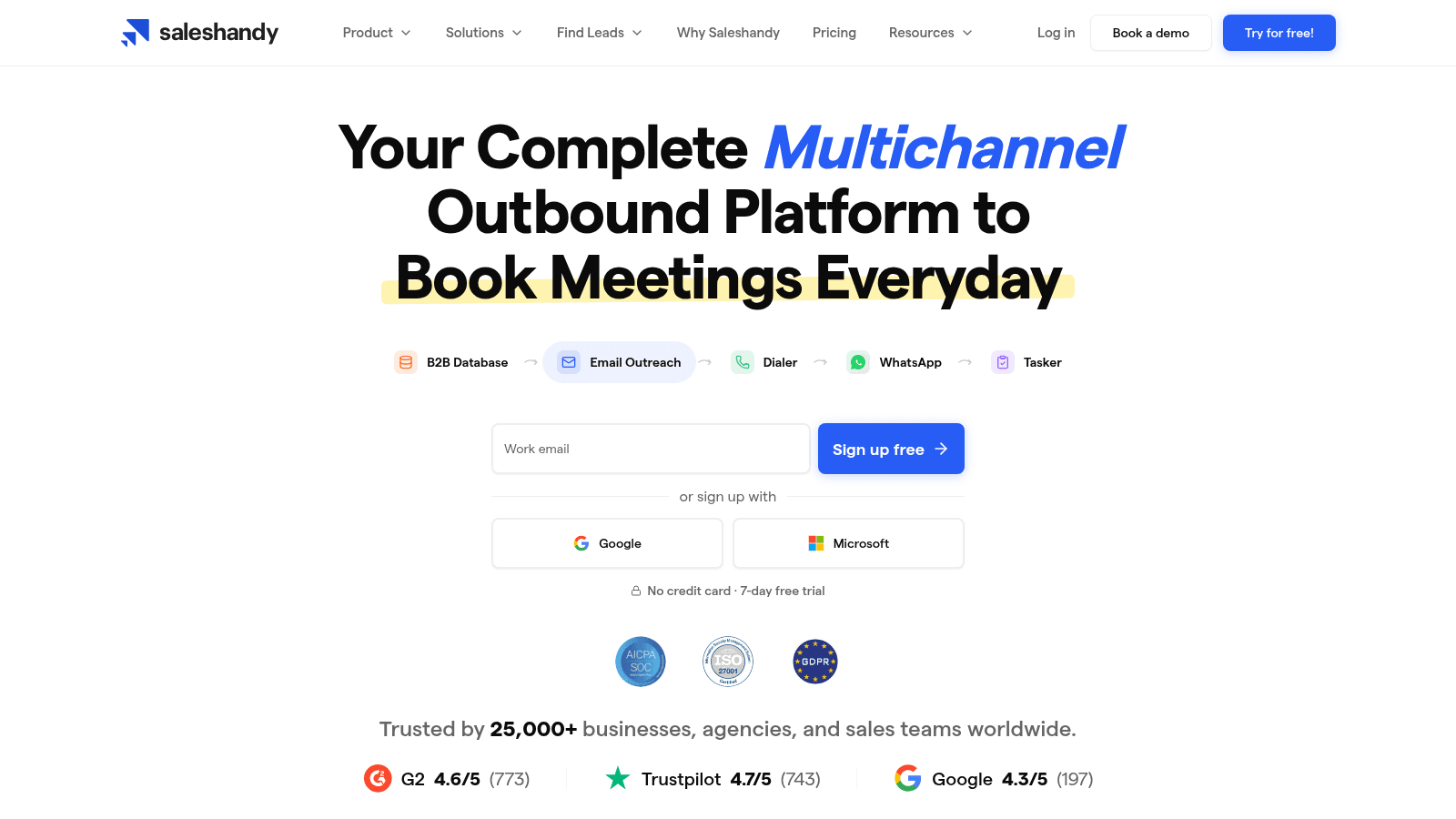
_Saleshandy's homepage, saleshandy.com (October 2026)._
Saleshandy pairs email outreach with a built-in B2B database of 852M+ contacts and 42M+ companies. It sets up sending infrastructure quickly, supports unlimited mailboxes and unlimited monthly emails, and steps sequences across email, calls, LinkedIn and WhatsApp.
Best for: budget teams wanting sending plus data
Key features:
- Unlimited mailboxes and unlimited monthly emails, so volume isn't the constraint
- A built-in B2B database of 852M+ contacts, so you can source and send in one tool
- Multichannel sequences across email, calls, LinkedIn and WhatsApp
Pricing: Starter is $34 per month billed annually ($41 monthly); Pro is $76 annual ($99 monthly); Scale is $149 annual ($189 monthly). Plans include 1,500 to 4,000 B2B credits a month.
Pros: low entry price, unlimited mailboxes and emails, a built-in database, genuine multichannel
Cons: database credits are metered, active-prospect limits by tier, database accuracy varies by segment
Why it earns a place here: it removes the cost of a separate data subscription for teams that mostly need to send and prospect in one place.
Final verdict: the best value here for budget teams that want sending and a contact database together.
Instantly
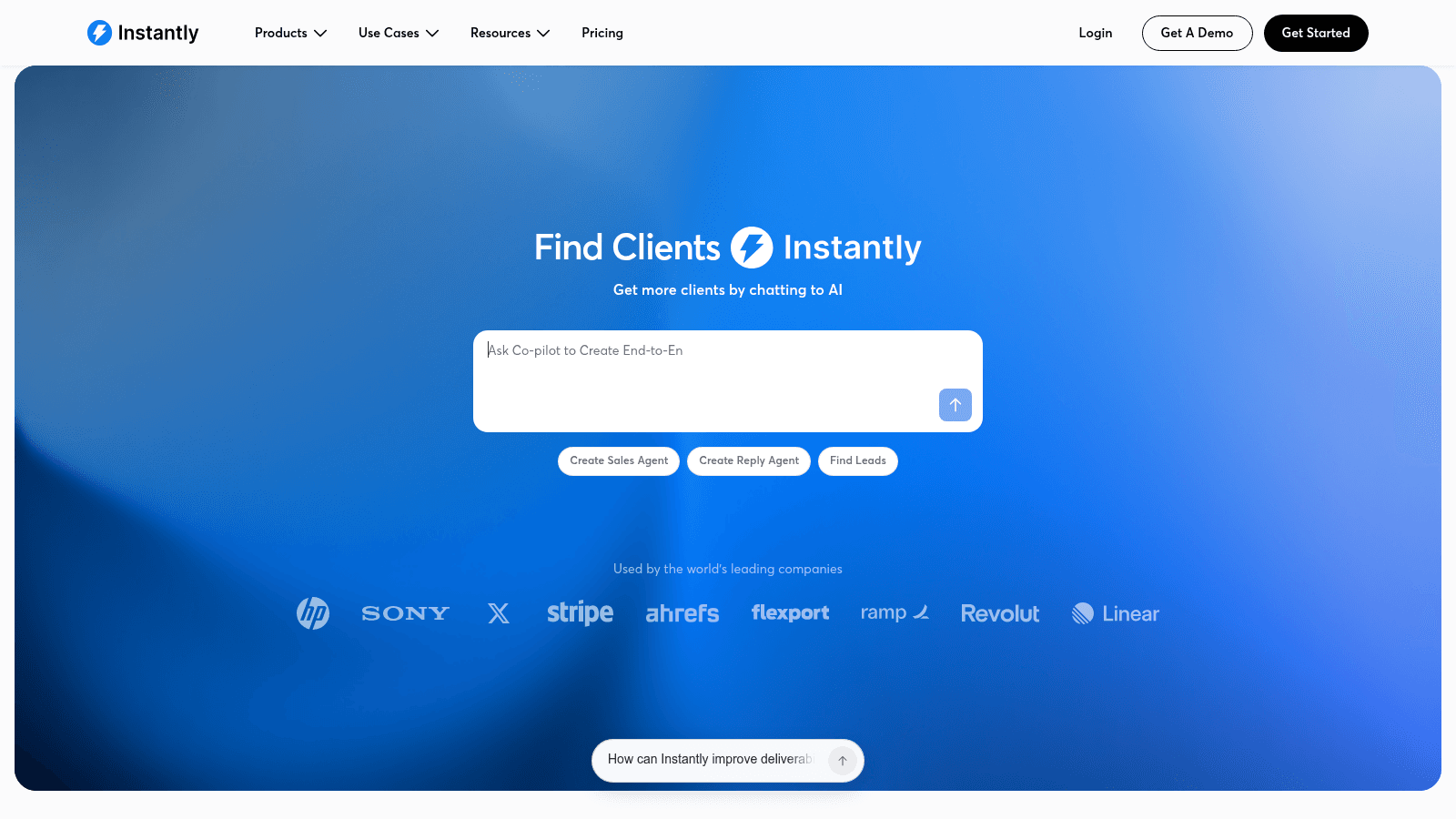
_Instantly's homepage, instantly.ai (October 2026)._
Instantly is built for volume. Its core promise is unlimited email accounts and unlimited warmup at a flat monthly rate, so an agency or founder can send across dozens of mailboxes without per-inbox fees. Inbox rotation, deliverability tooling and a campaign builder handle the mechanics.
Best for: agencies and founders sending high volume
Key features:
- Unlimited email accounts and unlimited warmup, so mailbox count stops being a cost
- Inbox rotation and deliverability tooling, which spreads volume to protect reputation
- An AI copilot and campaign builder, so sequences ship faster
Pricing: Growth is $47 per month with unlimited email accounts, unlimited warmup, 1,000 uploaded contacts and 5,000 emails a month. The Starter bundle, which adds sending volume and lead credits, starts at $94 per month. There is no free tier.
Pros: unlimited mailboxes and warmup at a flat rate, strong deliverability tooling, scales to high volume, an AI copilot
Cons: no free tier, the bundle cost climbs quickly, too heavy for low-volume personal sending
Why it made this list: for teams whose constraint is the number of sending inboxes, flat-rate unlimited accounts change the economics.
Final verdict: the default pick for agencies and founders running high-volume sending across many mailboxes.
How We Chose the Best Sales Email Software
We built this shortlist from each vendor's live pricing page in October 2026 and from current user sentiment, then scored every tool on what decides a sales email program rather than on marketing claims. No tool was ranked on brand size.
Four factors carried the weight: how well the tool runs a multi-step campaign and how much volume the plan allows, its deliverability and tracking, real pricing read from the page rather than a snippet, and honesty about limits, which is why every entry names a drawback.
Reply.io ranks first because it is the most complete sales email platform here and because we know it best, since the same team builds Name2Email. The other nine are described factually, with real prices and weaknesses, so the list stands on its own. If you want the wider category of sales email tools, best email outreach tools covers the ones built for first-contact outreach.
Find the Emails, Then Send Them
Every tool on this list sends email, and most charge for the contacts you send to. That is the gap we fill. We are a free Chrome extension that surfaces work addresses inside Gmail, generating the likely address patterns from a name and a company domain and letting you confirm the right one by hovering, because Gmail shows a name and photo for addresses it recognizes.
There is no account, no credit meter and no monthly cap. We are honest about where it works: it is pattern-based, it is strongest on corporate domains, and it cannot guarantee every address, so pair it with a verification step before a large send. You find the email free, then load that address into whichever sender above fits your volume.
The workflow is the point. Find the address with Name2Email, confirm it is real, then let your sending platform handle the sequencing. Add to Chrome, build a clean list at no cost, and start your first sequence with real addresses rather than guessed ones.
What to Look For in Sales Email Software
Once you have a shortlist, the details decide it. Sales email tools differ far more in how they protect your sender reputation and report on replies than in how many features they list, and a software sales email template your team can reuse beats a long feature page. Weigh the three areas below before you commit to a trial.
Deliverability and Sending Infrastructure
Warmup, mailbox rotation and authentication are not optional at volume. Check that the plan warms each sending mailbox, supports multiple inboxes, and helps you set SPF, DKIM and DMARC.
Teams that skip this and blast from one mailbox get filtered. If warmup is a separate purchase on your shortlist, factor it into the real monthly cost, and read up on email warmup tools if you are unsure what a healthy warmup looks like.
Tracking and Reporting That Still Mean Something
Open tracking has become a fuzzy signal, because mailbox providers now proxy images and many recipients block them by default. Look for sales email tracking software that treats replies and clicks as first-class events, not just opens, and breaks results down by sequence step so you can see where a cadence loses people. Our guide to email tracking explains why opens drifted and what to measure instead.
Sequencing and Follow-Ups
The follow-up is where most replies come from, so check how the tool handles timing, conditional steps, and stopping when someone replies.
The best sales email sequencing software pauses automatically on a response, varies the interval between steps, and lets you branch on opens or clicks without rebuilding the campaign.
Reps notice when a sequence runs without variation; a thread on follow-up tools on Reddit includes buyers saying replies read as automated, which is a sequencing problem before it is a copy problem. If you want the craft behind the steps, our guide to the cold email follow-up covers how to write them so they earn a reply rather than a filter.
What Sales Email Software Costs
Sales email pricing falls into three models: per-seat plans for engagement platforms, flat plans for high-volume senders, and quote-only enterprise contracts. The model matters more than the sticker, whether you are buying sales email automation software or a simple campaign tool. The advertised entry price is rarely the real cost, because seats, volume and database credits all move the total. The table shows the public starting prices we read in October 2026.
Tool | Entry price | Model |
|---|---|---|
Yesware | $0 free / $19 per seat | Per seat |
HubSpot Sales Hub | $0 free / $7 per seat | Per seat (sequences on $90 Pro) |
Mixmax | $0 free / $29 per user | Per user |
Saleshandy | $34/month annual | Flat, unlimited mailboxes |
Instantly | $47/month | Flat, unlimited mailboxes |
Streak | $0 free / $49 per user | Per user |
Reply.io | $49 per user annual | Per user (AI SDR from $500) |
Klenty | $50/month annual | Per user |
Salesloft | Custom | Quote-only |
Outreach | Custom | Quote-only |
As a rough guide, a solo sender can run sequenced email for $19 to $50 a month, a small team lands around $49 to $99 per seat, and an enterprise platform is quoted annually. Whatever you pick, remember the finder is free, so budget for sending and data access, not for building the address list itself.
How to Choose the Right Sales Email Platform
The right platform is the one whose model matches how your team sells today, not the one with the longest feature list. Start from your volume and your motion, then pick the column that fits. Most teams are better served by a tool they will actually use than by a platform they admire and abandon.
Match the Tool to Your Team Size
A solo founder or a two-person team should look at tools that install into the inbox and start near free, because implementation time is the real cost.
Yesware, Mixmax and Streak all install into an existing mailbox and start sending the same day. A team needing a full outbound motion, with calling and data, is better served by Saleshandy, Klenty or Instantly. An enterprise running managed cadences should look at Salesloft or Outreach. Our use cases page shows how different teams pair the free finder with these tools.
Match the Tool to Your Sending Motion
Consider what triggers a send. If you act on buying signals, you will want a platform that connects to intent data so a sequence starts when a prospect shows interest, and our guide to intent data platforms explains how those signals reach a sales tool.
If your motion is steady outbound with no urgent trigger, plain scheduled cadences are enough and you can skip the integration. Either way, let the motion you already run decide the platform, not a feature you might use someday.
Picking the Sales Email Software Your Team Will Actually Use
The best tool is the one your reps open every morning because it saves them time rather than adding a login.
Adoption matters more than feature count, and a smaller tool inside an existing inbox often beats a larger platform nobody logs into; a small-team thread on Reddit makes the same point, that simple follow-up automation gets used where heavy platforms get abandoned.
Narrow this list to two, run a trial on a real sequence, and measure replies, not opens.
If you want the shortest path, pair the free Name2Email finder with a sender that matches your volume: Reply.io if you want one platform for email, multichannel and AI, or Mixmax and Yesware if your team lives in Gmail and Outlook. Find the addresses free, warm the mailboxes, and let the software handle the follow-ups.
Frequently asked questions
For a small team, inbox-native tools with a free or low entry price usually win. Mixmax starts free and runs sequences inside Gmail for $29 per user a month, Yesware is free forever with paid seats from $19, and Streak pairs a Gmail CRM with mail merge from $49. Pick the one that fits the inbox your team already uses; that usually decides the best sales email sequencing software for a small team.
No. It sends, sequences and tracks mail, while a CRM stores the relationship and the pipeline. Many tools here sync to a CRM or include a light one, but the jobs differ. HubSpot Sales Hub and Streak come closest to merging them, since their email tools live inside their own CRM.
Entry prices start at $0 on the free tiers and reach roughly $150 per seat a month at the enterprise top. A solo sender can expect to pay under $50 a month, while a small team typically lands under $100 per seat; enterprise platforms like Salesloft and Outreach are quoted annually. Watch the caps and credits that push the real cost higher.
Sometimes. A free tier is a good way to test tracking and light sequencing on one mailbox, and Yesware, Mixmax and Streak all offer one. Free plans usually cap campaign recipients, sends or contacts, so they suit 1-to-1 sales email and small campaigns rather than high volume. Free is best used to prove the workflow before you pay for scale.
It can, if the tool warms your mailboxes, rotates volume and helps you authenticate your domain. Warmup and inbox rotation are the two features that most directly protect sender reputation, and both appear in the high-volume tools here. Software cannot fix a bad list, though, so pair it with a clean one. Learn how to write the message itself in our guide to writing a good email.

We build Name2Email, the free Chrome extension that finds work emails inside Gmail. We write about outreach, prospecting, and getting more replies.
Connect →