- 1Contact management tools keep one record per person: their details, your notes, and the history of what you sent and when. They are not email marketing platforms, which manage a list for campaigns, and not company research tools, which profile the account.
- 2The right pick depends on where your contacts already live. Google Workspace teams get the most from Copper, sales teams from Pipedrive, and anyone with a spreadsheet habit can build a contact manager in Airtable for free.
- 3Prices run from $0 (HubSpot, Google Contacts, Zoho Bigin, Capsule, Contacts Plus, Airtable) to $150 per user each month for a full CRM tier, and most paid tools discount the annual rate.
- 4Finding a work address, before there is a record worth saving, is its own job. Name2Email is our free answer to it.
A contact list is only as useful as the place you keep it. Spread the same person across a phone address book, a spreadsheet, an inbox and a CRM, and no single screen tells you who they are or when you last spoke. Contact management tools fix that: one record per person, one home for the notes, and a history you can trust.
That is the job this guide ranks. Below are 11 tools that store and organize contact records day to day, with every price read from the vendor's page in October 2026.
The category sits next to two neighbors that do different work. A platform built to manage a marketing list for campaigns is a separate purchase, and a tool that profiles a company is a third. If you want the workflow around the record, our use cases show where contact management fits for recruiters, founders and sales teams.
One disclosure. Name2Email is our own free Chrome extension, and it finds a work email inside Gmail. It is a finder, not a contact manager, so it is not ranked below. It is built by the team at Reply.io.
What Contact Management Tools Actually Do
Contact management software holds four things for every person you deal with: their details, your notes, the activity history, and where they sit in your world. Details are the name, role, company, address and phone. Notes are what you learned the last time you spoke. History is the email you sent, the call you logged and the meeting you booked. Placement is the tag or stage that decides who hears from you next.
An online contact management tool adds reach to that, so the same record opens on a desk, a phone and a browser. The best contact management systems earn their keep with three moves.
A tool syncs new contacts in from Gmail, Google Contacts or Outlook, so you stop retyping them. It segments the list by tag, field or stage, so a targeted follow-up takes seconds rather than an afternoon. A contact tracking software keeps the history on the record itself, so a colleague can read the last conversation before they reply.
Stale records are the quiet cost. Gartner puts the annual cost of poor data quality at an average of $12.9 million per organization, and found that 59% of organizations do not measure their data quality at all. A contact manager that nobody updates becomes part of that problem, which is why sync and dedupe matter more than a long feature list.
The clearest boundary is with marketing. List management for campaigns, with hygiene, suppression and re-engagement, is its own category, and our roundup of email list management software covers it. This article stays on the people you already know, not the list you are still building.
The Best Contact Management Tools in 2026
The table lines up what each tool is best at, what it costs to start, and where it gives way. Every figure comes from the vendor's own page, read in October 2026, and a $0 in the pricing column means a free tier.
Tool | Best for | Key features | Main limitation | Pricing (from) | Rating |
|---|---|---|---|---|---|
HubSpot | A free place to start | Contact records, activity timeline, free CRM tier | Automation and sequences need paid tiers | $0 (Starter $7/seat/mo) | ★★★★★ |
Google Contacts | Contacts that sync everywhere | Cross-device sync, labels, duplicate merge | No history beyond Gmail, few team controls | Free | ★★★★☆ |
Copper | Google Workspace teams | Gmail and Calendar sync, enrichment, pipelines | No free plan | $29/seat/mo ($23 annual) | ★★★★★ |
Pipedrive | Sales teams with a pipeline | Visual pipeline, contact records, AI assist | No free plan, price climbs with features | $14/seat/mo annual | ★★★★★ |
Zoho Bigin | Small teams leaving spreadsheets | Simple contact records, pipelines, Kanban views | Cloud storage sits on higher tiers | Free (Express $7/user/mo) | ★★★★☆ |
Capsule | A simple CRM to run | Contact records, tasks, project tracking | Contact limits at entry, no free tier beyond two users | $18/user/mo | ★★★★☆ |
Less Annoying CRM | One price, no tiers | Unlimited contacts, email logging, custom fields | Fewest integrations of any paid tool here | $15/user/mo | ★★★★★ |
Insightly | Contact records plus projects | Lead and contact management, project tracking, AI copilot | Best features sit on higher tiers | $29/user/mo annual | ★★★★☆ |
Folk | A modern, flexible contact base | Enrichment, Gmail and LinkedIn sync, AI fields | Per-member pricing, no full free tier | $24/member/mo annual | ★★★★☆ |
Airtable | Building your own contact database | Relational records, views, forms | You build the structure yourself | Free (Team $20/seat/mo) | ★★★★☆ |
Contacts Plus | Deduplicating contacts across accounts | Multi-account sync, dedupe, card scanning | Free tier syncs one account only | Free (Premium $9.99/user/mo) | ★★★★☆ |
The entry price tells only part of the story, because per-seat and flat tools scale in opposite directions.
HubSpot
Best for: A free place to start
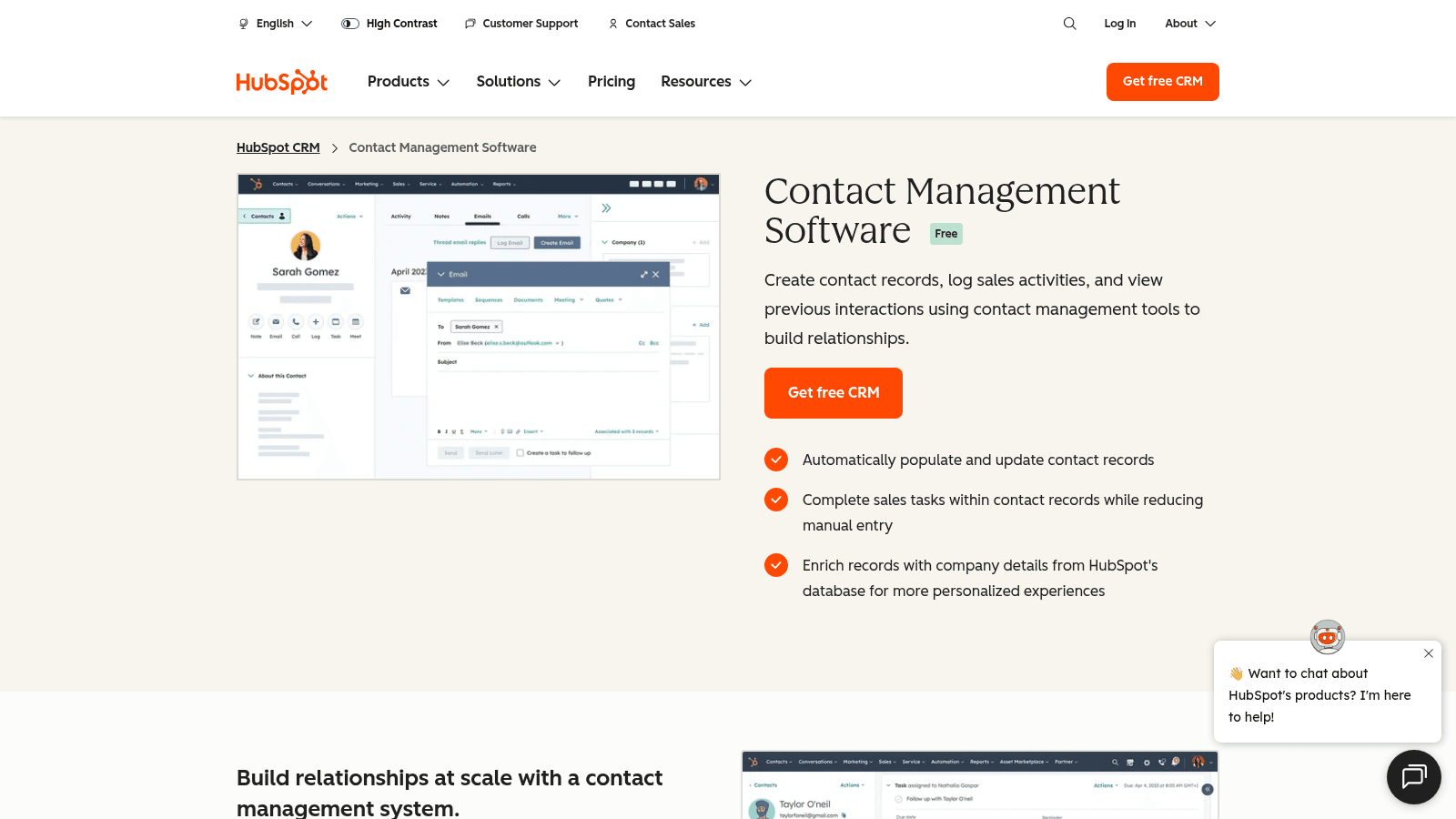
HubSpot's contact management page is the free half of a much larger CRM, and it stands on its own. A record holds the details, a timeline of every email, call and meeting, and your notes, with company details filled in from HubSpot's own database.
The free tier covers unlimited contacts and up to two users, which suits a founder or a small team that wants one clean address book before it buys a pipeline.
Key features:
- Contact records with a full activity timeline of emails, calls, notes and meetings
- Automatic contact and company enrichment from HubSpot's database
- Free CRM with unlimited contacts and up to two users
Pricing: The contact management tools are free. Starter is $7 per seat each month, Professional is $90 and Enterprise is $150, all billed annually.
Pros: a genuine free tier, one timeline per person, enrichment included, no setup cost
Cons: sequences and automation need paid tiers, email limits rise with the contact tier, the free tier caps you at two users
Why it leads this list: it is the most complete contact manager you can run at no cost.
Final verdict: the default first stop for a small team that wants records before pipelines.
Google Contacts
Best for: Contacts that sync everywhere
Google Contacts is the address book inside every Google account, and it arrives with the phone, the browser and Gmail. It is the simplest online contact management tool most people already own, with every contact synced across devices and shown in Gmail's autocomplete.
Labels work as lightweight segments, and Gmail uses them for mail merge. If you want a business domain and admin controls, the same address book sits inside Google Workspace.
Key features:
- Automatic sync across Android, iOS, Gmail and the web
- Labels for simple groups and Gmail mail merge
- Duplicate detection and merge, plus vCard and CSV import and export
Pricing: free with any Google account. For a business domain and admin controls, Google Workspace starts at $7 per user each month ($5.60 on the annual plan).
Pros: free, syncs everywhere, no setup, easy export, works with any Gmail account
Cons: no activity history beyond Gmail, no shared notes or pipeline, few team controls without Workspace
Where it wins: it is the contact manager most people already have and never open.
Final verdict: the right free starting point when your working life runs on Google.
Copper

Best for: Google Workspace teams
Copper is a CRM for teams that live in Gmail and Google Calendar, and it works where you already work. Contacts sync from Gmail and Google Contacts, so a new person arrives on a record instead of in a separate app, and the Chrome extension puts the record beside the email.
The pitch is fit rather than feature count. Copper is recommended for Google Workspace, ties projects to the same contact record, and prices by seat with clear contact limits.
Key features:
- Two-way Gmail and Google Calendar sync, plus a Chrome extension
- Contact enrichment and a global activity feed per record
- Pipelines, projects and task automation on the same contact
Pricing: Basic is $29 per seat each month ($23 on annual billing) for 2,500 contacts, Professional is $69 ($59) for 15,000, and Business is $134 ($99) for unlimited contacts. There is no free plan, only a trial.
Pros: deep Google Workspace fit, records live next to the inbox, projects on the same record, clean pricing
Cons: no free tier, contact limits on the lower plans, the cheapest seat is dearer than the flat tools
Why it earns a place: for a Workspace team, it removes the jump between the inbox and the record.
Final verdict: the pick when Gmail is your desk and you want the contact record on it.
Pipedrive
Best for: Sales teams with a pipeline
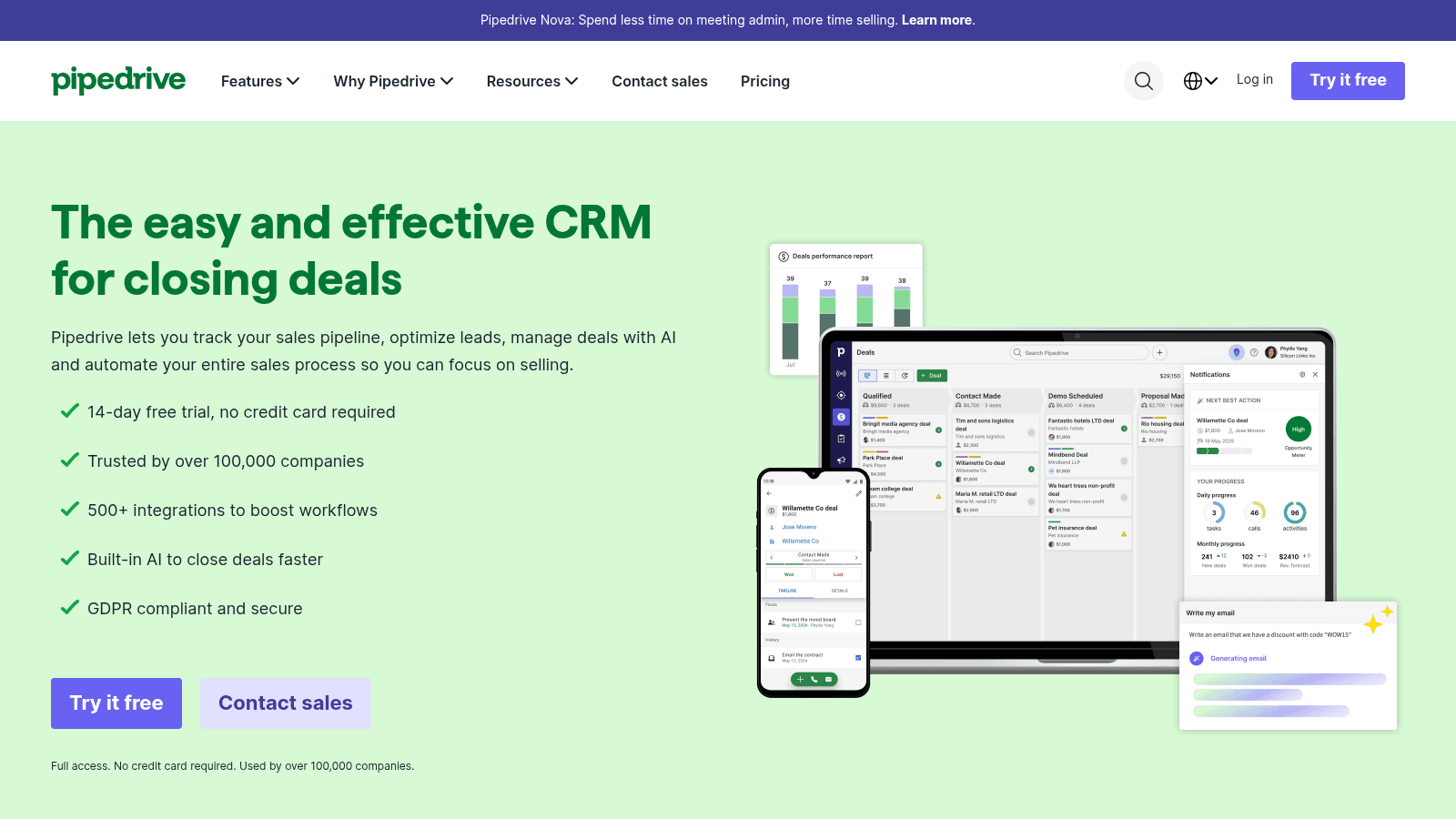
Pipedrive is built around a visual pipeline, and contact records feed it. Every person and organization has a page with the details, the deals attached to them, and the notes and activities against them.
The tool is the strongest fit here for a team that tracks deals as well as contacts. Import from a spreadsheet or another CRM is straightforward, and more than 500 integrations cover the rest of the stack.
Key features:
- Visual pipeline with contact and organization records attached to deals
- Activity logging, notes and reminders on every record
- 500+ integrations, including Zapier, Zoom and Lemlist
Pricing: Lite is $14 per seat each month billed annually ($168 per seat a year), Growth is $39, Premium is $59 and Ultimate is $79. A 14-day trial runs first, and there is no free plan.
Pros: records and deals in one view, strong import, large integration library, mobile app
Cons: no free plan, useful automation sits above Lite, priced per seat for teams
Why buyers shortlist it: the contact record is where the deal history already lives.
Final verdict: the pick for a sales team that manages people and pipeline in one place.
Zoho Bigin
Best for: Small teams leaving spreadsheets
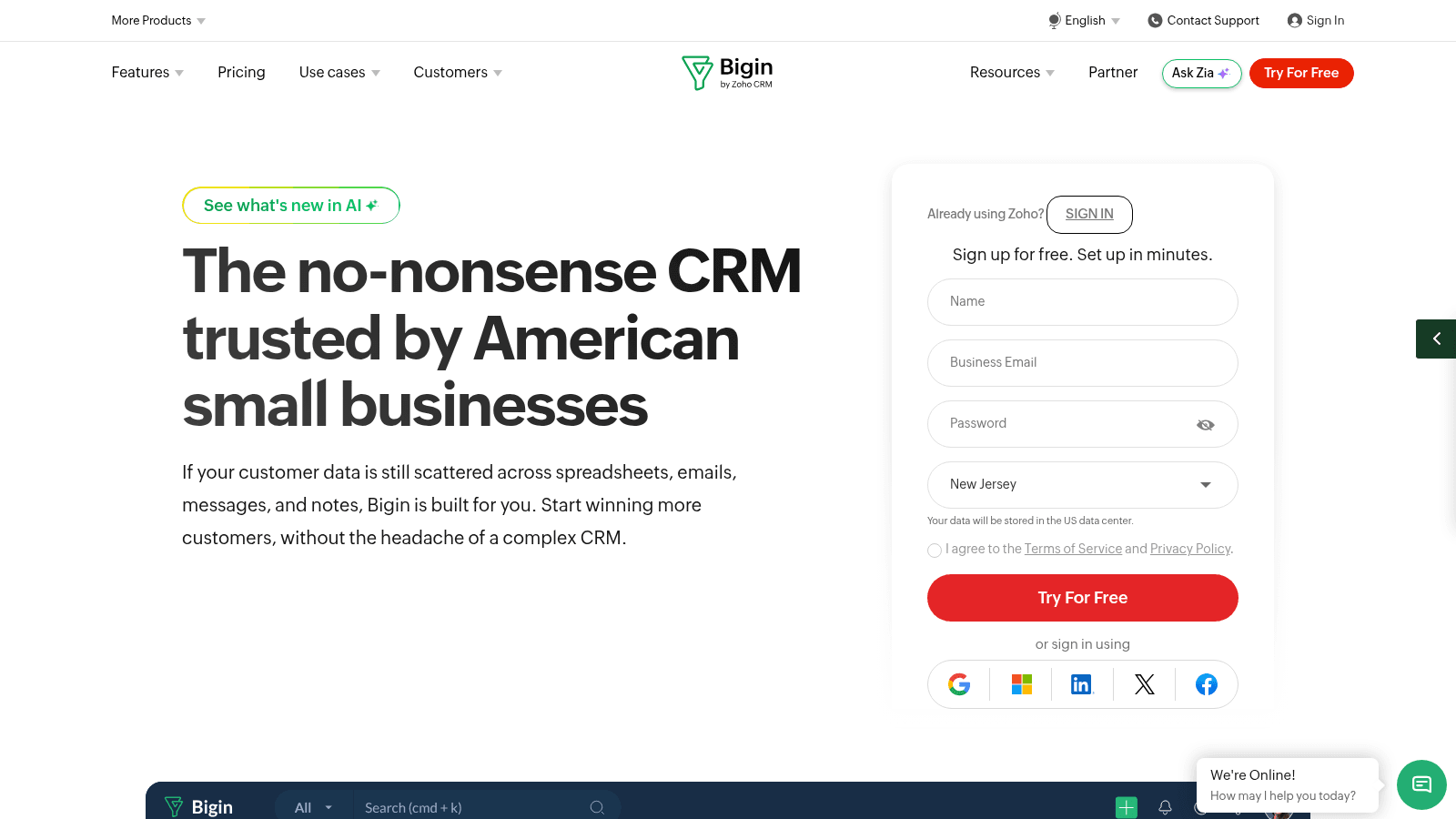
Bigin is Zoho's slimmed-down CRM for small businesses, and it is honest about the job: bring scattered customer data into one place. Contact records are simple, pipelines are visual, and the whole thing is built to set up in minutes rather than weeks.
Bigin is the lowest-cost paid path to a real contact record here. A free tier covers a single user, and the paid tiers add pipelines, Kanban views and more storage as the team grows.
Key features:
- Simple contact, company and pipeline records
- Kanban and pipeline views for a small sales process
- Built-in telephony and email integration on paid tiers
Pricing: Free covers one user. Express is $7 per user each month billed annually ($9 monthly), Premier is $12 ($15) and Bigin 360 is $18 ($21), and every paid plan includes onboarding.
Pros: free for one user, cheap paid seats, fast setup, onboarding included
Cons: cloud storage and admin features sit on higher tiers, reporting is basic, not built for a large team
Its real strength: it is the cheapest way off a contact spreadsheet without a migration project.
Final verdict: the pick for a very small team that wants records and a simple pipeline.
Capsule
Best for: A simple CRM to run
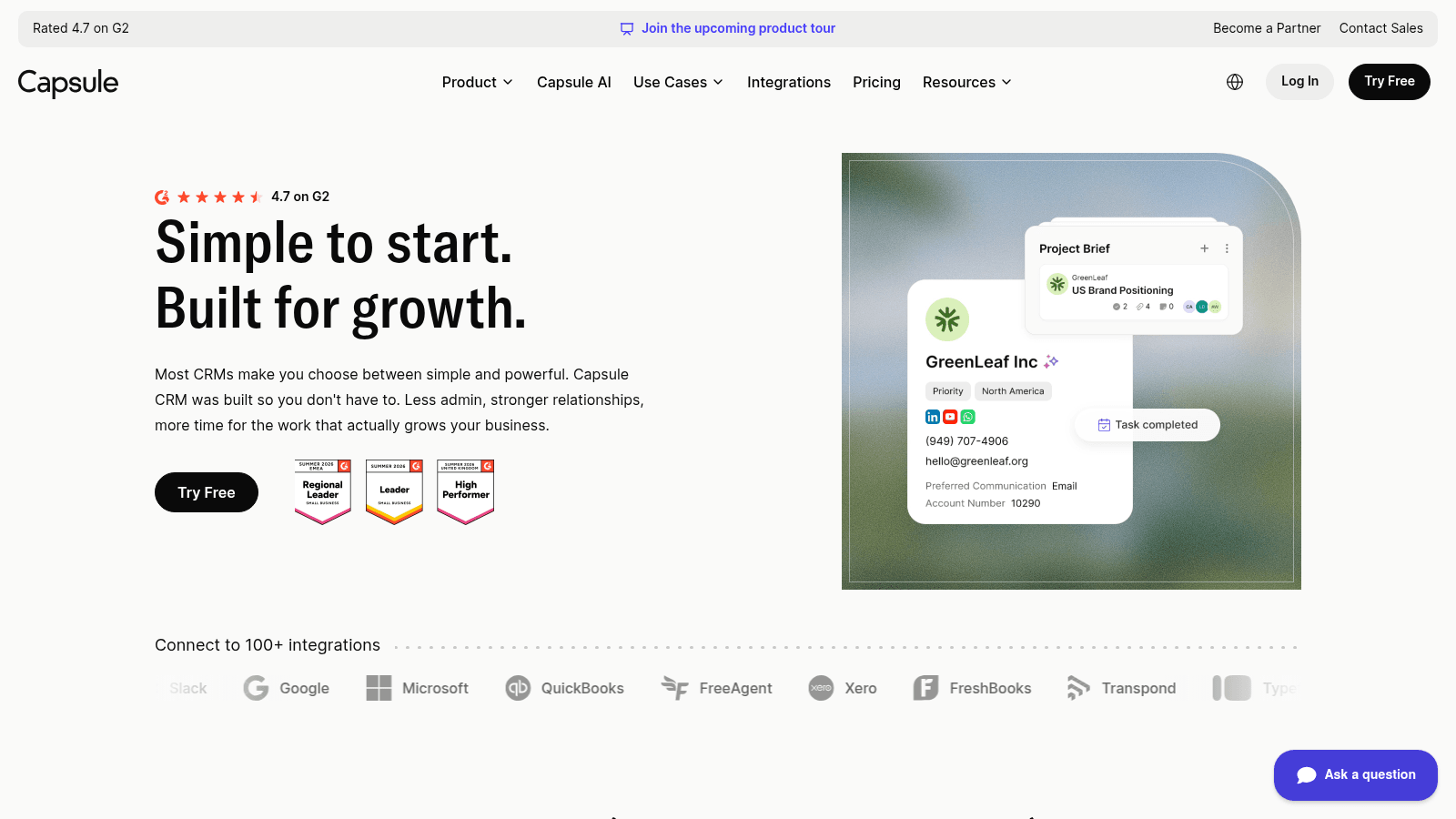
Capsule has run for years on a simple idea: keep the customer details in one place and let the rest follow. A contact page carries the details, notes, tasks, files and email history, and a sales pipeline or project board can sit on top of the same record.
The fit is a small team that wants a founder's mental model in software. A free plan covers two users, and the paid tiers lift the contact limit and add reporting, automations and AI tools.
Key features:
- Contact records with notes, tasks, files and email history
- Sales pipelines and project tracking on the same contact
- Gmail and Outlook sync, plus 100+ integrations
Pricing: Free covers two users. Starter is $18 per user each month for up to 30,000 contacts, Growth is $36, Advanced is $54 and Ultimate is quoted, all after a 14-day trial.
Pros: free for two users, genuinely simple to run, projects and sales on one record, wide integrations
Cons: the free plan hides email sync limits, contact limits bite at entry, no marketing automation
Why it earns a place: it keeps a contact record a person can actually maintain.
Final verdict: the pick when a small team wants a CRM without the weight.
Less Annoying CRM
Best for: One price, no tiers
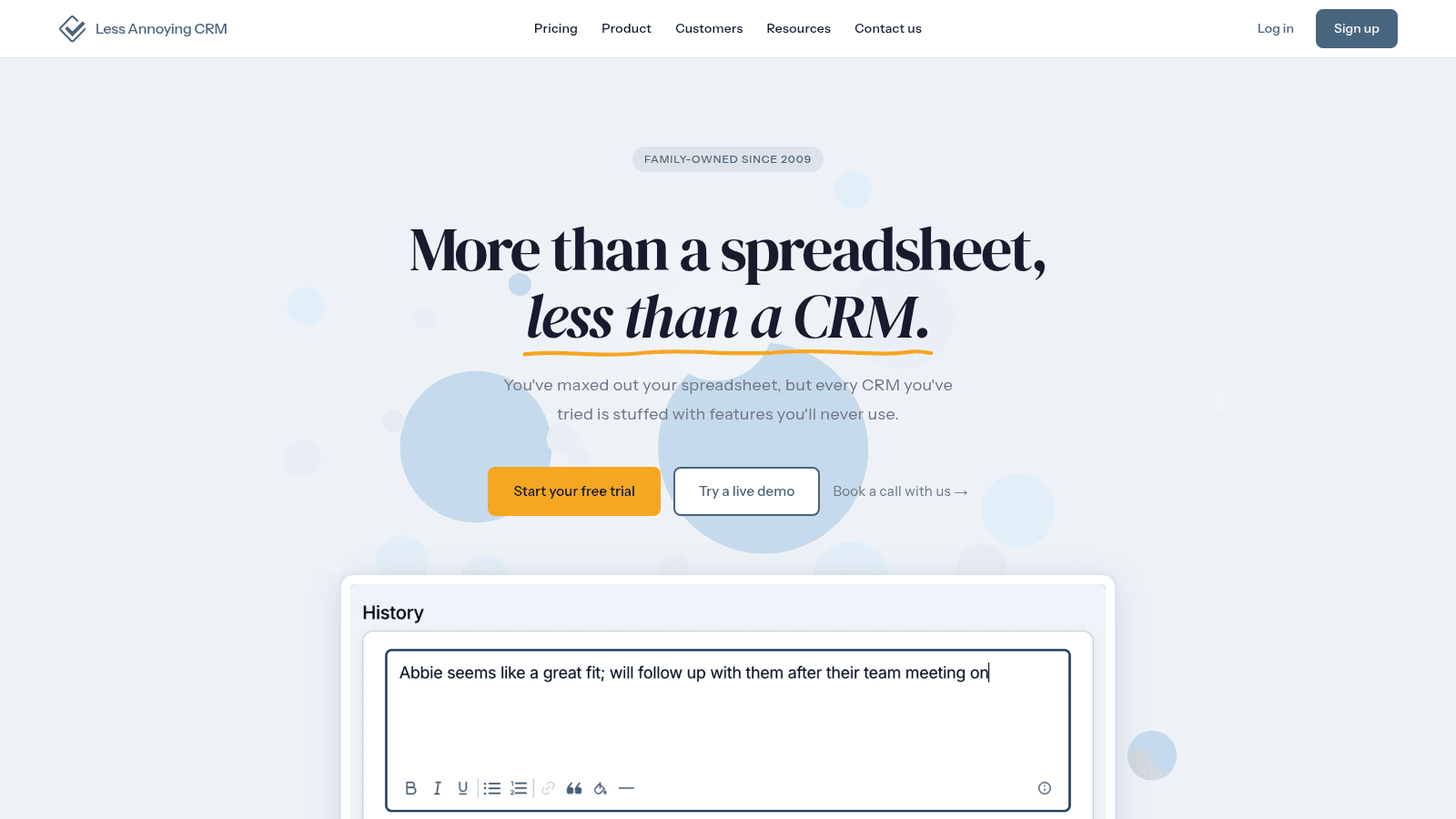
Less Annoying CRM sells one plan at one price, with every feature included. Contact and company records are unlimited, email logging is built in, and custom fields and pipelines are there from day one rather than held back for an upgrade.
The company is family-owned and has run since 2009, and the design reflects that patience. There is no feature ladder to climb, so the decision is whether the tool fits, not which tier to buy.
Key features:
- Unlimited contacts and companies on a single plan
- Email logging, task management and unlimited custom fields
- Unlimited pipelines and 25GB of file storage per user
Pricing: $15 per user each month, everything included, after a 30-day free trial that needs no card.
Pros: one clear price, unlimited contacts, free support, 30-day trial, simple to learn
Cons: fewer integrations than the big CRMs, no marketing automation, dated by design
Why it stands out: it removes tier math from the decision entirely.
Final verdict: the pick when you want one fair price and no upsell.
Insightly
Best for: Contact records plus projects
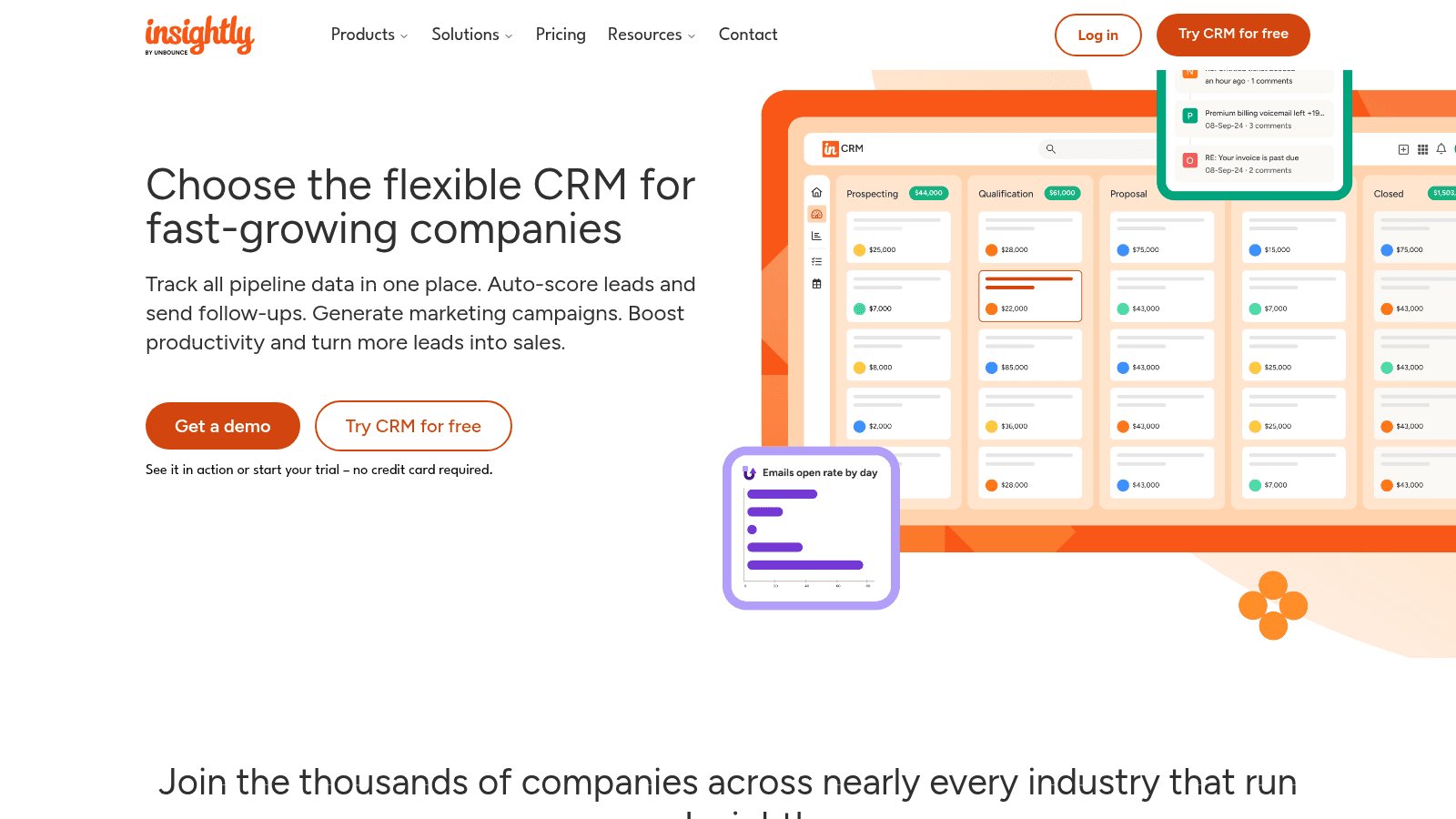
Insightly pairs a contact and lead record with project and task tracking, which suits a business that manages delivery alongside sales. A record holds the details, the pipeline stage and the work attached to it, and reporting rolls the two together.
The CRM was rebuilt around an all-in-one shape, so a small team gets contacts, projects and a light marketing layer on one subscription rather than three.
Key features:
- Lead and contact management with pipeline stages
- Project and task tracking on the same record
- Dashboards and an AI copilot on higher tiers
Pricing: Plus is $29 per user each month billed annually, Professional is $49 and Enterprise is $99, after a 14-day trial that needs no card.
Pros: contacts and projects together, solid reporting, no card for the trial, scalable tiers
Cons: AI and automation sit on higher tiers, more product than a pure contact list needs, pricing per seat
Where it fits: a services team that wants the client record and the project in one place.
Final verdict: the pick when the contact is also a piece of work.
Folk
Best for: A modern, flexible contact base
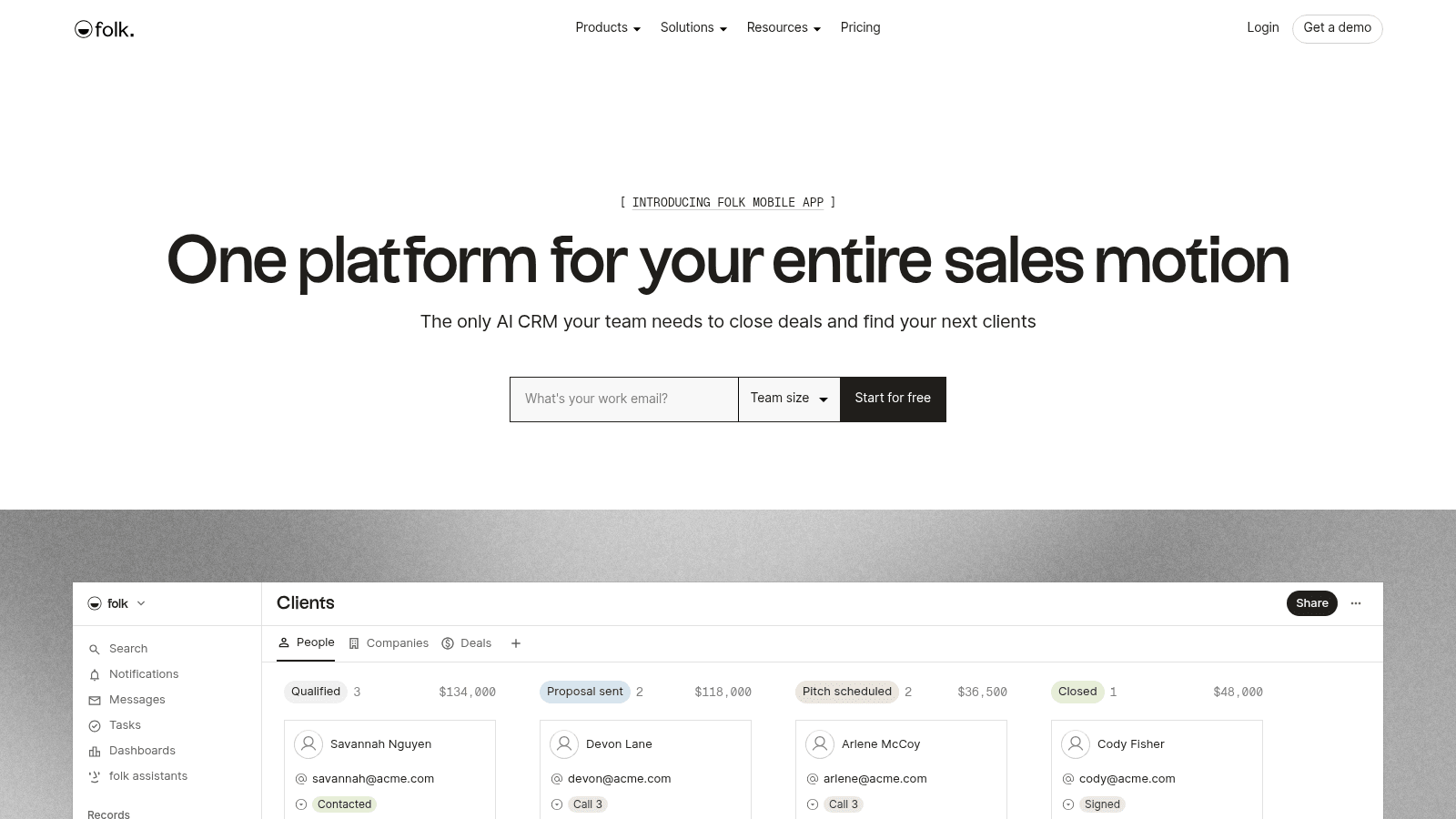
Folk is a newer contact manager that behaves like a lightweight CRM. Records are organized in flexible views, enrichment fills in missing details, and Gmail, calendar and LinkedIn sync keep the record current without manual entry.
Folk suits a team that wants the flexibility of a database with the ease of a contact app. AI fields summarize a record, and the same workspace holds people, companies and deals.
Key features:
- Contact enrichment and AI fields on each record
- Gmail, calendar and LinkedIn sync
- Flexible views that group contacts like a CRM
Pricing: Standard is $24 per member each month billed annually ($30 monthly), Premium is $48 ($60), and Enterprise starts at $80 ($100), after a 2-week trial.
Pros: flexible and modern, enrichment included, strong sync, clean interface
Cons: per-member pricing adds up, no full free tier, newer than the established CRMs
Why buyers shortlist it: it feels like a contact app while it does the work of a CRM.
Final verdict: the pick for a young team that wants flexibility over a fixed pipeline.
Airtable
Best for: Building your own contact database
Airtable is not sold as a contact manager, and it is the most flexible option here all the same. A base holds a contacts table with any fields you choose, linked to companies, deals or projects, and views, forms and interfaces present the same records in different ways.
For a business contact manager database tool, that control is the point. You decide what a contact record contains, and a free tier is enough to start before a team needs the paid seats.
Key features:
- Relational tables that link contacts to companies, deals or projects
- Grid, gallery, calendar and form views over the same records
- Automations, sync integrations and interfaces on paid tiers
Pricing: Free covers up to 5 editors, 1,000 records per base and 1 GB of attachments. Team is $20 per seat each month billed annually ($24 monthly), Business is $45 ($54) and Enterprise is quoted.
Pros: total control of the schema, free to start, relational links, many views
Cons: you build the structure yourself, record limits at entry, not a ready-made contact manager
Why it earns a place: it is the one option where the contact model is entirely yours.
Final verdict: the pick for a spreadsheet power user who wants a real database instead.
Contacts Plus
Best for: Deduplicating contacts across accounts
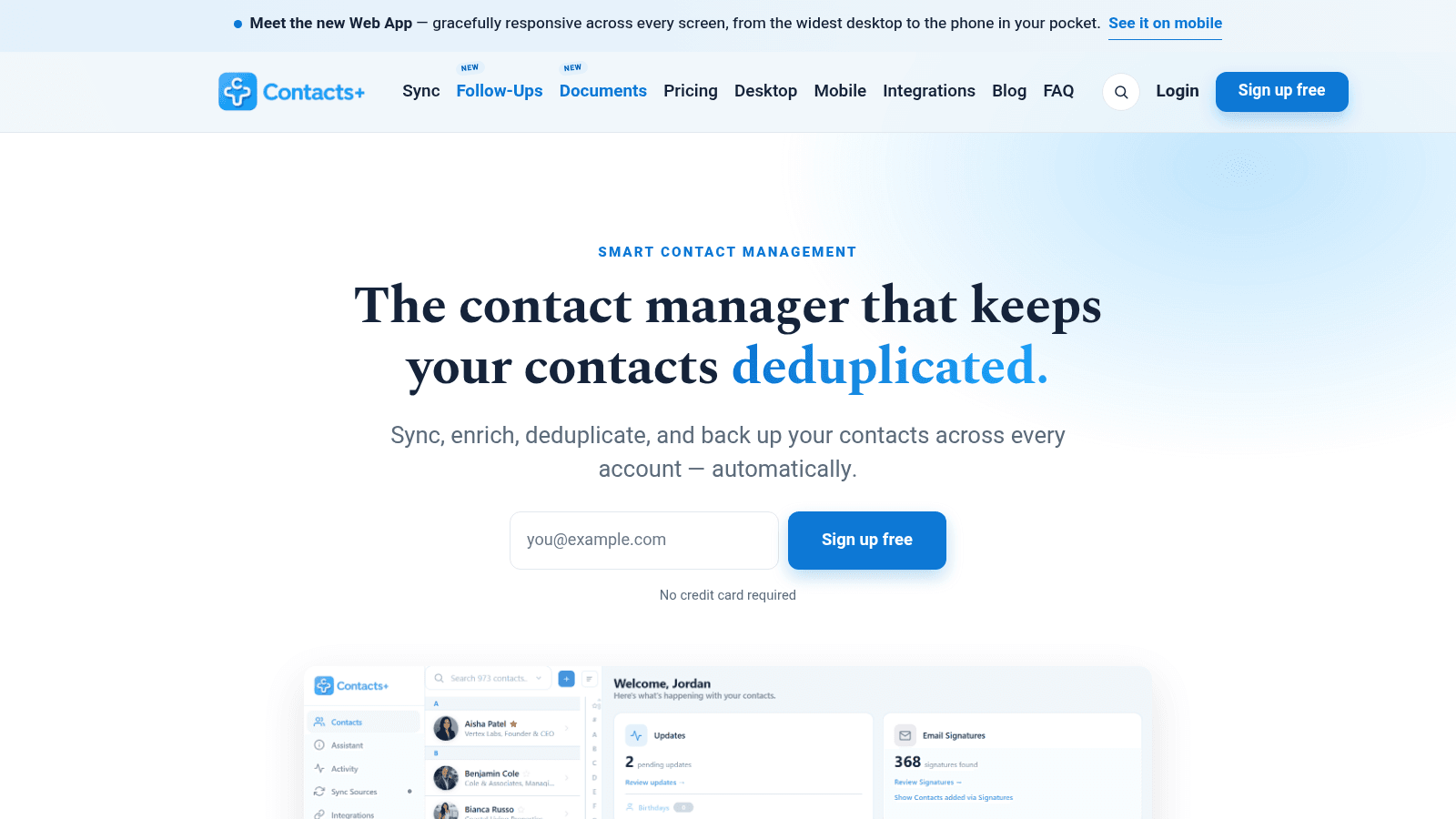
Contacts Plus does the unglamorous job that keeps an address book usable: it syncs one person across multiple accounts and removes the duplicates that pile up. Connect Google, iCloud and Outlook, and it merges the same person into a single clean contact.
Contacts Plus runs as a web app and a phone app, with a shared address book on the team tier. Card scanning turns a stack of business cards into records, and enrichment fills in the gaps.
Key features:
- Real-time sync across Google, iCloud and Outlook accounts
- Duplicate merge and contact enrichment
- Shared address book and business-card scanning on higher tiers
Pricing: Free syncs one account with 1,000 contacts. Premium is $9.99 per user each month billed annually ($13.99 monthly) for 25,000 contacts, and Teams is $12.99 ($17.99 monthly) for unlimited contacts.
Pros: fixes duplicate contacts, syncs several accounts, genuinely usable free tier, affordable
Cons: free tier syncs once a day, contact limits per tier, fewer CRM features than the rest
Where it wins: it makes the address book you already have trustworthy again.
Final verdict: the pick when your problem is the same person stored five times.
How We Chose These Contact Management Tools
Any tool that holds a person's details, notes and history in one screen made the shortlist. Contact management systems were judged on the record they keep, and anything made to blast a list was cut, because those contact management solutions answer a different question.
Seats decide the cost as much as the headline, so every price here names its billing basis and was read on the vendor's page in October 2026. Where a price could not be confirmed there, the tool stayed off the list.
Free plans were read just as closely, because two free users and a genuinely free tier are not the same offer.
What to Look For in a Contact Management Tool
Start with where your contacts already live, then choose the tool that syncs from there. A contact management app that cannot pull in Gmail, Google Contacts or Outlook adds data entry rather than removing it, and a contact manager tool that syncs only one way is just as bad.
- Check that sync runs both ways, so a change in the tool reaches your phone and inbox.
- Test duplicate handling on a real import, because merged records are the quiet win.
- Confirm the activity history shows emails, calls and meetings, not just the details.
- Read the export terms, so you can leave with a CSV or vCard if the tool stops fitting.
The seat price matters most for a growing team, where the entry price is not the price you pay in a year. A contact tracking software earns its place on the history it keeps, not on the fields it can display.
Knowing which neighbor you actually need helps too. If the gap is what you know about a company before the call, that is a different purchase, which is why our roundup of company research tools exists.
In an r/consulting thread on personal CRMs, the strongest advice was to pick a tool that syncs with the address book you already use, then tag contacts so a plain Google Contacts becomes a better database. Treat that as one user's experience, not a benchmark.
How to Choose the Right Contact Management Tool
Match the contact management app to the shape of your contacts, and the choice gets simple.
If your team works in Google Workspace, Copper keeps the record next to Gmail and Calendar. If you want a free address book that syncs everywhere, Google Contacts is already on your phone. If you sell through a pipeline, Pipedrive puts the contact and the deal in one view.
If the budget is tight, Zoho Bigin and Capsule both start free and stay cheap. If you want one price with nothing held back, Less Annoying CRM is the simplest decision here. If you would rather build the structure yourself, a business contact manager database tool like Airtable starts free.
The one mistake to avoid is buying a large CRM for a small job. In an r/sales thread about contact management, the poster wanted one profile per prospect and rejected several tools for loading on features he would never use.
The reply that landed was that the basics are fine and you should not pay for the rest. If your follow-up is the part that slips, the fix is a habit as much as a tool, and cold email follow up covers the routine.
What Contact Management Tools Cost in 2026
Contact management solutions start at $0 and climb to $29 per user each month on the entry tiers. What you hand over depends on how the tool bills, which the second table sets out.
Tool | Entry price | Billing basis | What it covers |
|---|---|---|---|
HubSpot | $0 | Free | Unlimited contacts, up to two users, activity timeline |
Google Contacts | $0 | Free | Sync across devices, labels, duplicate merge |
Copper | $29/seat/mo ($23 annual) | Per seat | Basic, 2,500 contacts, pipelines |
Pipedrive | $14/seat/mo annual | Per seat | Lite, pipeline and contact records |
Zoho Bigin | $0 (Express $7/user/mo) | Per user | Free single user, or Express with pipelines |
Capsule | $18/user/mo | Per user | Starter, up to 30,000 contacts |
Less Annoying CRM | $15/user/mo | Per user | Everything, unlimited contacts |
Insightly | $29/user/mo annual | Per user | Plus, contacts, projects and reporting |
Folk | $24/member/mo annual | Per member | Standard, enrichment and sync |
Airtable | $0 | Free | 1,000 records per base, up to 5 editors |
Contacts Plus | $0 (Premium $9.99/user/mo) | Per user | Free for one account, 1,000 contacts |
A flat fee suits a one-person shop, while a per-seat plan only makes sense once several people share the same records.
Recording a person and finding their address are two different purchases. The address side has its own market, priced in our roundup of best email finding tools.
IBM found in its 2025 data-quality report that 43% of operations chiefs rank data quality as their top priority, and that more than a quarter of organizations lose over $5 million a year to poor data. The record you keep is worth the seat you pay for.
Do You Need a Full CRM or Just a Contact Manager?
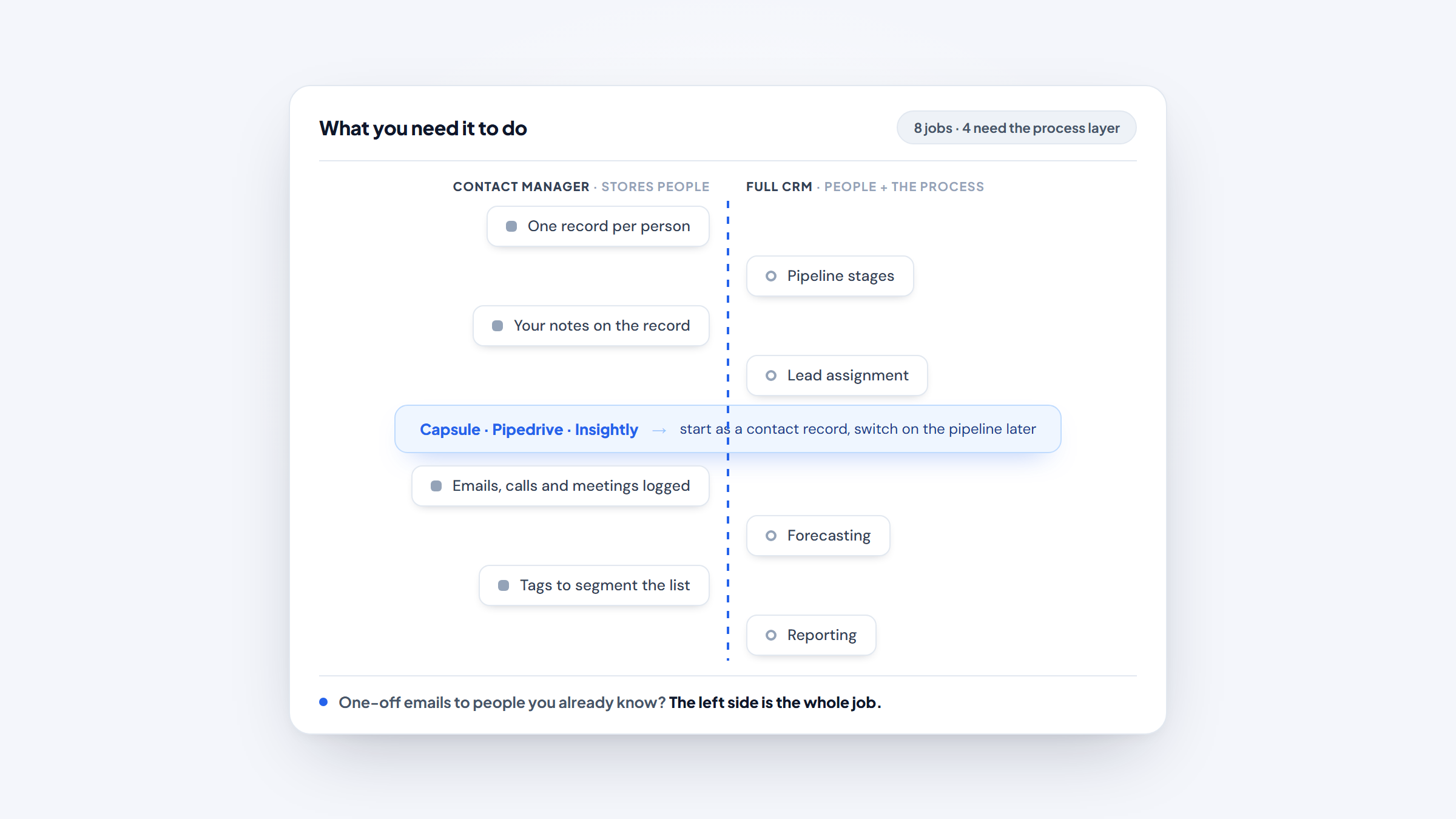
A contact manager stores people. A CRM stores people and the process around them: stages, tasks, forecasting and reporting. The difference decides the bill, because the process layer is what the higher tiers charge for.
If you send one-off emails to people you already know, a free online contact manager covers the job, and a full CRM is a subscription you will not use. If you run a pipeline, assign leads, or need to forecast, the process is the point and the CRM pays for itself.
There is a middle path. Capsule, Pipedrive and Insightly all start as a contact record and switch on the pipeline when you need it, so you are not choosing between the two forever.
Check whether an address exists, and who owns it, before you decide which tool holds the person, since a good email lookup confirms both before the record exists.
Where Contact Records End and Finding the Address Begins
A contact manager can only organize what you already have. The gap sits one step earlier, when the person is real but their work address is missing, and most tools above leave you to solve it elsewhere.
Name2Email closes that step inside Gmail. It is our free Chrome extension, and it builds the likely patterns from a person's name and their company's domain, then drops a pick straight into the "To" field. Because Gmail shows a contact's name and photo once it recognizes an address, a quick hover tells you which guess is right.
We are honest about the limits. Those patterns come from public conventions rather than a verified database, so corporate domains work far better than personal ones, and no address is guaranteed. There is no account, no credit purchase and no monthly cap, and the features run in the inbox where your records already live.
Add to Chrome to find the address, then save the record.
Pick One Home for Your Contacts
A contact manager changes where your contacts live. The habit is what keeps them current. Choose the tool that syncs from where your contacts already are, then decide what happens to each new person.
If you are on Google, start with Google Contacts and only move when the record needs history a free tool cannot keep. If you run a pipeline, pick Pipedrive or Copper and log every call. If the team is small and the budget is smaller, Bigin and Capsule cost less than a lunch per month.
Test one tool against a real import before you commit. A contact record is only useful if you will maintain it, so pick the one you will actually open, and keep the number of places you store a person to one.
Frequently asked questions
A contact management tool stores one record per person with their details, your notes and the history of your interactions. It syncs contacts from Gmail, Google Contacts or Outlook, segments them with tags or fields, and keeps the activity history on the record so you can pick up a conversation where it left off.
HubSpot has the most complete free tier, with unlimited contacts, an activity timeline and up to two users. Google Contacts is the best free option if you only need a synced address book, and Airtable is free if you would rather build your own contact database.
A contact manager tool stores people and their details. A CRM stores people plus a sales process: pipeline stages, tasks, forecasting and reporting. Several tools here start as one and grow into the other, so you can begin with records and switch on the pipeline later.
Most of them do. Copper and Google Contacts sync deeply with Gmail and Google Calendar, Capsule connects to Gmail and Outlook, and Folk syncs Gmail, calendar and LinkedIn. Check that sync runs both ways, since a one-way import still leaves you retyping.
Entry tiers run from $0 to $29 per user a month. Free contact management software includes Google Contacts, HubSpot, Capsule, Zoho Bigin, Contacts Plus and Airtable, while paid seats start at $14 for Pipedrive and $15 for Less Annoying CRM and rise with contacts, features and team size.

We build Name2Email, the free Chrome extension that finds work emails inside Gmail. We write about outreach, prospecting, and getting more replies.
Connect →